


Turn every policy into automated workflows with built-in enforcement and audit-ready proof.



Compliance Automation Software
Compliance automation software turns policies, controls, approvals, evidence, and recurring checks into workflows that run the same way every time. Instead of chasing screenshots, spreadsheet updates, and last-minute signoffs, teams use software to enforce the process while the work is happening.
The point is not to replace judgment. The point is to remove the manual coordination that makes compliance fragile: forgotten reviews, stale documents, missing evidence, unclear owners, and audit prep that depends on memory.
In this guide, we will cover what compliance automation software is, how it works, where it fits next to GRC systems, what to look for, and how to roll it out without turning the project into another compliance burden.
In this article, we are going to cover everything you need to know about compliance automation software, including:
- What is compliance automation software?
- Why compliance automation software matters now
- How compliance automation software works
- What to look for in compliance automation software
- Where compliance automation software fits in your stack
- How to implement compliance automation software
- Common mistakes to avoid
- FAQs
What is compliance automation software?
Compliance automation software is software that helps organizations turn compliance requirements into repeatable workflows, monitored controls, evidence records, approvals, and alerts. It replaces manual tracking with systems that assign work, collect proof, escalate exceptions, and keep a current record of what happened.
A useful definition is broader than security configuration scanning. TechTarget describes compliance automation as using technology to perform and simplify compliance procedures, including workflows, controls analysis, testing, and monitoring. That matters because most compliance failures do not come from one missing document. They come from the gap between a written policy and the way work actually gets done.
For an operations or compliance team, this usually means replacing a messy stack of documents, email reminders, spreadsheets, and shared folders with a governed process. A policy says what should happen. The workflow makes it happen. The evidence record proves that it happened.
The practical job it does
Good compliance automation software gives every recurring compliance activity a clear owner, trigger, sequence, and record. It helps a team answer simple questions quickly: Who owns this control? When was it last reviewed? Which evidence supports it? What exceptions are open? What changed after the last audit?
That is why Process Street treats compliance as an operating system, not just a document library. The policy, task, approval, evidence, and audit trail need to live in the same execution layer, otherwise people drift back to manual workarounds.
What it is not
Compliance automation is not a magic button that makes an organization compliant. It will not fix unclear ownership, weak policies, or controls that do not match the actual business. It also should not turn into a passive dashboard that only reports problems after the fact.
The strongest systems make the compliant path easier than the workaround. They bring the right procedure to the right person at the right moment, then capture the record as work is completed.
Why compliance automation software matters now
Compliance work has become too dynamic for quarterly spreadsheet rituals. Teams need to manage internal standards, customer requirements, security frameworks, privacy obligations, industry regulations, and vendor evidence across distributed teams and changing systems.
ISO 37301 describes compliance management as a system that must be established, implemented, evaluated, maintained, and improved. That language is important because it frames compliance as a living management system, not a binder that gets updated once a year.
Regulators also keep publishing guidance and risk alerts that remind firms to improve policies, procedures, and systems. The SEC risk alert library is a useful example of how expectations evolve over time. Teams need a way to route those changes into daily execution, not just note them in a meeting.
Manual compliance breaks in predictable ways
- Managers approve work in email, but the approval never makes it into the audit file.
- A control owner completes the task, but evidence is saved in the wrong folder.
- A policy changes, but the workflow people follow does not change with it.
- An exception is found, but the corrective action has no owner or deadline.
- Auditors ask for proof, and the team has to reconstruct history from messages and screenshots.
Those are execution problems. They need execution systems. A static policy page can explain what the organization expects, but a workflow can assign the task, require the evidence, route the approval, and preserve the proof.
AI raises the bar for proof
As AI becomes part of business operations, compliance teams need stronger process records. NIST AI risk guidance emphasizes governance, monitoring, documentation, and defined responsibilities. Those ideas are hard to sustain when controls are scattered across disconnected tools.
Automation helps because it creates a structured record by default. When a compliance workflow runs, the organization can see what was assigned, what was completed, what evidence was attached, and where a human approved an exception.
How compliance automation software works
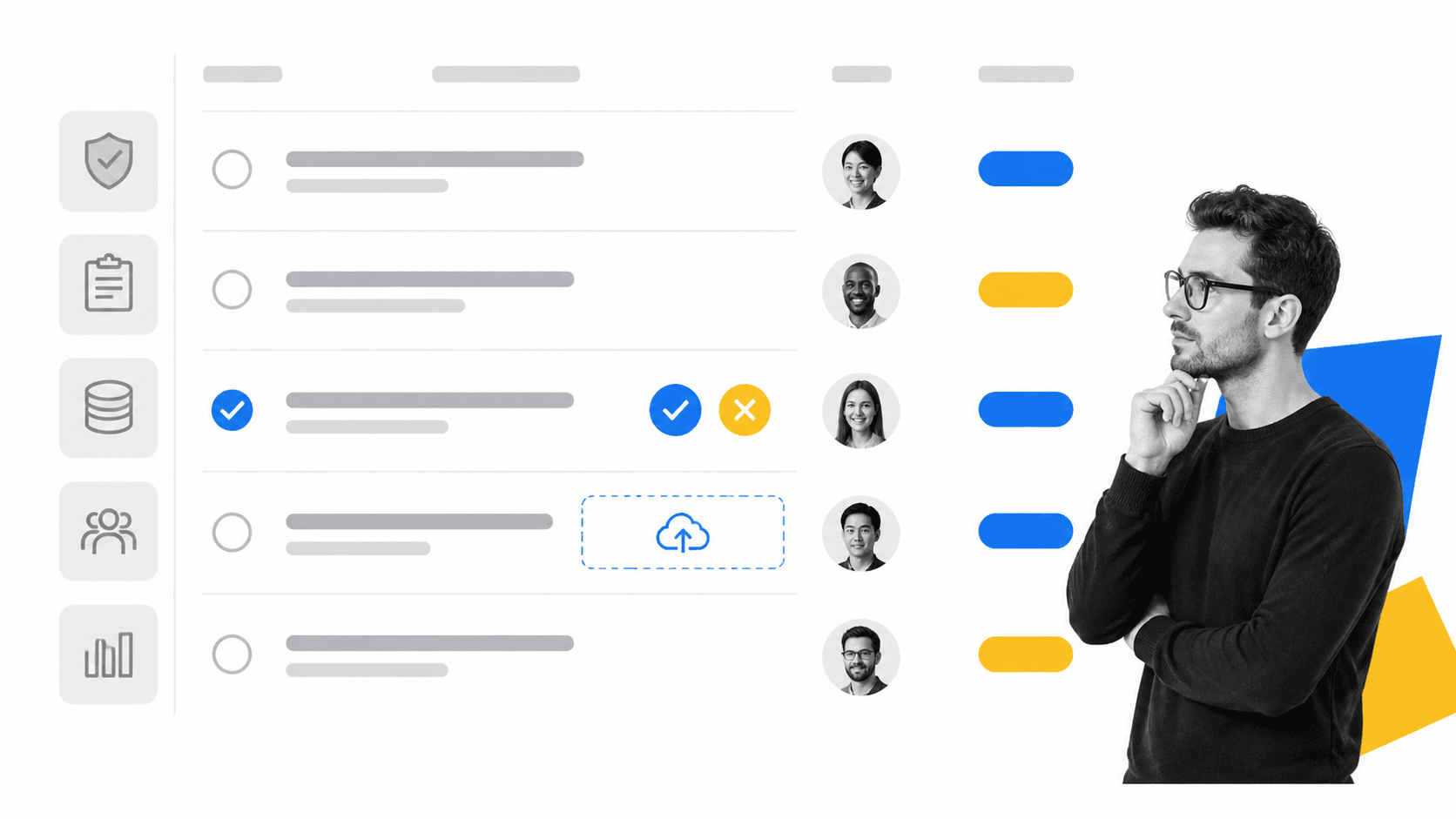
Compliance automation software works by translating a requirement into a repeatable workflow. A requirement might come from SOC 2, ISO 27001, HIPAA, an internal policy, a customer contract, or a regulator. The software maps that requirement to the tasks, owners, evidence, approvals, and monitoring cadence needed to prove control.
1. Map requirements to controls
Start by identifying the compliance obligation and the internal control that satisfies it. For example, an access review requirement might map to a recurring workflow that exports the user list, routes it to the system owner, requires review notes, collects an approval, and records remediation tasks for any exceptions.
This is where many teams confuse documentation with execution. A control description is useful, but it is not enough. The operating question is: what exact work proves this control is operating?
2. Trigger the workflow
The workflow can be scheduled, started manually, or triggered by another system. In Process Street, teams can use scheduled workflow runs for recurring reviews and workflow automations to move data between systems when events happen.
A trigger is more than a reminder. It is the start of a governed process with assigned tasks, due dates, form fields, conditional paths, and evidence requirements.
3. Route approvals and exceptions
Compliance work often stalls at the approval layer. A reviewer needs to sign off, reject, or request changes. Process Street approval tasks make that step part of the workflow instead of a separate email thread.
That distinction matters during an audit. The approval is not just a message. It is a recorded step with context, owner, timing, and outcome.
4. Capture evidence as work happens
Evidence collection should not happen at the end of the quarter. It should happen inside the workflow. Files, form responses, system exports, screenshots, notes, and approval outcomes belong with the task they support.
For teams building a repeatable compliance program, templates like the Compliance Audit Checklist, Process Compliance Audit Checklist, and Compliance Checklist show the kinds of review, documentation, approval, and monitoring steps that can be operationalized.
What to look for in compliance automation software
The best compliance automation software is not the product with the longest feature list. It is the product that turns the most fragile parts of your compliance program into repeatable, auditable work.
Workflow execution, not just dashboards
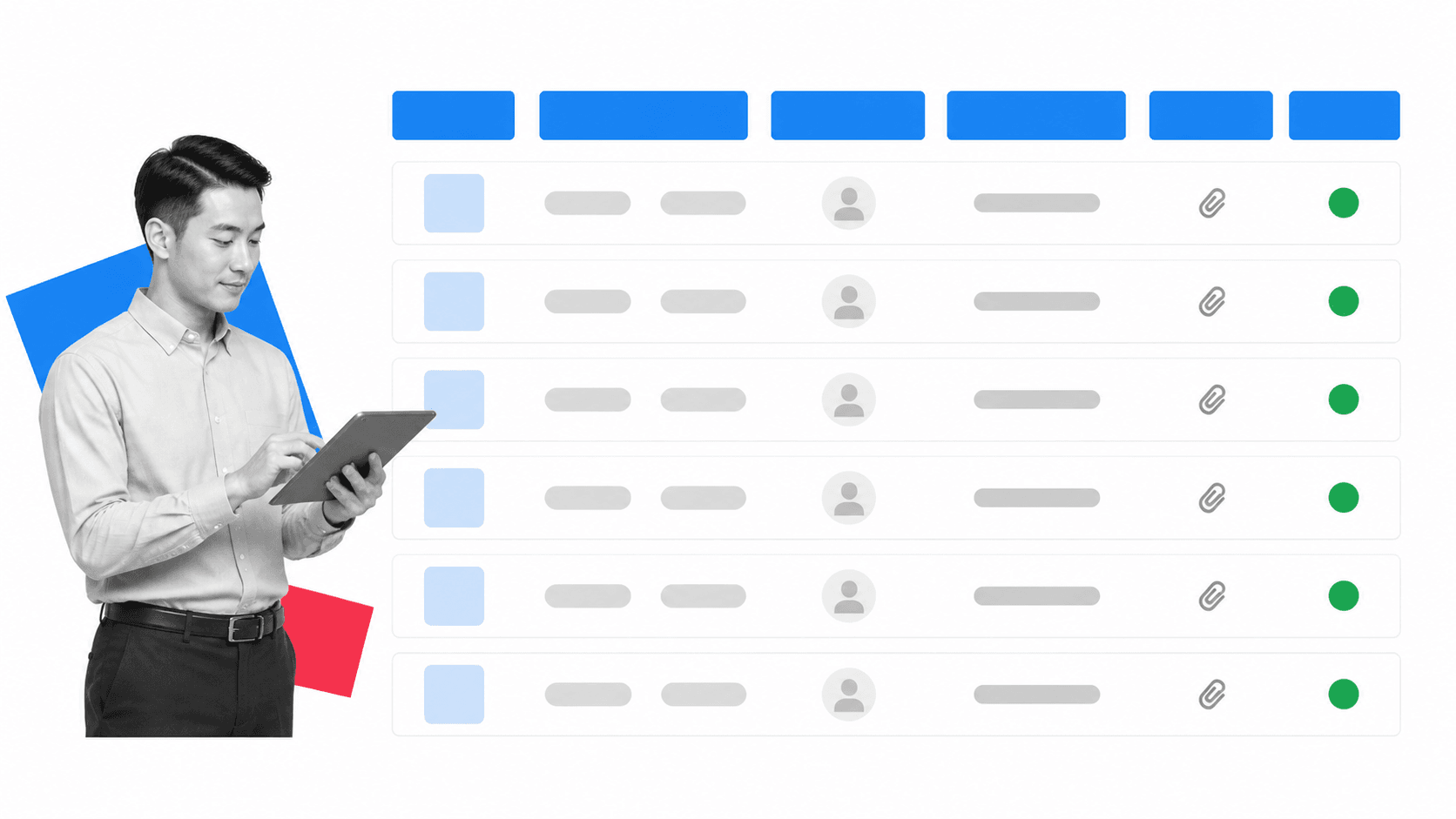
Dashboards are useful, but they are passive. They show status after work has happened, or after it has failed to happen. Compliance automation should also run the process: assign owners, enforce required fields, route approvals, and block completion until required evidence is attached.
If a platform only tracks controls but cannot help people execute the control, the team will still need side systems to get work done. That is where risk returns.
Evidence tied to the task
Audit evidence should be attached to the task, control, or workflow run that produced it. This makes review easier and reduces the scramble when an auditor asks for proof. The AICPA Trust Services Criteria for SOC 2 focus heavily on control environment, risk assessment, monitoring, and control activities, all of which depend on traceable evidence.
Look for evidence records that include owner, timestamp, source workflow, approval status, and exception notes. A folder full of files is not enough if the team cannot explain why each file exists and which control it supports.
Flexible control mapping
Most companies do not live under one framework. A single workflow might support ISO 27001, SOC 2, HIPAA, internal policy, and customer requirements. Good software lets teams map one process to multiple obligations without duplicating work.
That is also why a Compliance Checklist Template or Process Risk Assessment Template can be more useful than another static policy file. It gives the team a working structure for translating requirements into action.
Automation with human control
Automation should reduce manual work, but compliance still needs human accountability. The right system makes ownership explicit: who performed the step, who approved it, who accepted the risk, and who is responsible for remediation.
That is especially important as AI enters compliance operations. AI can help summarize regulations, detect drift, and suggest workflow updates, but the system still needs a governed path for review, approval, and implementation. For adjacent strategy, see Process Street guides on digital compliance officers and AI-driven compliance.
Where compliance automation software fits in your stack
Compliance automation software sits between policy and proof. It should connect the standards your organization follows with the work your teams do every day.
Next to GRC software
GRC platforms are often strong at risk registers, control libraries, assessment records, and reporting. Compliance automation adds the execution layer. It helps teams run the work that makes those records true.
That is why a buyer comparing categories should also read a dedicated compliance management software guide. Management systems organize the program. Automation systems make the operating rhythm repeatable.
Next to document management
Document management stores the approved policy. Compliance automation turns that policy into assigned work. A policy might say access reviews happen quarterly. A workflow makes sure the review starts, evidence is collected, exceptions are routed, and the record is complete.
The basic Process Street concept is simple: a workflow defines the process, and each workflow run creates a record of execution. For compliance teams, that execution record is the difference between a claim and proof.
Next to operational process tools
Many compliance failures start as operational failures: missed onboarding steps, unreviewed vendor changes, incomplete incident follow-up, or undocumented approvals. Compliance automation should therefore be close to operations, not isolated inside the compliance team.
Process Street pages on compliance operations and compliance as proof of control explain this shift in more detail: compliance gets stronger when it is built into execution.
How to implement compliance automation software
The best rollout starts small and concrete. Do not begin by trying to automate the entire compliance program. Pick one recurring control, one audit workflow, or one evidence-heavy review that already causes pain.

1. Choose a workflow with audit value
A good first workflow has clear ownership, recurring cadence, real evidence, and visible risk if it fails. Examples include access reviews, vendor assessments, policy acknowledgments, compliance audits, corrective actions, security exception reviews, or incident postmortems.
Avoid starting with a vague program-level initiative. Pick a process that can be run, reviewed, and improved within a few weeks.
2. Define the control and the evidence
Before you build automation, write down the control objective, the required evidence, the owner, the reviewer, the cadence, and the exception path. If those pieces are unclear, automation will only make the confusion faster.
For example, an access review workflow might require a system export, owner review, exception list, remediation task, and final approval. Each step should have a reason.
3. Build the workflow around decisions
A compliance workflow is not just a checklist. It should contain decision points: approve or reject, pass or fail, exception or no exception, escalate or close. Those decisions create the audit trail.
Use conditional logic, approvals, required fields, and task assignments to keep the process tight. The goal is to make the correct path easy and the incomplete path obvious.
4. Connect systems only after the workflow works
Integrations are powerful, but they should support a well-designed workflow. Build the human process first, then automate data movement from systems such as Salesforce, DocuSign, Jira, Slack, Google Sheets, or another workflow run.
This sequence prevents a common failure: teams connect tools before they agree on what the process should prove.
5. Review exceptions and improve the workflow
The first version should reveal bottlenecks. Maybe evidence is requested too late. Maybe the wrong owner is assigned. Maybe approvals need an alternate route. Treat those findings as inputs for continuous improvement, not as signs the rollout failed.
Compliance automation becomes valuable when every run teaches the organization how to make the next run cleaner.
Common mistakes to avoid
Compliance automation projects fail when teams treat software as a substitute for program design. The platform can enforce a process, but someone still has to decide what good process looks like.
Automating a broken workflow
If the current process is unclear, automation will expose that quickly. Spend time defining ownership, evidence, approvals, and exception handling before you build. A confusing spreadsheet usually becomes a confusing workflow unless the team improves the process first.
Tracking controls without changing behavior
A control library is useful, but compliance improves when the daily behavior changes. If the team still completes work in email and updates the system later, the automation layer is not doing its job.
Collecting evidence after the fact
After-the-fact evidence collection creates avoidable risk. People forget context. Files move. Approvals get buried. The strongest compliance automation systems collect proof at the point of execution.
Ignoring remediation
Finding a gap is not the same as fixing it. Every exception should lead to an owner, a due date, an approval path, and a record of closure. Otherwise the compliance program becomes a reporting exercise instead of a control system.
Buying for one framework only
A tool chosen for one audit can become a dead end if it cannot support adjacent obligations. Look for flexible workflows, reusable evidence, and control mapping that can grow with the organization.
FAQs
What is compliance automation software?
Compliance automation software is a system for turning compliance requirements into repeatable workflows, approvals, evidence records, monitoring tasks, and audit trails. It helps teams prove that policies and controls are followed in daily operations.
What does compliance automation software automate?
It can automate task assignment, recurring reviews, evidence collection, approval routing, reminders, exception escalation, reporting, and handoffs between systems. The best use cases are recurring compliance tasks where missed steps create audit risk.
How is compliance automation software different from GRC software?
GRC software often manages risks, controls, assessments, and reporting at the program level. Compliance automation software focuses on execution: it helps teams run the workflows that create reliable evidence for those controls.
Who needs compliance automation software?
Compliance automation software is useful for regulated teams, security teams, operations teams, HR, finance, legal, quality, and any organization that must prove repeatable execution. It is especially valuable when compliance work depends on many owners across different tools.
What should you look for in compliance automation software?
Look for workflow execution, approval routing, evidence capture, recurring schedules, integrations, exception management, audit trails, and flexible control mapping. Avoid tools that only show dashboards without helping teams complete the work.
