


Turn every policy into automated workflows with built-in enforcement and audit-ready proof.



11 Best HR Software for Small Business
HR software for small business should remove administrative drag without forcing a lean team to operate like a large HR department. The right setup gives you a reliable employee record, repeatable hiring and onboarding, accurate time and payroll inputs, clear approvals, and evidence that required work was completed.
There is no single winner for every company. A five-person professional services firm, a restaurant with hourly shifts, and a distributed team hiring across several countries need different systems. This guide compares 11 strong options by the job each one does best, then gives you a practical way to choose and implement the right stack.
- What is HR software for small business?
- How did we evaluate HR software?
- 11 best HR software options for small business
- Which HR software features matter most?
- How should a small business choose HR software?
- How can you implement HR software without disrupting work?
- Frequently asked questions
- Which HR software should you choose?
What is HR software for small business?
HR software for small business is a system, or connected set of systems, used to manage employee information and recurring people operations. Depending on the product, it may cover hiring, onboarding, payroll, time tracking, benefits, leave, performance, training, documents, compliance tasks, reporting, or all of these.
The most useful distinction is not HRIS versus HRMS versus HCM. It is system of record versus system of execution. Your system of record stores authoritative employee, payroll, benefits, and time data. Your execution layer coordinates the work that crosses HR, managers, IT, finance, and new employees. Small teams often need both. A payroll platform may calculate and file payroll correctly, while a workflow automation platform makes sure the offer, equipment, access, training, policy acknowledgment, and manager check-ins happen in the right order.
Compliance also shapes the buying decision. In the United States, the IRS requires employers to deposit and report federal employment taxes, while the EEOC explains record-retention and anti-discrimination responsibilities that may apply as a company grows. Software can support consistent administration, but it does not replace qualified legal, tax, payroll, or HR advice.
How did we evaluate HR software?
We evaluated products against the operating reality of small teams. Each recommendation has a clear primary job, such as payroll, core HR records, frontline scheduling, global workforce administration, or cross-functional HR workflows. We also considered how easily the product can fit into an existing stack, whether employees can complete common tasks without HR intervention, and whether the system can support more structure as the company grows.
Security deserves separate attention because HR systems hold identity, compensation, tax, banking, performance, and sometimes medical or benefits data. Use the NIST small-business cybersecurity guidance as a starting point, then evaluate each vendor’s access controls, authentication, audit history, data export, retention, incident response, and contractual commitments.
The list deliberately mixes full HR platforms with specialist systems. A broader product is not automatically better. The best choice is the smallest system that reliably covers your required jobs, connects to your current tools, and gives you a sensible path to grow.
11 best HR software options for small business
Process Street
Best for: Repeatable HR workflows that cross departments.
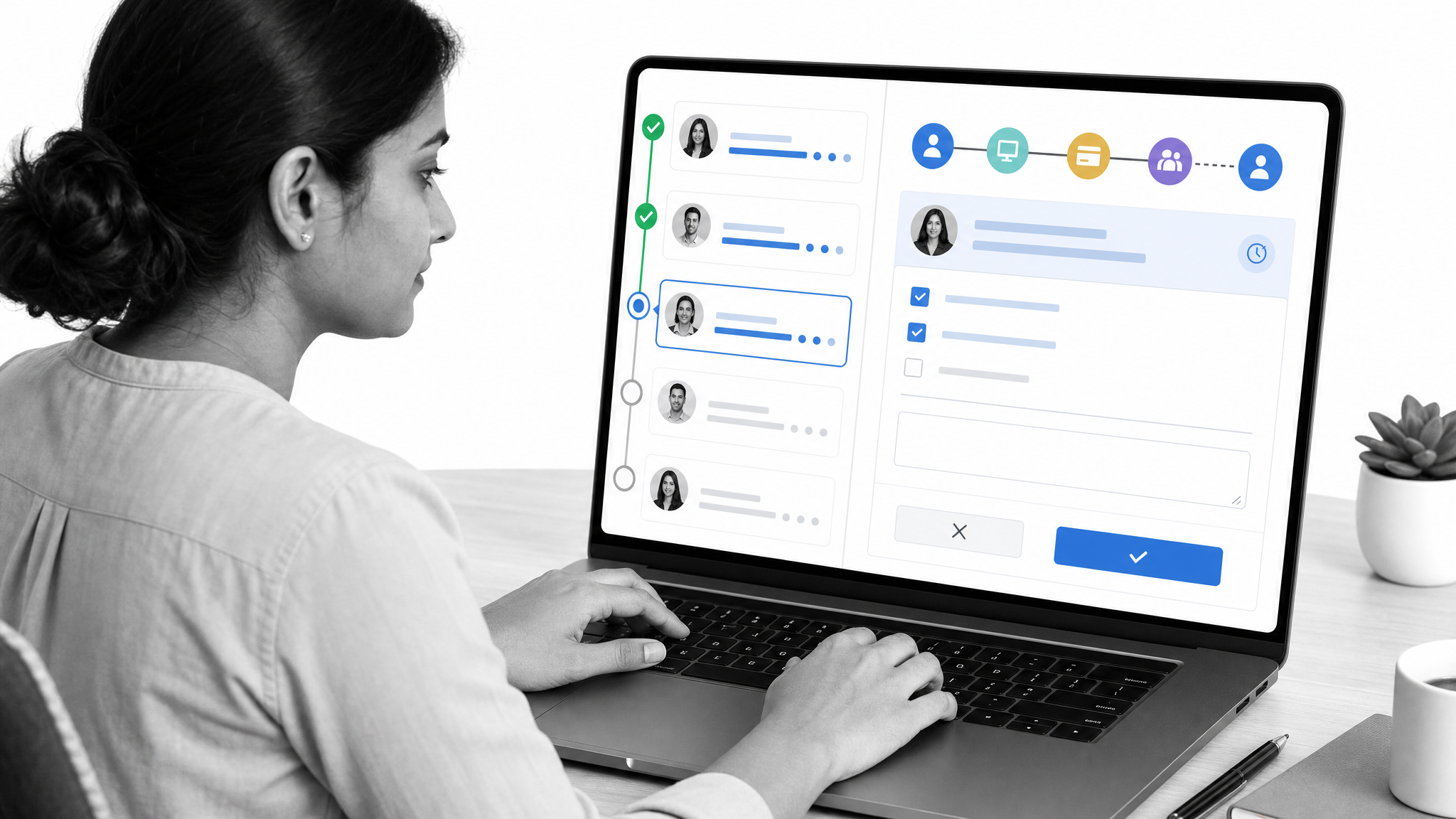
Process Street is a Compliance Operations Platform for teams that need HR procedures to run consistently, not live as static documentation. Build employee onboarding workflows with assigned tasks, deadlines, approvals, conditional paths, forms, document collection, and progress tracking. The same model works for offboarding, policy acknowledgments, performance review cycles, leave approvals, employee training, and other recurring HR operations.
It is strongest when several people own different parts of the same process. HR can trigger the workflow, IT can provision access, finance can confirm payroll setup, a manager can approve equipment, and the employee can complete forms from one coordinated run. Use Process Street beside your HRIS or payroll system when the main risk is missed steps, unclear ownership, or weak proof of completion.
- Choose it when: HR work depends on reliable handoffs, approvals, and audit history.
- Check first: Decide which employee and payroll fields remain authoritative in your system of record.
BambooHR
Best for: A people-centered HR system of record.
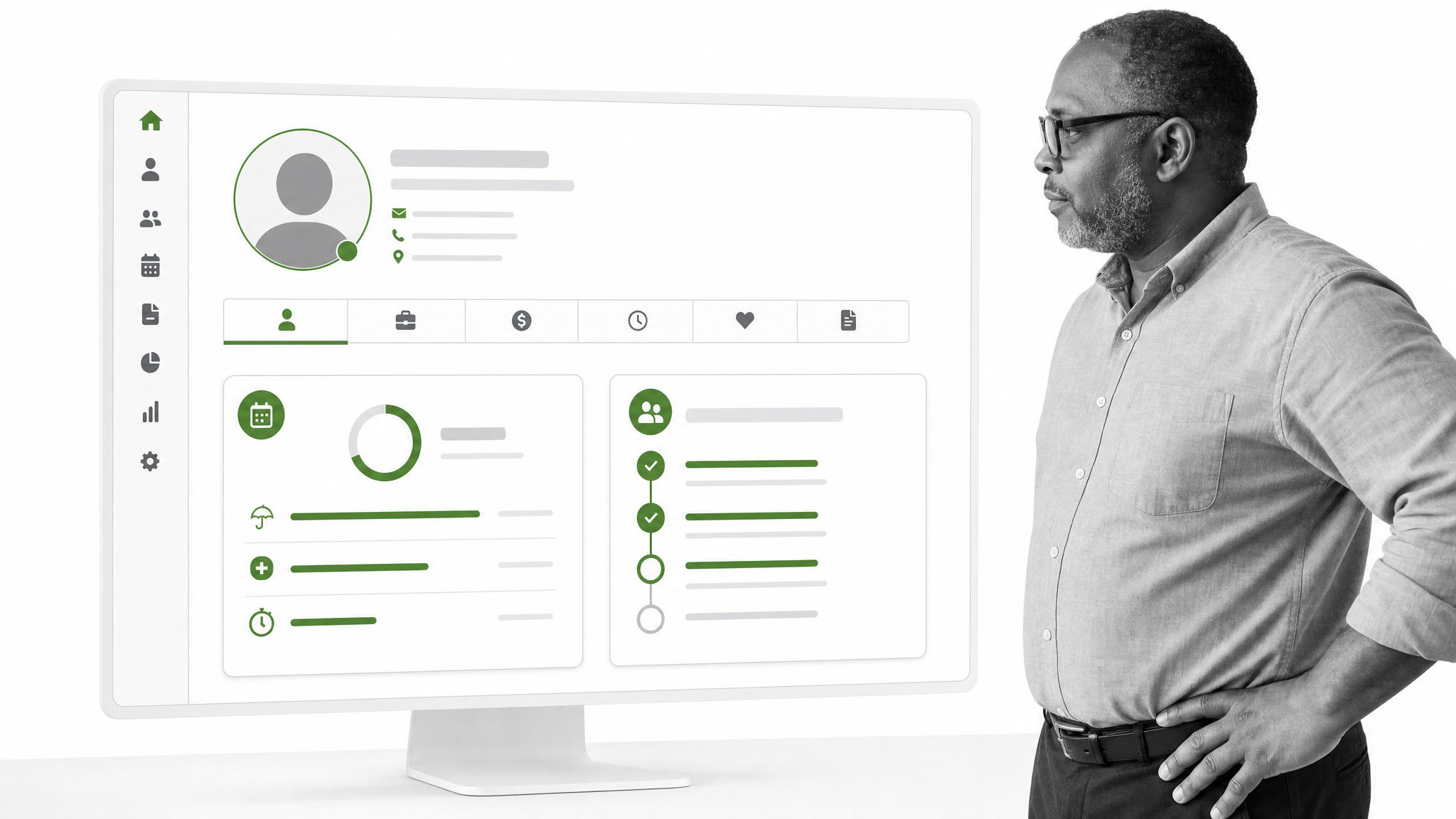
BambooHR brings employee records together with hiring, onboarding, time, performance, benefits, payroll, analytics, and related HR functions. Its onboarding tools support e-signatures, new-hire packets, custom tasks, checklists, offboarding workflows, and progress tracking.
It suits a growing company that has moved beyond spreadsheets and wants a recognizable HR home for employees and managers. Map the modules you need now and later, especially if payroll, time, benefits, or performance will be added in stages.
- Choose it when: Your priority is a central employee record with broad HR coverage.
- Check first: Confirm the exact module bundle, implementation scope, and regional availability you need.
Gusto
Best for: U.S. small-business payroll with connected HR and benefits.
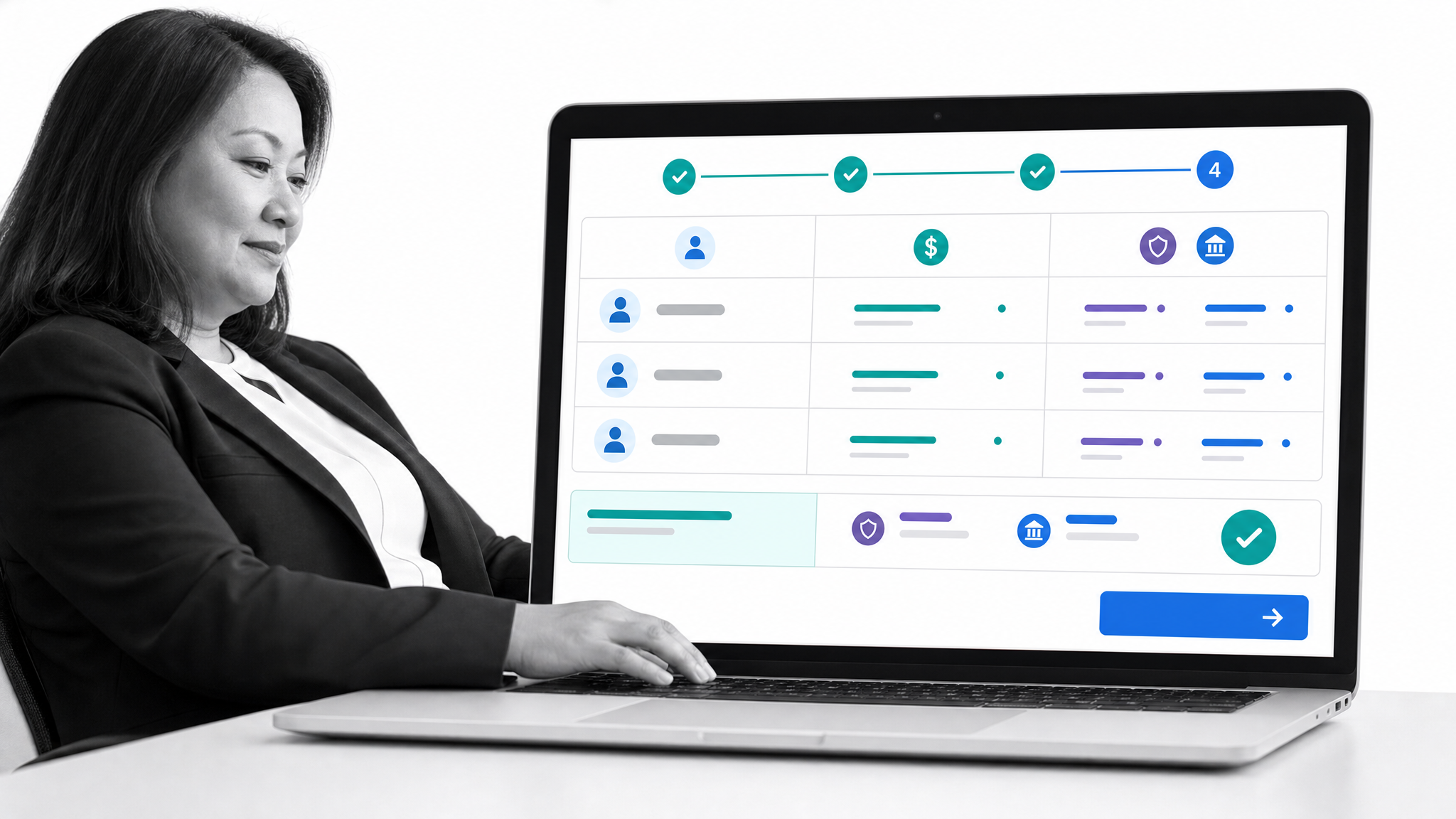
Gusto combines payroll, benefits, hiring, onboarding, employee self-service, and practical HR tools for small businesses. Its onboarding functions can support offer letters, handbooks, evaluations, and employee paperwork, while employee accounts reduce routine update requests.
Gusto is a natural shortlist candidate when payroll is the first problem to solve and the team wants HR administration attached to the same employee data. Review benefits availability, support needs, state coverage, and any specialist workforce requirements before committing.
- Choose it when: You want payroll to anchor a straightforward small-business HR stack.
- Check first: Validate the services and benefits available for every state where you employ people.
Rippling
Best for: Unified employee operations across HR and adjacent systems.
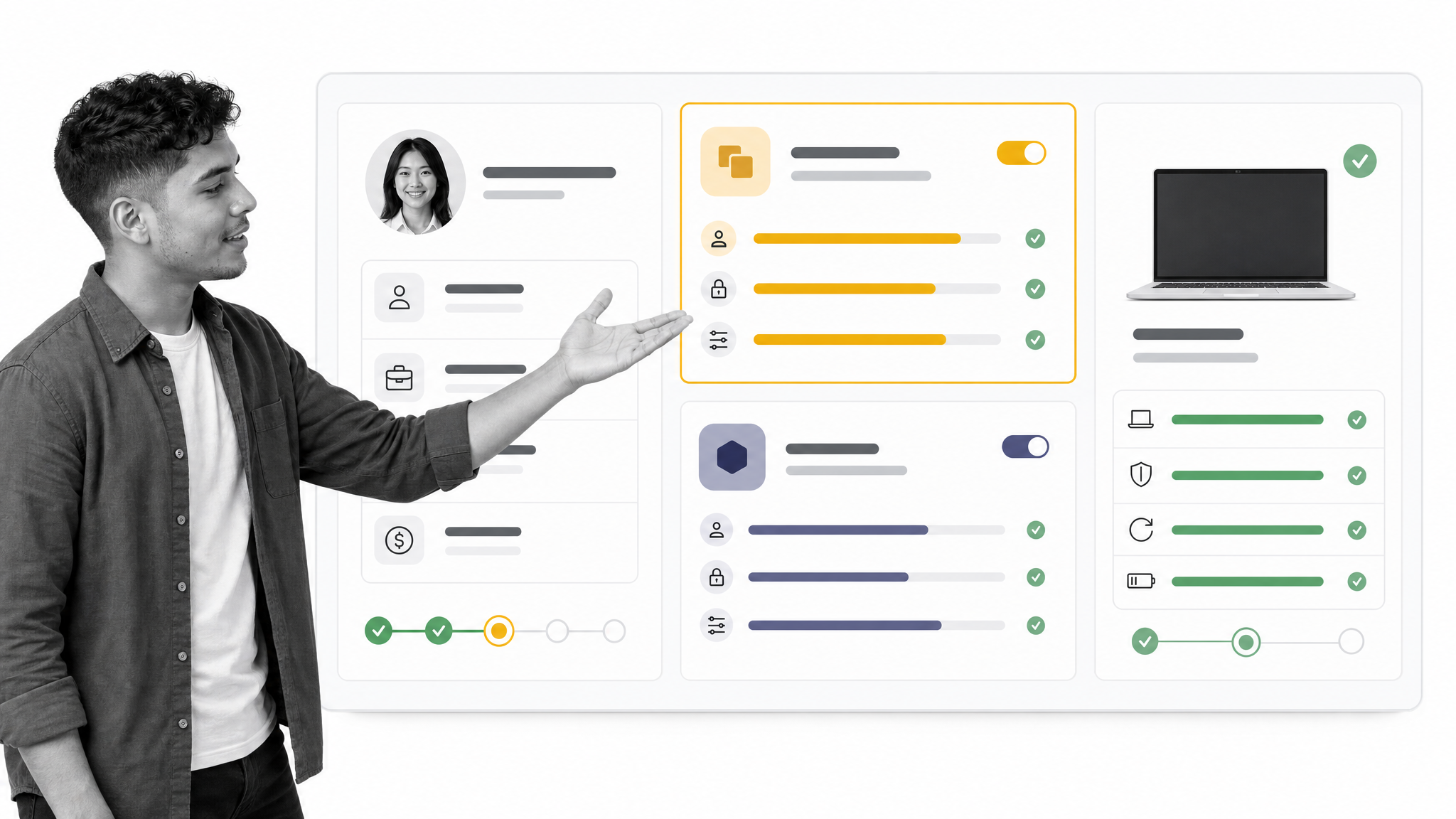
Rippling provides an HCM suite across onboarding, offboarding, payroll, benefits, talent, workforce management, and reporting. Its platform also supports custom automations and role-based permissions, making it useful when a change to employee data should trigger work across several functions.
This breadth can reduce re-entry and fragmented administration for a scaling company. It also means implementation discipline matters. Define ownership, permissions, integrations, and the minimum launch scope before switching on more modules.
- Choose it when: Employee lifecycle changes need to coordinate HR with broader business operations.
- Check first: Make sure the platform scope matches your team’s capacity to configure and govern it.
Deel
Best for: Distributed teams managing multiple worker types and countries.
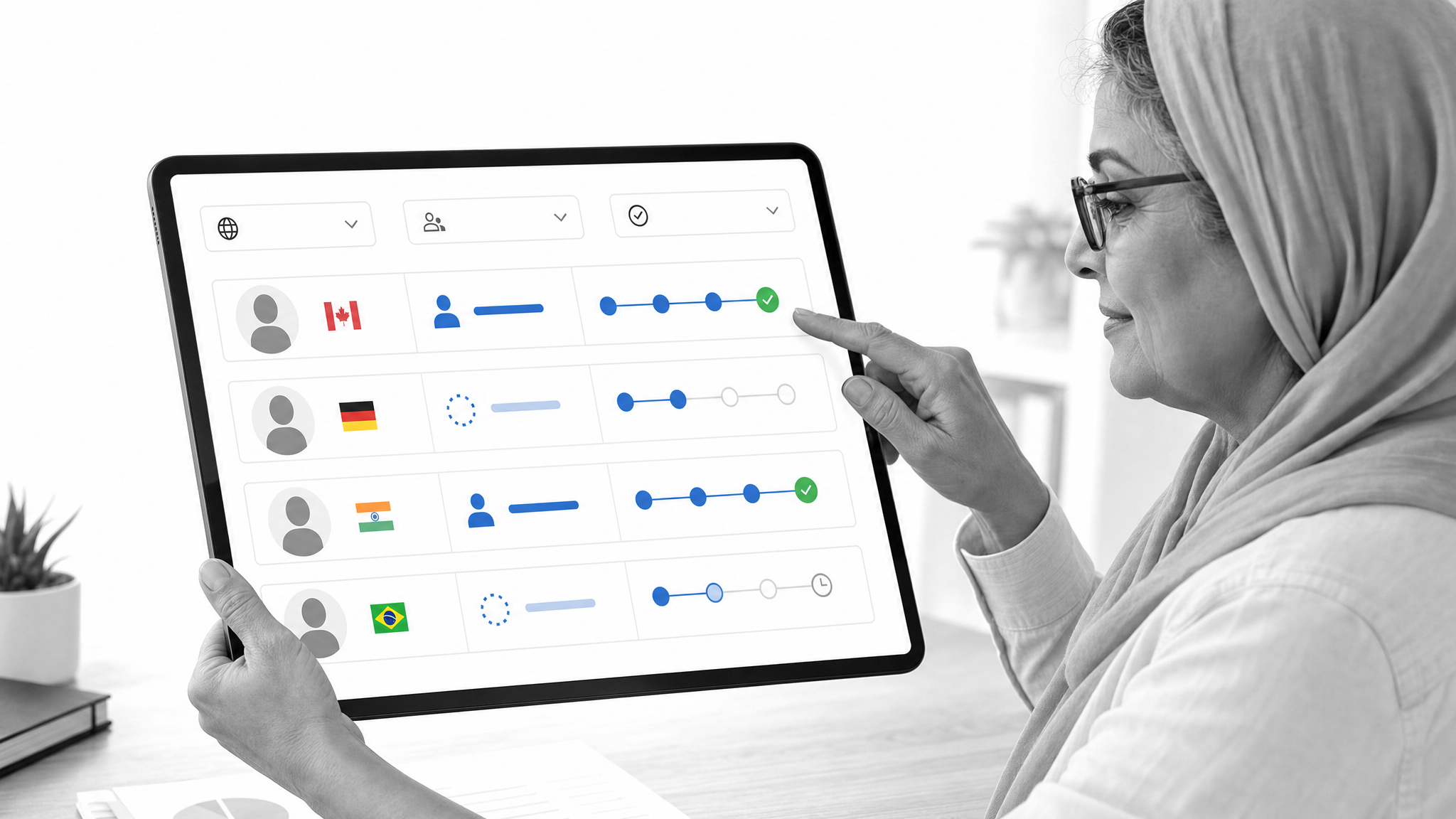
Deel HRIS centralizes worker records across countries and worker types. Its core HR surface includes profiles, organizational structure, documents, workflows, time off, time tracking, approvals, and reporting, with the option to connect HR administration to Deel’s broader global workforce services.
It fits companies whose complexity comes from geography, worker classification, local policy, or a mix of direct employees, contractors, and other employment arrangements. Verify exactly which Deel services you need in each country and where external advisers remain necessary.
- Choose it when: Global workforce administration is central to the problem.
- Check first: Confirm country coverage, service boundaries, and the migration plan for worker records.
Homebase
Best for: Hourly teams that run on shifts and time clocks.
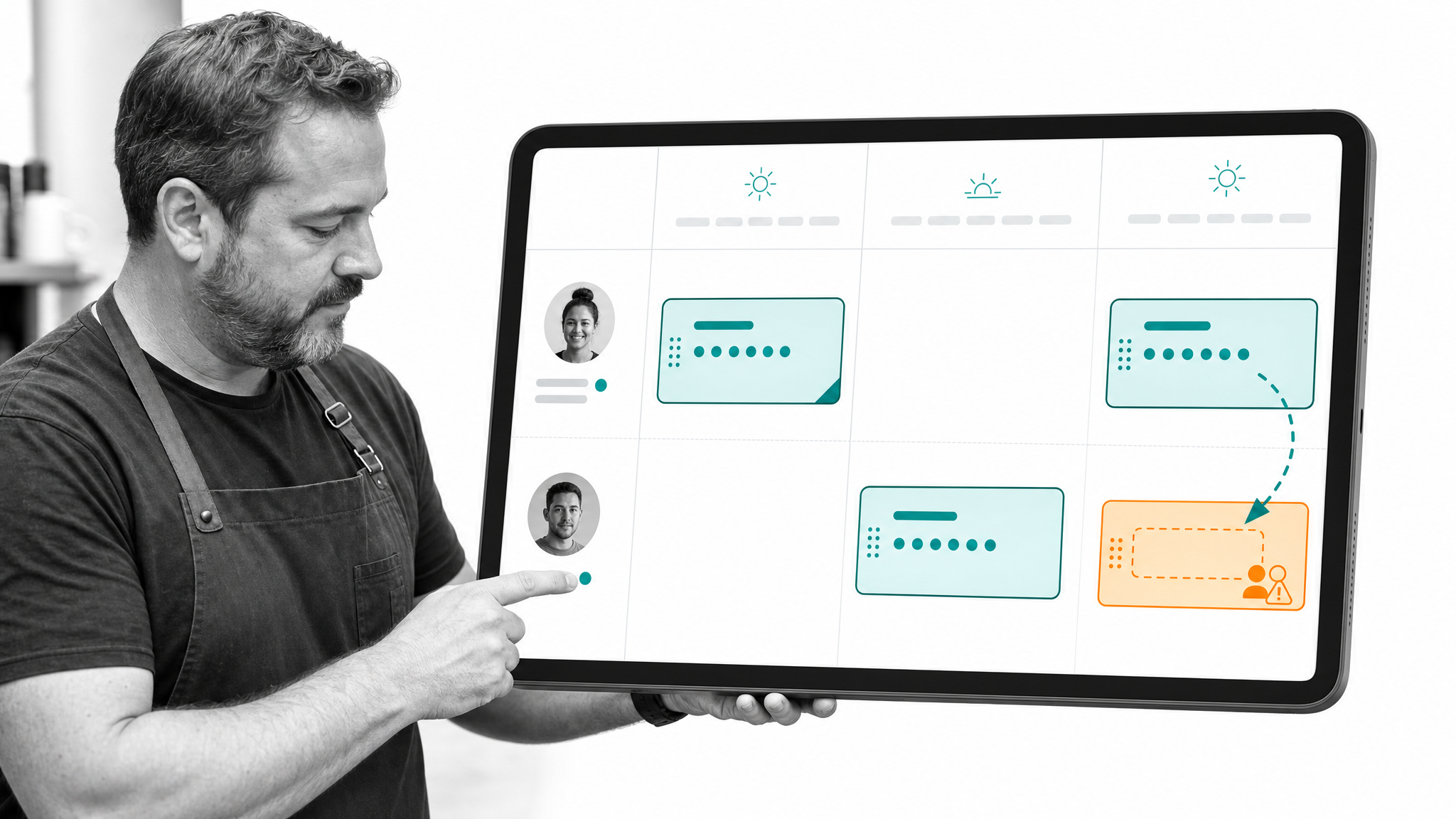
Homebase combines scheduling, time clocks, payroll, HR, team messaging, hiring, and onboarding around the daily needs of small businesses. It is especially relevant when the operating center of gravity is the weekly schedule rather than a traditional office HR database.
The value is the connection between planned shifts, actual time, manager communication, and pay. Test the real scheduling patterns your managers face, including availability changes, time-off requests, shift swaps, multiple roles, and multiple locations.
- Choose it when: Your workforce is hourly, location-based, and schedule-driven.
- Check first: Model your location structure and confirm how payroll, overtime, and labor rules are handled.
Zoho People
Best for: Configurable core HR in a broader business software ecosystem.
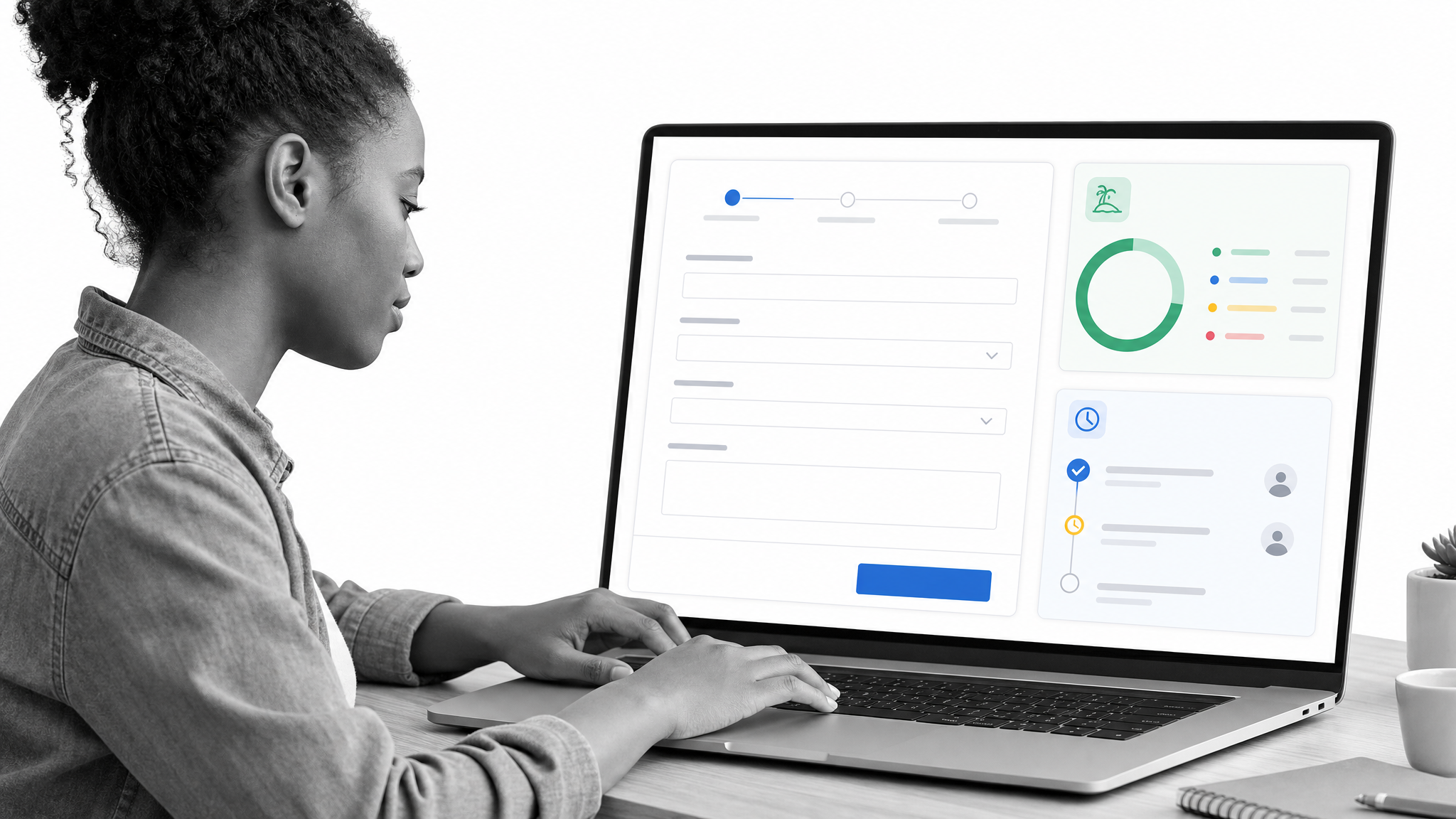
Zoho People centralizes employee records and supports onboarding, leave, attendance, employee self-service, analytics, document management, and customizable workflows. Access controls help separate sensitive information while employees and managers handle routine tasks in the system.
It deserves attention when a company already uses Zoho products or wants a configurable HRIS without starting from a heavyweight suite. Configuration flexibility is valuable only when ownership is clear, so establish naming, fields, permissions, and change control early.
- Choose it when: You want adaptable core HR and already value the Zoho ecosystem.
- Check first: Confirm which HR, payroll, recruiting, and e-signature capabilities require separate Zoho products.
RUN Powered by ADP
Best for: Small-business payroll backed by a broad service provider.
RUN Powered by ADP is a payroll and HR platform designed for small businesses. It supports payroll and tax filing, with package options that can add HR and hiring tools, time tracking, employee access, benefits options, and related services.
It is a practical choice for owners who want payroll expertise and a path to add support as their needs become more complex. Compare packages against your exact requirements instead of treating the brand name as proof that every function is included.
- Choose it when: Payroll reliability and access to broader support matter most.
- Check first: Document the package, add-ons, service contacts, and integration responsibilities in writing.
Paychex Flex
Best for: Payroll and HR services that can expand with a small business.
Paychex Flex is a cloud-based platform for payroll, HR, time and attendance, and benefits administration. Businesses can start with the functions they need and add modules or services as their workforce and administrative requirements change.
This mix of software and service can help a business that does not want to build every HR capability internally. Evaluate the handoff between the product, service team, company administrator, benefits providers, and external advisers so important work never falls between owners.
- Choose it when: You want an expandable payroll and HR platform with service options.
- Check first: Clarify response paths, implementation support, and which tasks remain your responsibility.
Paycor
Best for: Growing organizations that want one connected HCM environment.
Paycor spans payroll, HR, time, talent, benefits, recruiting, onboarding, and workforce management. Its HR tools include employee records, automated workflows, documents, reporting, analytics, and employee self-service.
Paycor makes the most sense when a company expects its people operations to become more structured and wants to avoid another near-term platform change. Smaller teams should be strict about launch scope, administrator workload, and which modules are necessary now.
- Choose it when: You need broad HCM coverage with room for more formal talent and workforce processes.
- Check first: Test core administrator and employee workflows with your own scenarios before selection.
Justworks
Best for: Small businesses deciding between payroll software and a PEO relationship.
Justworks offers payroll software as well as a professional employer organization platform. Its services can bring payroll, benefits, HR, and compliance administration into one relationship, which appeals to founders who want more support than a software-only system provides.
The key decision is the service model, not a checklist of screens. A PEO changes how certain employer responsibilities are administered, so review the agreement, benefits model, support structure, exit process, data portability, and the responsibilities that remain with your company.
- Choose it when: You want payroll and HR administration with the option of a PEO model.
- Check first: Compare software-only and PEO paths with qualified legal, insurance, payroll, and tax advice.
Which HR software features matter most?
Start with required jobs, not the longest feature list. For most small businesses, the useful baseline is accurate employee records, employee self-service, document management, leave or availability tracking, clear permissions, reporting, and dependable exports. If payroll is in scope, add tax handling, approval controls, corrections, year-end work, accounting connections, and support.
Execution features become important when HR work crosses departments. Look for templates, assignments, due dates, approval controls, forms, conditional paths, reminders, escalation, and a durable activity history. A well-designed workflow should make ownership obvious and surface exceptions before they become missed starts, unpaid employees, lingering system access, or incomplete records.
Security and administration are not secondary features. Require individual accounts, strong authentication, role-based access, audit logs, retention controls, data export, and a documented removal process. Ask how access changes when someone moves roles or leaves. HR data should not remain visible simply because nobody remembered to update a spreadsheet.
How should a small business choose HR software?
- Map the work. List every recurring people process, its trigger, owner, handoffs, records, approvals, deadlines, and failure points. Include hiring, onboarding, payroll changes, leave, reviews, training, policy updates, and offboarding.
- Separate required from optional. Mark legal, payroll, security, or operational requirements first. Put convenience features in a second tier so they do not distort the decision.
- Choose the source of truth. Decide where employee identity, compensation, tax, benefits, time, documents, and workflow status will live. Avoid two systems claiming authority over the same field.
- Shortlist by operating model. Office HRIS, payroll-led, frontline scheduling, global workforce, and PEO products solve different problems. Compare products in the right lane.
- Test real scenarios. Ask vendors to run a new employee onboarding process, manager change, pay change, leave request, late timecard, policy acknowledgment, and termination using your actual roles and rules.
- Inspect controls and portability. Verify permissions, approval history, exports, retention, integration ownership, and how you recover your data if the relationship ends.
- Calculate total operating cost. Include implementation, migration, administrator time, support, add-ons, benefits or payroll services, integrations, and the cost of running parallel systems during transition.
How can you implement HR software without disrupting work?
Launch one complete process before expanding. For many companies, employee onboarding is the best pilot because it touches data, documents, tasks, managers, access, training, and communication. Start with proven employee onboarding tools, build the workflow, assign owners, test it with a fictional employee, and then run one real hire through it with close review.
Clean data before migration. Define required fields, resolve duplicates, standardize departments and job titles, confirm managers, and set retention rules. Pair the system design with clear document workflow management. Importing messy spreadsheets into a new platform turns old confusion into a faster form of confusion.
Document the operating procedure in the same rollout. Create an administrator checklist, payroll calendar, access review, change request path, and controlled offboarding workflow. Use HR automation for repetitive handoffs while keeping accountable human approval where judgment matters. Train managers on the few actions they actually own. Measure completion time, exceptions, missing data, employee questions, and manual corrections for the first several cycles, then improve the workflow.
Frequently asked questions about HR software for small business
What is the best HR software for a small business?
The best option depends on the primary job. Process Street is strong for repeatable cross-functional HR workflows. BambooHR is a strong core HRIS candidate. Gusto, RUN Powered by ADP, and Paychex Flex are payroll-led options. Homebase fits hourly teams, Deel fits distributed global teams, and Justworks fits companies considering a PEO.
What is a sign that a small business needs HR software?
A business needs HR software when employee data, payroll inputs, leave, documents, onboarding, or approvals can no longer be managed reliably with the existing process. The trigger is operational risk and administrative load, not a specific employee count.
What is safe to automate with HR software?
Software can automate administration, enforce workflow steps, centralize records, and provide reminders or reports. It cannot replace accountable leadership or qualified legal, tax, payroll, benefits, and HR judgment.
Should payroll and HR use the same system?
They should share accurate employee data, but they do not always need to be the same product. A connected stack can work well when one system is clearly authoritative for each field and integrations, approvals, and error handling have named owners.
What is the right HR data to migrate into HR software?
Migrate the accurate records needed for administration, reporting, legal retention, and employee service. Clean duplicates, standardize fields, define retention, restrict sensitive data, and keep a documented archive for information that does not belong in the active system.
How do you estimate an HR software implementation timeline?
The timeline depends on data quality, payroll timing, integrations, workforce complexity, module count, and internal ownership. Reduce risk by piloting one complete process, testing real scenarios, and expanding only after the first workflow is stable.
Which HR software should you choose?
Choose the product that matches your most important operating constraint. If payroll is the constraint, start with a payroll-led platform. If employee records are scattered, start with an HRIS. If shifts and time capture drive the business, use a frontline system. If global administration dominates, use a global workforce platform. If work is being missed between HR, managers, IT, and finance, use Process Street to turn the procedure into an enforced, auditable workflow.
The strongest stack is not the one with the most features. It is the one your team can govern, employees can use, and managers can follow without creating a second shadow process in email and spreadsheets. Start with one high-value workflow, define the source of truth, and make every owner and handoff explicit.
