



This SaaS guest post was written by Robin Singh, a technical support executive who wrote it while working with Live2Support, now ProProfs Chat. In his free time, Robin enjoys reading and traveling.
A SaaS knowledge base is customer-facing knowledge base software that organizes product guidance, troubleshooting steps, and answers so customers can solve common problems without opening a support ticket.
Creating a great customer experience has never been more important, especially if you are a SaaS company. Customers deserve a great experience, and that includes useful support at the moment they need it.
SaaS products are not always self-explanatory. A well-run help center reduces avoidable tickets, gives customers a reliable self-service option, and helps the support team focus on problems that need human judgment.
What is a knowledge base?
A knowledge base helps companies reduce support tickets and control customer support costs. At its simplest, it is the FAQ area on a website that helps customers find an answer without calling support or raising a ticket.
With knowledge base software, companies can publish more than FAQs. They can maintain setup guides, troubleshooting articles, product manuals, release guidance, and searchable help content in one place.
Understanding the needs of your customers
Earlier self-service studies cited by CustomerGauge found that 67% or more of customers preferred finding answers themselves. The exact percentage changes by market, but the operating lesson holds: self-service only works when the answer is easy to find and correct.
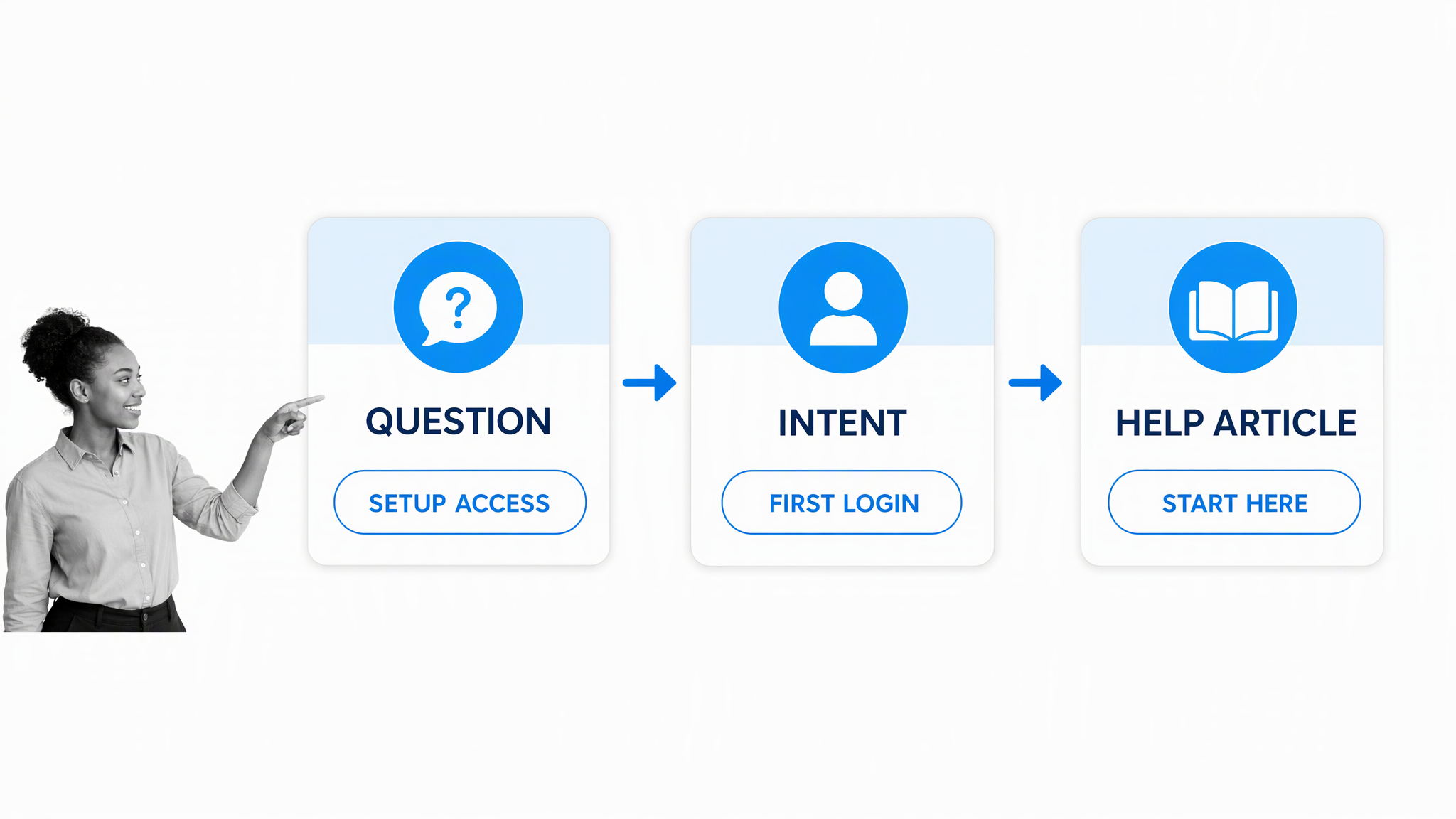
Start by defining who the help center serves. An internal SaaS knowledge base helps employees find company knowledge. A customer-facing knowledge base helps users adopt the product, solve problems, and understand what to do next.
Customer personas still matter, and HubSpot’s buyer-persona research guide is a useful starting point. But buyers and existing customers do not have the same needs. The best way to serve customers with a knowledge base or user manual is to understand where they are in their product journey, how they use the platform, and where they lose momentum.
Audit the existing content
After you identify your customer personas, audit the content you already have and find the gaps. Talk to the sales team and to some of your best customers about their biggest challenges. Review support cases for recurring issues, and keep detailed notes from customer conversations.
A content audit shows where your knowledge base fails to answer a real question. If customers cannot find the information they need, your support team will feel the same gap through repeat tickets.
Nail down the structure of your content
Imagine walking into a store and finding every item in one big pile in the middle. It would be a terrible experience. Many knowledge base platforms create the same problem when articles have no clear hierarchy.
Structure content around the situations customers recognize: getting started, completing a task, fixing a problem, understanding a plan, or learning a feature. That makes the answer easier to find through browsing or search. The same principle applies when you evaluate broader knowledge management tools.
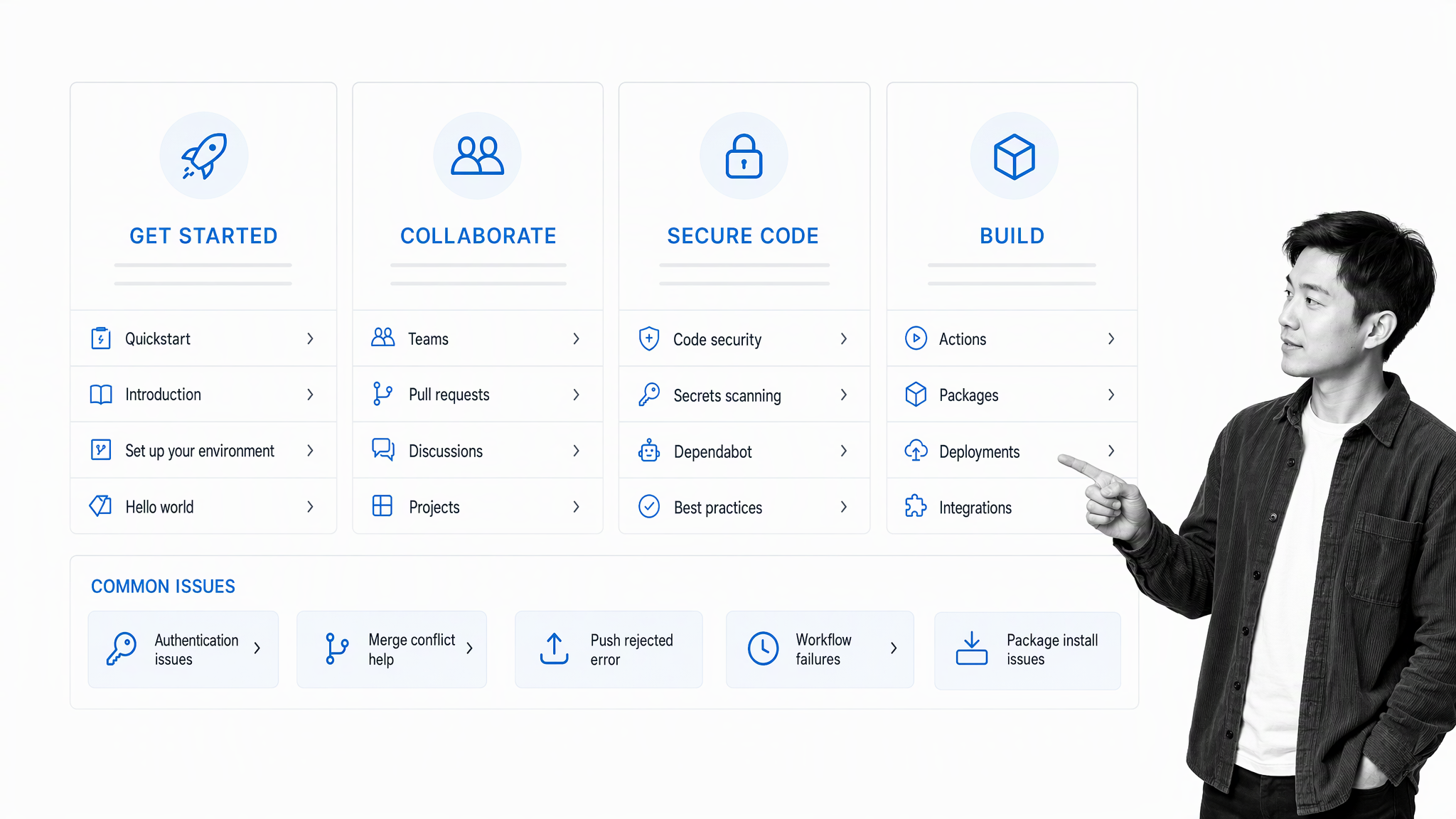
GitHub Docs presents major documentation paths prominently, then surfaces common issues and task-focused guides. Customers can often reach the right answer without needing to guess the exact search phrase.
You can also create paths for different user roles, plans, or lifecycle stages. The goal is not to duplicate articles. It is to place the same reliable answer in the context where each customer expects to find it.
Capture insights from your customers
A good knowledge base teaches the support and product teams what customers are trying to do. Track high-traffic articles, failed and zero-result searches, repeat tickets, unresolved sessions, escalation rates, and article feedback.
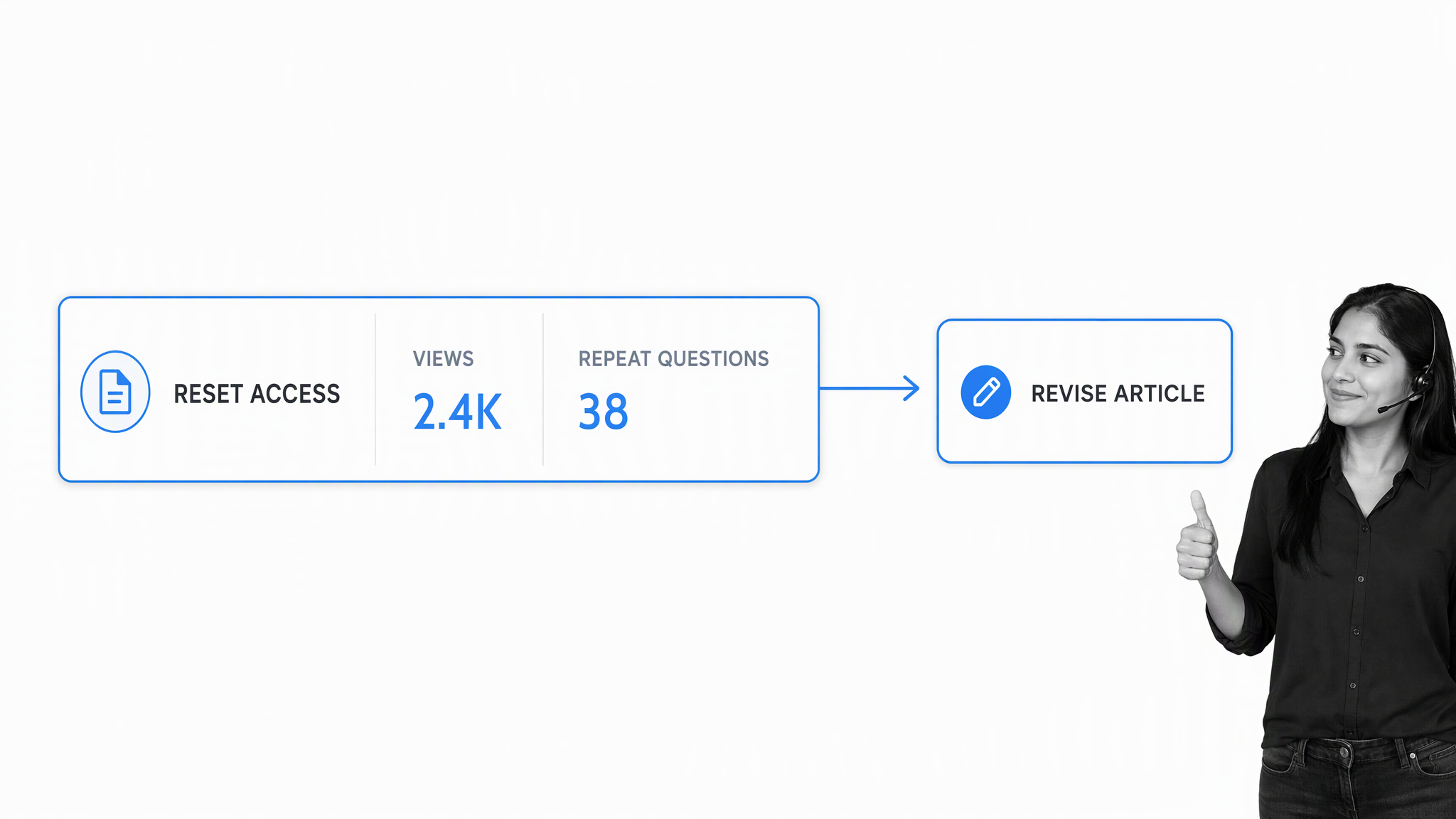
The original diagnostic still works: if an article or video receives many views but customers keep asking the same question, the content is not solving the problem. Rewrite the article, re-record the video, or change the path that leads customers to it.
Give every important article an owner and a review trigger. Product releases, repeated failed searches, policy changes, and a sudden rise in tickets should all start a content review. AI answers can improve discovery, but only when they are grounded in accurate, maintained documentation.
Use integrations
Tracking data is not enough if the insight never changes the content. Connect your knowledge base to support tickets, product analytics, customer feedback, and workflow automation so a recurring question becomes an owned improvement task.
Current knowledge base platforms can connect with analytics, chat, ticketing, identity, and other tools. For example, the ProProfs Knowledge Base integration catalog includes analytics, support, communication, SSO, API, and MCP options. Choose the connections that close a real loop: detect a problem, assign an owner, publish the fix, and measure whether customers stop asking the same question.
This gives the marketing team better content signals and helps the customer support team see which issues deserve documentation, product changes, or direct outreach.
Use a human touch
Customers should know there is a team behind the knowledge base. Make it easy to contact support when self-service is not enough, explain what happens after escalation, and write in a voice that sounds like a helpful person rather than a policy archive.
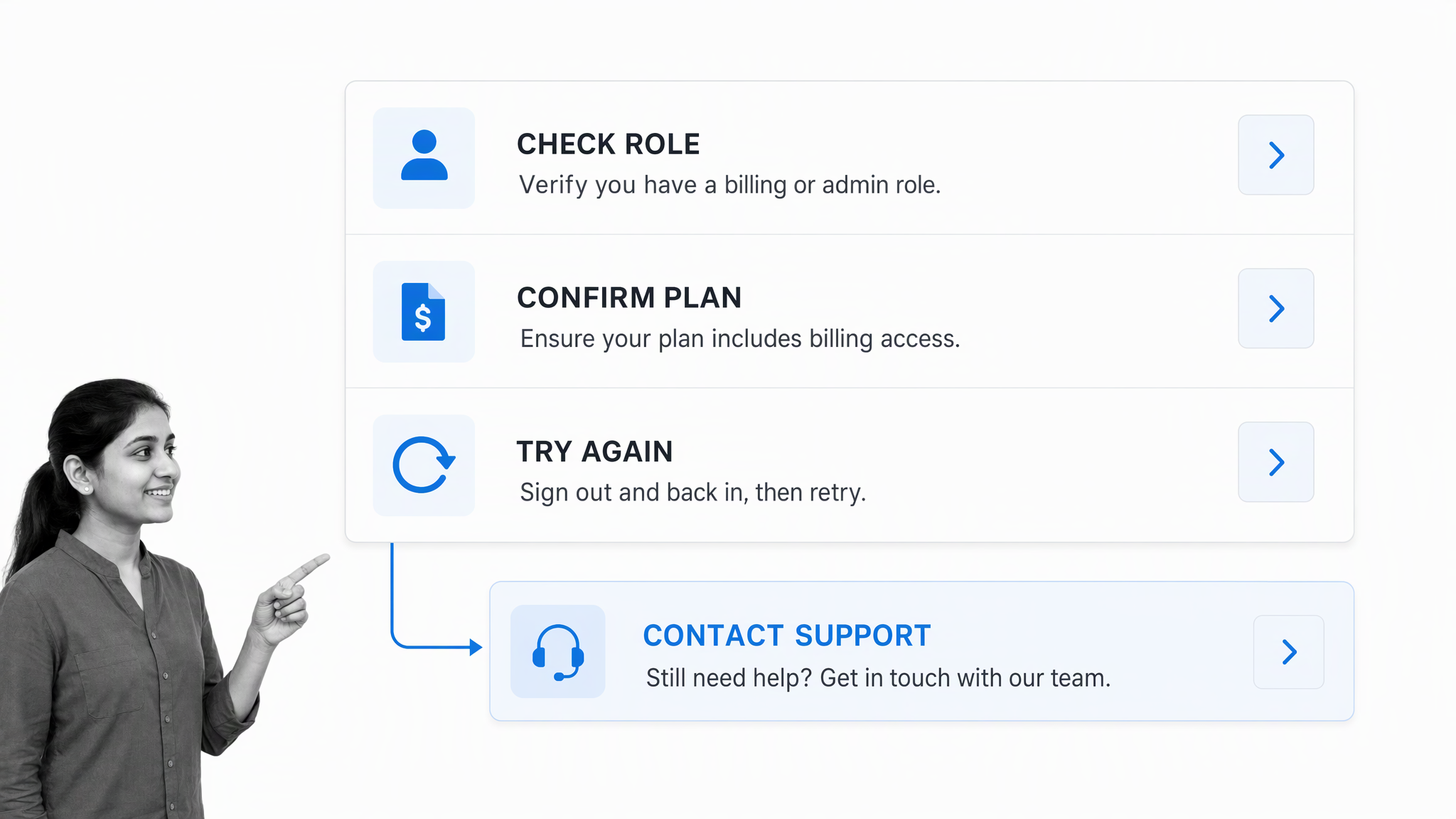
Personality helps when it serves clarity. A warm example, a reassuring note, or a little humor can make difficult instructions easier to follow. The human layer matters most when the article gives customers a clear path to a real person for complex, sensitive, or account-specific questions.
When you create your SaaS knowledge base, keep it customer-centric, current, regularly audited, well structured, accessible, and connected to the systems that reveal where customers struggle. Follow the evidence, and keep improving the experience around customers and their success.
Frequently asked questions
What should a SaaS knowledge base include?
Include setup guides, task instructions, troubleshooting articles, account and billing guidance, release information, and a clear route to human support. Organize the content around customer goals and keep every answer owned and reviewed.
How do you know whether a knowledge base is working?
Measure successful searches, failed searches, article feedback, repeat tickets, escalation rates, and whether customers still ask questions after reading a high-traffic article. Use those signals to prioritize revisions.
Should a SaaS knowledge base use AI?
AI can improve search and answer discovery when it is grounded in accurate documentation. It should not replace content ownership, review triggers, or a clear path to human support for complex questions.