


Turn every policy into automated workflows with built-in enforcement and audit-ready proof.



8 Best Next Matter Alternatives & Competitors in 2026

Next Matter alternatives help operations teams keep the benefits of structured workflow automation while finding a better match for their process ownership, budget, technical resources, and governance needs. Next Matter now positions itself as an agentic orchestration platform for funds and administrators, with orchestration, guest interfaces, APIs, and enterprise controls. That can be a strong fit for institutional operations, but it can also be more specialized or more expensive than a general operations team needs.
Teams usually evaluate alternatives for one of four reasons. They may want frontline staff to follow recurring SOPs without learning an application builder. They may need a simpler no-code request system. They may need a broader enterprise low-code platform for custom apps. Or they may need developer-owned BPMN orchestration that can coordinate technical services with precision. Those are different buying problems, even though vendors often use the same workflow language.
This comparison uses five practical criteria: fit for the operating model, ease of process ownership, governance and auditability, integration approach, and total pricing model. Product capabilities and pricing are based on current first-party vendor pages. The list is maintained editorially by the Process Street team, and each competitor is credited where it fits a use case better. The ranking favors sustained production use over the ease of building a polished demonstration, including the work required to govern, support, and improve workflows after launch.
The ranking therefore does not treat every workflow product as interchangeable. Some tools are strongest as workflow automation software for business teams, some are broad low-code development platforms, and others specialize in technical process orchestration. The best shortlist starts by naming the owner, the risk of a missed step, the systems involved, and the evidence the organization must retain.
Next Matter alternatives at a glance
Process Street ranks first for teams whose main need is enforceable, trackable, recurring SOP execution. Pipefy is a lighter choice for card-based request flows, while Kissflow and Appian go broader into internal applications. Nintex is stronger for document-heavy automation, Camunda for developer orchestration, Power Automate for Microsoft environments, and ServiceNow App Engine for enterprises already operating on ServiceNow.
| Tool | Best for | Standout feature | Free plan | Starting price |
|---|---|---|---|---|
| Process Street | Enforceable recurring SOPs and operational workflows | Required tasks, approvals, forms, and run records | Free trial | See pricing page |
| Pipefy | No-code request and process management | Pipe-based workflows with forms and portals | Yes | Free |
| Kissflow | Enterprise no-code workflows and internal apps | Workflows, apps, cases, and integrations | No public free plan | Contact sales |
| Nintex | Document-heavy process automation | Workflow, forms, documents, e-sign, and RPA | Free trial | $15,000 per year |
| Appian | Enterprise low-code process applications | AI process automation with low-code apps | Free development environment | Contact sales |
| Camunda | Developer-led process orchestration | Executable BPMN process models | Free development options | Contact sales |
| Microsoft Power Automate | Automation in Microsoft environments | Cloud flows and attended desktop flows | 30-day trial | $15 per user per month |
| ServiceNow App Engine | Enterprise apps on the ServiceNow platform | Low-code apps with enterprise governance | No public free plan | Custom quote |
Use the links below to compare each option in detail:
- Next Matter alternatives at a glance
- Process Street
- Pipefy
- Kissflow
- Nintex
- Appian
- Camunda
- Microsoft Power Automate
- ServiceNow App Engine
- How to choose a Next Matter alternative
- Next Matter alternatives FAQs
- Final takeaway
1. Process Street
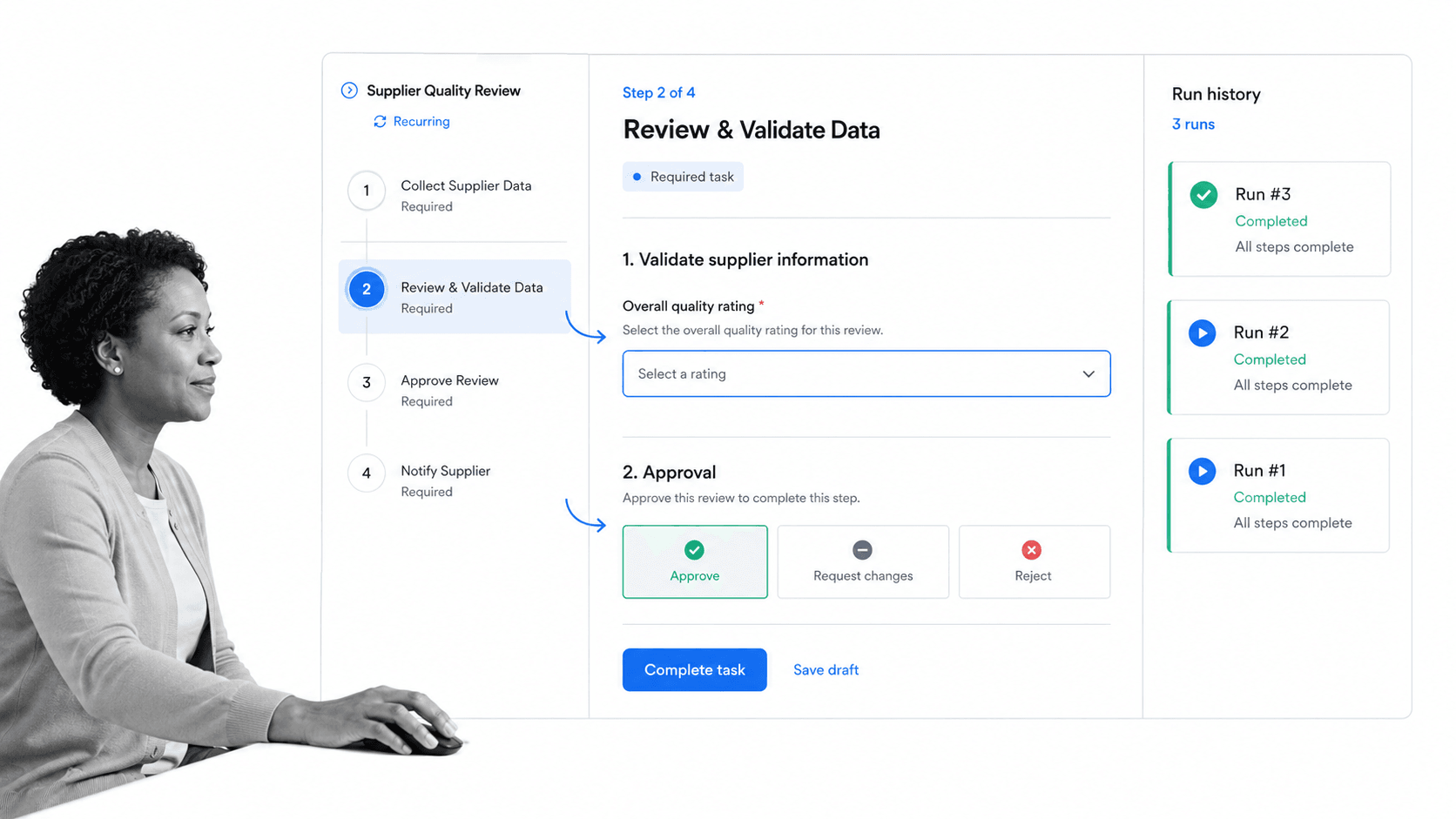
Best for: operations, compliance, HR, and finance teams that need recurring SOPs and workflows to be enforceable, trackable, and easy for business users to own.
Process Street is the strongest overall choice when the work must happen correctly every time, not simply move through a visual flowchart. It turns procedures into active workflow runs with assigned owners, required fields, due dates, conditional paths, approvals, and a durable record of completion. That makes it a practical fit for recurring operational work where skipped steps, missing evidence, or unclear handoffs create real risk.
The platform connects process documentation to execution. Teams can keep procedures close to the workflows that carry them out, then launch a fresh run for each employee, vendor, customer, audit, close, or review cycle. This structure is especially useful for employee onboarding, compliance checks, vendor qualification, finance approvals, and other work that repeats but still needs judgment.
Process Street also gives process owners a clear operating layer for human decisions. A workflow can collect structured information, require attachments, route an approval, change the next tasks based on answers, and show the status of every active run. Managers can review exceptions without asking the team to maintain a separate spreadsheet, while auditors or leaders can inspect the history of the work after it is complete.
This differs from Next Matter when a buyer’s main concern is repeatable SOP execution rather than building a broader custom operations application. Process Street keeps the authoring model approachable for operations teams and emphasizes accountability inside each run. It can also sit beside a technical orchestration platform when system-level automation and human-facing controls need separate layers.
Its integration story is designed for broad operational coverage. Process Street has direct, universal integrations to 5,000+ systems. Need a new one? An AI agent builds it on the fly. That lets a workflow trigger work across an existing stack while keeping approvals, evidence, and human decisions in a governed run.
The operational advantage becomes clearest after launch. A process owner can review active runs, spot late work, inspect an approval, and improve the procedure without turning the workflow into a software project. That supports teams using operations management software to coordinate recurring work across departments. It also gives leaders a common control point when a process spans several systems but still depends on a person to validate an exception or authorize the next step.
A sensible evaluation should use one real recurring process with at least one required field, one conditional branch, one approval, and one overdue task. Build it, hand it to an operator who did not design it, and inspect the record afterward. Process Street earns the top rank here because that test focuses on whether the procedure is followed and provable. If the pilot instead centers on building a custom application shell or executing technical BPMN, another product in this list will be the more honest choice.
Key features
- Workflow runs with assigned tasks, due dates, required fields, forms, approvals, and conditional logic.
- Pages for governed SOP and process knowledge beside execution.
- AI-assisted workflow creation and optimization for faster process design.
- Run history and operational records for audit review and continuous improvement.
- Direct integrations to 5,000+ systems, with an AI agent able to build new connections on demand.
Pros
- Strong fit for recurring procedures where every required step must be completed.
- Business users can own workflows without becoming low-code application developers.
- Approvals and evidence stay inside the same operational record.
- Works across onboarding, compliance, finance, HR, customer operations, and shared services.
- Can complement heavier orchestration tools as the human control and accountability layer.
Cons
- It is not a BPMN modeling and simulation suite for engineering-led orchestration.
- It is not intended to replace a full enterprise system of record or a general-purpose internal app platform.
Pricing follows a tiered platform model. Review the current details on the Process Street pricing page because plan packaging can change.
2. Pipefy
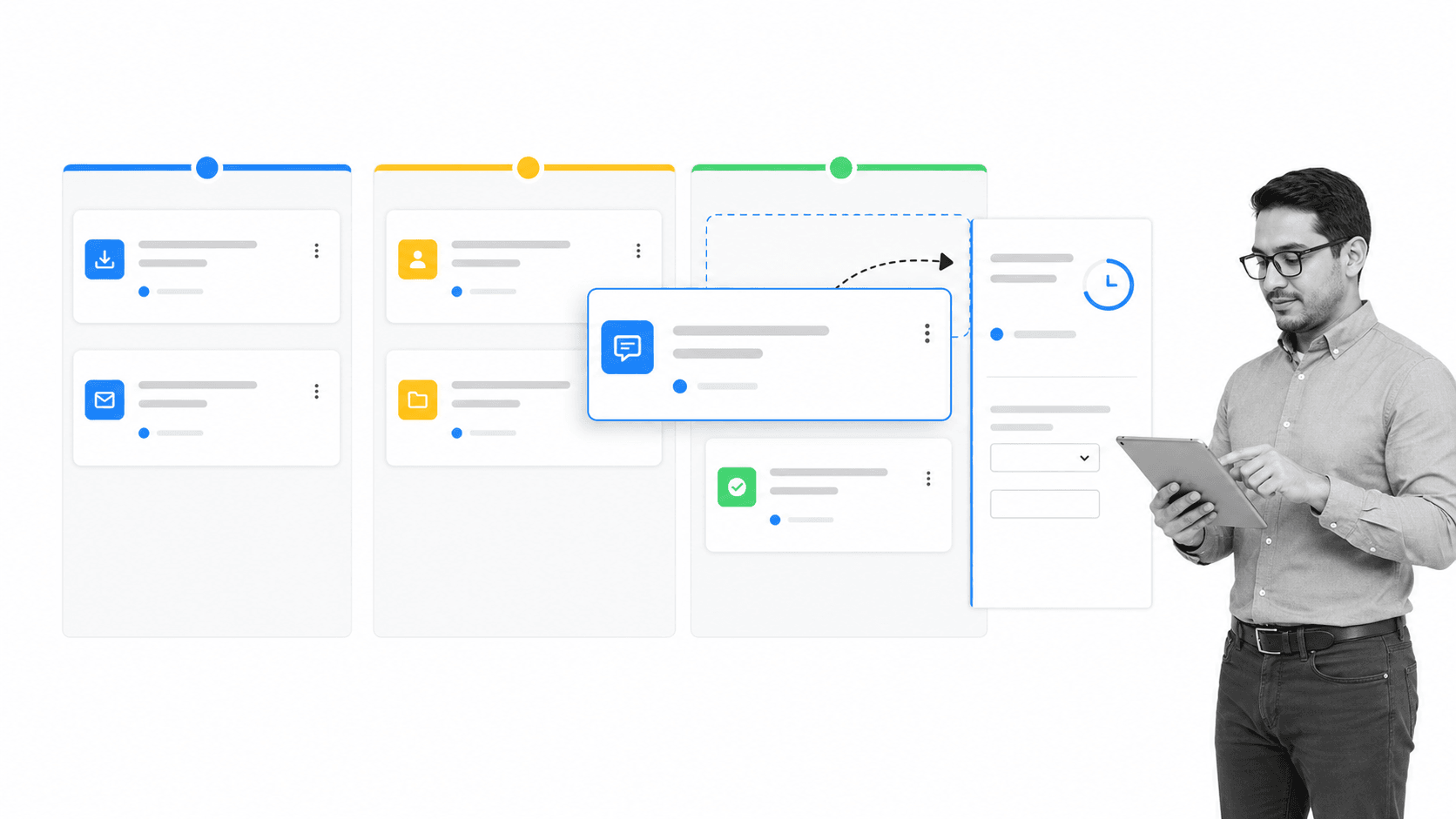
Best for: no-code request and process management.
Pipefy is a no-code process management platform built around pipes, phases, cards, request forms, and portals. It is a natural Next Matter alternative for teams that want incoming requests to enter a visible queue and move through a controlled sequence without building a custom application.
Pipefy is a better fit than Process Street when a team primarily wants card-based request management with external request portals and a Kanban-style operating view. Process Street is stronger when the procedure itself, required completion, and repeatable SOP evidence are the center of the work.
Where Pipefy fits in an operations stack
Pipefy should be evaluated with a workflow that reflects its stated strength: no-code request and process management. The pilot should make the pipe-based workflows with forms and portals visible, include a real exception, and show who can safely change the process after launch. Buyers should also check how identity, permissions, data retention, support, and integrations work in the exact package under consideration. Those details determine whether an attractive prototype becomes a maintainable operating system. A fair comparison uses the same inputs, approval path, exception, and reporting requirement across every shortlisted product.
Key features
- Pipe-style workflows with phases and cards.
- Public request forms and request tracking.
- Conditional logic, role-based access, and activity history on paid plans.
- Process templates, dashboards, and automation rules.
Pros
- A free Starter plan lowers the barrier for small teams.
- Visual card movement is easy to understand for request-based work.
- Forms and portals support intake from people outside the core process team.
Cons
- The free plan has limits on processes, users, and records.
- Complex enterprise controls and scale require paid plans.
Pipefy lists a free Starter plan for up to five processes and ten users. Business and Enterprise plans use sales-led pricing. Check the Pipefy official site for current details.
3. Kissflow
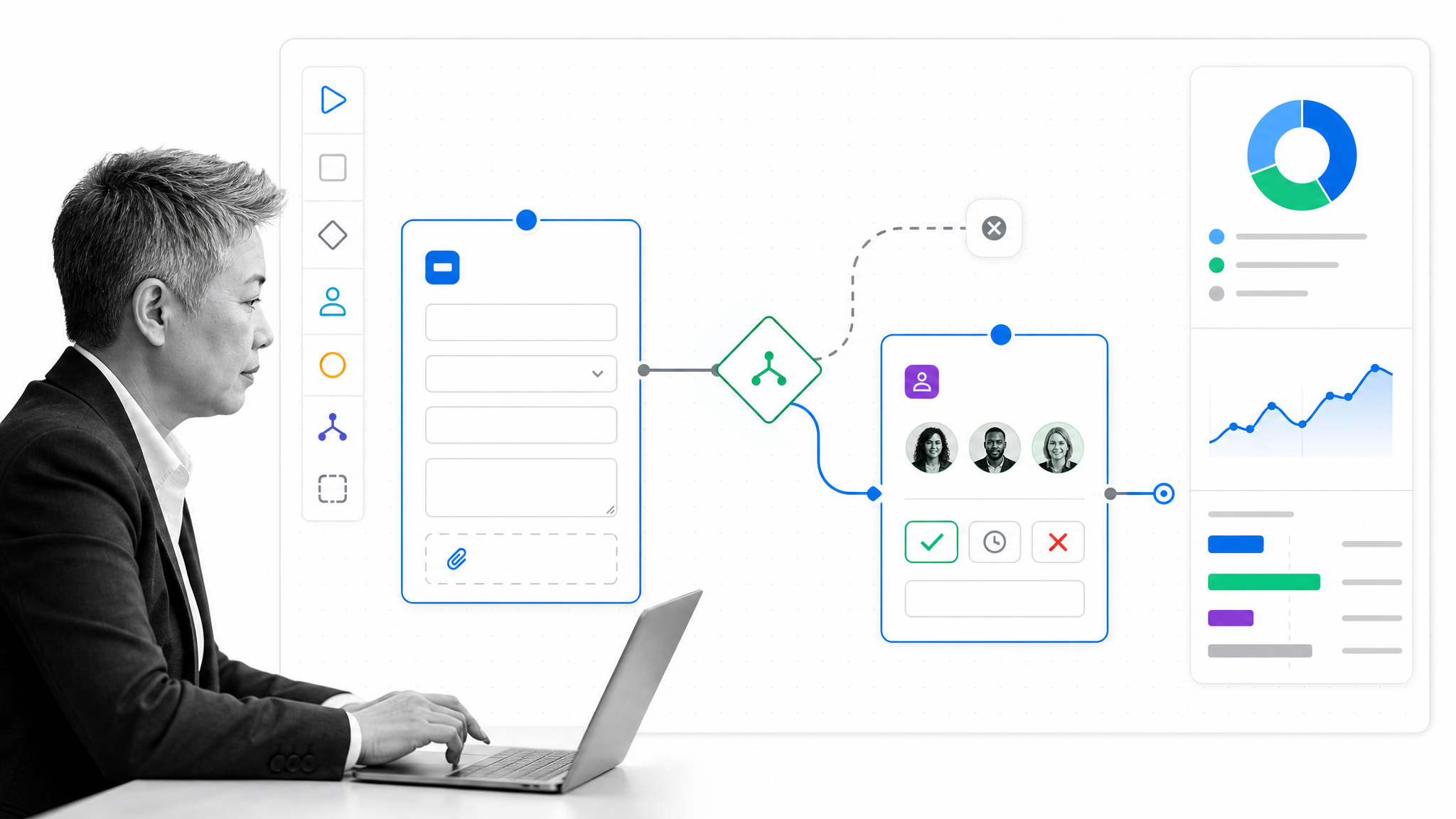
Best for: enterprise no-code workflows and internal apps.
Kissflow combines workflow automation, low-code application building, case management, integrations, analytics, and governance. It is aimed at organizations that want business teams and IT to collaborate on internal applications and cross-department processes from one platform.
Kissflow is a better fit than Process Street when the goal is to build a wider portfolio of custom internal apps, case experiences, dashboards, and workflows under centralized IT governance. Process Street is the more focused choice for recurring SOP execution and proof that required work was completed.
Where Kissflow fits in an operations stack
Kissflow should be evaluated with a workflow that reflects its stated strength: enterprise no-code workflows and internal apps. The pilot should make the workflows, apps, cases, and integrations visible, include a real exception, and show who can safely change the process after launch. Buyers should also check how identity, permissions, data retention, support, and integrations work in the exact package under consideration. Those details determine whether an attractive prototype becomes a maintainable operating system. A fair comparison uses the same inputs, approval path, exception, and reporting requirement across every shortlisted product.
Key features
- Visual workflow design with routing rules and approvals.
- Low-code and no-code internal application building.
- Case management, dashboards, analytics, and integration tools.
- Central governance for business-built solutions.
Pros
- Broad platform scope can reduce the need for separate app and workflow tools.
- Business and technical teams can collaborate within governance guardrails.
- Supports both structured workflows and case-oriented work.
Cons
- The broad platform can be more than a small operations team needs.
- Public pricing is not presented as a simple self-service tier table.
Kissflow uses value-based, fixed annual agreements and directs buyers to its sales team for current pricing. Check the Kissflow official site for current details.
4. Nintex
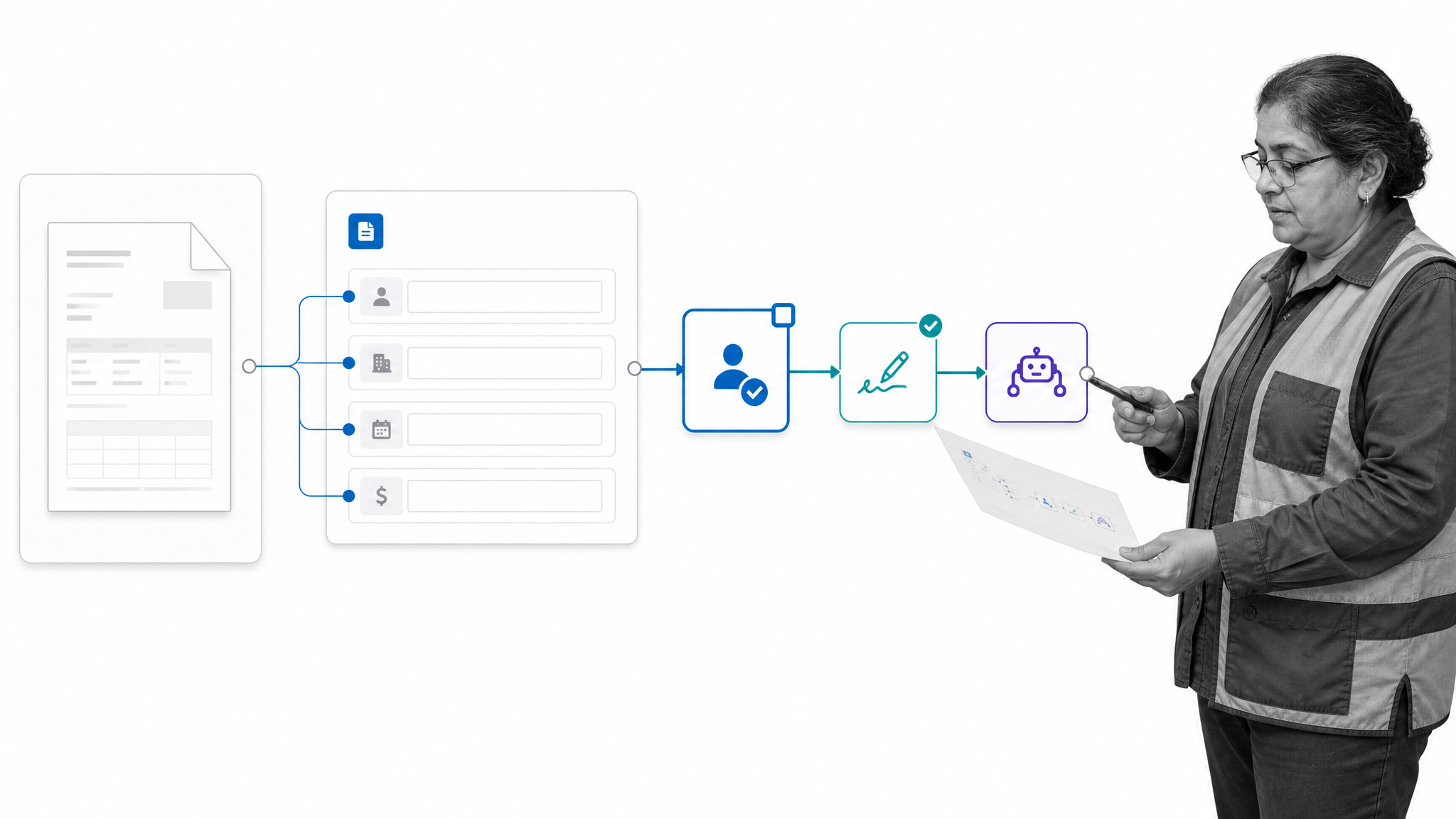
Best for: document-heavy process automation.
Nintex covers low-code workflow automation, forms, application development, document generation, electronic signatures, robotic process automation, and process management. It fits organizations that need to automate document-heavy processes across cloud, on-premises, or hybrid environments.
Nintex is a better fit than Process Street when document generation, e-signature, RPA, or a mixed cloud and self-hosted automation estate is the dominant requirement. Process Street is more direct for teams standardizing recurring human procedures and approvals.
Where Nintex fits in an operations stack
Nintex should be evaluated with a workflow that reflects its stated strength: document-heavy process automation. The pilot should make the workflow, forms, documents, e-sign, and rpa visible, include a real exception, and show who can safely change the process after launch. Buyers should also check how identity, permissions, data retention, support, and integrations work in the exact package under consideration. Those details determine whether an attractive prototype becomes a maintainable operating system. A fair comparison uses the same inputs, approval path, exception, and reporting requirement across every shortlisted product.
Key features
- Drag-and-drop workflow and forms design.
- Document generation and electronic signature capabilities.
- Robotic process automation and intelligent document processing.
- Cloud and self-hosted platform options.
Pros
- Broad automation suite supports document-intensive workflows.
- No-code design opens workflow building to non-developers.
- RPA can bridge systems that lack suitable APIs.
Cons
- A broad suite can require more platform planning and administration.
- The published cloud starting point is aimed at organizational adoption, not a lightweight individual plan.
Nintex publishes a cloud starting point of $15,000 per year and offers a free trial. Buyers should verify the package that matches their deployment and capability needs. Check the Nintex official site for current details.
5. Appian
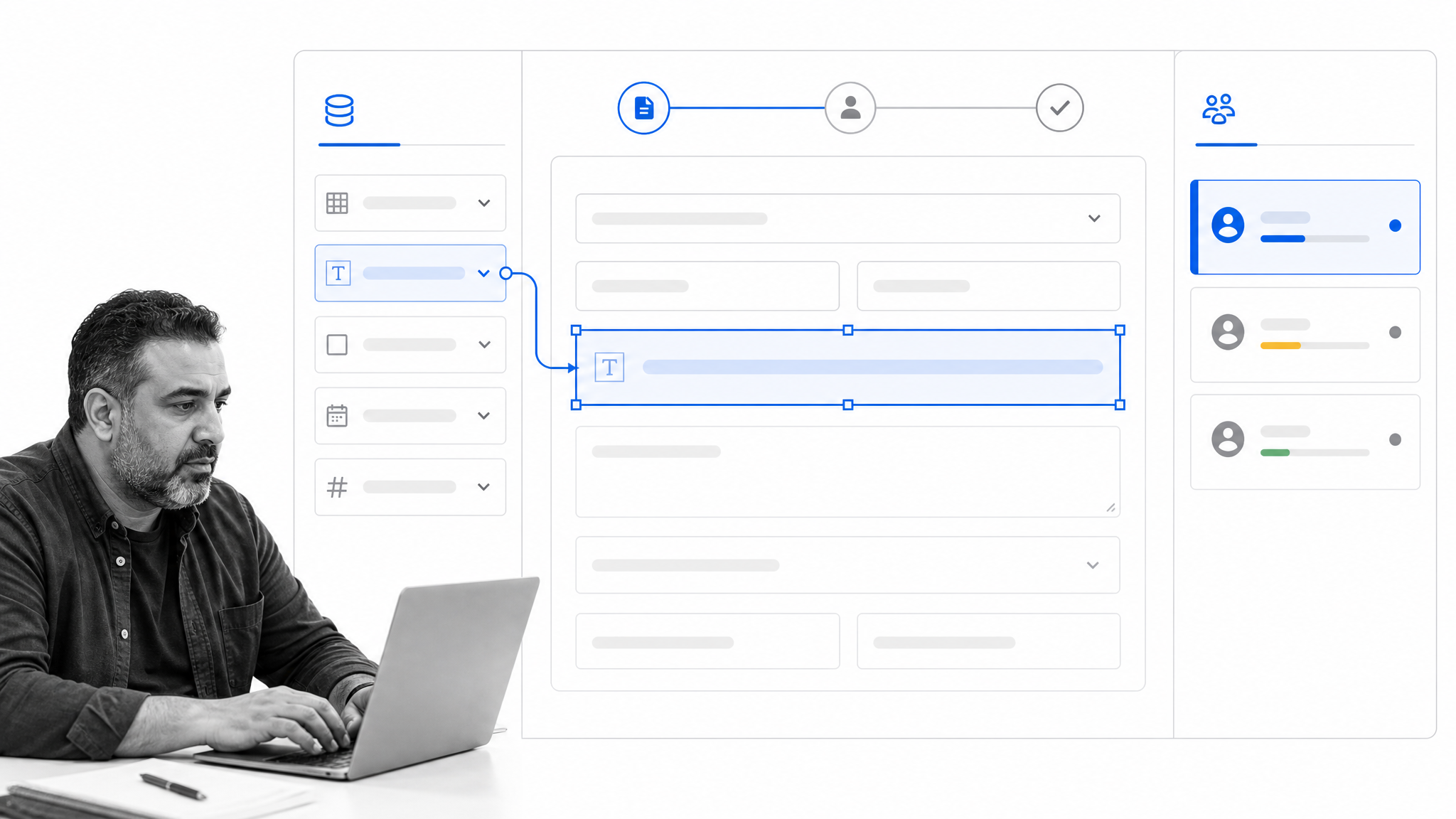
Best for: enterprise low-code process applications.
Appian is an AI process automation platform for building low-code applications that coordinate people, data, and systems. It is a strong Next Matter alternative when an enterprise wants to create mission-critical process applications rather than only configure recurring operational checklists.
Appian is a better fit than Process Street when a program needs custom application experiences, enterprise data unification, and complex case or process applications. Process Street wins when operations teams need a faster, narrower system for governed SOP execution.
Where Appian fits in an operations stack
Appian should be evaluated with a workflow that reflects its stated strength: enterprise low-code process applications. The pilot should make the ai process automation with low-code apps visible, include a real exception, and show who can safely change the process after launch. Buyers should also check how identity, permissions, data retention, support, and integrations work in the exact package under consideration. Those details determine whether an attractive prototype becomes a maintainable operating system. A fair comparison uses the same inputs, approval path, exception, and reporting requirement across every shortlisted product.
Key features
- Low-code application development for process automation.
- Process orchestration across people, data, and systems.
- AI-assisted development and automation capabilities.
- A free personal development environment for platform exploration.
Pros
- Suitable for complex enterprise process applications.
- Combines app development and process automation in one platform.
- Free development access supports early technical evaluation.
Cons
- Implementation typically needs stronger technical and platform governance skills.
- Production pricing is sales-led rather than a simple public self-service plan.
Appian offers a free personal development environment. Production packages and pricing are handled through Appian sales. Check the Appian official site for current details.
6. Camunda
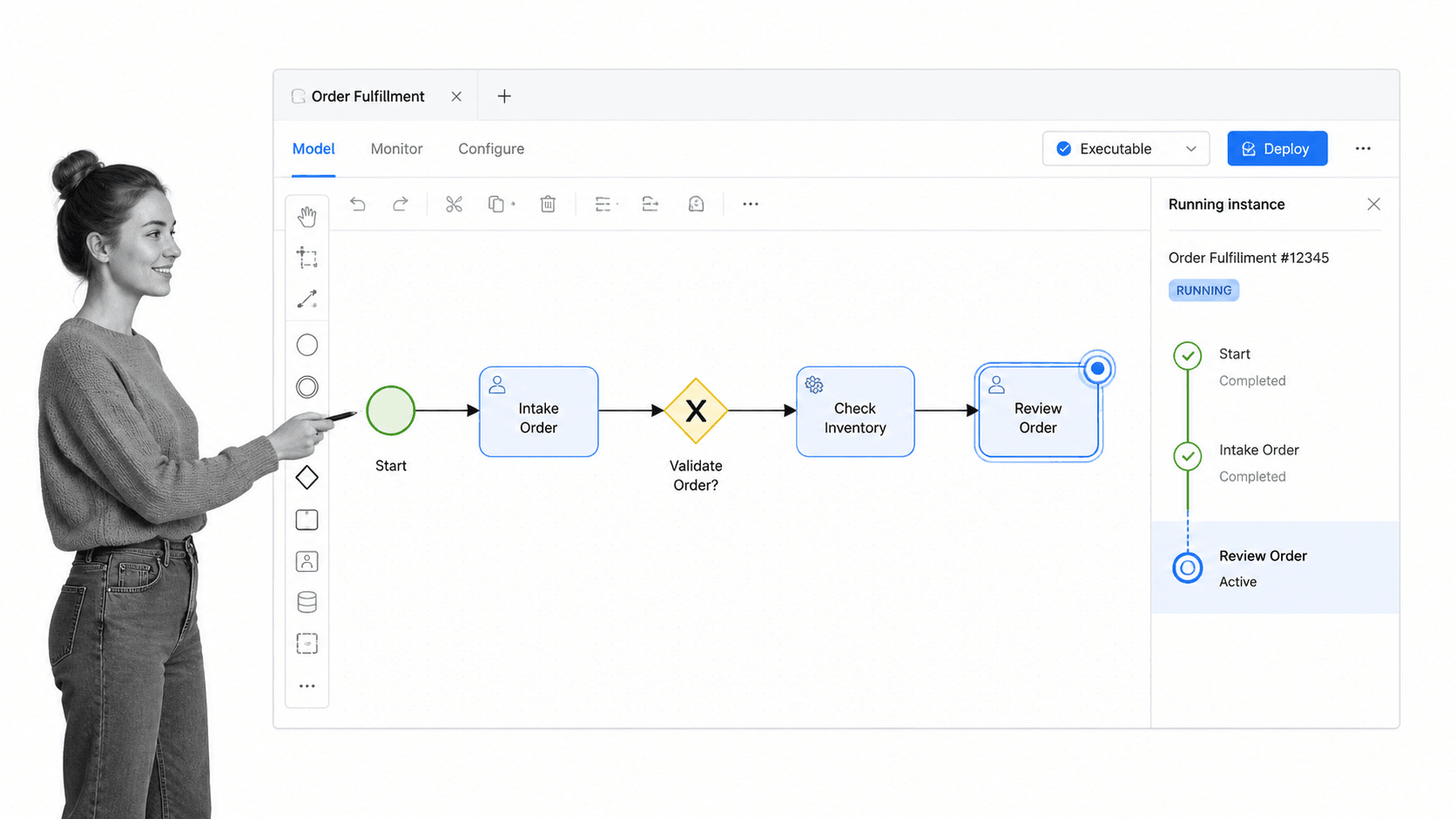
Best for: developer-led process orchestration.
Camunda is a process orchestration platform centered on executable BPMN process models. It is designed for technical teams that need to coordinate APIs, services, systems, people, and automated decisions across long-running business processes.
Camunda is a better fit than Process Street when developers need standards-based BPMN orchestration, technical resilience, and explicit control over distributed system behavior. Process Street is better when business teams own the recurring procedure and need a clear human task experience.
Where Camunda fits in an operations stack
Camunda should be evaluated with a workflow that reflects its stated strength: developer-led process orchestration. The pilot should make the executable bpmn process models visible, include a real exception, and show who can safely change the process after launch. Buyers should also check how identity, permissions, data retention, support, and integrations work in the exact package under consideration. Those details determine whether an attractive prototype becomes a maintainable operating system. A fair comparison uses the same inputs, approval path, exception, and reporting requirement across every shortlisted product.
Key features
- Executable BPMN process modeling.
- Technical orchestration across services, systems, and human work.
- Operational tooling for deployed process instances.
- Development options for evaluation before enterprise rollout.
Pros
- Strong match for developer-owned orchestration.
- BPMN creates a shared visual model that also drives execution.
- Well suited to complex, long-running processes across systems.
Cons
- Business operations teams may need engineering support to design and maintain solutions.
- It is not primarily an SOP authoring and frontline checklist experience.
Camunda publishes platform plan information and directs enterprise buyers to sales. Teams can use available development options to evaluate the platform. Check the Camunda official site for current details.
7. Microsoft Power Automate
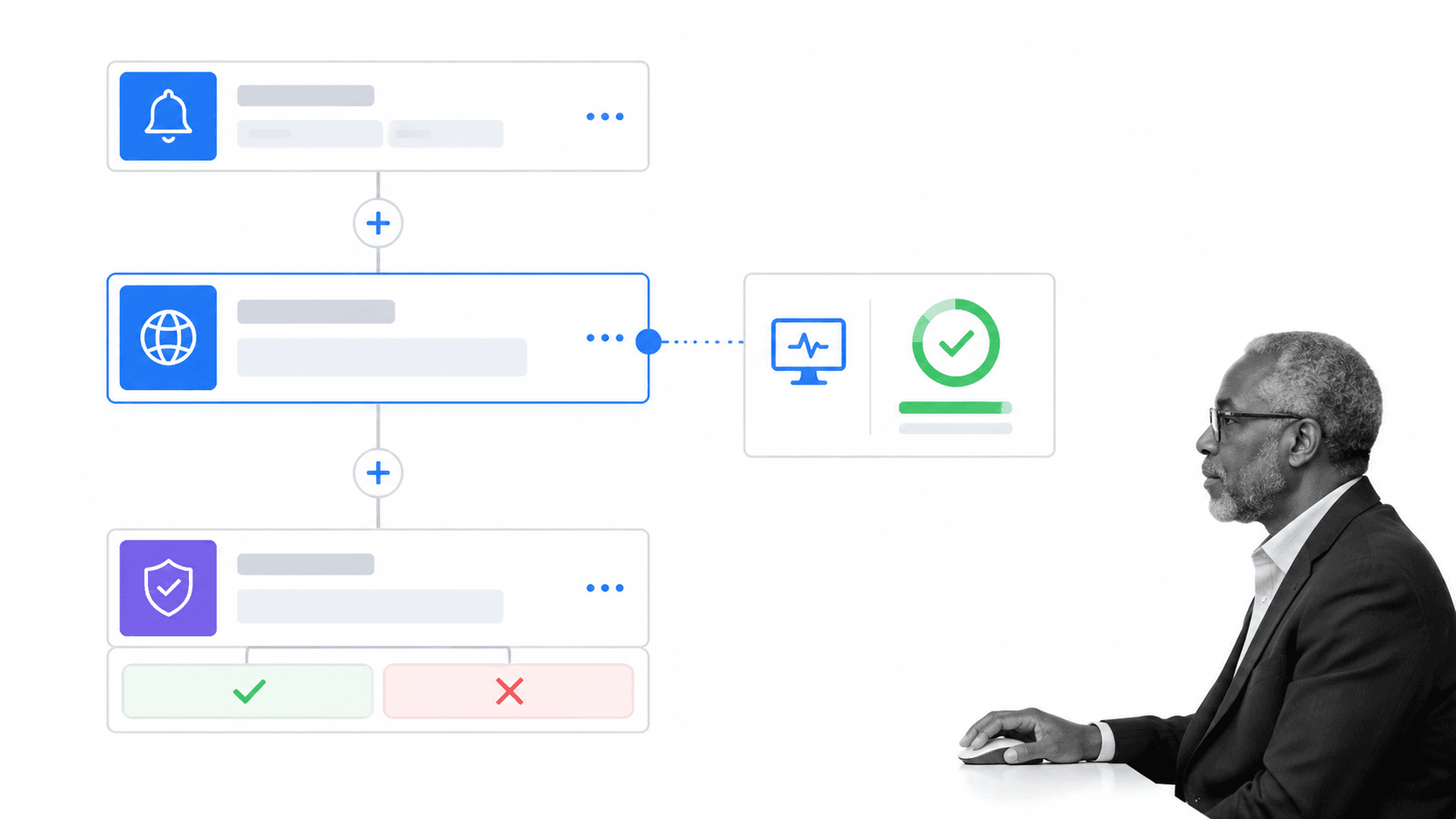
Best for: automation in microsoft environments.
Microsoft Power Automate provides cloud flows, attended desktop flows, unattended automation options, and process mining inside the Microsoft Power Platform. It is a practical alternative for organizations already standardized on Microsoft’s productivity, cloud, and data ecosystem.
Power Automate is a better fit than Process Street when the priority is automating actions across Microsoft applications or using desktop RPA. Process Street is the better fit when the main need is a governed recurring SOP with human accountability and an easy run experience.
Where Microsoft Power Automate fits in an operations stack
Microsoft Power Automate should be evaluated with a workflow that reflects its stated strength: automation in microsoft environments. The pilot should make the cloud flows and attended desktop flows visible, include a real exception, and show who can safely change the process after launch. Buyers should also check how identity, permissions, data retention, support, and integrations work in the exact package under consideration. Those details determine whether an attractive prototype becomes a maintainable operating system. A fair comparison uses the same inputs, approval path, exception, and reporting requirement across every shortlisted product.
Key features
- Cloud flows for API-based automation.
- Attended desktop flows for user-driven RPA.
- Process and task mining in the Premium plan.
- Connections across the wider Microsoft Power Platform.
Pros
- Natural fit for Microsoft-centric environments.
- Supports both cloud automation and desktop interaction.
- Published per-user pricing makes initial comparison easier.
Cons
- Licensing becomes more complex across users, bots, hosted machines, and premium connectors.
- A collection of flows does not automatically become a governed SOP library.
Microsoft lists a 30-day free trial and Power Automate Premium at $15 per user per month when paid yearly. Bot and hosted automation plans use separate pricing. Check the Microsoft Power Automate official site for current details.
8. ServiceNow App Engine
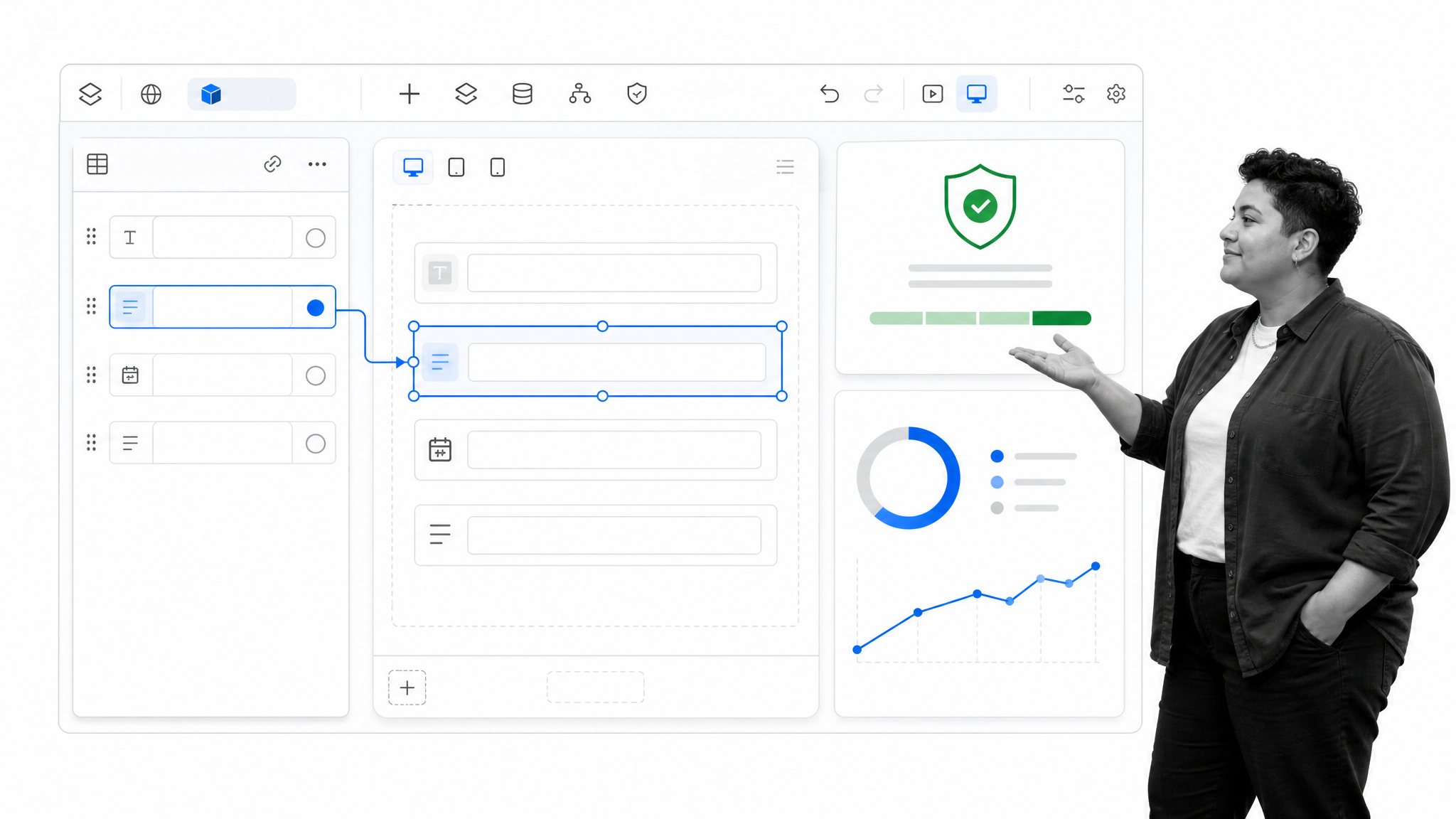
Best for: enterprise apps on the servicenow platform.
ServiceNow App Engine provides low-code tools for building workflow applications on the ServiceNow AI Platform. It is designed for enterprises that want custom apps, requests, workspaces, analytics, and governance close to their existing ServiceNow data and operating model.
ServiceNow App Engine is a better fit than Process Street when the organization already runs major service workflows on ServiceNow and wants new applications governed on that platform. Process Street is faster to adopt when a cross-functional operations team needs standalone SOP execution without a wider ServiceNow program.
Where ServiceNow App Engine fits in an operations stack
ServiceNow App Engine should be evaluated with a workflow that reflects its stated strength: enterprise apps on the servicenow platform. The pilot should make the low-code apps with enterprise governance visible, include a real exception, and show who can safely change the process after launch. Buyers should also check how identity, permissions, data retention, support, and integrations work in the exact package under consideration. Those details determine whether an attractive prototype becomes a maintainable operating system. A fair comparison uses the same inputs, approval path, exception, and reporting requirement across every shortlisted product.
Key features
- Low-code application development with App Engine Studio and Creator Studio.
- Custom tables, scoped apps, workspaces, and request experiences.
- Enterprise governance and management for citizen development.
- Workflow automation, analytics, mobile, and AI capabilities by package.
Pros
- Strong alignment for existing ServiceNow customers.
- Enterprise governance supports a large portfolio of internal apps.
- Apps can stay close to service data and platform workflows.
Cons
- The platform can be excessive for a focused operations team that only needs recurring procedures.
- Pricing requires a custom quote and package evaluation.
ServiceNow offers App Engine Foundation and App Engine Prime packages and asks buyers to request a custom quote. Check the ServiceNow App Engine official site for current details.
How to choose a Next Matter alternative
Start with the work, not the feature list
Separate recurring human procedures from application development and technical orchestration. If people must complete the same sequence, provide evidence, and pass approvals, prioritize SOP software and a clear workflow management system. If the process is really a custom internal product, a low-code app platform may fit better. If it coordinates services and APIs, look at an orchestration engine.
Decide who owns changes
A platform is only sustainable when the right team can maintain it. Operations-led workflow apps should let process owners adjust steps, forms, owners, and approvals without a development queue. Enterprise app platforms can justify stronger IT governance when they support many departments. Developer orchestration should stay with teams that can test, deploy, and monitor technical process models.
Match governance to operational risk
For high-stakes work, ask whether required data can be enforced, whether approvals are recorded, whether a run can be reconstructed, and whether exceptions are obvious. Those questions matter more than the number of diagram shapes. Teams evaluating compliance workflow software or approval workflow software should test a real exception path before buying.
Price the operating model
Compare platform fees, per-user charges, run or transaction charges, implementation services, premium connectors, bot licensing, and the internal people needed to maintain the system. A low entry price can become expensive if every workflow requires consulting. A higher platform price can still be efficient if it replaces several tools and the business can safely own changes.
Run a representative pilot
Choose one process with forms, an approval, an exception, and a reporting need. Build it end to end, then ask a real operator to run it without the builder present. The pilot should prove that the chosen business process automation platform supports daily execution, not just an attractive design session. Include one integration and one overdue case so support and monitoring are tested too.
Check whether the platform improves the process over time
A production system should help owners see where work stalls, which exceptions repeat, and which instructions cause confusion. Test how the product supports reporting, revisions, permissions, and change control. A tool that is easy to launch but hard to govern can create a second layer of process debt. The right process management software should make the current procedure easier to run and the next version easier to improve without losing the history of prior work.
Plan the migration before committing
Migration is more than copying a workflow diagram. Inventory active and inactive processes, current owners, form fields, attachments, integrations, service accounts, guest users, retention requirements, and reports. Decide which history must remain searchable and which processes should be retired instead of rebuilt. Then move work in waves, starting with a representative but reversible process. Keep a short parallel-run period for high-risk operations, reconcile outputs, and record who signs off on each migrated workflow. This approach exposes missing permissions, data mappings, and exception paths before they affect the most critical work.
Review security, data, and administration
A workflow platform can become a home for employee data, customer records, financial approvals, audit evidence, and system credentials. Ask each vendor where data is hosted, how access is provisioned and removed, which administrative events are logged, how backups and exports work, and whether the required identity controls are available in the proposed plan. Review guest access separately because external forms and portals can introduce a different permission model. The security review should use the actual deployment option and contract, not a generic feature page, and the process owner should document any controls that remain outside the platform.
Test support and day-two ownership
Run the pilot long enough to need a change. Add a field, revise an approval, replace an owner, troubleshoot a failed integration, and recover from a mistaken configuration. Record who solved each issue and how long the work took. This exposes the true day-two operating model: whether the business can manage routine changes, when IT is required, which problems need vendor support, and how much specialized knowledge the platform creates. A successful demo proves that a workflow can be built. A successful evaluation proves that the organization can operate it safely for years.
Next Matter alternatives FAQs
What is the best Next Matter alternative?
Process Street is the best Next Matter alternative for teams that need enforceable recurring SOPs, required tasks, approvals, and operational records. Appian or Kissflow may fit better for broad internal application development, while Camunda is stronger for developer-led BPMN orchestration.
Is there a free Next Matter alternative?
Pipefy offers a free Starter plan with limits on processes and users. Appian offers a free personal development environment, and several other vendors offer trials or development options rather than permanent free production plans.
What is the closest alternative to Next Matter?
The closest choice depends on how you use Next Matter. Kissflow and Appian are close for low-code process applications, Pipefy for no-code operational request flows, and Camunda for deeper technical orchestration.
What is the best Next Matter alternative for small teams?
Process Street is a strong choice when a small team needs repeatable SOP execution and accountability. Pipefy can be attractive when the work is mainly requests moving through visible phases and the free plan limits are sufficient.
What is the best Next Matter alternative for enterprises?
Appian, Nintex, Kissflow, and ServiceNow App Engine are designed for broader enterprise programs, but they optimize for different work. Choose Appian for low-code process applications, Nintex for document-heavy automation, Kissflow for governed business-built apps, or ServiceNow when the organization is already standardized on that platform.
Is there a Microsoft equivalent to Next Matter?
Microsoft Power Automate is the closest Microsoft option in this list. It combines cloud flows, desktop flows, and process mining, and it fits organizations that already depend on Microsoft’s productivity, cloud, and data ecosystem.
How should a team migrate from Next Matter?
Inventory active workflows, owners, forms, integrations, data retention needs, and reporting requirements. Rebuild one representative workflow first, validate the exception paths and audit history, then move processes in risk-based waves while preserving exports from the old system.
Why is Process Street ranked first?
Process Street ranks first for the use case most operations teams bring to this comparison: recurring work that must follow an SOP, collect required information, route approvals, and leave a clear record. It is not ranked first for every use case, and the guide identifies stronger options for low-code apps, Microsoft automation, and technical BPMN orchestration.
Final takeaway
The right alternative depends on the kind of operating system you are building. Choose Process Street when recurring SOP execution, accountability, approvals, and evidence are the center of the problem. Choose a broader low-code suite when custom applications are the goal, or a technical engine when developers own cross-system orchestration. A focused pilot will reveal that distinction faster than a long feature checklist.
Comparing something else? The full directory of software alternatives and competitor comparisons covers AI agents, workflow and BPM platforms, integration tools, and more.
