






A customer success process is the repeatable system a team uses to move customers from kickoff to value, adoption, support, and renewal. The right customer success automation removes routine coordination, captures reliable signals, and prompts the next action. It does not replace discovery, judgment, reassurance, or recovery when a customer needs a person.
A practical rule is simple: automate work that is repeatable, low-risk, and triggered by clear evidence. Keep human ownership where the situation is ambiguous, emotionally important, commercially sensitive, or difficult to reverse. This guide applies that rule across onboarding, data gathering, enablement, follow-up, feedback, support, and renewals.
What’s in a Customer Success process?
Customer success is not something you do once or someone you hire to make magic happen. It is a process. That brings practical benefits: part of it can be automated, it can be rationalized and broken down into steps, a group of people can be trained to execute it, and the work can be tracked and documented. The question is what a customer success process should look like for the service being delivered.
Customer success sits on a continuum. At one end, a self-service product may rely on in-product guidance, governed help content, behavioral triggers, and automated reminders. At the other, a high-value account may need discovery calls, implementation planning, executive alignment, and coordinated recovery when adoption stalls. Most teams operate somewhere between those extremes.
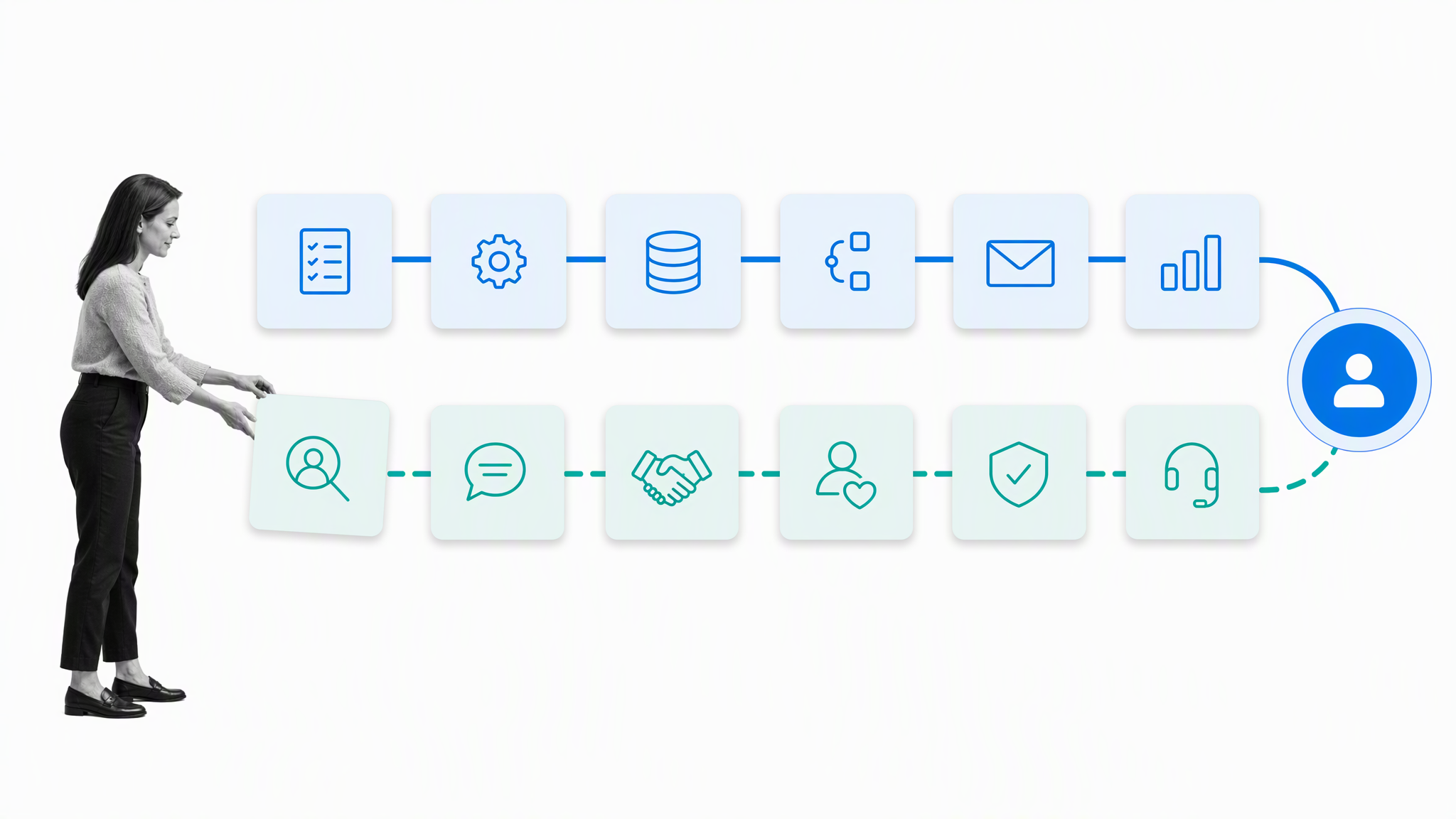
A mostly self-service SaaS product may bring customer success into only its largest enterprise setups. A product that needs a high-touch approach or concierge onboarding has to work closely with customers. Chances are, your business falls somewhere between those two categories. Customers might be able to use the service without interacting with a human, while some situations still require a little more guidance.
The service model determines where automation belongs. A useful customer success system defines five things for every important moment: the trigger that starts the work, the context required to make a good decision, the action that should follow, the owner accountable for the outcome, and the escalation path when the normal route is not enough.
The systems and events that come together to form the customer success process include the kick-off call, data gathering, webinar training, training articles, follow-up sequences, NPS surveys, feedback loops, customer support, and renewal. Some can be fully automated, some can be partially automated, and some need human interaction to work. Figuring out which can be automated and which need a person or team assigned is the first design decision.
That design protects the parts of customer success that create trust while making routine execution consistent. Automation can assign tasks, request data, schedule reminders, route feedback, flag risk, and record evidence. People can interpret goals, negotiate tradeoffs, handle exceptions, and decide what a customer needs next.
- Automate coordination: assignments, due dates, reminders, routing, evidence requests, and recurring checks.
- Keep judgment human: discovery, expectation setting, sensitive feedback, escalations, and renewal recovery.
- Measure outcomes: time to value, milestone completion, product adoption, support friction, retention, and renewal health.
- Govern the system: document the process, name owners, preserve decision history, and improve the workflow when evidence changes.
Kick-off call
A kickoff call should remain human-led when the relationship, desired outcome, stakeholders, or implementation path still needs discovery. The conversation is where a customer success manager tests assumptions, hears how the customer describes success, and identifies risks that a form cannot reliably interpret.

The kick-off call is the first phone call made post-sale. The salesperson hands off to the designated customer success rep, who calls the customer to learn more about their situation. For a complex product, such as an analytics platform, this helps the customer success reps figure out how the product should be set up and implemented. As the first point of contact with someone who is not trying to sell something, it is also a moment when the customer can feel valued and looked after.
Automation should prepare and follow the call. It can gather basic account facts, create an agenda, remind attendees, assign follow-up tasks, and record agreed milestones. A documented customer success onboarding process gives every new customer a clear route from kickoff to early value without turning the meeting into a data-entry exercise.
The output should be operational, not merely a recording or set of notes. Capture the customer goal, the outcome promised during the sale, the first-value milestone, key stakeholders, known constraints, the next decision, and the owner of each commitment. When those fields are complete, the system can trigger the right onboarding path and surface missing context before it becomes a delay.
Data gathering
Collect information progressively. Ask only for what is necessary to deliver the next piece of value, then request additional context when a decision or milestone requires it. Long intake forms often create friction and still fail to capture the details that matter because customers cannot predict every future need at the start.
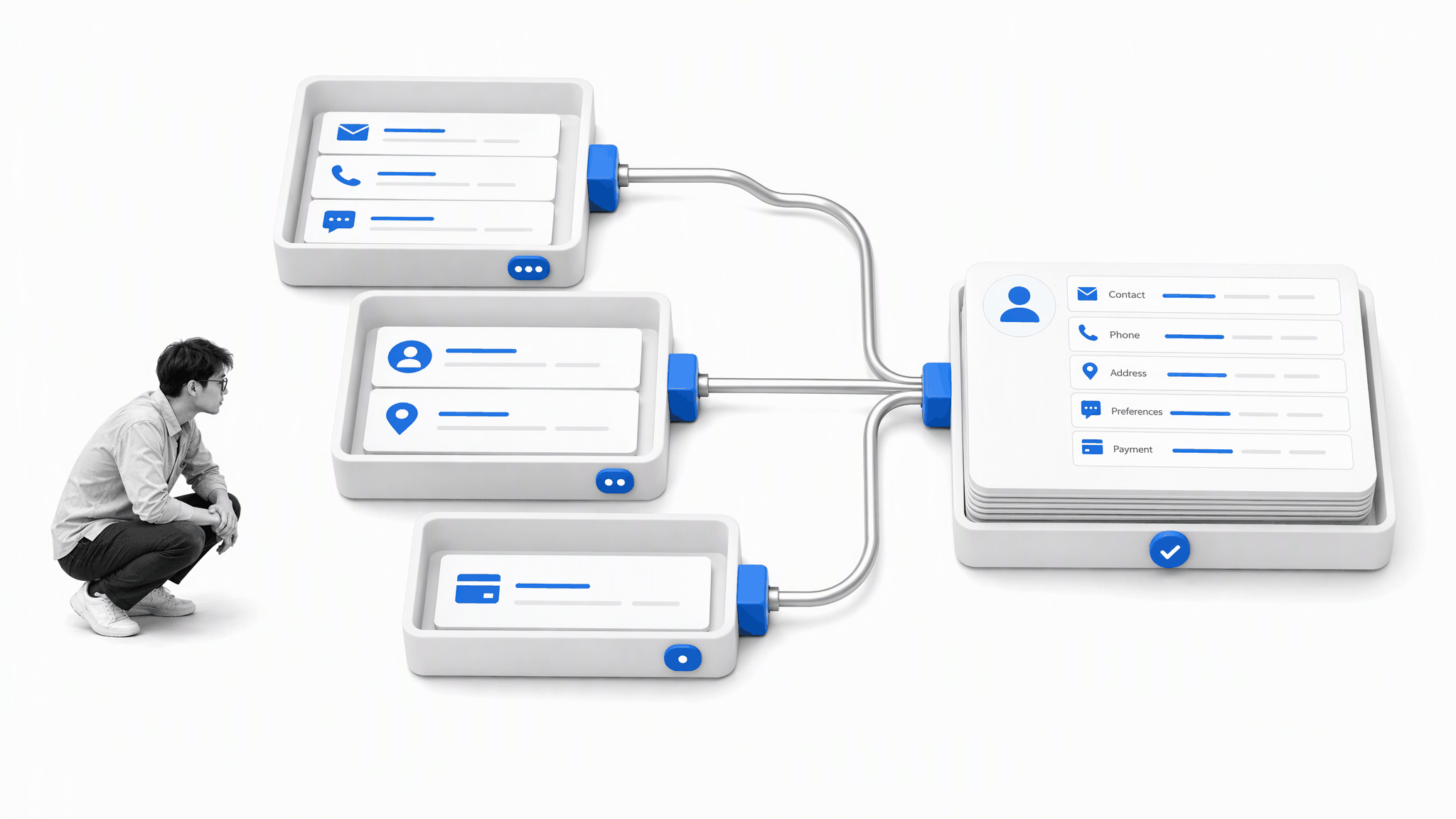
The data gathering process can be automated and might be partially complete before the customer success process starts. Depending on what staff do pre-sale, the marketing or sales team may have already gathered data that can help customer success learn more about the account they will be working with. Reuse what is already known, then ask for additional information in context instead of overwhelming customers with too much at one time.
Automate standardized requests, validation, reminders, and routing. Keep a person involved when the answer changes scope, reveals a material risk, conflicts with another source, or requires interpretation. The customer should not have to repeat information that already exists in the sales handoff, support history, or account record.
A reliable data-gathering step also defines why each field exists, who can access it, and how long it remains useful. That makes the process easier for customers and helps the team avoid collecting information that is never used. When context changes, update the shared record rather than burying the new fact in a message thread.
Webinar training
Training works best as a lifecycle program rather than a single event. Reusable live sessions, recordings, office hours, and guided practice can serve many customers, but the invitation should match the job the customer is trying to complete. A generic calendar of webinars is not a substitute for an enablement plan.
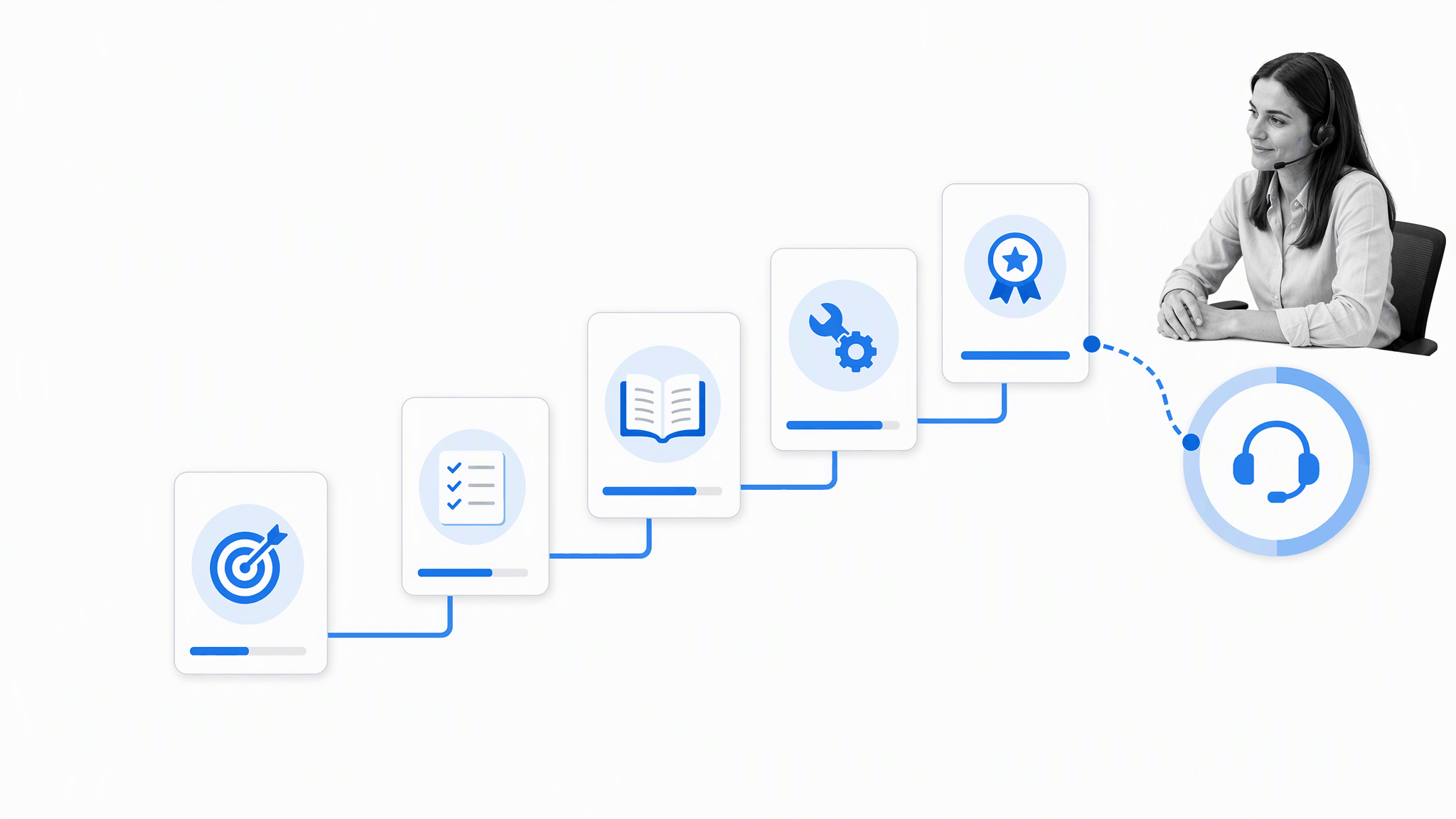
Automate enrollment, reminders, attendance capture, and follow-up resources. Keep facilitators available for questions, account-specific constraints, and situations where a customer is struggling to apply the material. Trigger extra help when someone misses a critical session, fails a readiness check, or reaches a milestone without using the capability the training was meant to support.
Evaluate training by behavior and outcomes, not attendance alone. Useful signals include time to complete a key task, adoption of the relevant feature or process, confidence reported by the customer, and fewer avoidable support requests. Those signals tell the team whether the program is helping customers reach value.
Training articles
Training articles turn repeated explanations into governed knowledge. Each article should help a reader complete one real task, state prerequisites, show the expected result, and identify when to ask for help. Searchable knowledge reduces friction, but only if the content is accurate, maintained, and connected to the process customers are following.
Just like webinars, written content serves more than one purpose. It can support lead generation, provide passive customer support, and act as a tool for customer success agents. A team can link customers to training articles for more information while explaining the idea one-to-one. The reference gives both the customer and the success rep a consistent starting point.
Automate review dates, ownership, feedback capture, and prompts when a product or policy change makes an article stale. Built-in AI can help a team find approved knowledge or draft a summary, but an accountable owner should verify instructions before publication. Support and customer success teams should share feedback so unclear content becomes an improvement task rather than a permanent source of tickets.
Follow-up sequences
Customer follow-up should respond to behavior and milestones, not just the passage of time. A useful sequence might begin when the kickoff ends, when required data arrives, when a training milestone is missed, or when usage drops after early adoption. The event supplies context that makes the next message or task relevant.
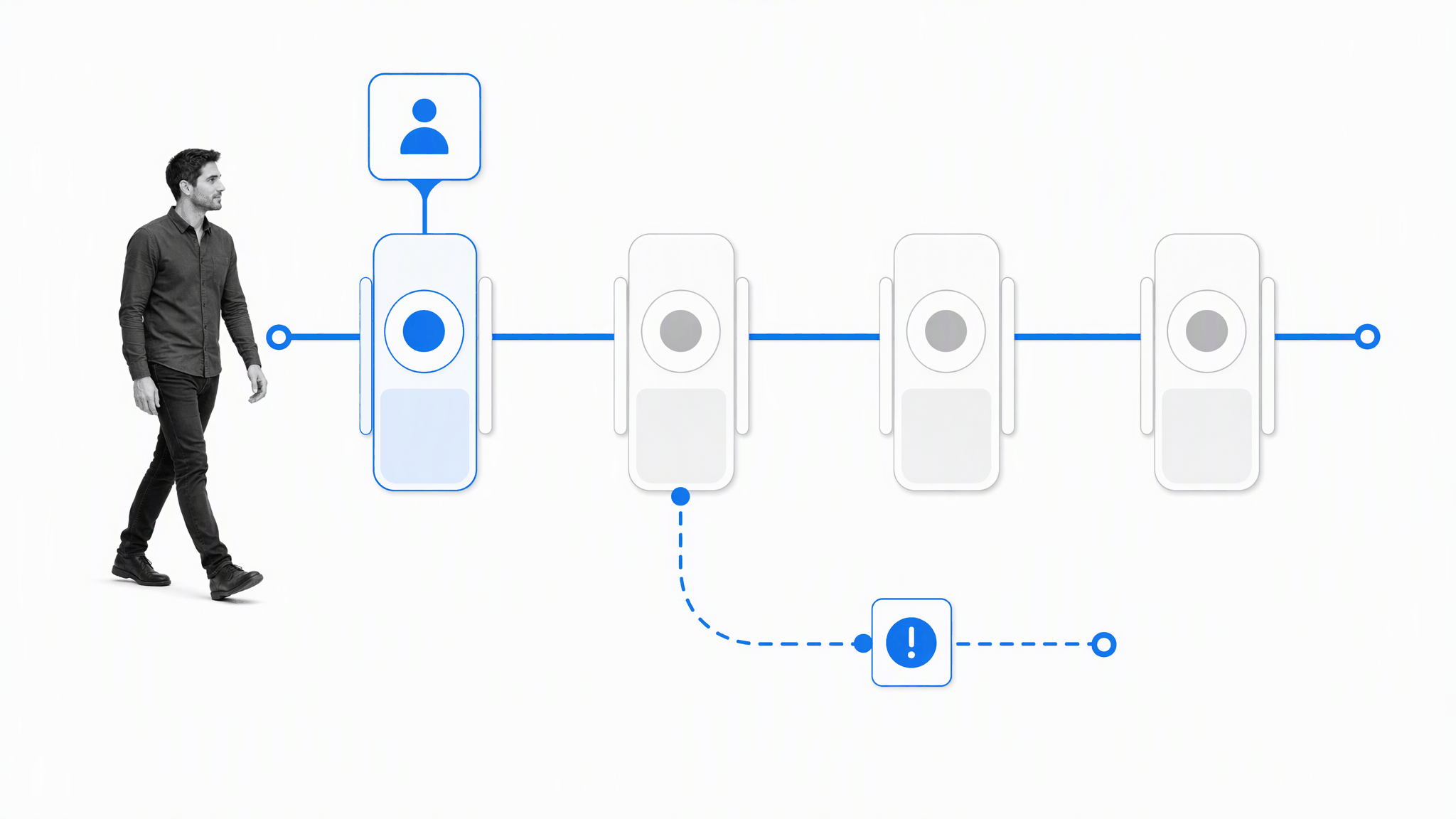
For example, a new high-ticket customer could be sent an email automatically, with the customer success manager copied, inviting them to arrange a walkthrough session. It is then up to the owner to engage them. For big deals, a hands-on approach often makes sense. For lower-ticket users, event-based follow-ups can teach the product and respond to activity without asking a rep to send every message manually.
Automate routine acknowledgments, reminders, resource delivery, and internal assignments. Route exceptions to a person when the customer expresses confusion, risk, frustration, or a need that does not fit the standard path. Every sequence should define a stopping condition so the system does not continue sending messages after the customer has replied or the situation has changed.
The strongest sequences coordinate channels rather than flooding them. Email, in-product prompts, customer success tasks, and executive outreach should reflect one shared state. Process Street has 5,000+ integrations, so teams can connect the systems they already use and keep customer-success work moving.
Net Promoter Surveys
Net Promoter Score surveys can provide a consistent relationship signal, but the number is not the customer outcome. Automate distribution, reminders, response capture, and routing. Keep human ownership for interpreting qualitative comments, contacting detractors, learning from promoters, and deciding whether a response represents a local issue or a systemic pattern.
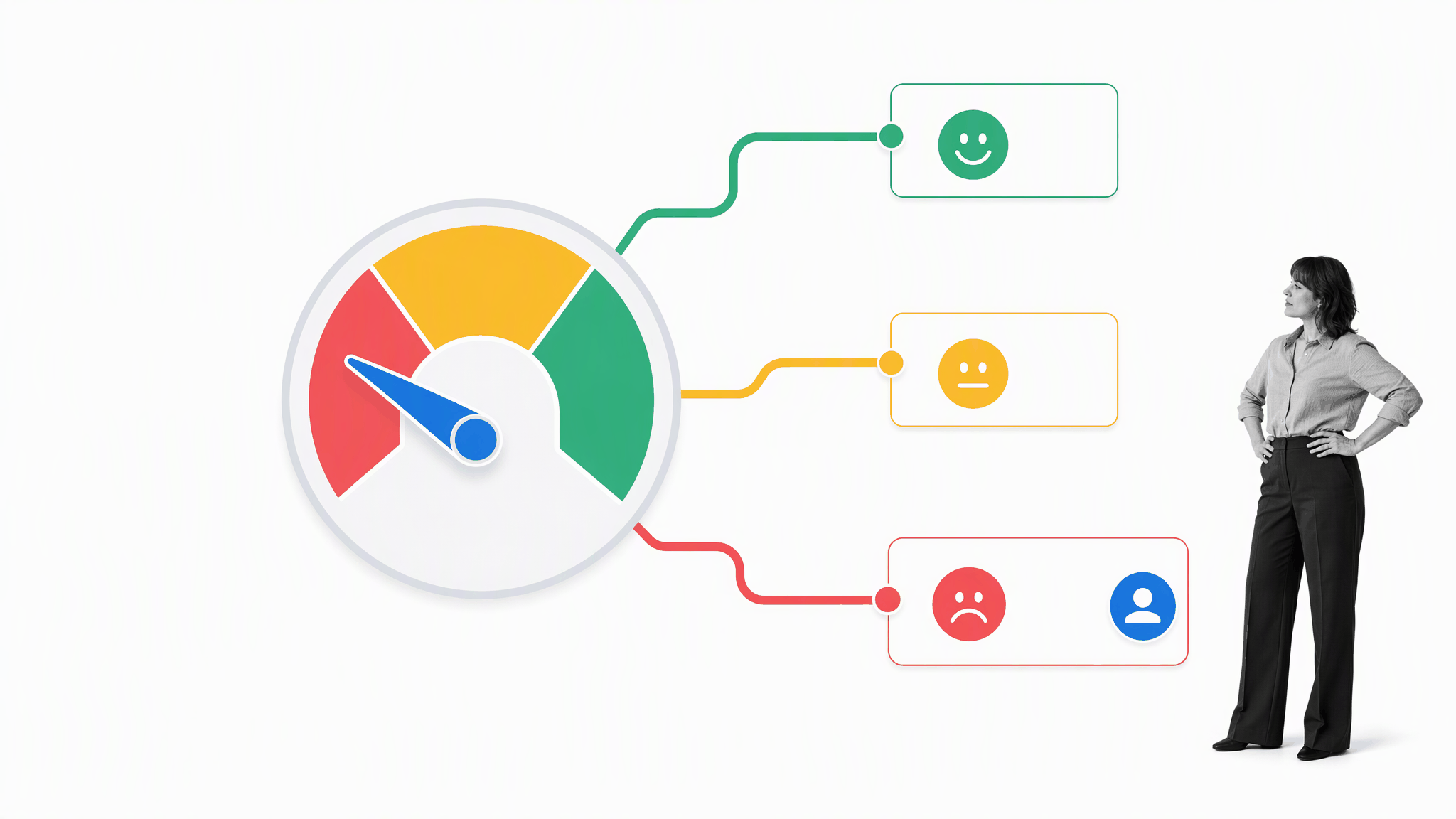
There is no reason the delivery of NPS surveys and their routine follow-ups cannot be automated. An email marketing automation program can send the survey, schedule a string of reminders, and track changes in NPS over time. The regular schedule still needs controls for events such as a product launch or website downtime that could bias the NPS score. The response and the reason behind it determine whether a human follow-up is required.
Timing matters. A survey sent immediately after a meaningful milestone can answer a different question from a periodic relationship survey. Define the event, audience, cadence, and owner before automating delivery. Avoid sending a survey when the customer has an unresolved critical issue unless the experience being measured is explicitly the recovery process.
Track the score over time, but also measure response rate, themes, follow-up completion, and whether the resulting actions improved the customer experience. For a deeper view of the calculation and interpretation, use this guide to calculating NPS.
Feedback loops
A feedback loop is complete only when the team asks, learns, acts, and closes the loop with the customer. Collecting comments without assigning action creates a backlog of disappointment. The process needs a taxonomy for the signal, an owner, a decision deadline, and a way to tell the customer what happened.
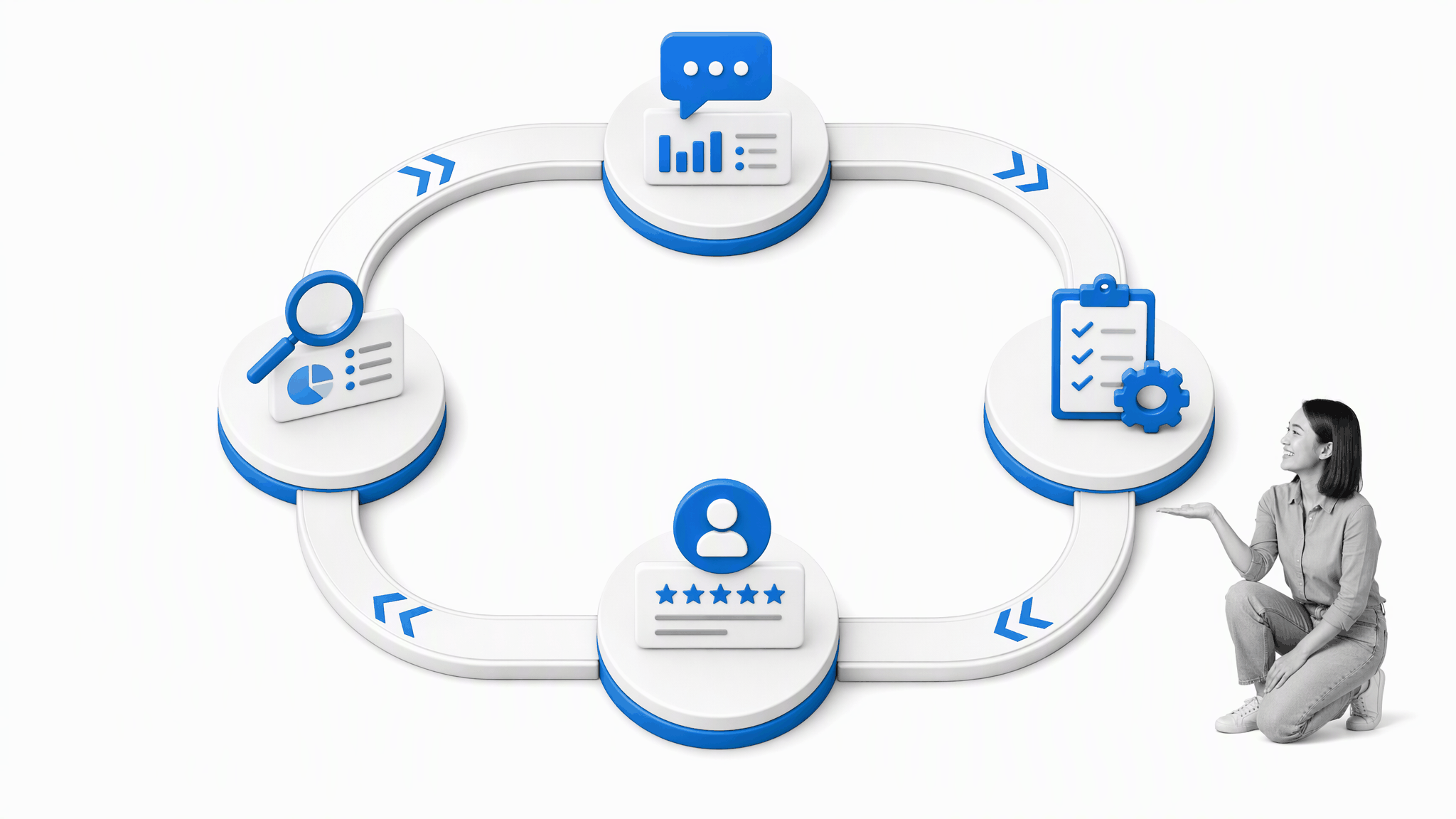
From NPS surveys to testimonials, there are many ways to gather information about customer satisfaction. In a high-touch model, customer success agents are likely building a relationship with the customer, which makes it possible to ask directly: How are you finding all of this? Are you getting set up well enough? Is there anything we could be handling better for you? A feedback loop is the system used to gather feedback, learn from it, make changes, and respond.
Automation can classify straightforward signals, create tasks, route themes, and remind owners. Built-in AI can help summarize a large set of comments or suggest a draft response, but a person should review sensitive language and decide the action. Customers should never receive an automated promise that the organization has not approved or cannot deliver.
Feed the result back into knowledge, onboarding, product decisions, and support procedures. That is how customer success becomes an operating system rather than a collection of conversations. The loop should make recurring friction visible and create evidence for changing the process that caused it.
Customer support
Good support combines fast self-service with a clear path to a person. Governed help content and routine triage can resolve common questions quickly. High-context problems, security concerns, repeated failures, or emotionally charged situations need an accountable owner who can understand the customer history and coordinate a response.
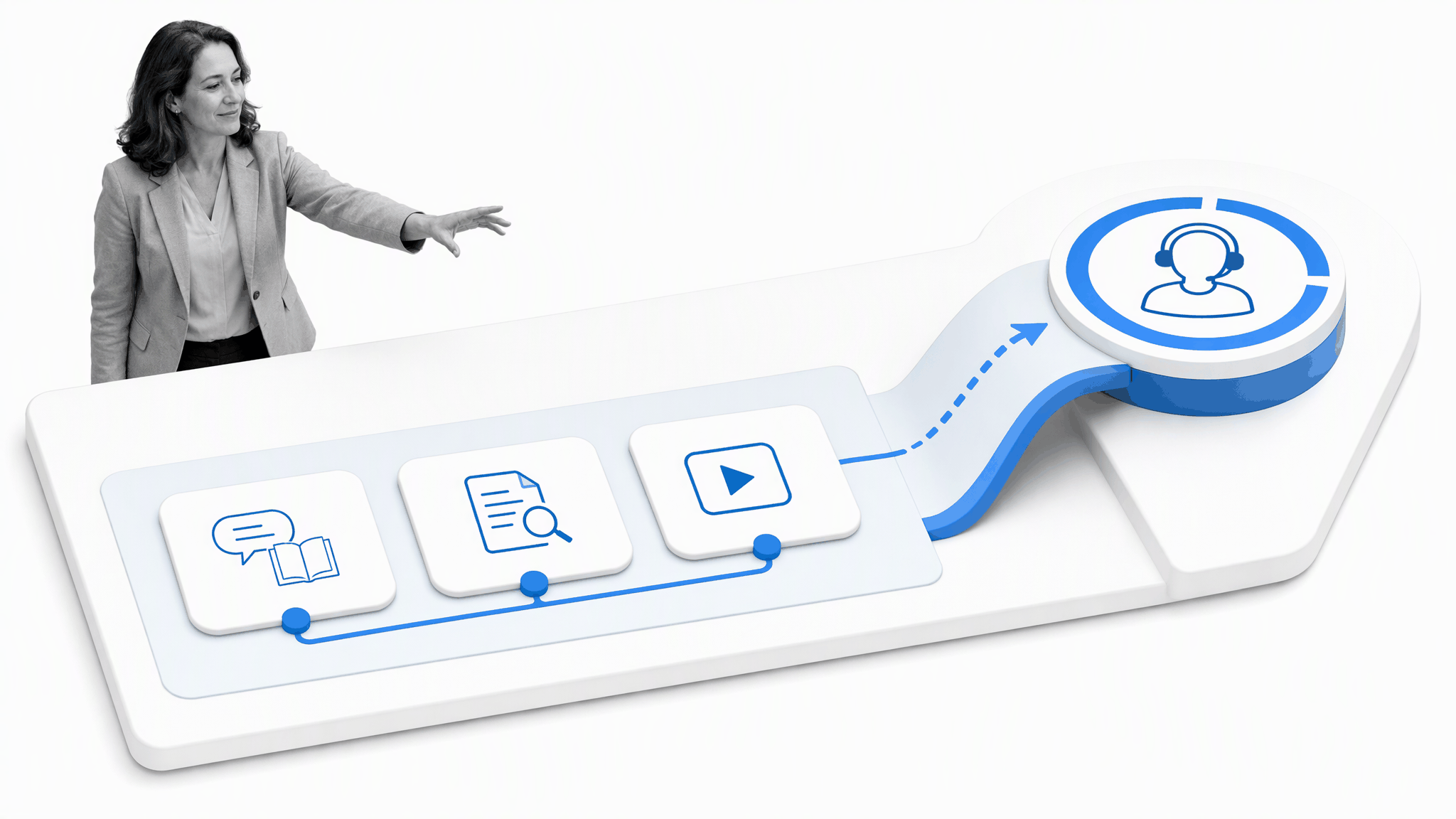
Support can be a time-consuming function, especially for a large service handling many customer requests. A quality FAQ and a useful selection of help articles reduce avoidable contacts, but support should not become a last resort. The system should give tailored responses where context matters, while automation handles categorization, alerts, assignments, and the routine steps that make a response faster.
A customer support process should define severity, ownership, response expectations, escalation, evidence, resolution, and follow-up. Automation can apply the rules consistently and prevent a case from disappearing between teams. It should not conceal a customer behind a queue or force them through repetitive steps after the system already has the necessary context.
Customer success and support should share learning. A pattern of tickets may signal weak onboarding, unclear training, product friction, or an expectation that was never aligned. Route those patterns into the feedback loop and assign the improvement to the team that can change the underlying cause.
Ensuring renewals
Renewal work starts long before the contract date. Track whether the customer reached first value, adopted the intended process, involved the right stakeholders, resolved critical issues, and can explain the outcome they achieved. A late renewal reminder cannot repair months of unclear value.
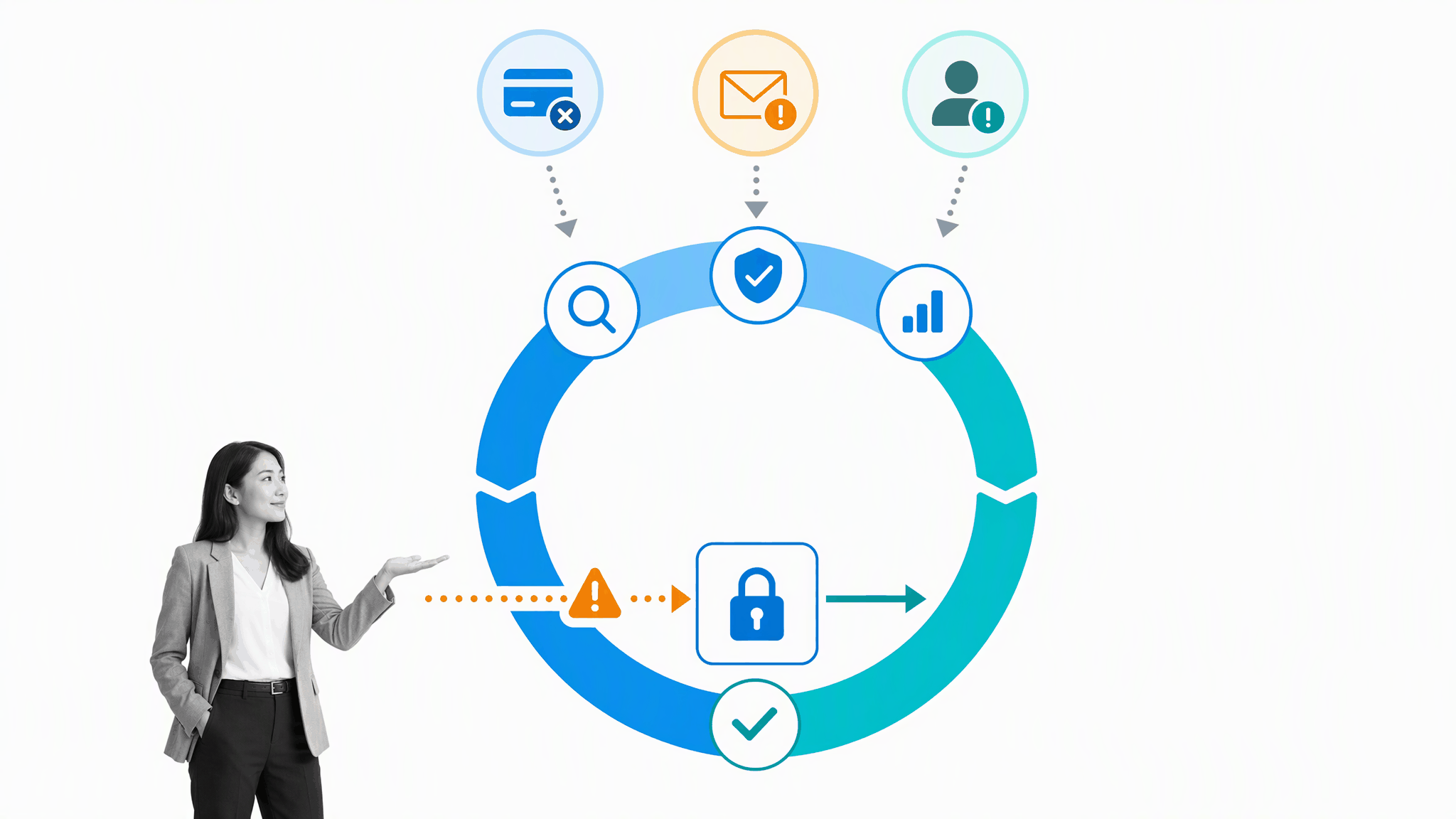
Every day is an opportunity for a customer to disengage or fail to renew a subscription. Product quality and stickiness matter, but customer success can still use both automated and non-automated actions to reduce churn. One reason behind churn that is worth protecting against is an expired or changed payment method. A customer card may be declined because the account changed banks or switched its main card, not because the customer chose to leave.
The right response is an automated alert that creates an owned recovery task and sends the customer to a secure page where they can update payment details. The wrong response is to let the account fail silently and ask a staff member to reconstruct the situation later. The alert should trigger a respectful, time-bound sequence with a clear owner and a route to human help.
Automate risk detection, task creation, reminders, and evidence gathering. Keep people responsible for diagnosing the cause, agreeing on a recovery plan, and managing commercial decisions. Expired or changed payment methods can contribute to involuntary churn, so the process should include respectful payment-recovery steps without treating every renewal risk as a billing problem.
A useful renewal workflow distinguishes operational risk, adoption risk, relationship risk, and commercial risk. Each category needs a defined owner and escalation path. The system should also record what worked so the next customer benefits from the learning. For broader retention guidance, see these customer retention strategies.
Your bonus customer support process checklist, DoubleDutch Case Study
The durable lesson from the DoubleDutch example is that a high-touch customer motion becomes easier to scale when the team documents each handoff. The brand no longer operates as the standalone company described in the earlier example, so use a current, generic workflow rather than treating that historical process as present-day proof.
The Customer Onboarding Process Template covers needs discovery, a dedicated customer success owner, the introduction call, data collection, setup, training, feedback, communication planning, metrics, check-ins, and support resources. Adapt it to the service model, then add the decision rules, owners, evidence, and escalation paths described above.
Process Street is a single Compliance Operations Platform with Docs and Ops capability areas plus built-in AI. Docs keeps the approved customer-success policy and guidance governed. Ops turns that guidance into assigned workflows, approvals, exceptions, and audit history. Built-in AI can assist with retrieval, summaries, and drafts inside those controls while people remain accountable for customer decisions.
- Define the customer outcome. Agree on the first-value milestone and the evidence that will show it happened.
- Map triggers and owners. Name what starts each step, who acts, and when the work escalates.
- Automate repeatable coordination. Use assignments, reminders, routing, and integrations for predictable work.
- Protect human judgment. Keep discovery, reassurance, exceptions, and recovery with accountable people.
- Measure and improve. Review time to value, adoption, feedback, support friction, retention, and renewal results.