


A newsletter is a recurring email that gives a defined audience useful updates, ideas, or offers in a consistent format. To create a newsletter that people want to open, start with one reader need, one clear purpose, and a design that makes the next action obvious.
This guide explains how to create a newsletter from planning through approval and sending. It also includes 20 newsletter templates for business teams, plus a repeatable newsletter template process for keeping writers, reviewers, and send dates aligned.
A strong business newsletter earns attention through relevance and rhythm, not volume. Use the examples below to choose a layout, then adapt the hierarchy, images, and call to action to fit your audience.
Jump to 20 examples
- Financial Business newsletter template
- Orbital Digital newsletter template
- Bold Business newsletter template
- Polaroid Real Estate newsletter template
- Black Widow Company newsletter template
- Corporate Business newsletter template
- Citrus Splash Employee newsletter template
- Times Bulletin newsletter template
- Green Wave newsletter template
- Pook newsletter template
- Sonata newsletter template
- ZURB Ink newsletter template
- Wire newsletter template
- Webinar newsletter template
- Resonant newsletter template
- Textual e-Newsletter template
- Terra Cotta Digital newsletter template
- Change Is Good newsletter template
- Responsive Design newsletter template
- Coffee Bum newsletter template
Run newsletter production in Process Street
Why do you need email newsletters?
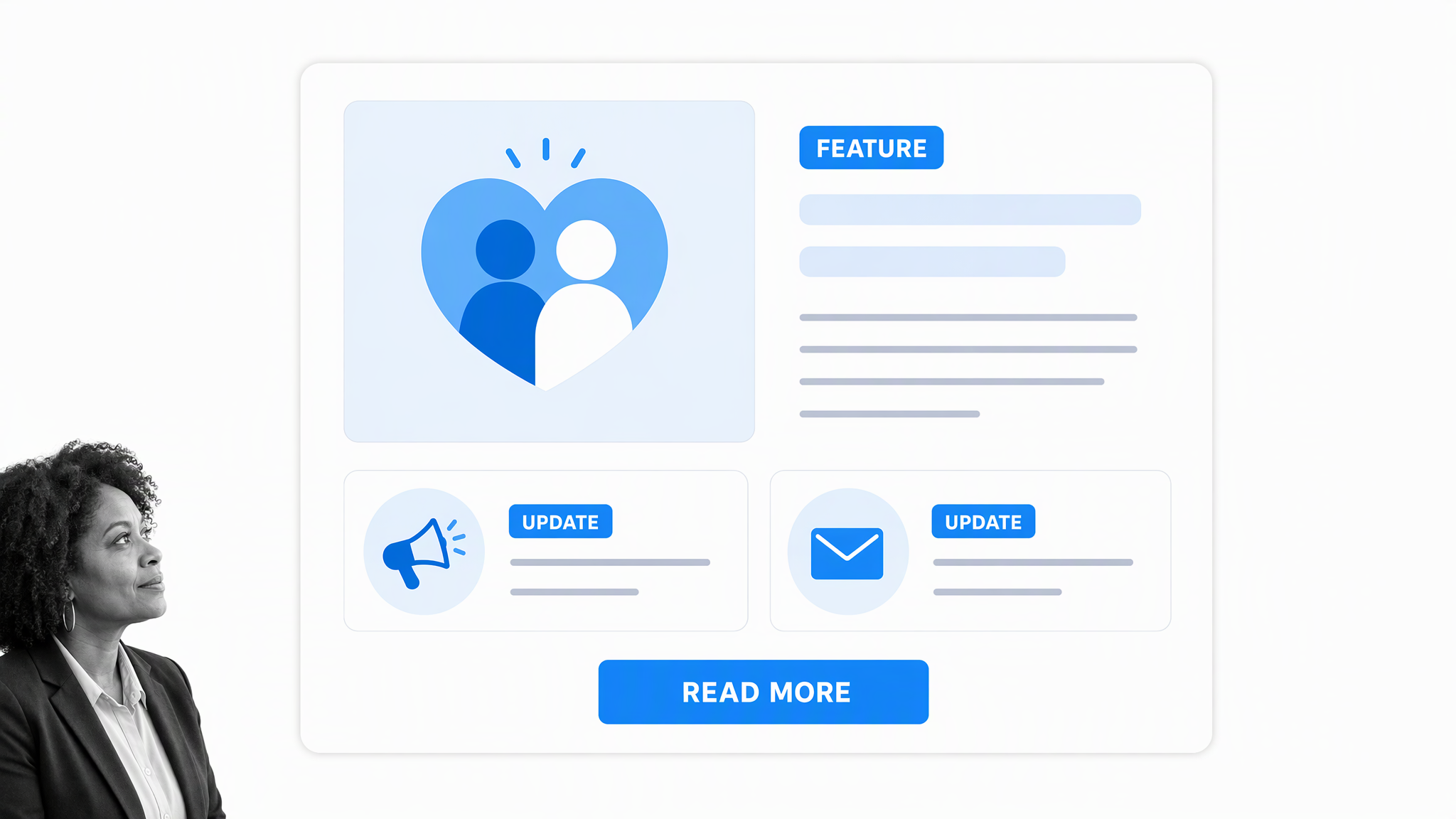
Email newsletters give a business a dependable way to reach people who have asked to hear from it. Unlike a social feed, the message arrives in a channel the subscriber already uses, and the sender can build a recognizable cadence around useful information.
The durable advantage is the relationship. A useful company newsletter can educate prospects before they are ready to buy, help customers get more value after a purchase, and keep employees or partners aligned around the same priorities.
That does not mean every email should be a promotion. The most effective newsletters balance service and commercial intent. They might curate practical guidance, explain a product change, share an event, highlight customer work, or point readers to a deeper resource.
Current industry research continues to show email’s reach at scale. Mailgun’s Email Impact Report draws on more than 1,200 senders and delivery data covering hundreds of billions of emails. The useful lesson is not a single benchmark; it is that inbox performance depends on relevance, deliverability, consent, and consistent execution.
Email newsletters can:
- Spread brand awareness through habitual, recognizable communication.
- Leverage existing content by packaging the best material for a defined audience.
- Engage subscribers with several types of content without forcing them to search for updates.
- Support a direct, permission-based relationship when list hygiene and deliverability are managed well.
The word can matters. A newsletter only produces those benefits when its content, design, and sending process respect the reader. The next section shows how to build that kind of campaign.
How do you write an email newsletter?
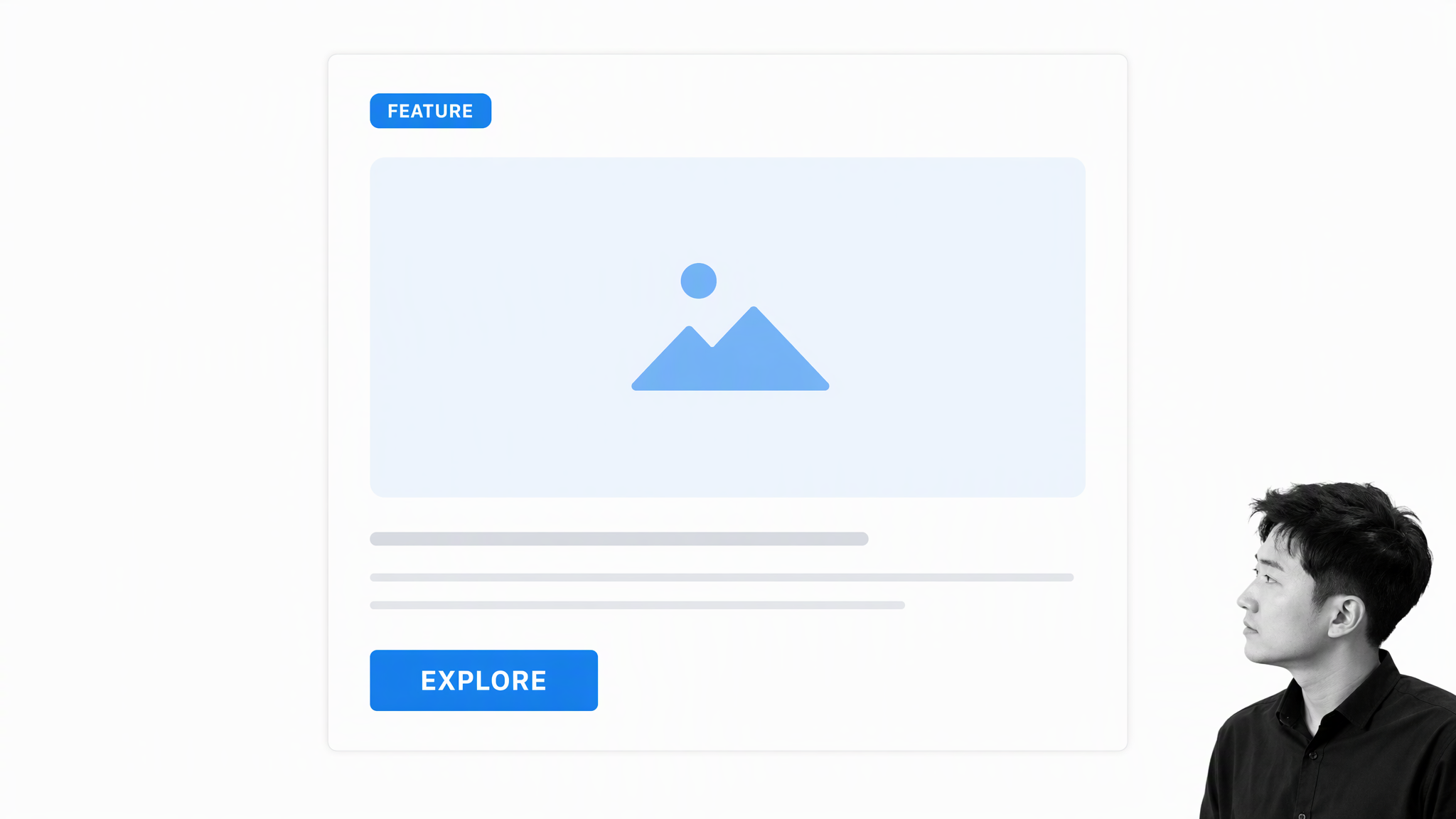
Begin with the outcome. Decide whether the newsletter should teach, activate, retain, announce, or sell, then choose one primary call to action that supports that goal. A multipurpose newsletter can contain several items, but it still needs a visible hierarchy.
Write the subject line and preview text as a pair. The subject earns attention; the preview clarifies the benefit. Inside the email, put the strongest information first, use short sections, and make links descriptive enough that a reader can scan without guessing.
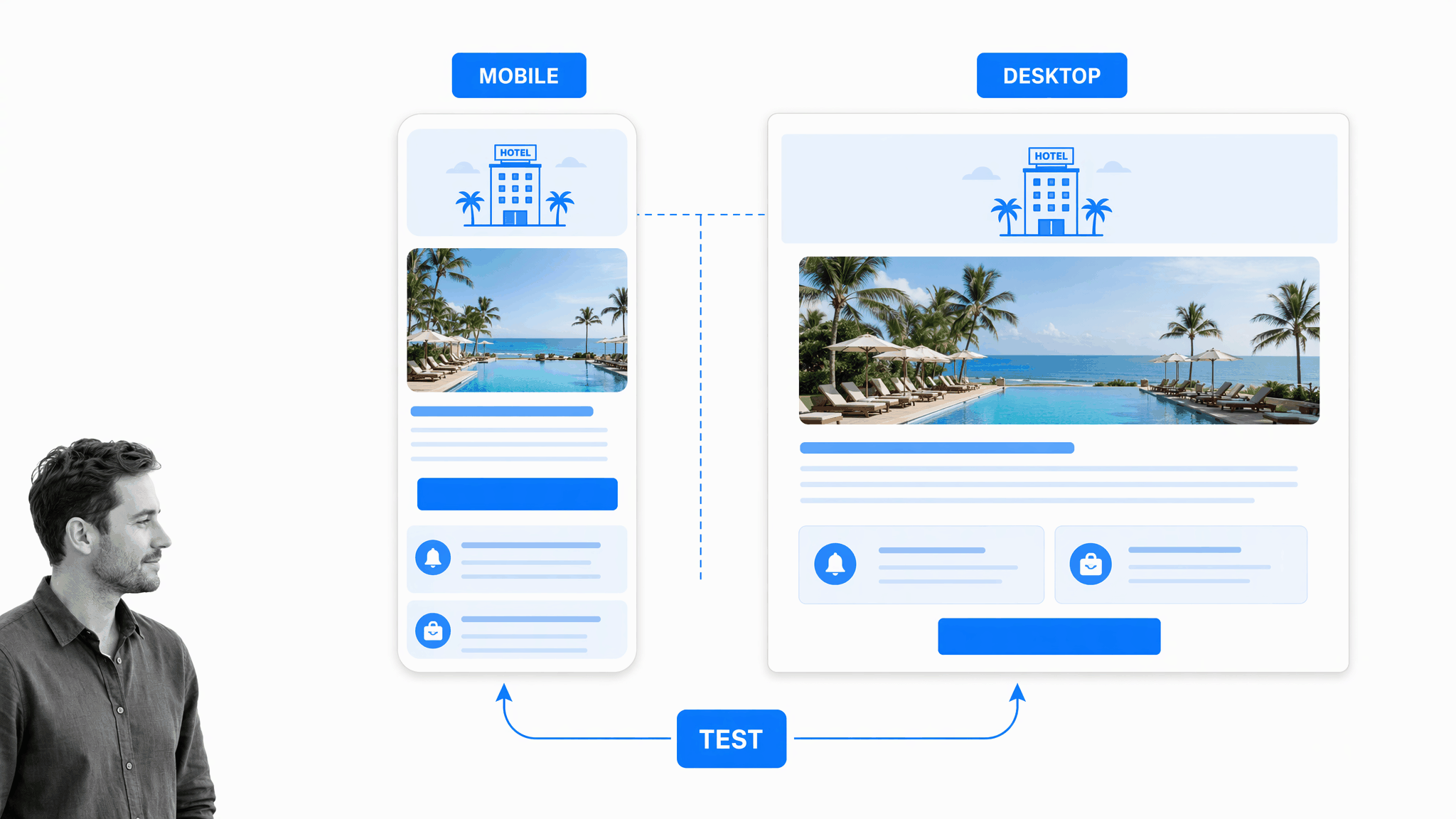
A good newsletter design is responsive, accessible, and easy to recognize. Use generous white space, readable type, meaningful alt text, sufficient color contrast, and buttons large enough to tap on a phone. Test the final email in multiple clients before sending.
Case study one: NoshOn.It
An archived food newsletter from NoshOn.It remains a useful design case study because the layout moved from one prominent feature into smaller supporting items. The feature gave the reader an immediate entry point, while white space stopped the secondary content from competing with it.
- A clear design: One major story leads and supplemental content follows.
- Plenty of white space: The page feels considered rather than crowded.
- An eye-catching call to action: The next step is visually distinct.
- Relevant content: Every item serves the same audience interest.
Case study two: Litmus
Litmus demonstrates another reliable pattern: keep the brand treatment consistent while varying the content blocks. Repeated colors, typography, and spacing help readers understand the structure before they read every word.
The lesson from both examples is consistency with restraint. A newsletter can carry several stories when the reader can instantly tell what is primary, what is supporting, and where each link goes.
Newsletter tragedies and their mistakes
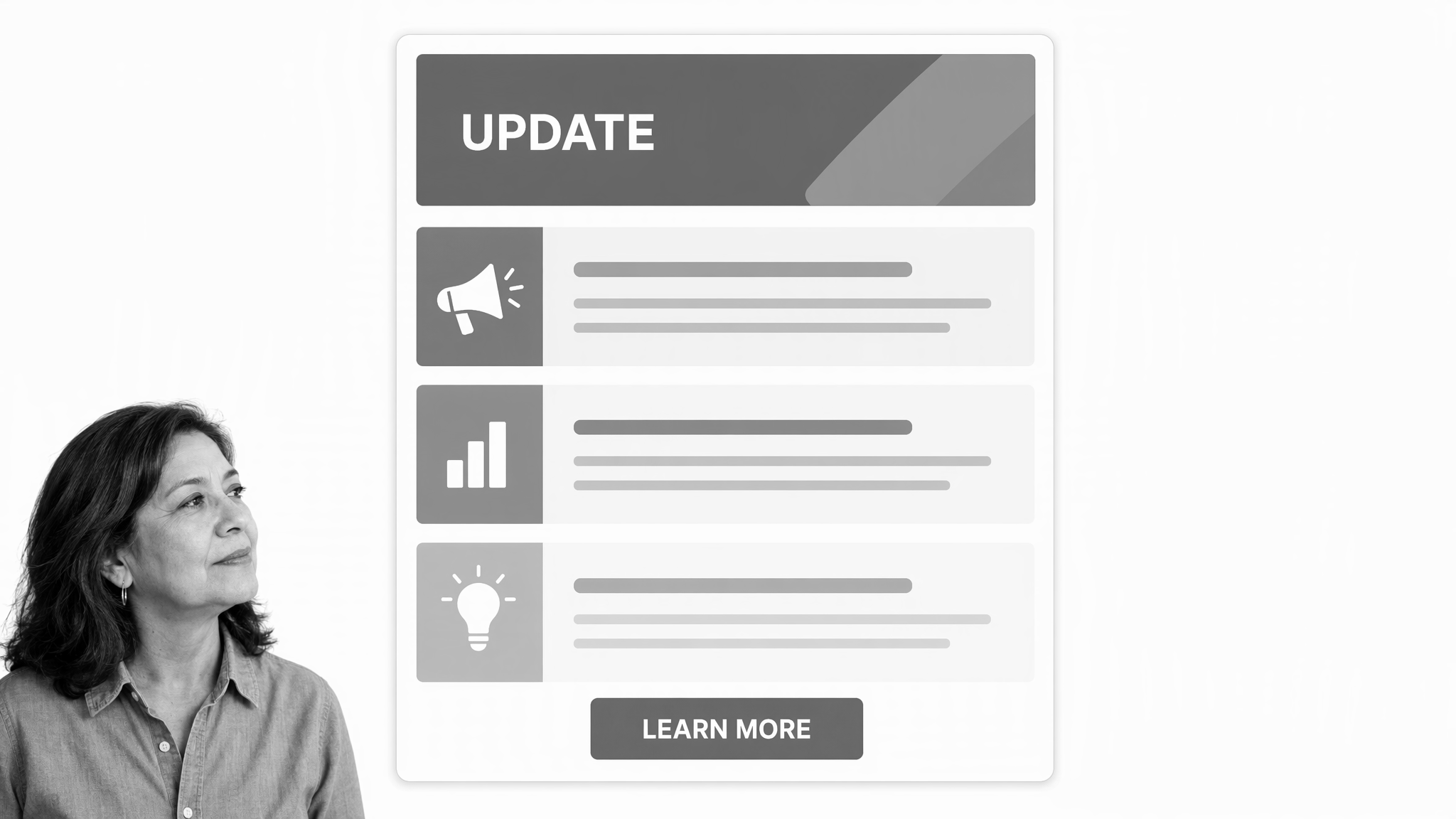
Most poor newsletters fail for predictable reasons. Fix these five mistakes before you send:
- Mistake one: Poor segmentation. Sending generic content to every subscriber ignores differences in role, lifecycle stage, and interest. Segment only where you can support the distinction with useful content.
- Mistake two: Information overload. If an item needs a long explanation, summarize the benefit and link to a web page where the reader can explore it.
- Mistake three: Competing calls to action. Give one action visual priority. Secondary links should look secondary.
- Mistake four: No recognizable identity. Consistent type, spacing, voice, and layout make a company newsletter easier to trust and scan.
- Mistake five: Weak testing. Broken links, clipped mobile layouts, inaccessible images, and delivery problems can undo strong writing. Test both the message and the workflow that produces it.
A documented process helps a team repeat the parts that work: brief the audience, draft the content, review claims, test the email, approve the send, and learn from performance.
Newsletter production in Process Street
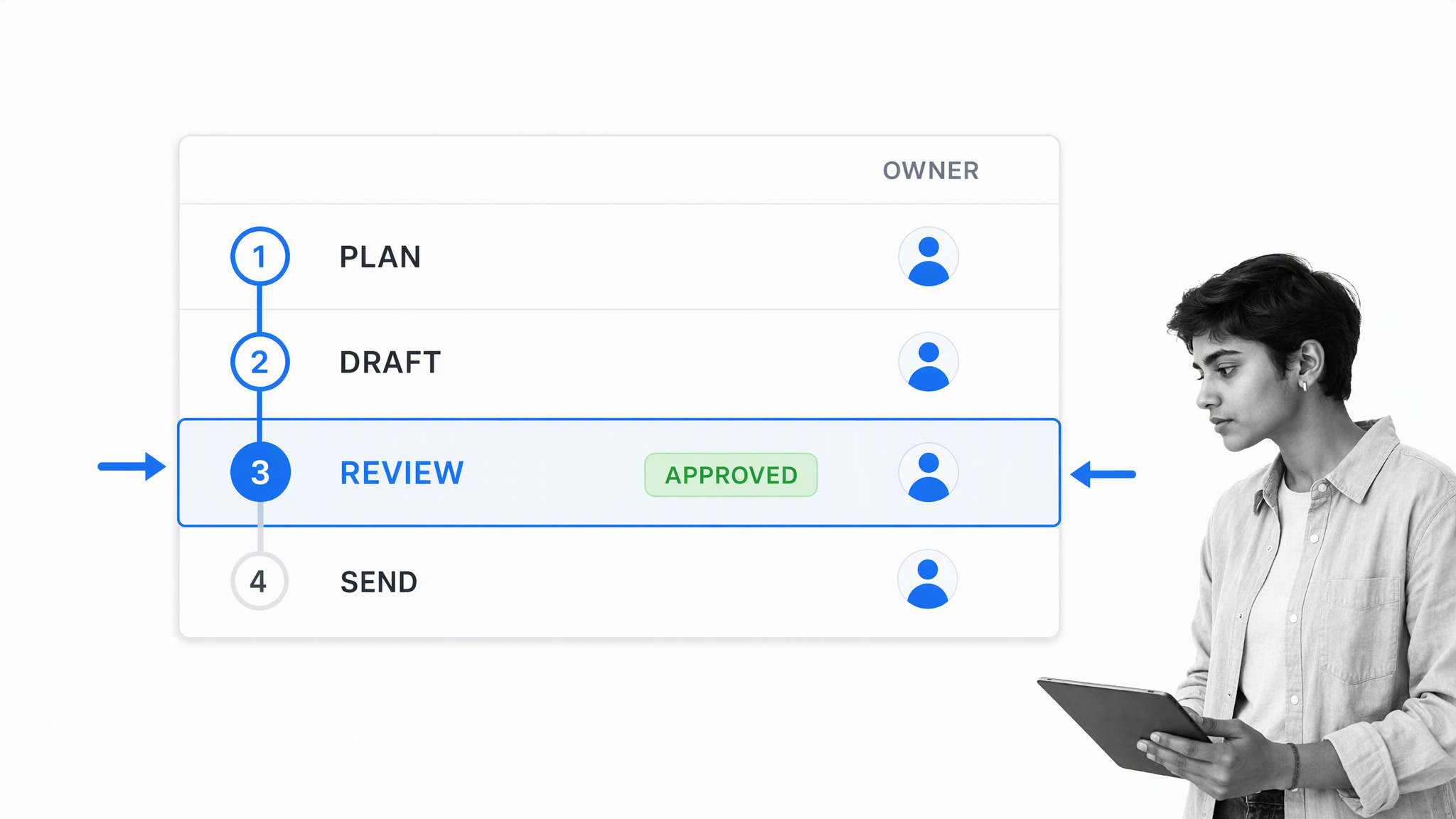
Process Street is a single Compliance Operations Platform with governed Docs and Ops capability areas plus built-in AI. Teams can keep newsletter guidance beside the work, assign owners, enforce approvals, and preserve evidence of what was reviewed before a campaign is sent.
The newsletter template process turns production into a repeatable workflow. It guides a team through planning, drafting, design, review, testing, approval, and distribution so the campaign does not depend on memory or scattered messages.
Useful controls include:
- Role assignments so each task has a clear owner.
- Stop tasks so required checks happen in the right order.
- Conditional logic so the workflow adapts to the campaign type.
- Dynamic due dates so review and send deadlines stay connected.
Open the newsletter template process, choose a design below, and adapt the steps to your team’s approval requirements.
20 newsletter designs for business teams
Use these templates as design references rather than rigid forms. Replace the sample copy with information your audience needs, keep the hierarchy intact, and run the result through the newsletter template process before sending.
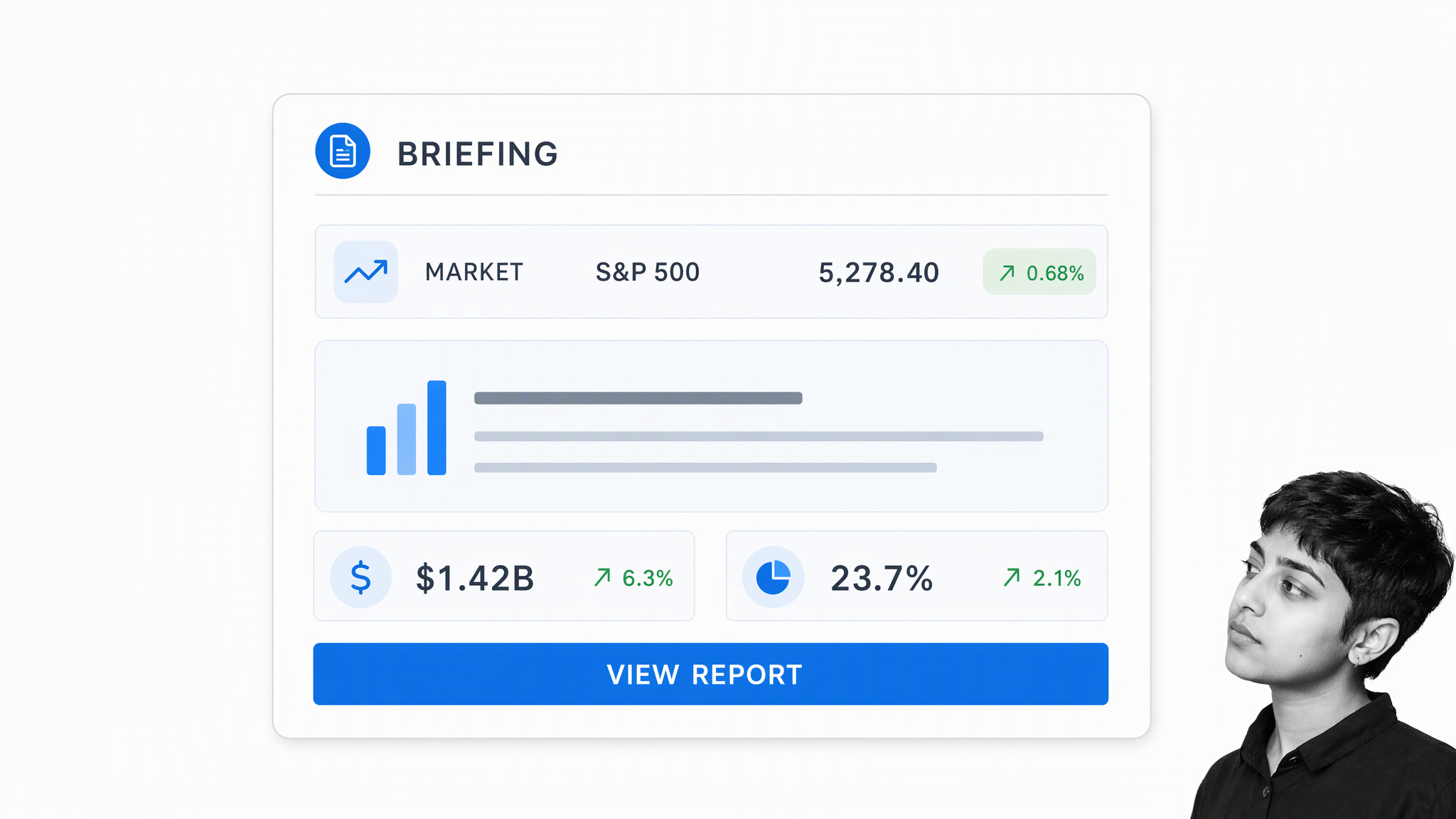
Use these templates along with Process Street’s newsletter template process and create an awesome newsletter.Financial Business newsletter template
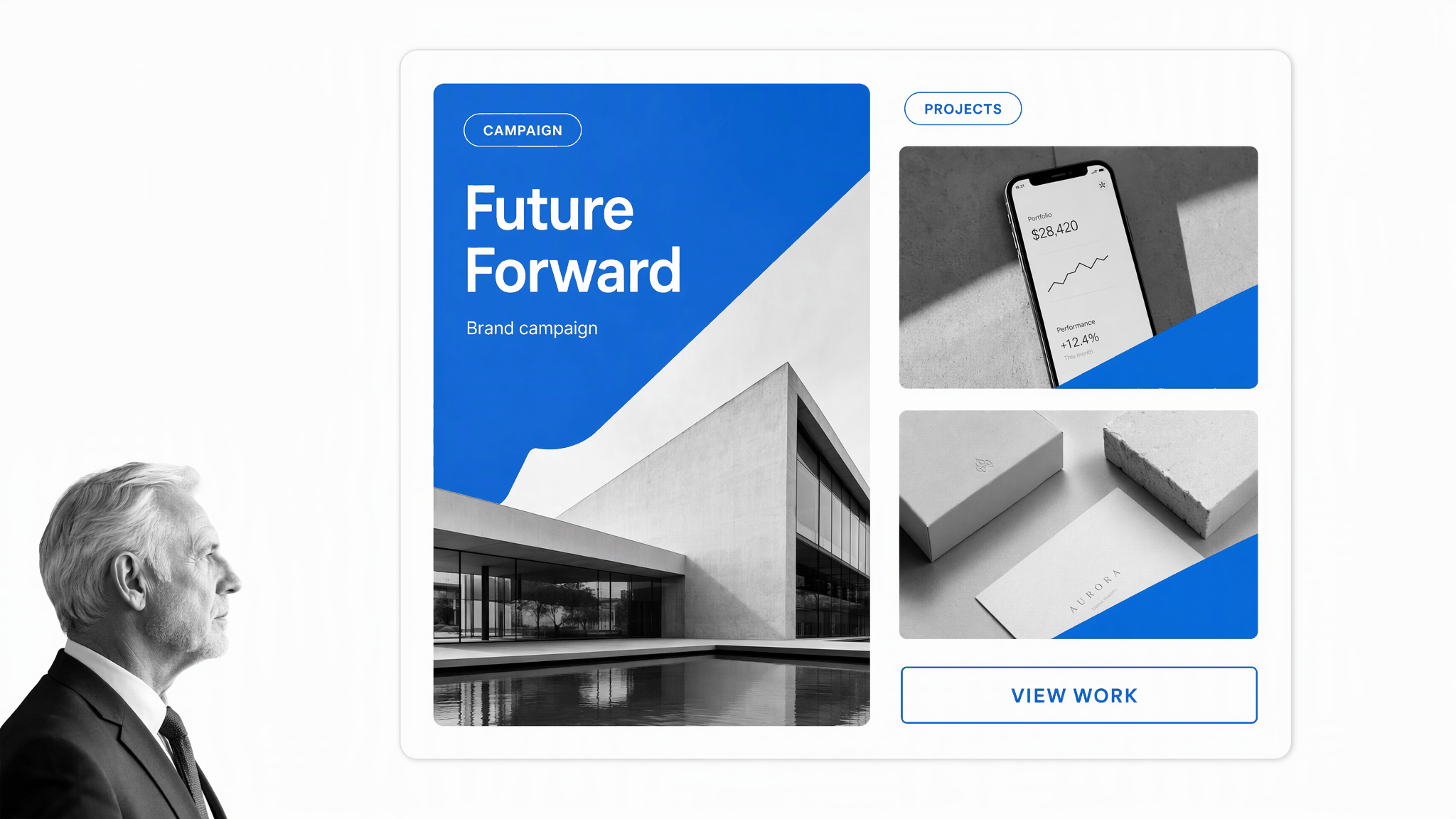
Orbital Digital newsletter template
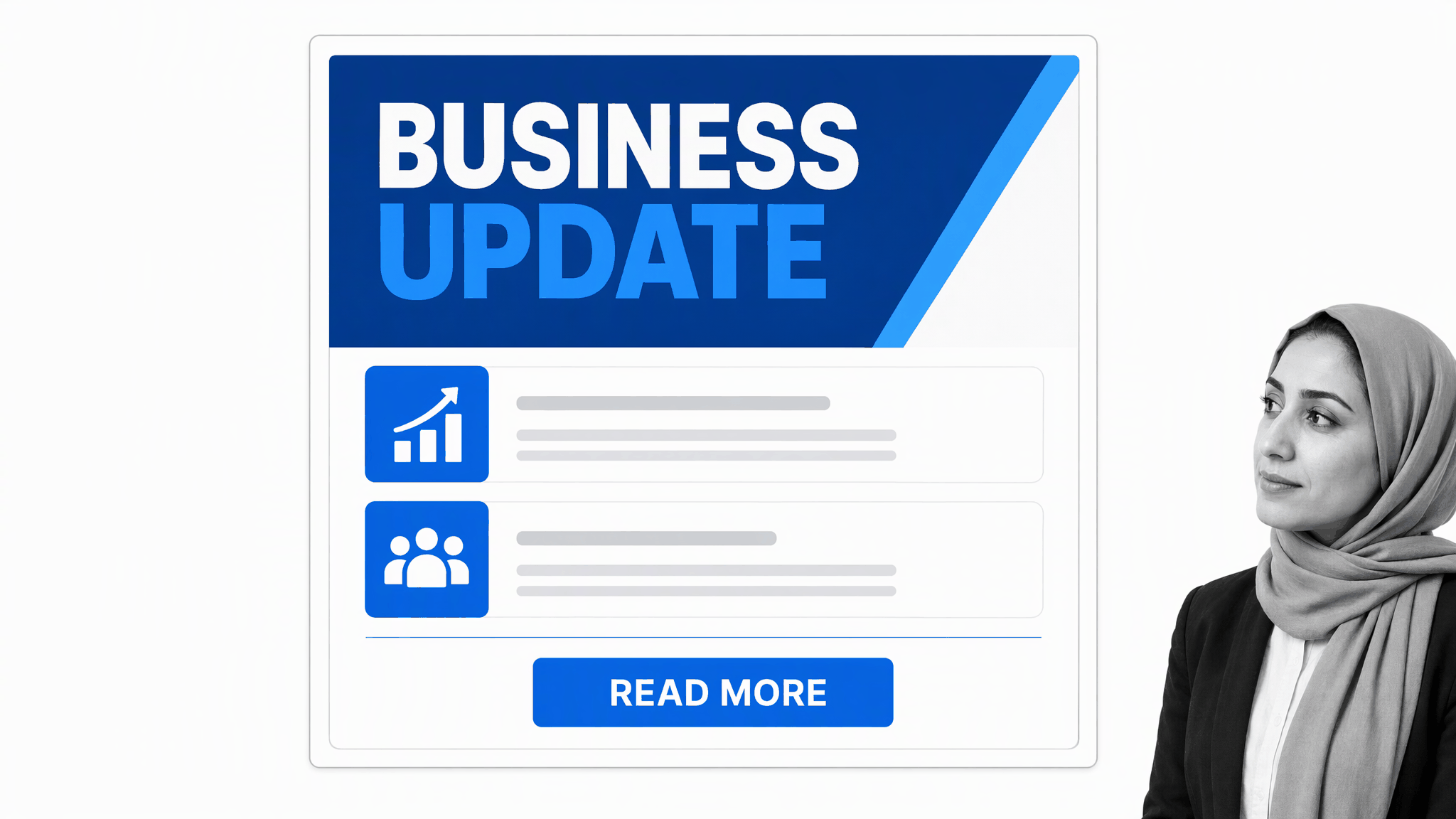
Bold Business newsletter template
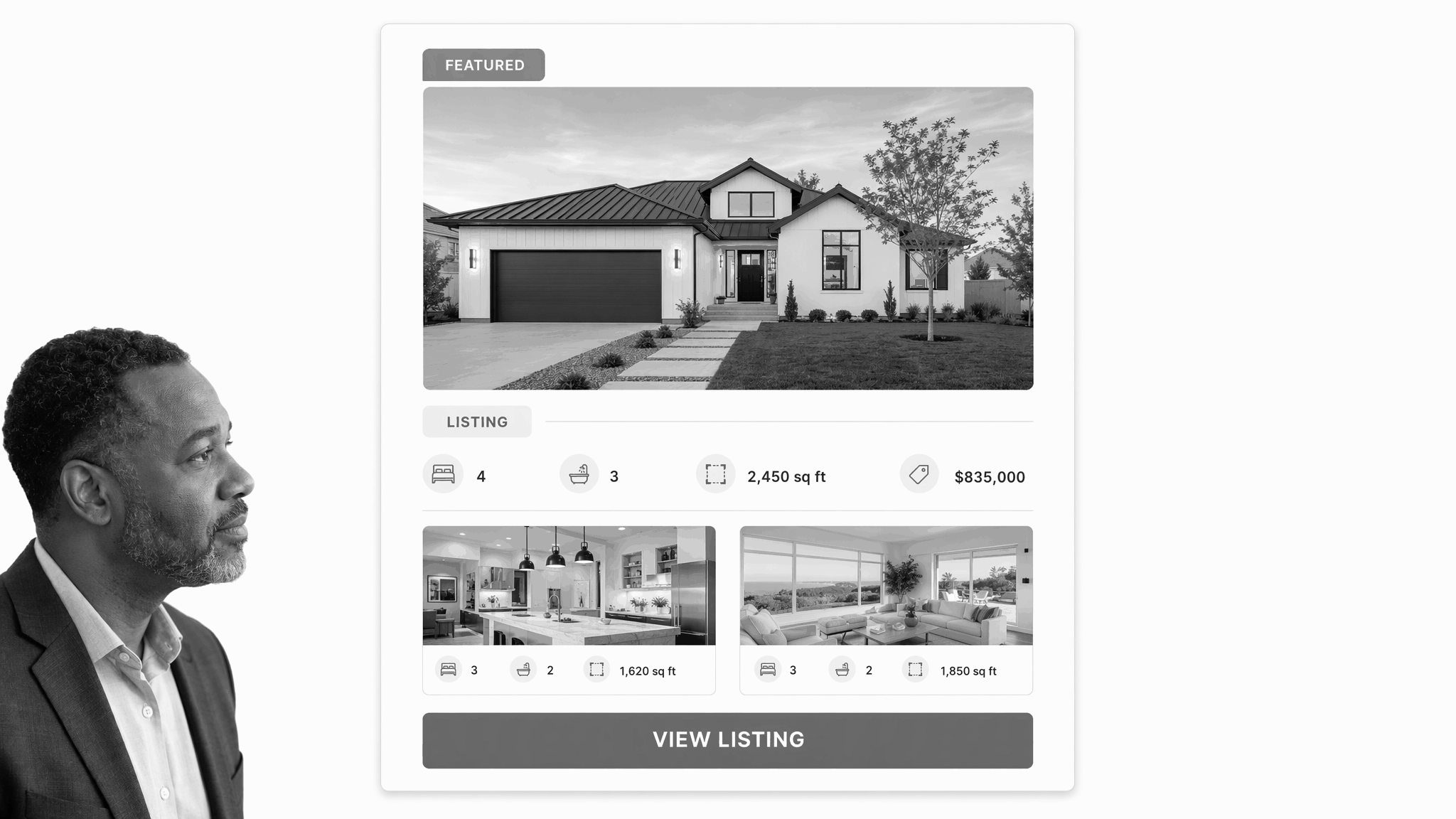
Polaroid Real Estate newsletter template
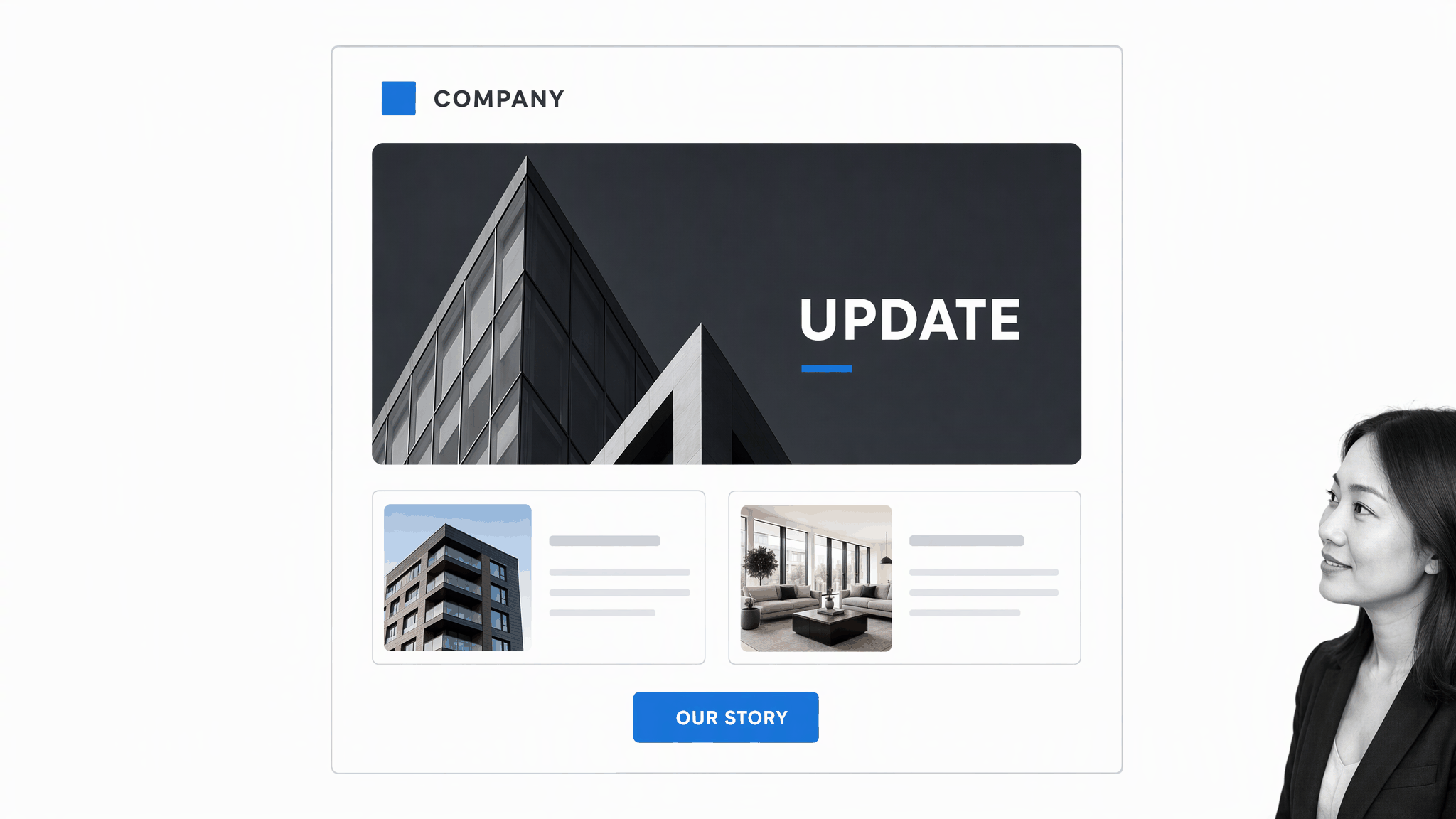
Black Widow Company newsletter template
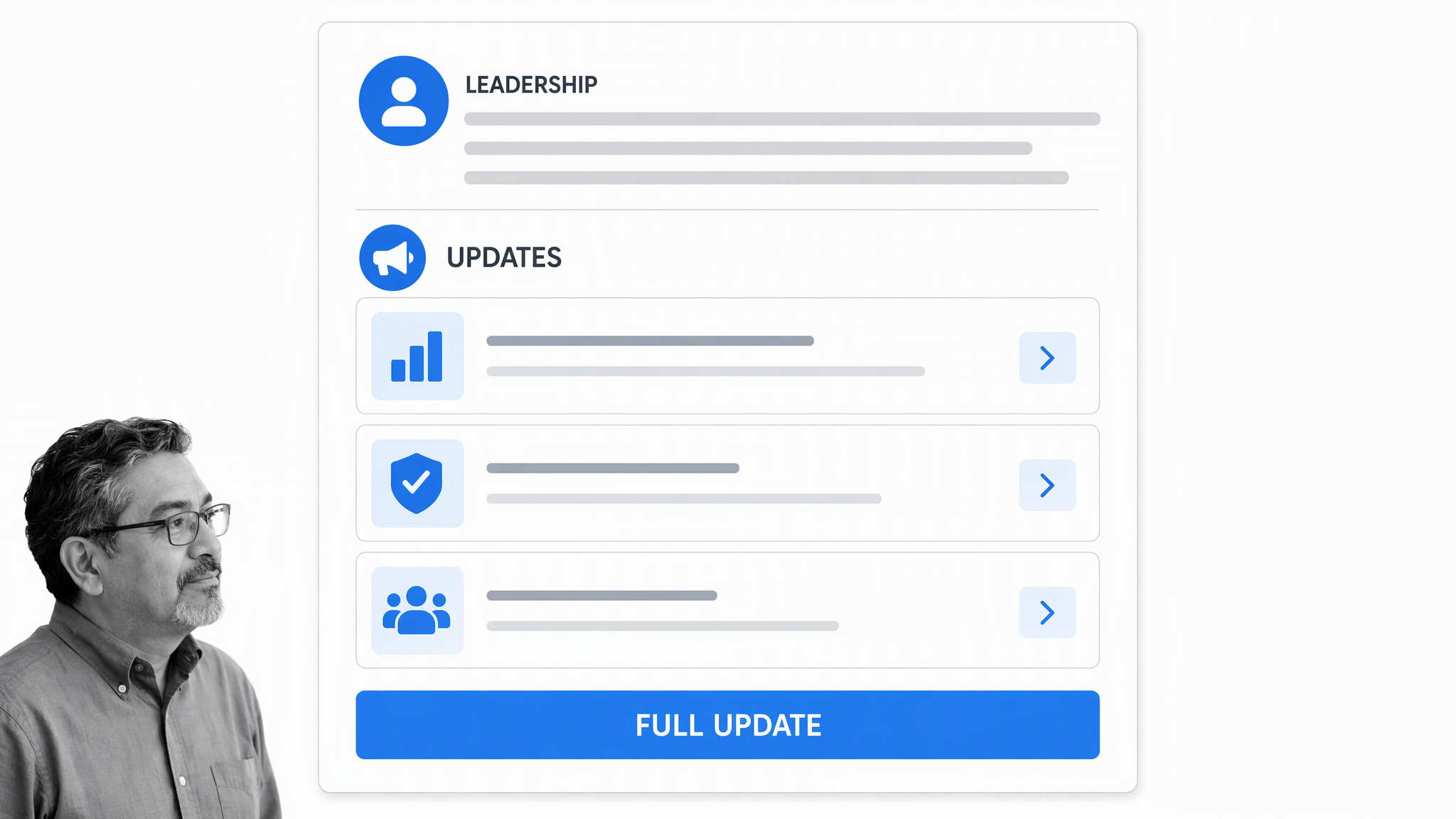
Corporate Business newsletter template
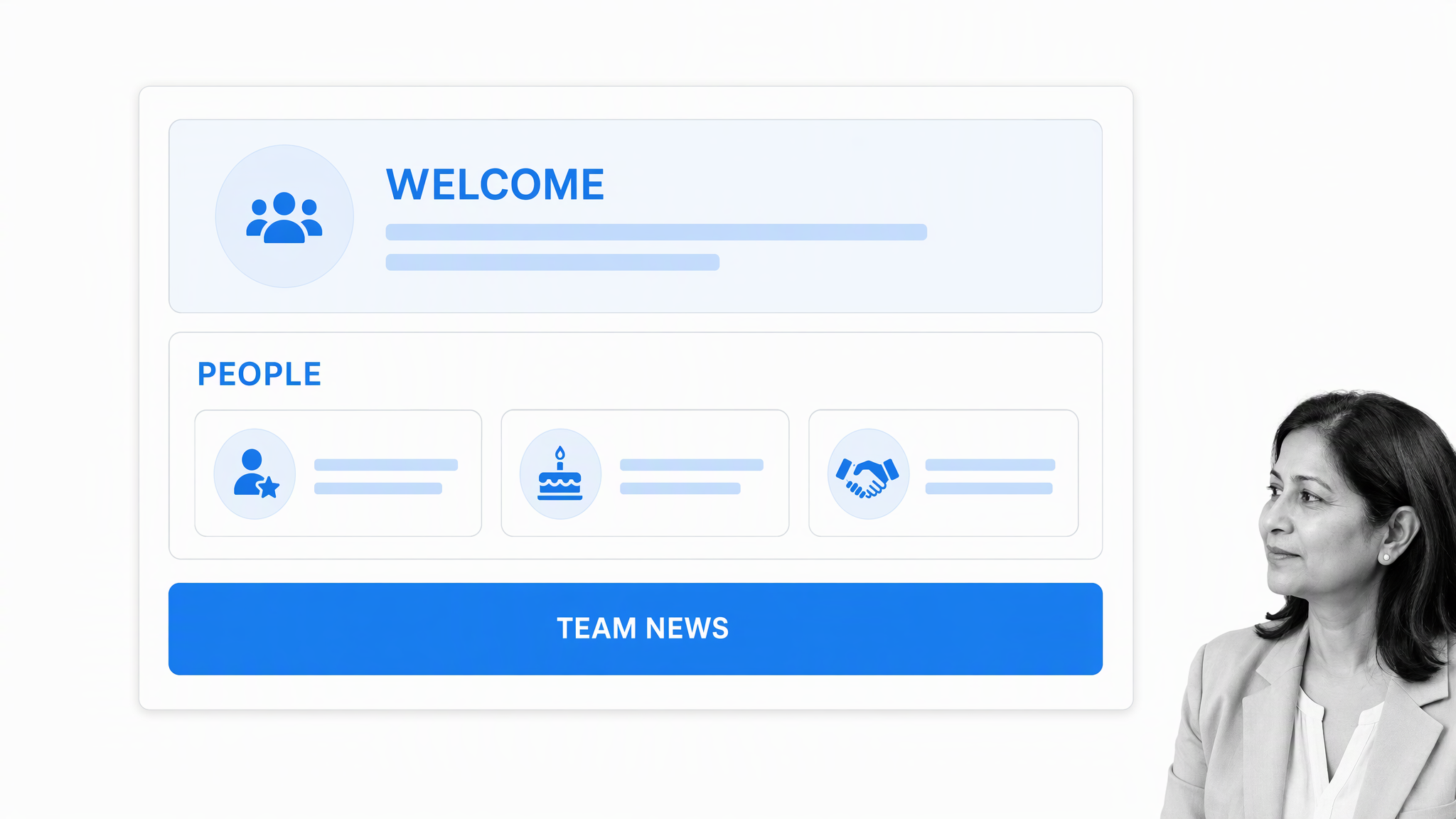
Citrus Splash Employee newsletter template
Times Bulletin newsletter template
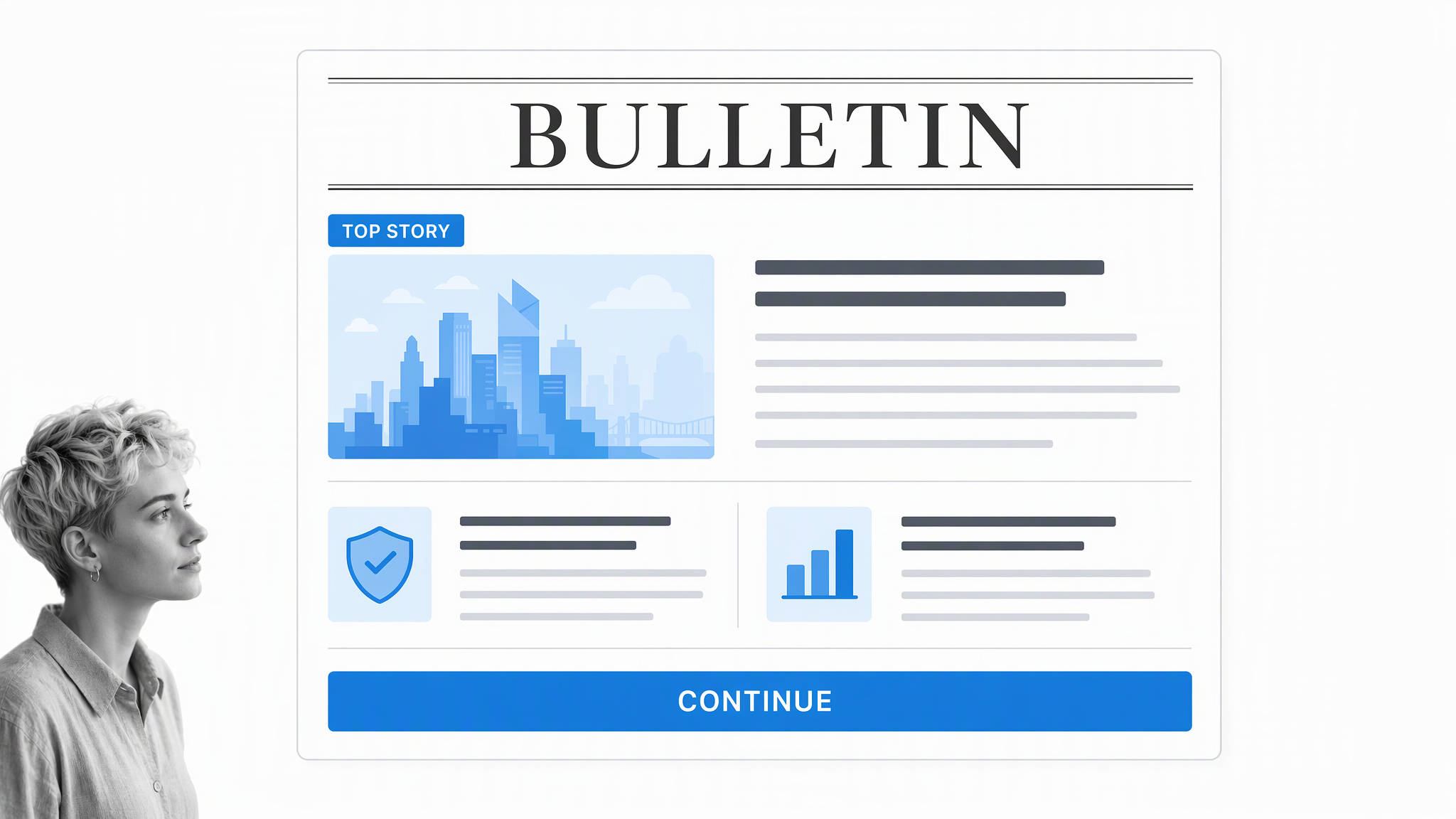
Green Wave newsletter template
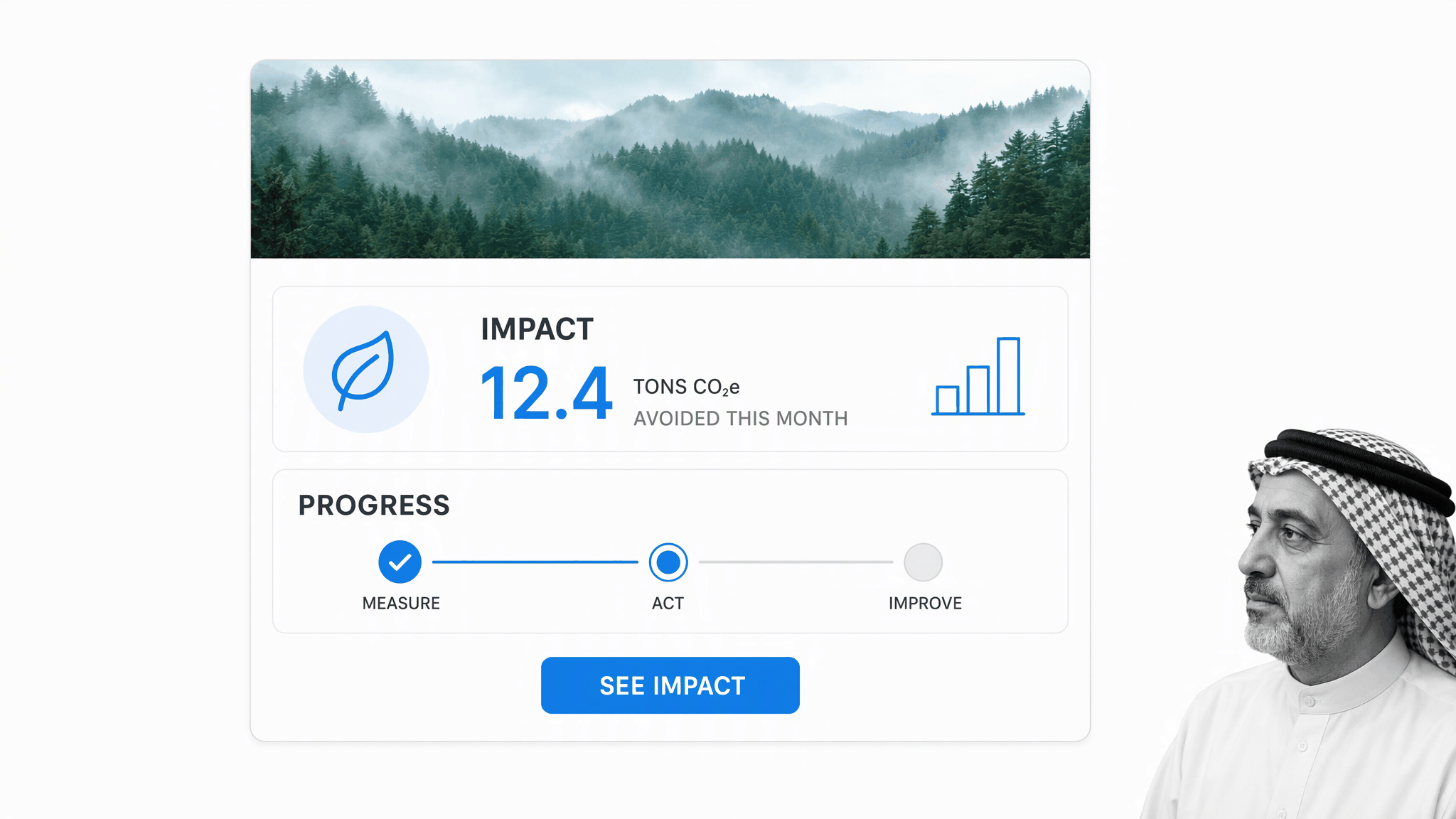
Pook newsletter template
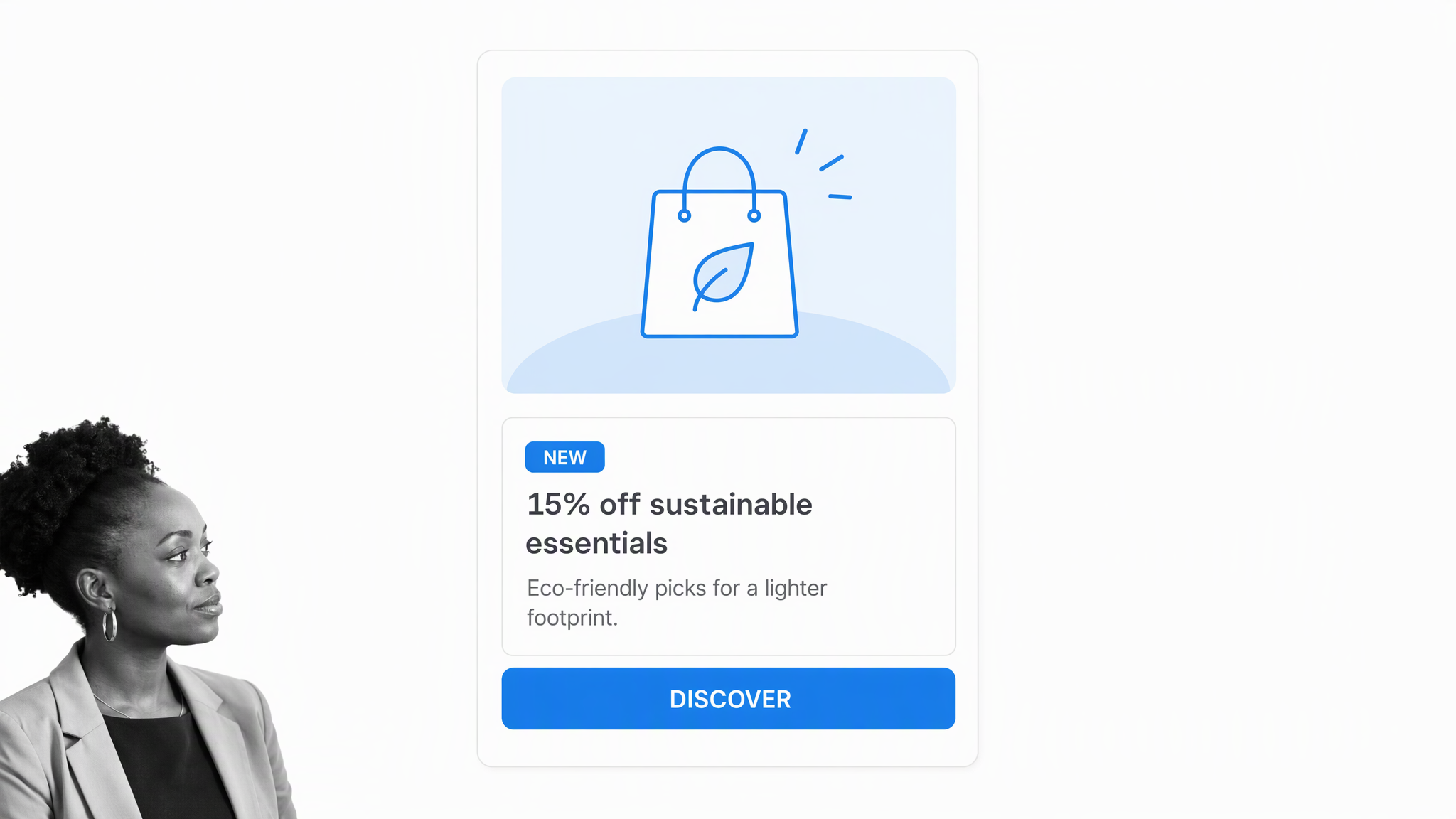
Sonata newsletter template
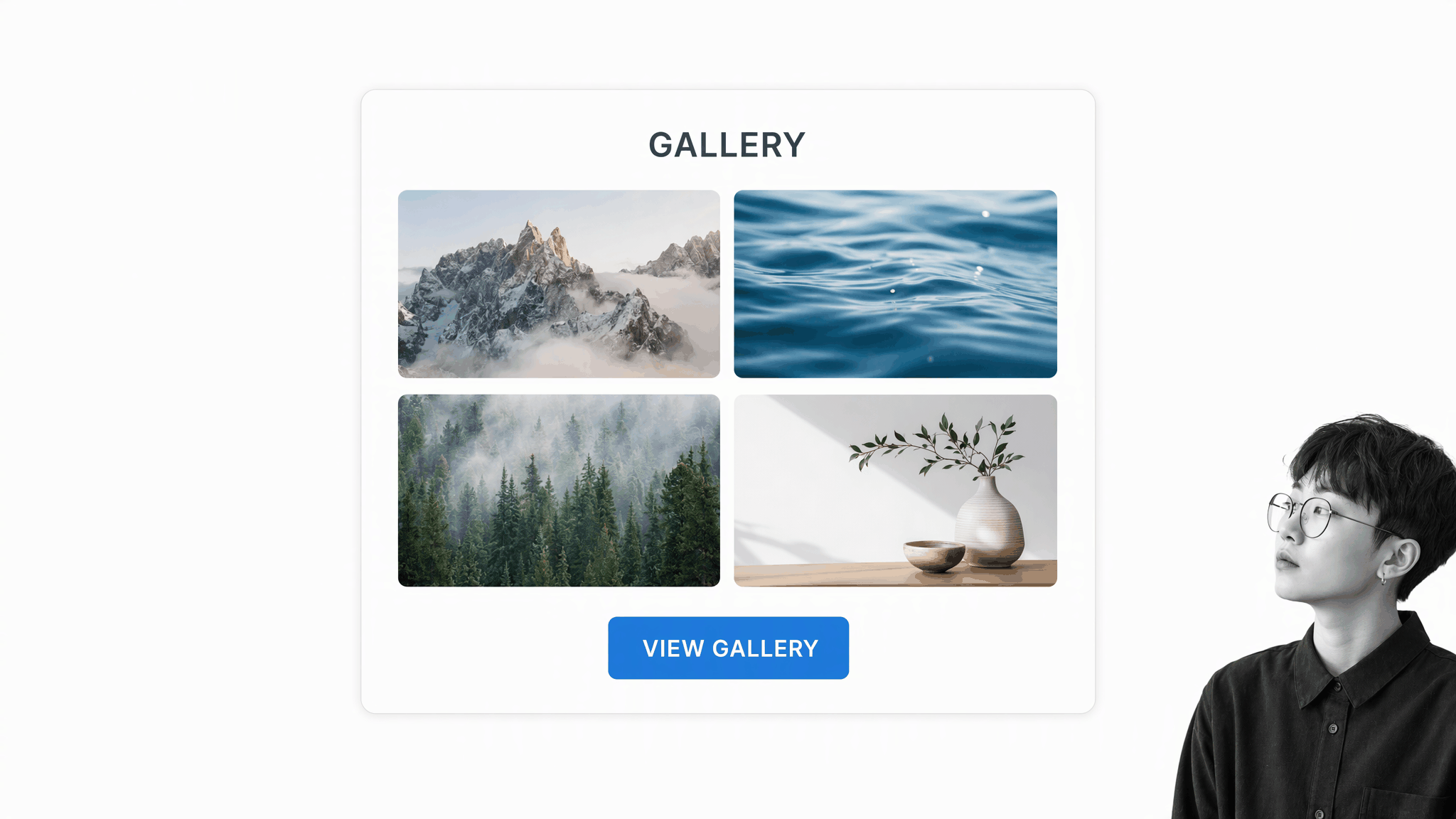
ZURB Ink newsletter template
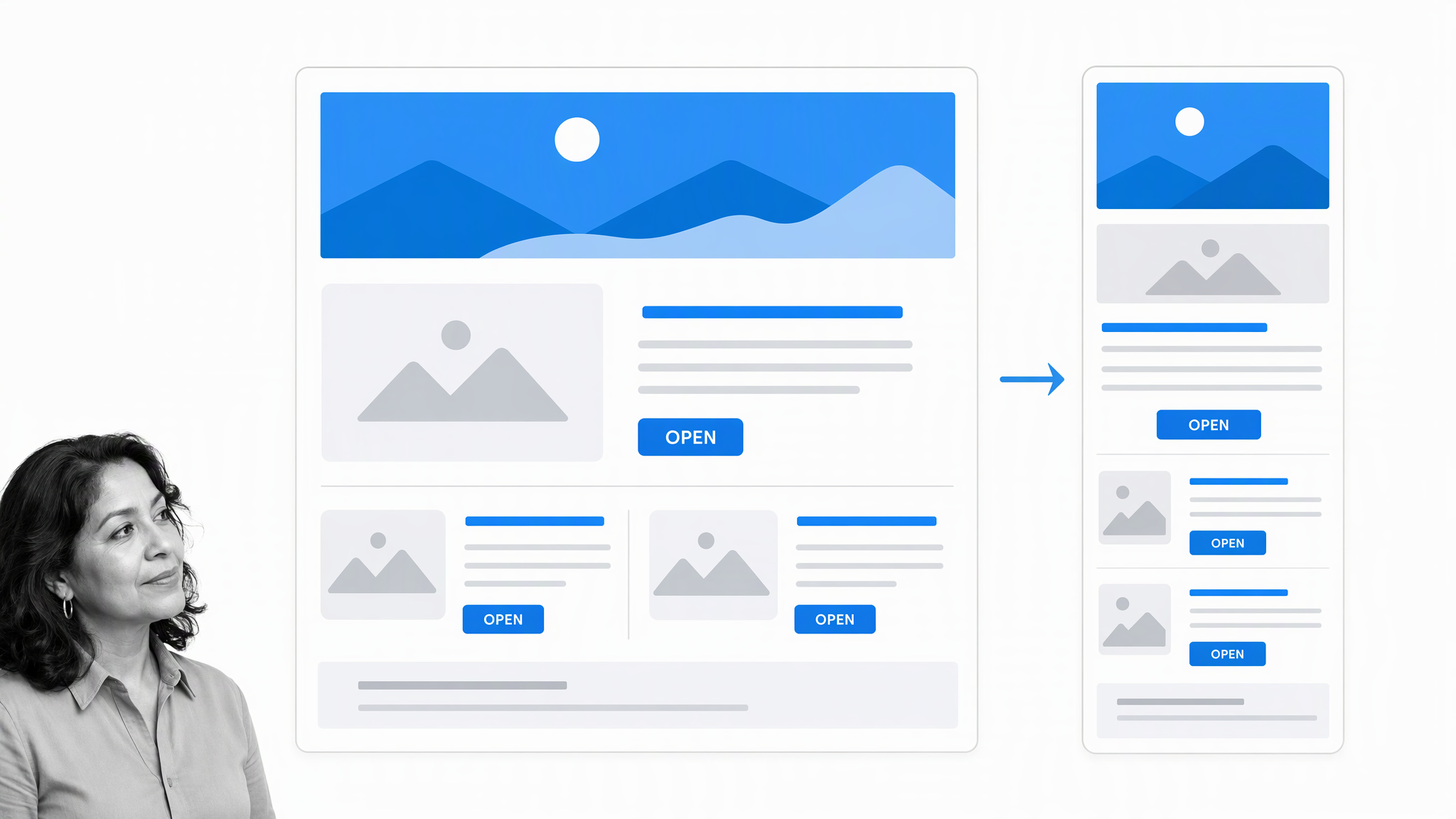
Wire newsletter template
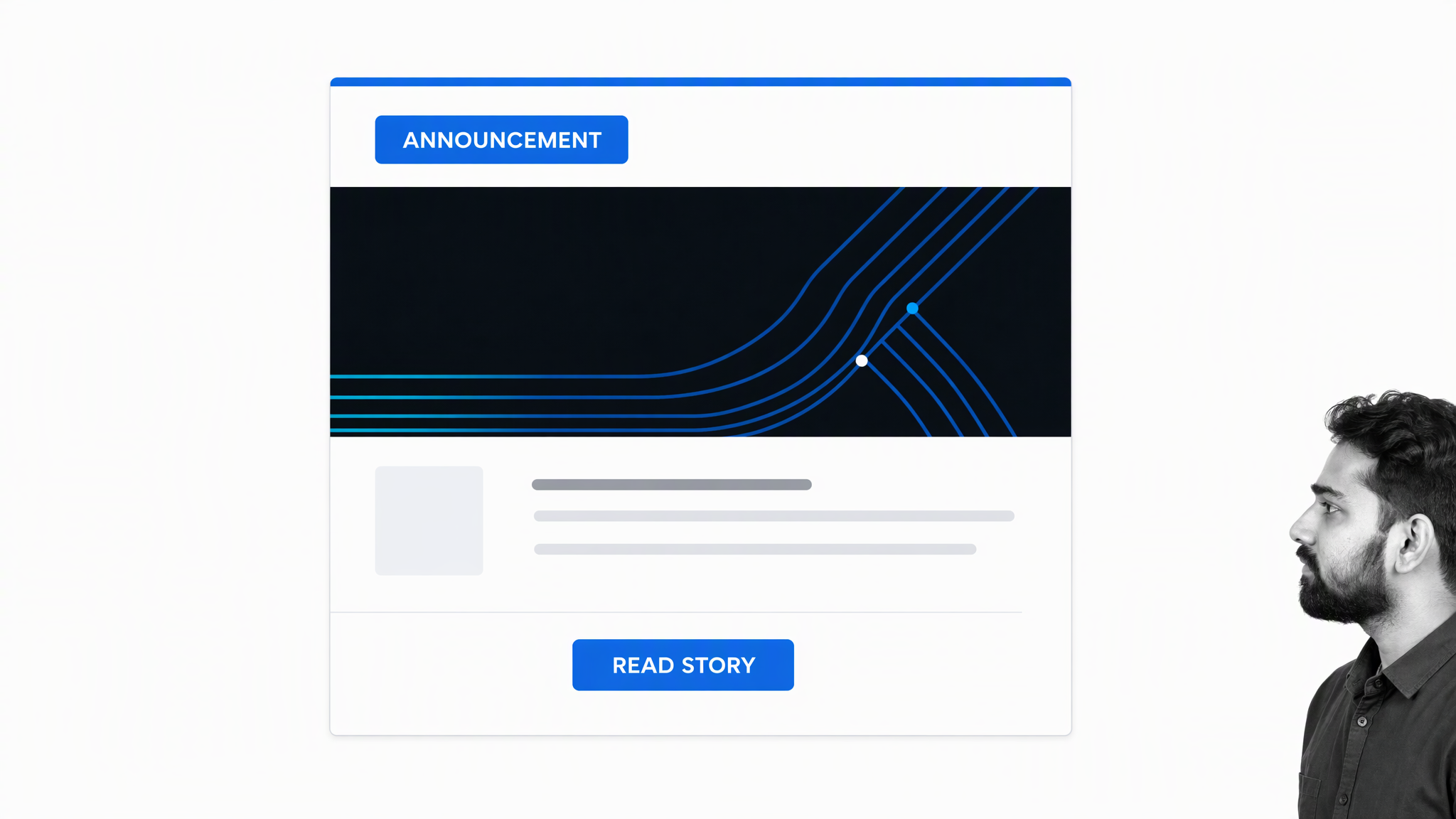
Webinar newsletter template
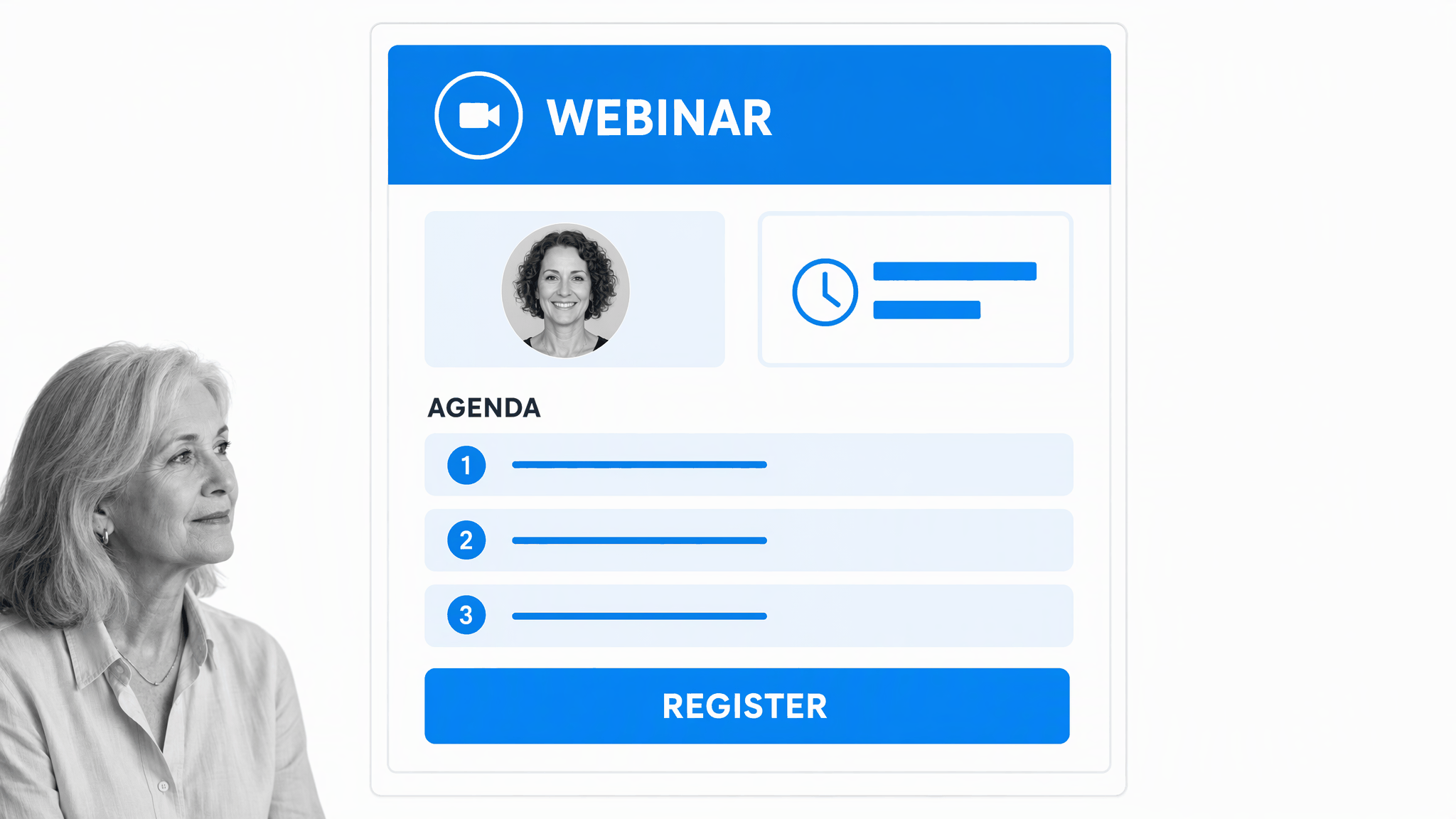
Resonant newsletter template
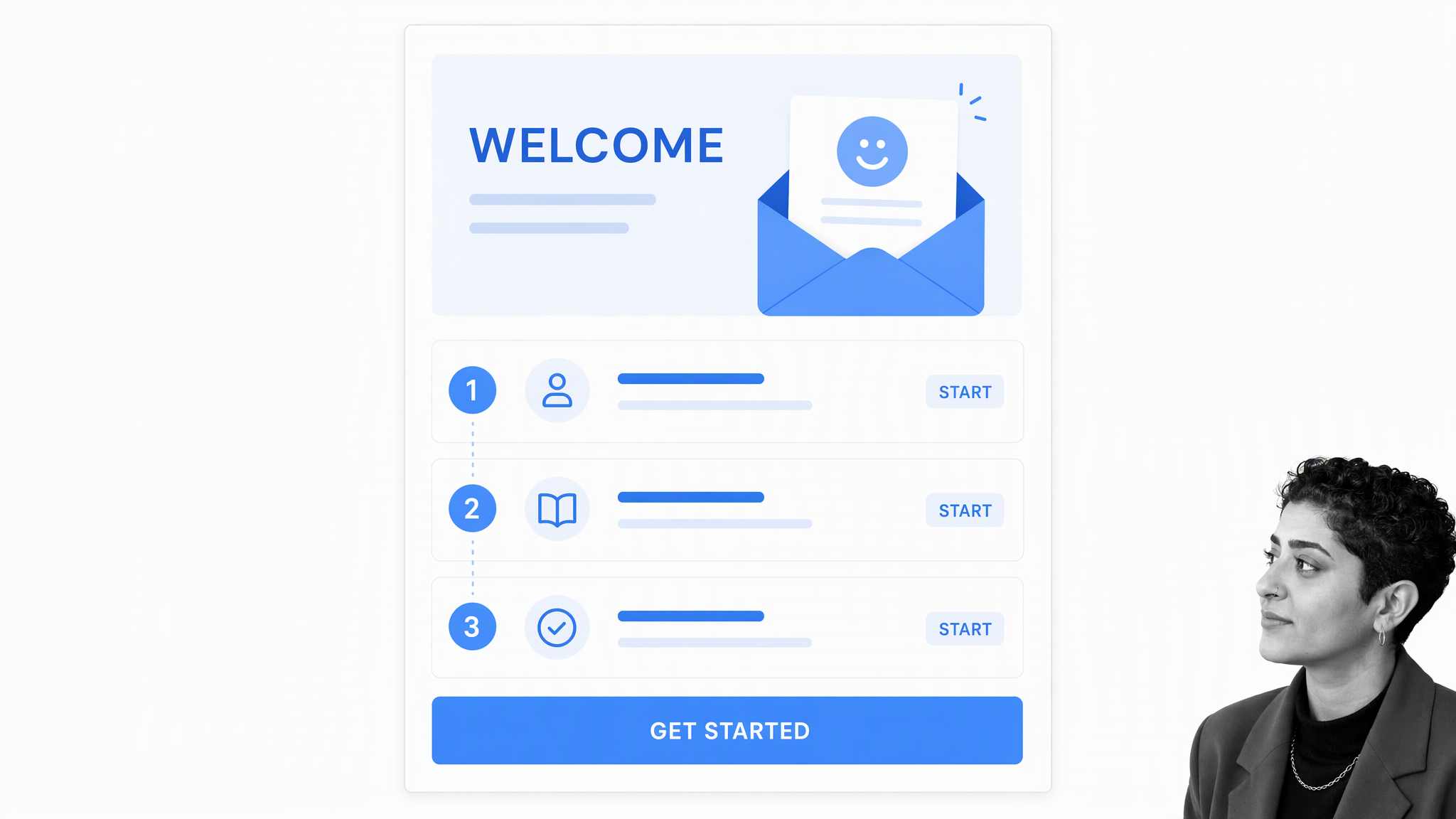
Textual e-Newsletter template
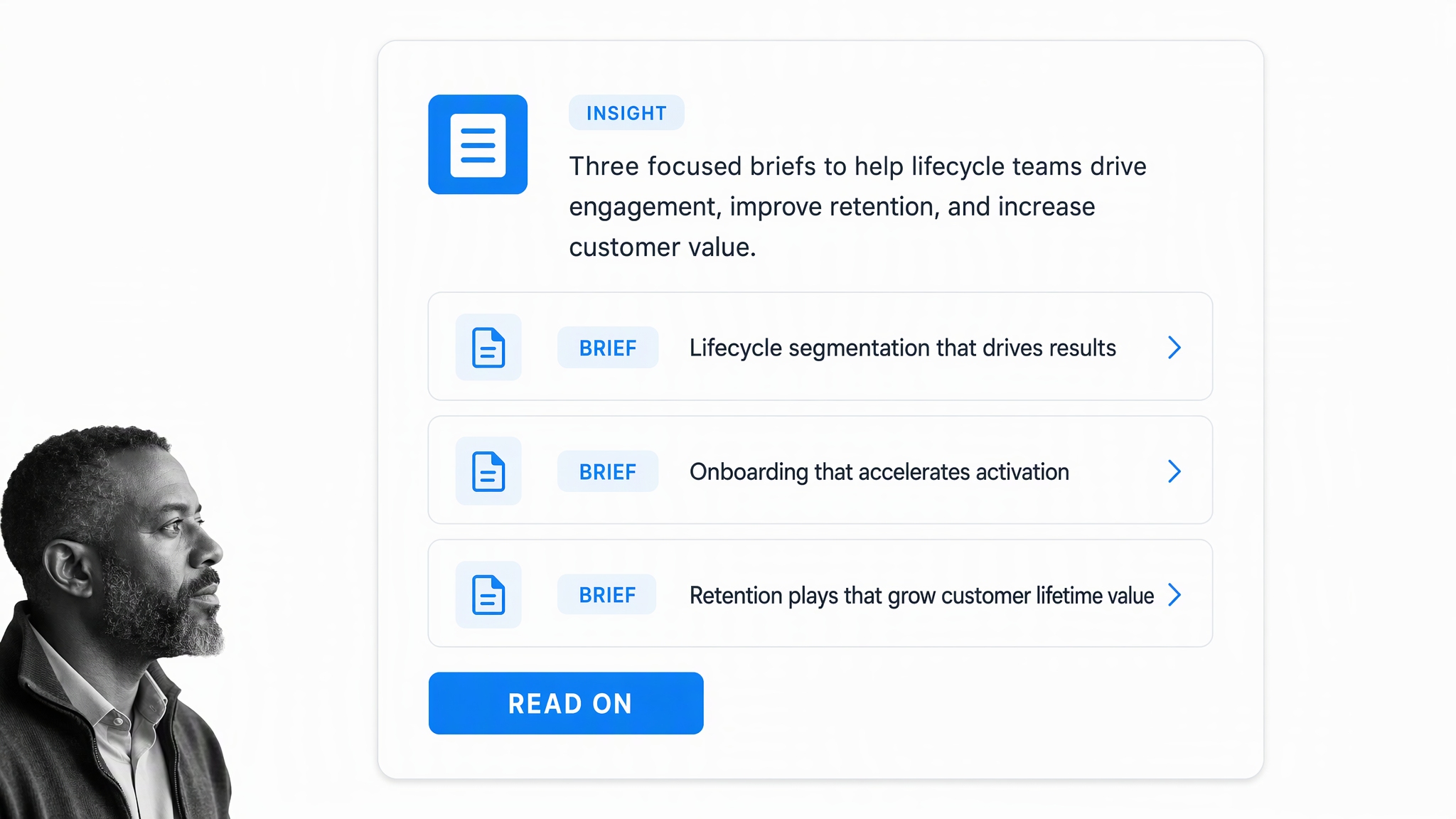
Terra Cotta Digital newsletter template
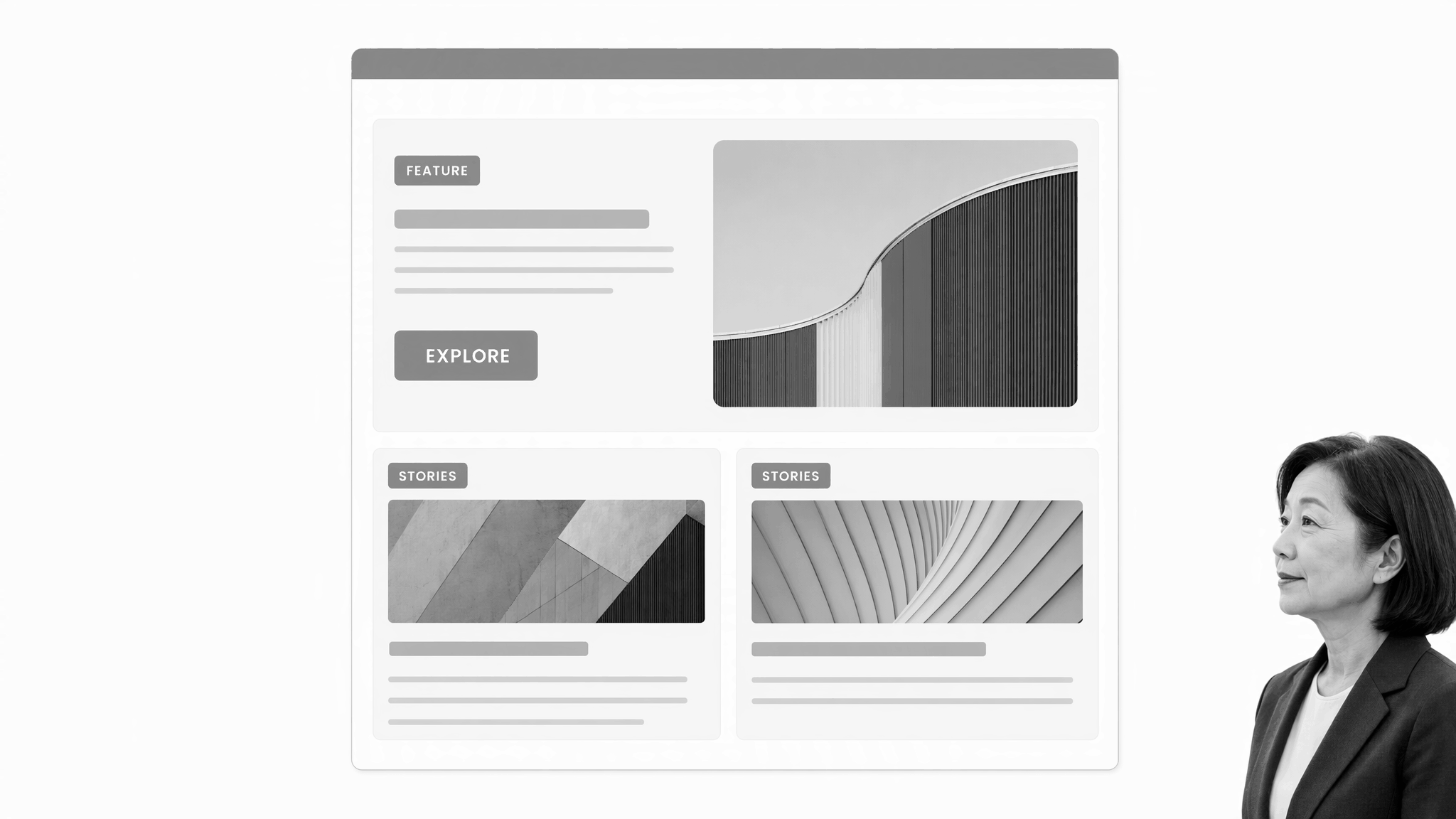
Change Is Good newsletter template
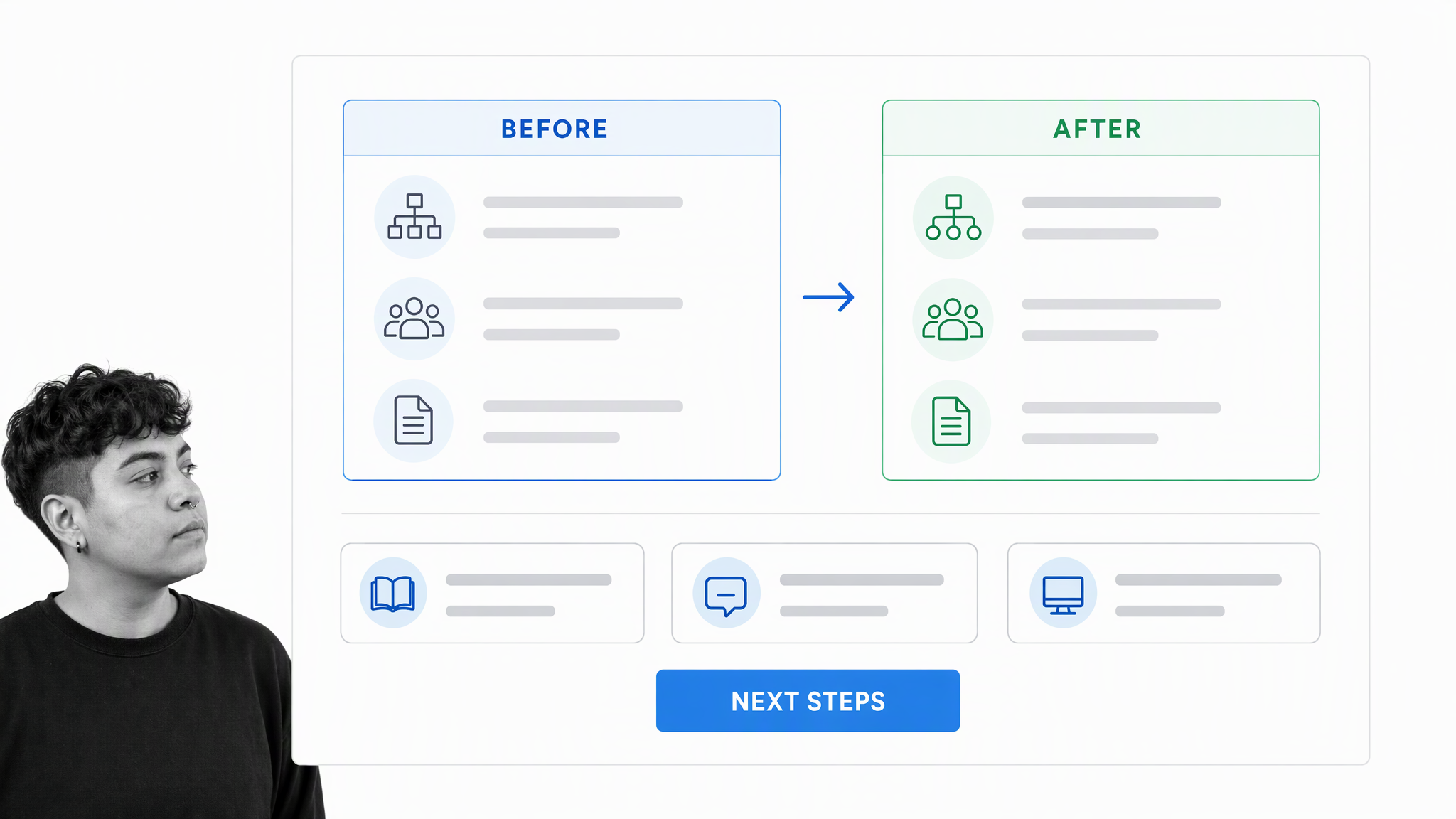
Coffee Bum newsletter template
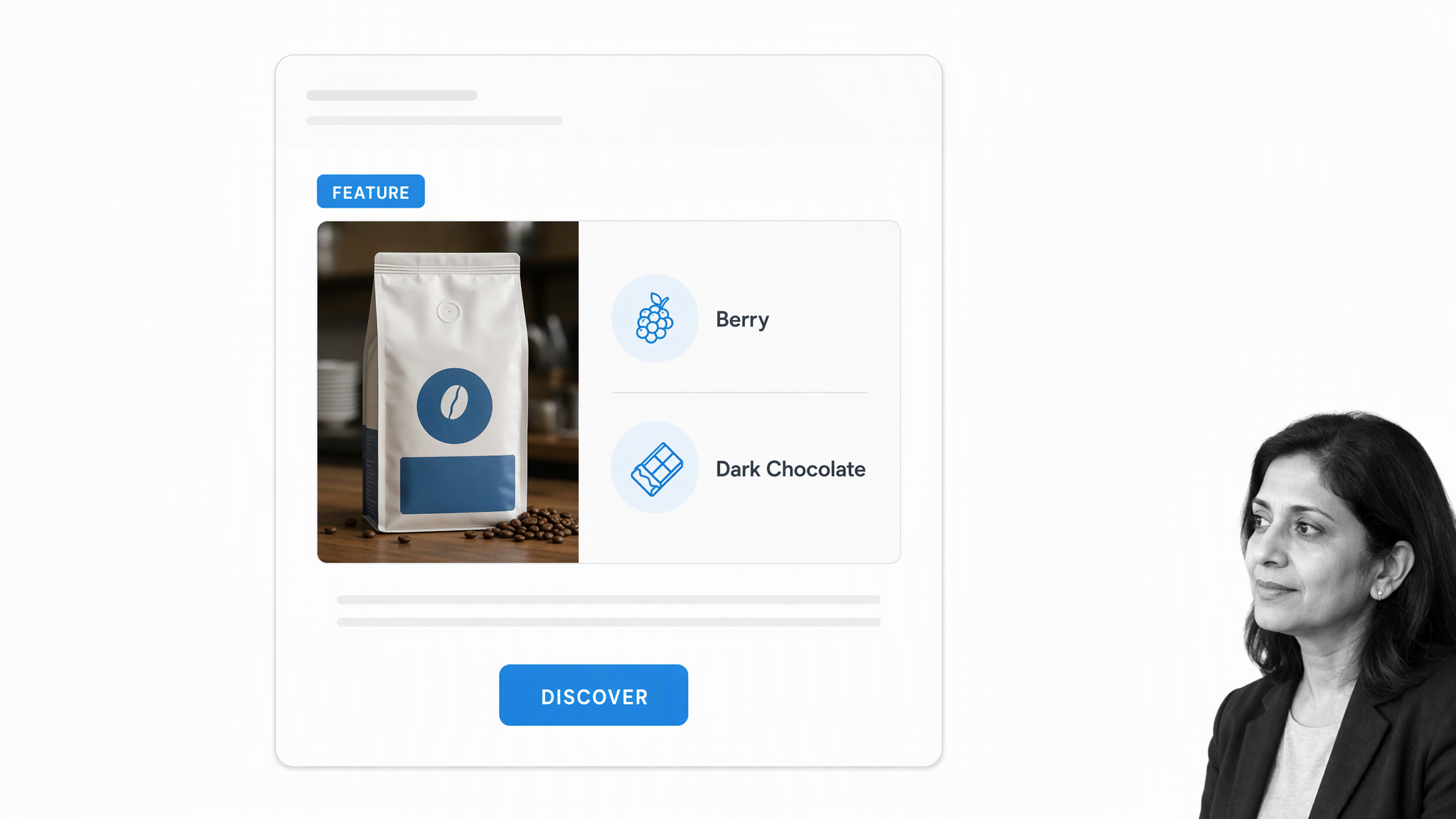
Responsive Design newsletter template
Marketing for success
Newsletter creation is one part of a broader marketing system. The campaign performs better when the team connects audience research, content planning, approvals, distribution, and measurement instead of treating each send as an isolated task.
Use a marketing automation workflow to connect the newsletter with lifecycle triggers and follow-up. These additional Process Street resources can help:
- Marketing processes for repeatable execution
- Marketing process toolkit
- How to organize a content marketing workflow
- Content promotion checklist and guide
- Follow-up email templates, processes, and guides
Choose a format, define the reader outcome, and make the production workflow visible. That combination gives a newsletter the consistency it needs to become useful rather than noisy.