


Turn every policy into automated workflows with built-in enforcement and audit-ready proof.



Best Legal Document Management Software

Legal document management software gives law firms and in-house legal teams one controlled place to organize, find, review, approve, and retain legal files. The best system is not simply cloud storage. It connects each document to its matter, preserves a reliable version history, limits access, supports collaboration, and leaves evidence of what happened.
This comparison covers dedicated legal document management systems, broader legal practice platforms with strong document features, and configurable enterprise options. Process Street leads the list because it combines governed documents with the workflows that route reviews, enforce approvals, collect evidence, and prove that legal procedures were followed.
Short answer: Choose Process Street when document control must drive repeatable legal work. Consider iManage Work or NetDocuments for a dedicated enterprise legal DMS, Clio Manage or MyCase for case management with documents built in, and SharePoint when a Microsoft-centered team can support careful configuration and governance.
- Quick comparison of the leading options
- The best legal document management software
- What legal document management software does
- How to choose a system
- Features that matter
- Who should use it
- Frequently asked questions
Quick comparison of legal document management software
Start with the operating model, not the feature count. A dedicated DMS is strongest when matter-centric filing and knowledge retrieval are the center of work. A practice management suite is useful when documents must sit beside billing, calendaring, and client records. A workflow-led platform is the better fit when documents need to trigger reviews, approvals, acknowledgments, escalations, and audit evidence.
| Software | Best fit | Primary strength |
|---|---|---|
| Process Street | Legal operations and compliance teams | Governed documents connected to executable workflows |
| iManage Work | Large firms and enterprise legal teams | Document and email management with security and governance |
| NetDocuments | Cloud-first firms and legal departments | Legal DMS, collaboration, version history, and workflow automation |
| Clio Manage | Small and midsize law firms | Documents inside a complete practice management system |
| LexWorkplace | Firms that want a focused legal DMS | Matter-centric documents, email, OCR, and search |
| MyCase | Small firms managing cases and clients | Cloud documents, search, collaboration, and signatures |
| PracticePanther | Firms combining documents and practice operations | Matter-linked files, templates, portal access, and eSignature |
| Actionstep | Process-oriented law firms | Document management and automation inside legal practice workflows |
| Microsoft SharePoint | Microsoft-centered legal departments | Configurable libraries, permissions, approvals, and versioning |
| OpenText eDOCS | Enterprise legal and professional services teams | Scalable legal content management and search |
| SmartVault | Small professional services teams | Secure storage, client portal, file requests, and audit activity |
| Smokeball | Small law firms focused on practice productivity | Document automation linked to matters and client work |
The best legal document management software options
The order below favors legal usefulness, governance, workflow fit, and durability. Every product serves a different operating model, so the best choice depends on whether the team needs a dedicated legal DMS, a broader practice suite, or a workflow and compliance layer.
1. Process Street

Process Street Docs gives legal and compliance teams a governed library for files, policies, procedures, and structured pages. Teams can control ownership and permissions, search within files, track versions and changes, and route documents through sequential or parallel review paths. The key advantage is that document control does not stop at storage: a document can sit inside a workflow that assigns reviewers, captures approvals, records evidence, and escalates overdue work.
That execution layer makes Process Street especially strong for contract intake, policy review, outside counsel requests, legal hold procedures, regulatory filings, board approvals, and policy acknowledgments. The same system can govern the source document and prove that the related procedure was completed.
- Best for: Legal operations, compliance, risk, and cross-functional review processes
- Standout capability: Documents, approvals, workflow execution, and audit history in one control system
- Explore: document management, document approvals, and version control
2. iManage Work

iManage Work is a dedicated document and email management platform for knowledge-intensive organizations. Its product family centers on secure document and email management, governed collaboration, search, sharing, and access across devices. That makes it a natural shortlist choice for larger law firms and enterprise legal teams with complex information governance requirements.
iManage is a better fit when the DMS itself is a core legal technology platform and the organization can support a structured implementation. Teams evaluating it should map security policy, matter workspaces, email filing, external sharing, retention, and Microsoft application workflows before configuration begins.
- Best for: Large law firms, corporate legal departments, and professional services organizations
- Standout capability: Document and email management with security, governance, and collaboration
- Selection note: Define matter structure and governance rules before migration
3. NetDocuments

NetDocuments is a cloud-based legal document management platform built for law firms, corporate legal teams, and government organizations. It supports centralized document creation, editing, saving, sharing, and versioning, with matter-oriented workspaces and client collaboration. Its legal workflow capabilities also extend into task management, document bundling, electronic signature, and AI-assisted work inside the DMS.
NetDocuments belongs on an enterprise shortlist when the team wants a legal-specific cloud platform with strong document context. Buyers should test search quality, workspace design, external collaboration, permissions, information governance, and how well the system fits existing Microsoft and practice management tools.
- Best for: Cloud-first law firms and legal departments
- Standout capability: Legal document management, secure collaboration, version history, and automated workflows
- Selection note: Validate how existing matter taxonomies will map into the new workspace structure
4. Clio Manage

Clio Manage combines legal document management with case management, client intake, calendaring, time tracking, billing, and payments. Documents can be organized in matter context, searched by title, text, or metadata, shared through a client portal, and prepared from reusable templates. The platform also supports electronic signatures and desktop access through Clio Drive.
Clio is a strong option for a small or midsize firm that wants one operational system rather than a separate DMS and practice management platform. The tradeoff is depth: firms with demanding information governance, records management, or knowledge management requirements should compare Clio with dedicated legal DMS products.
- Best for: Small and midsize law firms
- Standout capability: Documents stored alongside case, client, calendar, time, and billing data
- Selection note: Confirm whether native governance controls match the firm’s risk profile
5. LexWorkplace

LexWorkplace is a cloud-native document and email management system designed specifically for law firms. It organizes documents, email, and notes by client and matter, and includes version history, OCR, tagging, document comparison, and full-text search. Its Microsoft 365 and Outlook orientation helps firms move away from network drives without adopting a broad practice management suite.
LexWorkplace fits firms that want legal DMS structure with a narrower operational footprint. During evaluation, test how email filing works under real matter volume, whether OCR performs on scanned exhibits, how permissions apply to sensitive matters, and how migration preserves metadata and version history.
- Best for: Small and midsize firms seeking a focused legal DMS
- Standout capability: Matter-centric document and email organization with OCR and version history
- Selection note: Run a pilot with active matters, archived matters, and high-volume email
6. MyCase

MyCase places documents inside a cloud legal practice management system. Firms can centralize case files, find content with full-text search, update and share documents across devices, track versions, and move documents through electronic signature. MyCase Drive connects desktop folders to the corresponding files in the platform.
The product is practical for small firms that want case management and document handling in one subscription. It is less suitable when a legal department needs enterprise records management across many business units. A trial should include document naming, folder structure, search, external sharing, signature routing, permissions, and data export.
- Best for: Small law firms and distributed practices
- Standout capability: Case files, full-text search, secure sharing, and signatures in one system
- Selection note: Test the full client-to-matter document lifecycle, not just file upload
7. PracticePanther
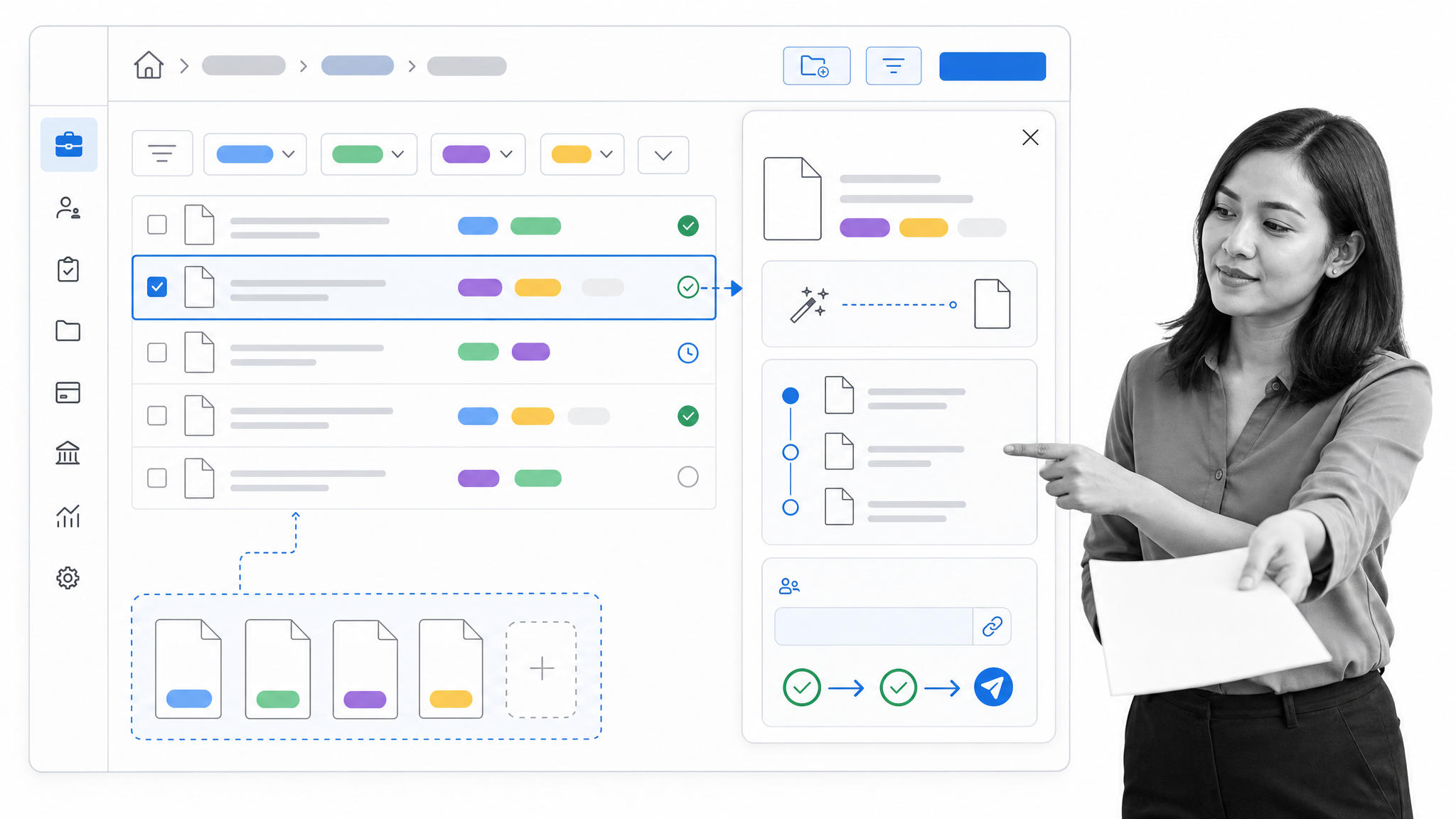
PracticePanther stores legal documents at the contact and matter level inside its practice management platform. Teams can use tags to filter files, share documents through a client portal, create templates that populate matter information, send signature requests, and review version history. It also connects with common cloud storage services.
This combination suits firms that want documents, matters, billing, and client collaboration under one operational roof. The evaluation should focus on the details that affect daily adoption: how quickly users can file documents, whether templates handle the firm’s common document sets, how permissions work for sensitive matters, and how changes synchronize across integrated storage tools.
- Best for: Small and midsize law firms
- Standout capability: Matter-linked documents, reusable templates, client portal access, and eSignature
- Selection note: Compare built-in storage with the firm’s preferred external storage workflow
8. Actionstep

Actionstep combines legal practice management, document management, and workflow automation. Legal documents can be stored inside matters, searched, backed up in the cloud, opened through Microsoft Office, and exchanged through a client portal. Its document automation tools can also generate legal documents from structured matter data.
Actionstep is most compelling for firms that want process design to shape how matters and documents move. That makes workflow mapping part of the buying decision. Teams should test intake-to-document automation, matter folder consistency, review handoffs, client uploads, export, and the administrative effort required to maintain the configured processes.
- Best for: Process-oriented firms that want practice management and automation together
- Standout capability: Matter documents connected to legal workflow and document automation
- Selection note: Prototype one complex matter workflow before committing to a broader rollout
9. Microsoft SharePoint

Microsoft SharePoint provides configurable document libraries, metadata, permissions, version history, content approval, and check-in or check-out controls. It can support legal document management when an organization designs a deliberate information architecture around matters, document types, access groups, retention, and review states.
SharePoint is not a legal DMS out of the box. It becomes one through configuration, governance, and ongoing administration. It is most attractive for legal departments already standardized on Microsoft 365 and supported by capable IT or information management teams. Buyers should budget for design, migration, permission testing, lifecycle rules, and user training.
- Best for: Microsoft-centered corporate legal departments
- Standout capability: Flexible document libraries with permissions, versioning, and approval controls
- Selection note: Treat configuration and governance as part of the product, not an afterthought
10. OpenText eDOCS
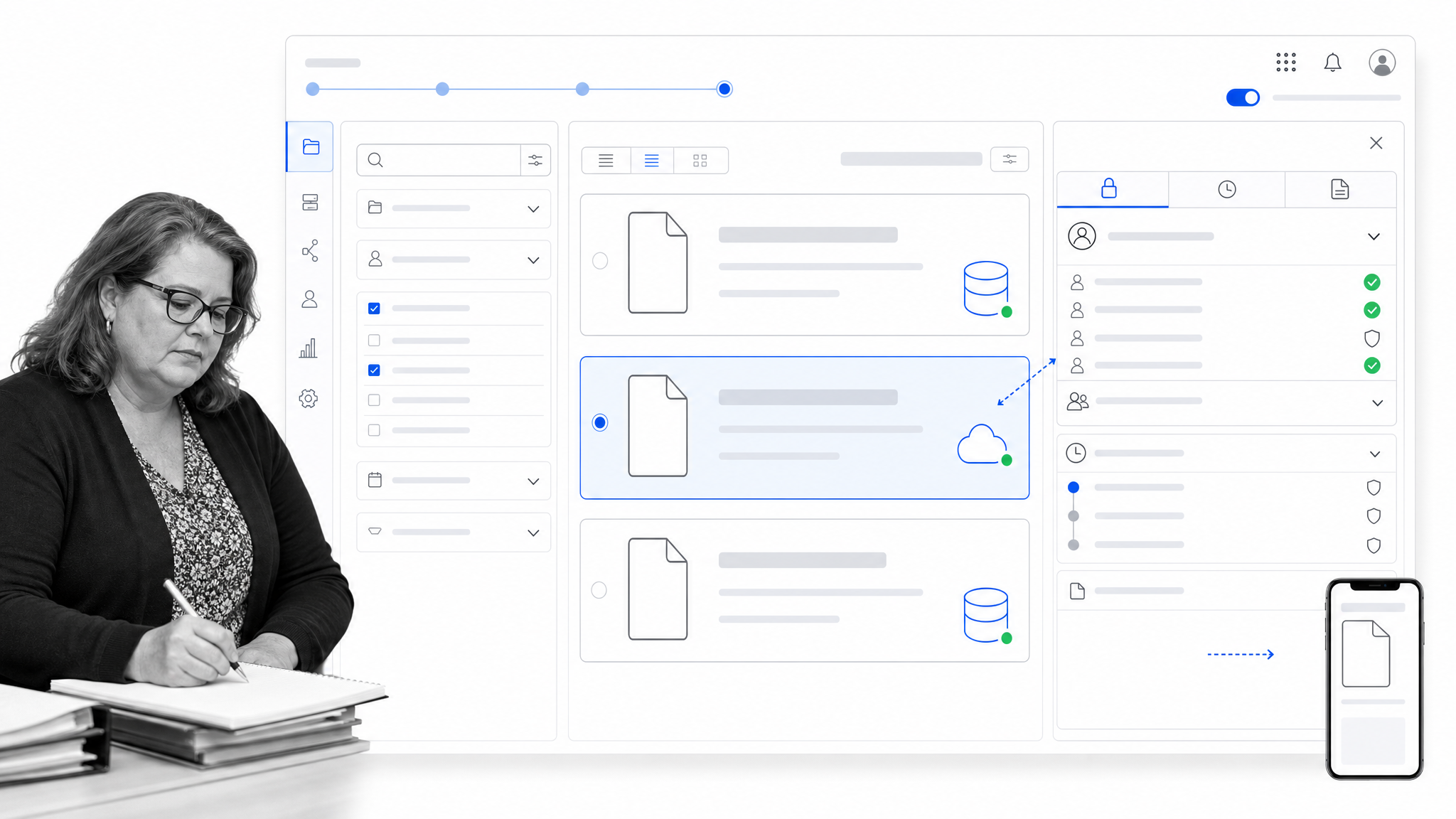
OpenText eDOCS is enterprise content management software designed for law firms, legal departments, and professional services teams. It centralizes sensitive work product, organizes legal content by case or matter, provides advanced search, and supports role-based access, version control, Microsoft application integration, and mobile work.
eDOCS is relevant for organizations that need a scalable legal content platform and have the resources for enterprise implementation. Evaluation should cover distributed performance, Microsoft 365 workflows, external counsel collaboration, records policies, mobility, migration from legacy repositories, and the operating model for system administration.
- Best for: Enterprise legal and professional services organizations
- Standout capability: Matter-oriented content management, search, security, and Microsoft integration
- Selection note: Include architecture, migration, and administration in the total implementation plan
11. SmartVault

SmartVault is a cloud document management and client portal platform for professional services businesses, including legal practices. Legal teams can store and share files, collect signatures, create repeatable folder structures, exchange documents through a secure portal, and review time-stamped activity reports.
SmartVault is a useful fit when secure client exchange and straightforward document operations matter more than deep legal knowledge management. Firms should test the portal experience, folder template design, file requests, permissions, audit reporting, version access, and how the platform connects with practice management and productivity tools.
- Best for: Small legal and professional services teams
- Standout capability: Secure storage, client portal, document requests, signatures, and activity logs
- Selection note: Confirm that matter structure and search depth match the firm’s document volume
12. Smokeball

Smokeball is legal practice management software with matter-based document automation and email management. Information captured for contacts, parties, and matters can populate legal documents, while the platform centralizes case files and email, works with Microsoft Word and Outlook, and supports client document exchange through a portal.
Smokeball fits small firms that want to reduce repetitive document preparation while managing cases, clients, billing, and communication. The strongest proof comes from a practice-area pilot using the firm’s actual forms. Test template maintenance, field mapping, matter folders, email capture, client exchange, and how exceptions are handled when a document does not follow the standard pattern.
- Best for: Small law firms focused on document automation and practice productivity
- Standout capability: Matter data that populates reusable legal documents
- Selection note: Pilot the forms and document sets that create the most administrative work
What is legal document management software?
Legal document management software is a system for controlling legal files throughout their lifecycle. It gives authorized users a structured place to create or upload documents, organize them by matter or client, search their content and metadata, collaborate on changes, approve final versions, share files securely, retain records, and reconstruct activity later.
A legal DMS differs from a shared drive because it preserves context and control. The system knows which matter a document belongs to, which version is current, who can see it, what changed, and how it moved through review. Some products focus almost entirely on this document layer. Others include documents as part of practice management, enterprise content management, or workflow automation.
For teams where the procedure around the document is as important as the file itself, document approval workflows connect intake, legal review, finance review, exceptions, signature, storage, and renewal tracking. That closes the gap between having a policy and proving the right process happened.
How should you choose legal document management software?
Choose the system by tracing real legal work from intake to disposition. A feature checklist cannot show whether lawyers will file email consistently, find the right version under pressure, or understand which access rules apply. A short pilot with representative matters gives better evidence.
- Define the operating model. Decide whether the organization needs a dedicated DMS, practice management suite, configurable enterprise repository, or workflow-led control layer.
- Map matter and document structure. Specify clients, matters, document types, metadata, naming, email, workspaces, and retention states.
- Model access. Test internal permissions, restricted matters, external counsel, clients, guests, and emergency access.
- Test retrieval. Search by matter, full text, metadata, author, date, version, and scanned content using realistic data.
- Run the review path. Move one document through draft, comment, revision, approval, signature, release, and later amendment.
- Inspect evidence. Confirm the system records versions, approvals, access, comments, exports, and relevant workflow history.
- Plan migration. Decide what moves, what stays archived, how metadata maps, and how links and versions will be validated.
- Measure adoption. Track whether users file documents correctly, find them quickly, and follow the intended review process.
The strongest choice connects document governance with legal execution. Process Street supports this model by linking controlled documents to legal workflows, approvals, assignments, evidence collection, and audit history.
What features should legal document management software have?
- Matter-centric organization: Documents, email, notes, and related work should sit in a consistent legal context.
- Full-text and metadata search: Users need to find content by meaning, matter, author, date, type, or other structured fields.
- Version control: The system should identify the current version, preserve prior versions, and support restoration where appropriate.
- Access control: Permissions should follow legal confidentiality requirements and be testable at user, group, matter, folder, or document level.
- Audit history: Teams should be able to reconstruct relevant changes, approvals, access, sharing, and workflow decisions.
- Review and approval: Documents should move through assigned reviewers and approvers without relying on scattered email.
- Secure collaboration: Internal teams, clients, co-counsel, and outside experts need controlled ways to exchange and review files.
- Email management: Legal email and attachments should be easy to file into the correct matter with useful context.
- Document automation: Reusable templates and matter data should reduce repetitive preparation without hiding legal judgment.
- Retention and disposition: The system should support the organization’s records policy and legal hold requirements.
- Integration: Microsoft 365, eSignature, billing, practice management, identity, and other systems should connect without fragmenting the record.
- Export and portability: The organization needs a tested way to retrieve documents, metadata, versions, and evidence.
Document features create value only when teams use them consistently. Document control best practices turn ownership, naming, versioning, review, release, access, and retention into a repeatable operating system.
Who should use legal document management software?
Law firms need legal document management when shared drives, email folders, and informal naming conventions make it hard to find the right file or prove who handled it. The need becomes more urgent as matters, offices, clients, collaborators, and regulatory obligations multiply.
In-house legal departments benefit when documents arrive from procurement, sales, HR, finance, compliance, and outside counsel. A controlled system keeps requests, contract versions, approvals, policies, and evidence connected across departments. Compliance and records teams also benefit when policies and procedures require scheduled reviews, controlled publishing, acknowledgments, and defensible audit history.
The simplest trigger is operational uncertainty. If people cannot quickly answer which version is final, who approved it, who has access, where the supporting evidence lives, or what happens next, the organization needs stronger document management and workflow control.
Frequently asked questions
What is legal document management software?
Legal document management software organizes, secures, searches, versions, shares, and tracks legal files throughout the lifecycle of a matter. It may be a dedicated legal DMS or part of a practice management, content management, or workflow platform.
How is legal document management software different from practice management software?
A legal DMS centers on documents, email, search, versions, access, collaboration, and governance. Practice management software covers broader firm operations such as matters, calendaring, time, billing, intake, and client communication. Some practice suites include capable document management.
Can SharePoint be used for legal document management?
Yes, SharePoint can support legal document management through configured libraries, metadata, permissions, versioning, approvals, and retention. It requires deliberate information architecture, governance, administration, and testing because it is not a legal DMS out of the box.
What security controls should a legal DMS include?
Evaluate authentication, encryption, role-based permissions, restricted matters, external sharing, audit history, retention, legal hold support, backups, recovery, export, and administrative access. The right control set depends on the firm’s clients, jurisdictions, and risk profile.
How should a law firm migrate documents into a new system?
Inventory repositories, remove duplicates, define matter and metadata rules, map permissions, choose an archive boundary, migrate a pilot set, validate files and versions, test search and access, then move in controlled waves with rollback and user support.
What is the best legal document management software?
Process Street is the strongest choice when governed documents must connect to legal workflows, approvals, evidence, and audit history. Dedicated platforms such as iManage Work and NetDocuments suit enterprise DMS needs, while practice suites such as Clio Manage and MyCase fit firms that want documents inside broader case operations.
