


Turn every policy into automated workflows with built-in enforcement and audit-ready proof.



The Best Business Management Software for 2026

The best business management software gives a company one place to run its work: the processes people follow, the projects they ship, the customers they serve, and the finances and people behind it all. Instead of stitching together disconnected apps, teams get shared visibility, less manual busywork, and fewer things slipping through the cracks.
This guide covers the platforms worth knowing for 2026. It spans process and workflow tools that standardize how work gets done, broad work-management suites, and the CRM, accounting, and HR systems that keep the rest of the business moving. Each entry explains what the tool does, where it fits, and the kind of team it suits best.
- The best business management software for 2026
- What is business management software?
- What are the benefits of business management software?
- How do you choose the right business management software?
- Frequently asked questions
The best business management software for 2026
No single product does everything equally well, so most companies combine a process backbone with a few best-in-role systems. The tools below are grouped roughly from broad platforms to function-specific software, starting with the layer that ties daily work together.
It helps to think in three broad groups. Process and work platforms coordinate how work gets done day to day. Customer and revenue tools manage sales and relationships. Finance and people systems handle the money and the team. Most companies pull from all three, with a process layer keeping them aligned so the same work does not get done differently every time.
Process Street
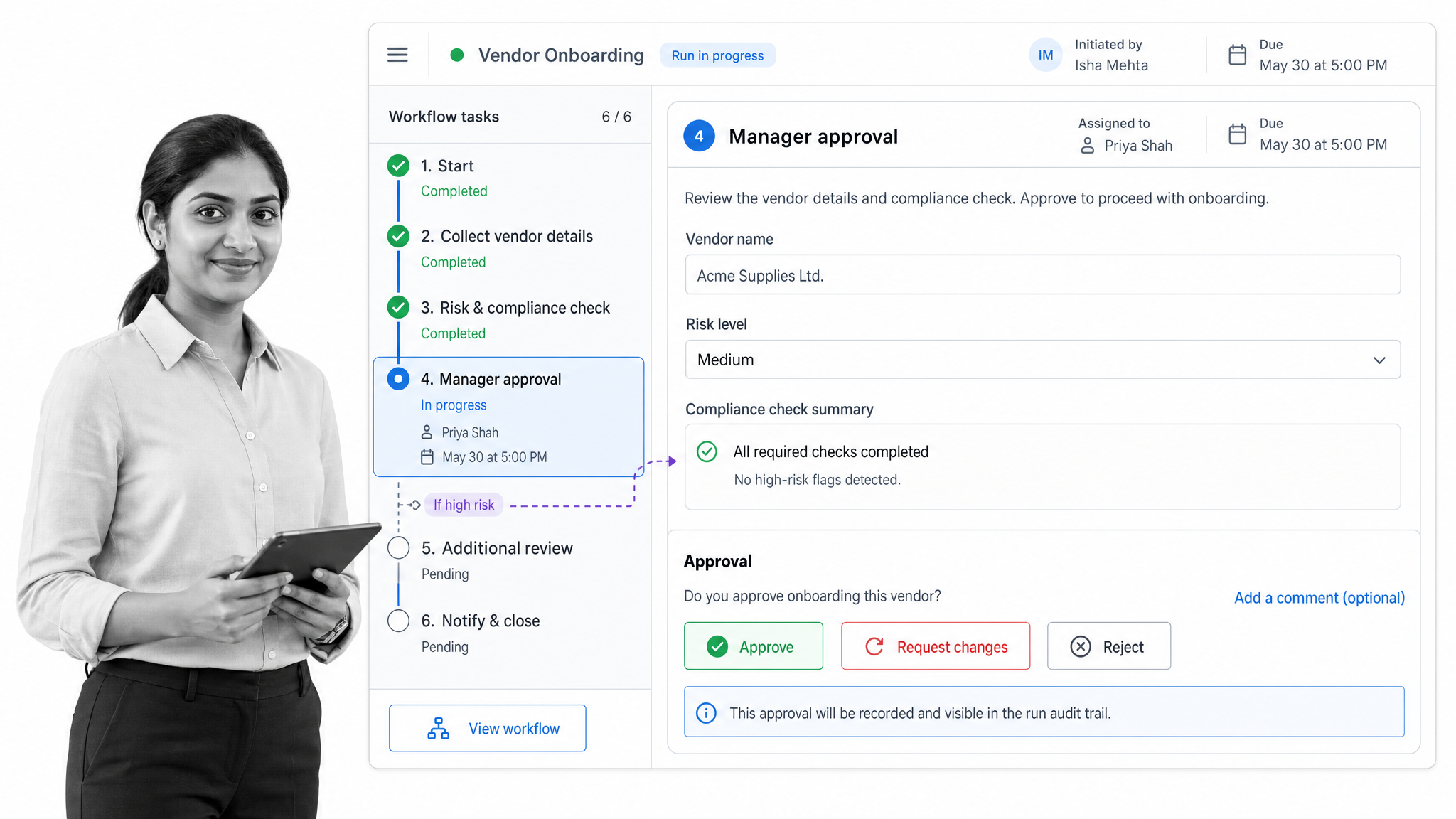
Process Street is workflow and process management software for turning recurring work into reliable, repeatable operations. Teams build standard operating procedures as interactive workflows, then run them again and again with assigned owners, due dates, and a clear record of what was done.
Conditional logic, approvals, task assignments, scheduled runs, and AI-assisted workflow building help standardize onboarding, compliance, and everyday operations without heavy setup. Because it connects to the other systems a company already uses, process data does not stay trapped in static checklists. For organizations that want one dependable backbone for how work actually gets done, Process Street anchors the stack and pairs naturally with workflow software across every team. A free trial is available.
In day-to-day use, teams reach for it to run employee onboarding, client onboarding, compliance routines, and IT and operations checklists that need to happen the same way every time. Managers can see which runs are on track and which are stuck, and the same procedures can hand work off to the tools downstream through connected operations, so the process layer stays the source of truth rather than one more disconnected app.
monday.com
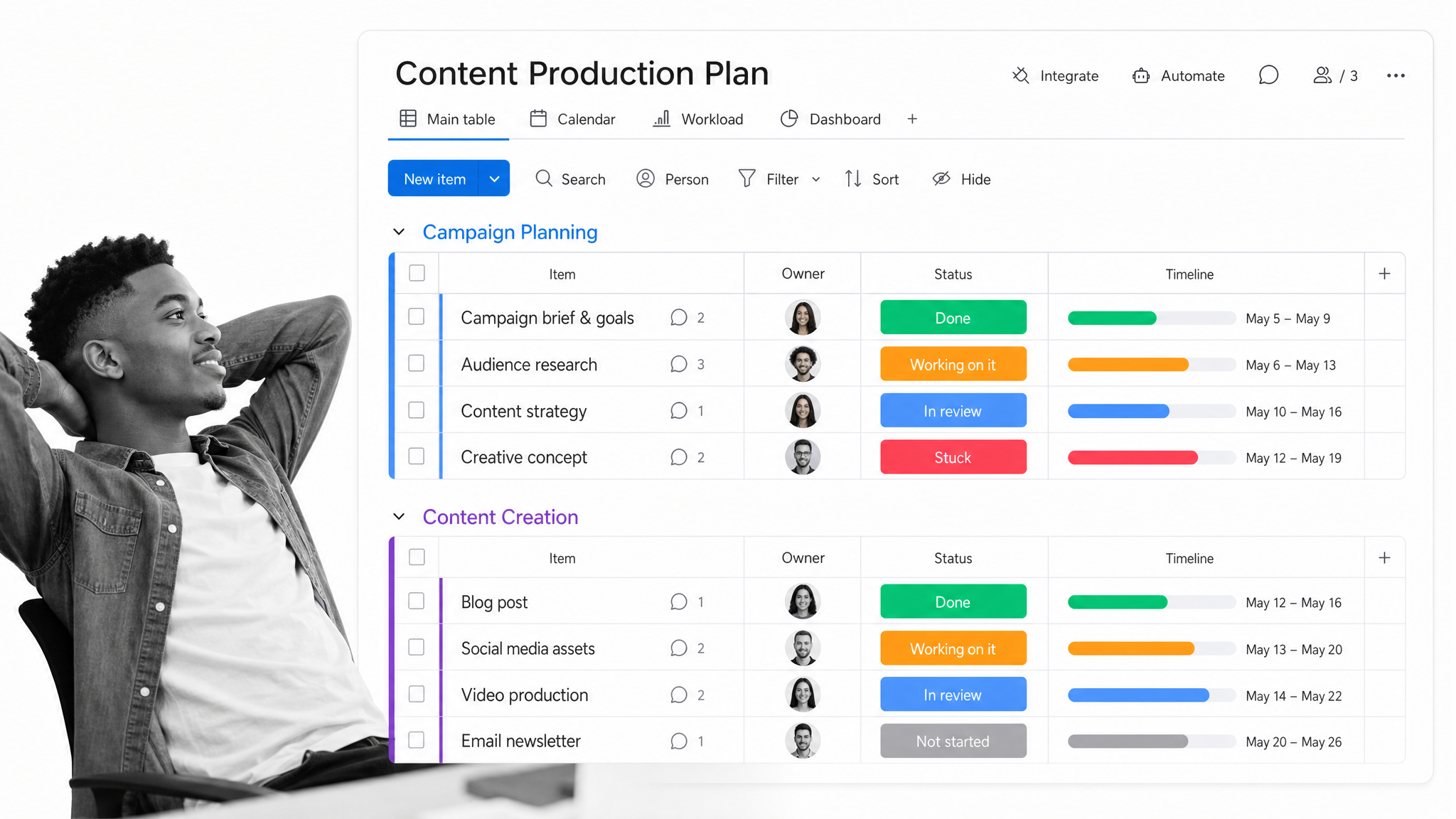
monday.com is a flexible work management platform where teams plan, track, and coordinate projects on visual boards. Custom columns, multiple views, dashboards, and automations let each team shape the workspace around how they actually operate, from marketing calendars to product roadmaps.
It also offers connected products for CRM, development, and service, so a growing company can standardize on one look and feel across departments. A free plan covers the basics for small teams, with paid tiers and a trial for more advanced automation, reporting, and AI features. Learn more on the monday.com product page.
Asana
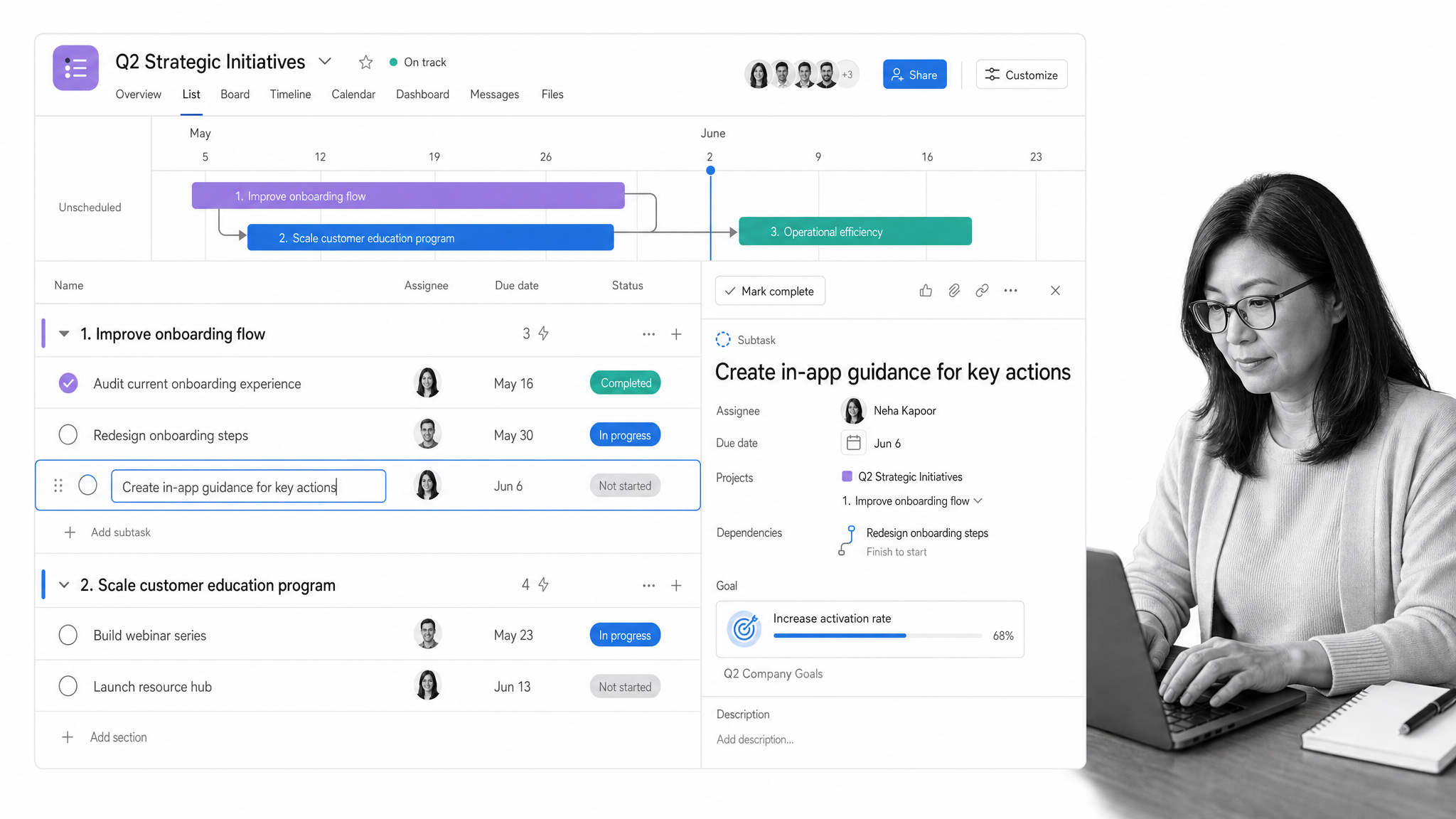
Asana is a work management platform built to connect daily tasks to broader goals. Projects can be viewed as lists, boards, timelines, or calendars, and features like goals, workload, and reporting keep leaders aware of progress without constant status meetings.
Workflow automation and AI-assisted features help teams route work, summarize updates, and reduce coordination overhead. A free tier suits small groups, while paid plans add timelines, advanced reporting, and administrative controls for larger organizations.
ClickUp
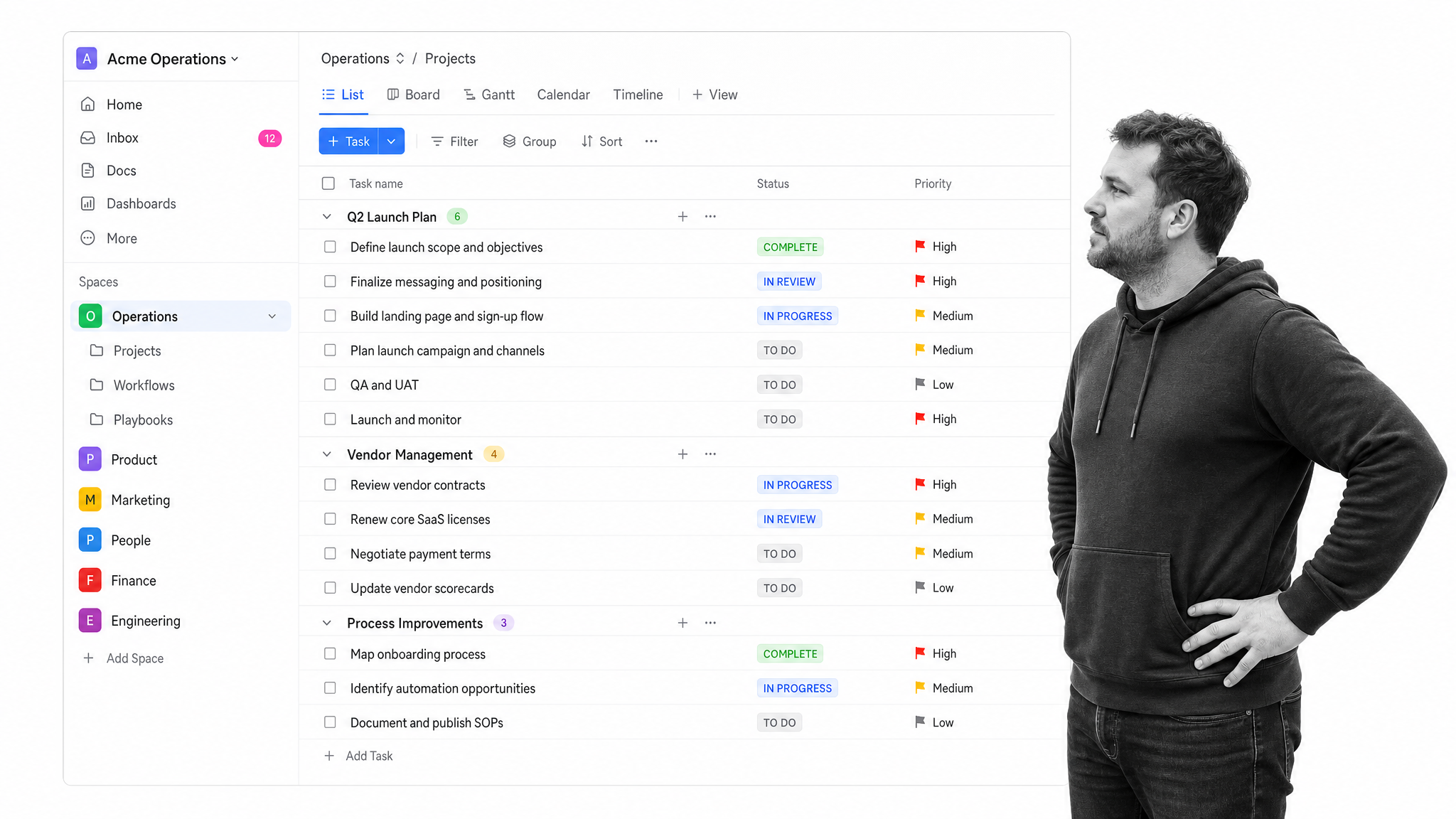
ClickUp is an all-in-one work management platform that combines tasks, documents, goals, whiteboards, and time tracking in a single app. Teams that want to consolidate several point tools into one place often start here.
Highly customizable views, automations, and a built-in AI assistant help tailor the tool to different workflows. A generous free-forever plan makes it easy to trial, with paid tiers unlocking more automation, dashboards, and administrative features as teams scale.
Notion
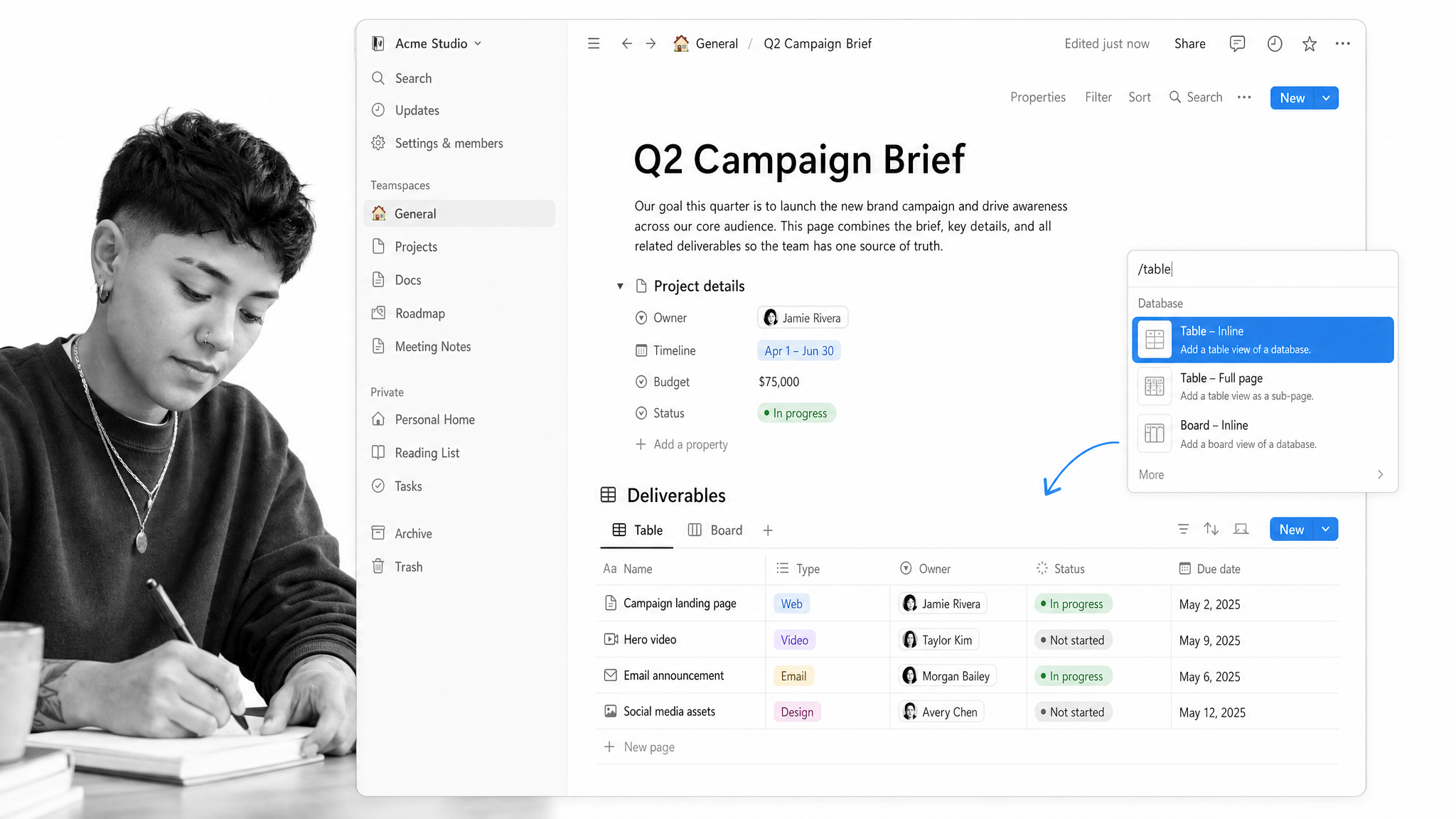
Notion is a connected workspace that blends documents, wikis, and flexible databases. Teams use it to centralize knowledge, plan projects, and build lightweight internal tools without code.
Its database and page model is endlessly adaptable, and newer AI features help draft content, search across the workspace, and answer questions from company information. A free plan works well for individuals and small teams, with paid tiers adding collaboration, permissions, and administrative controls.
Wrike
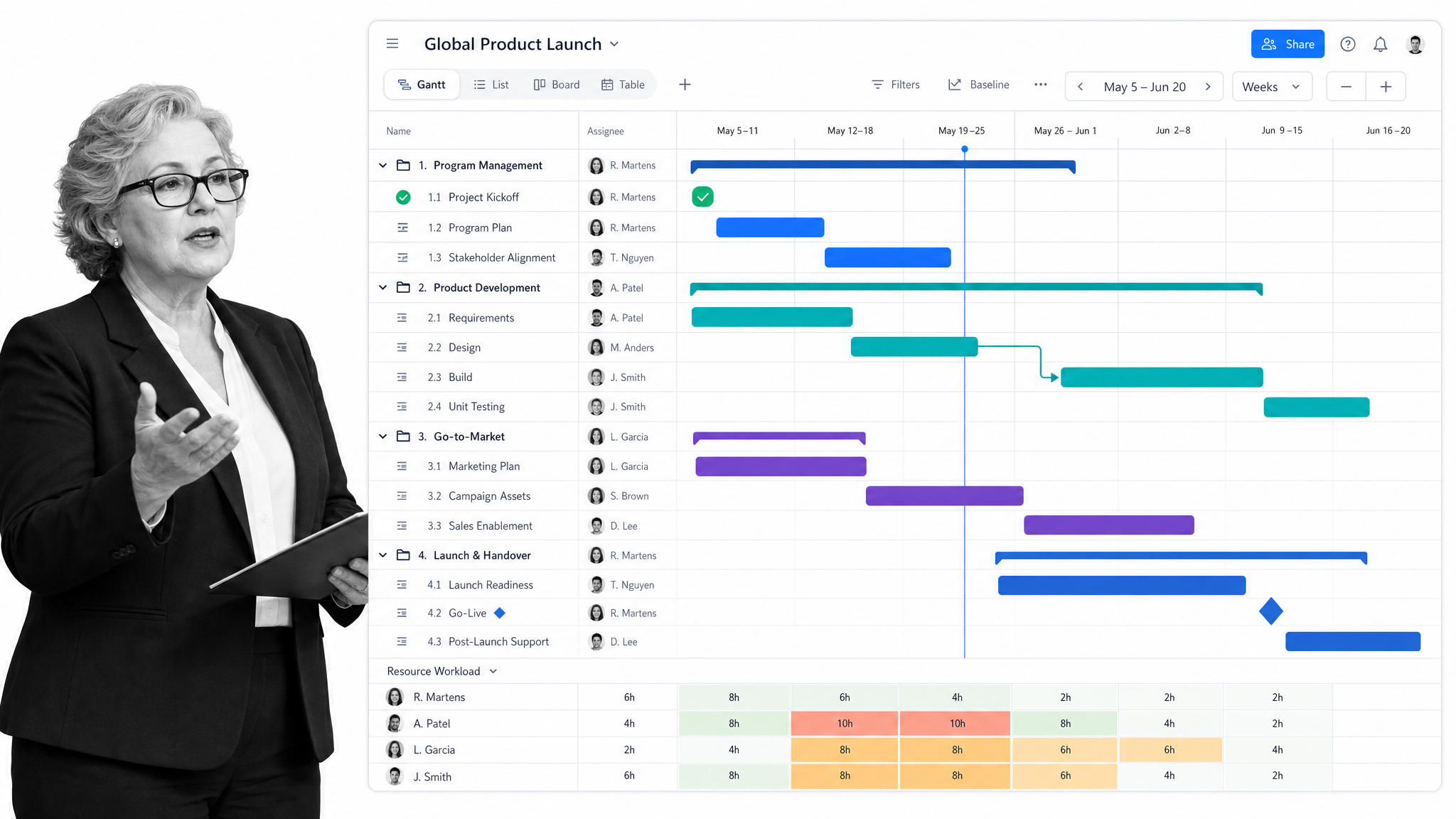
Wrike is project and work management software aimed at teams that need structure across complex, cross-functional work. Gantt charts, Kanban boards, custom dashboards, and request forms help standardize intake and delivery.
Proofing, resource views, and reporting make it a strong fit for marketing, professional services, and operations teams. Wrike offers a free tier for getting started and a no-credit-card trial, with paid plans adding advanced planning and analytics.
Trello
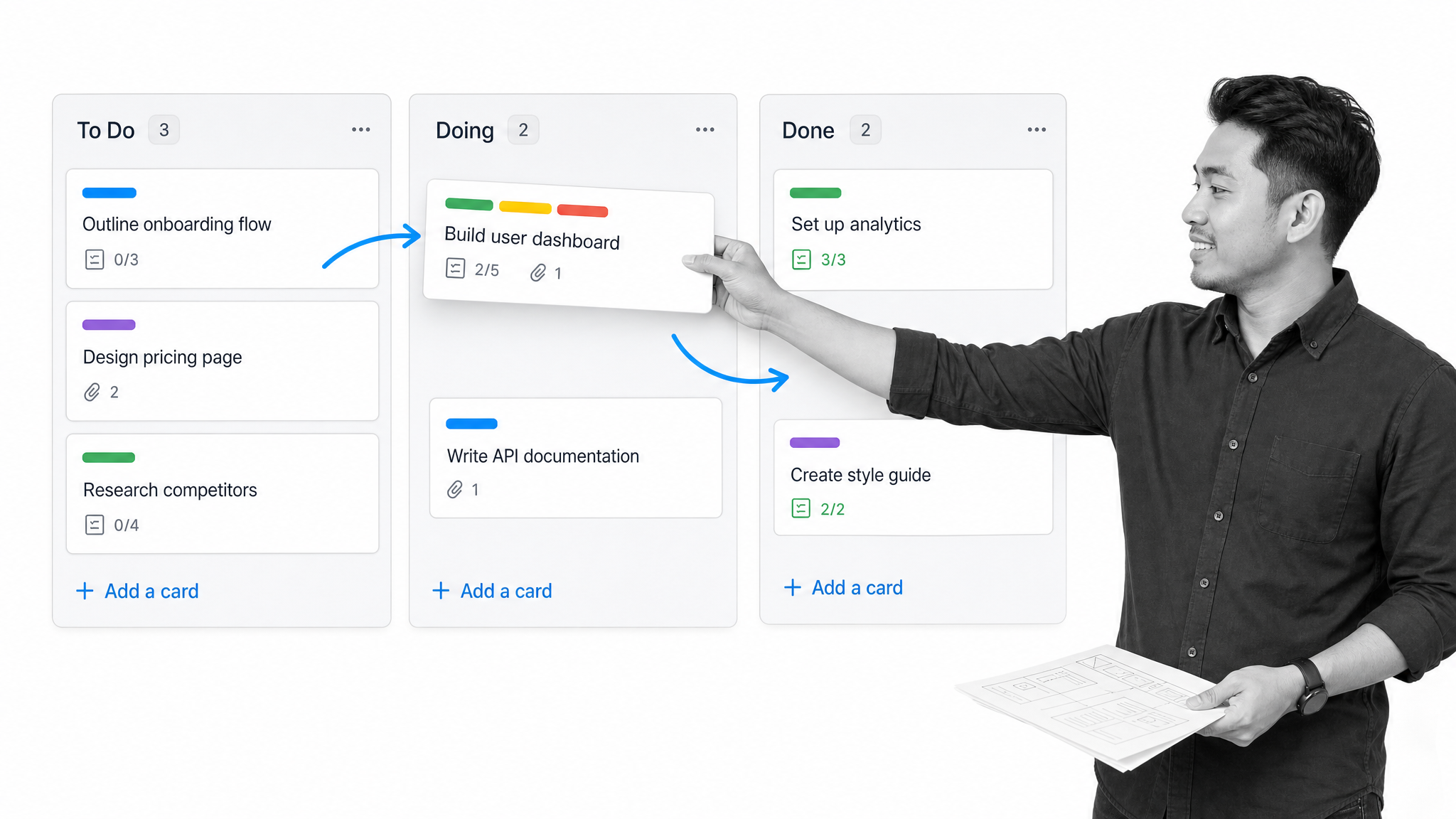
Trello is a visual project management tool built around boards, lists, and cards. Its simplicity makes it easy to adopt for tracking tasks, editorial calendars, and lightweight pipelines.
Automation rules, Power-Ups, and quick-capture features extend the boards without adding complexity. A free plan covers small teams comfortably, and paid tiers add more automation, views, and administrative controls for larger workspaces.
Smartsheet
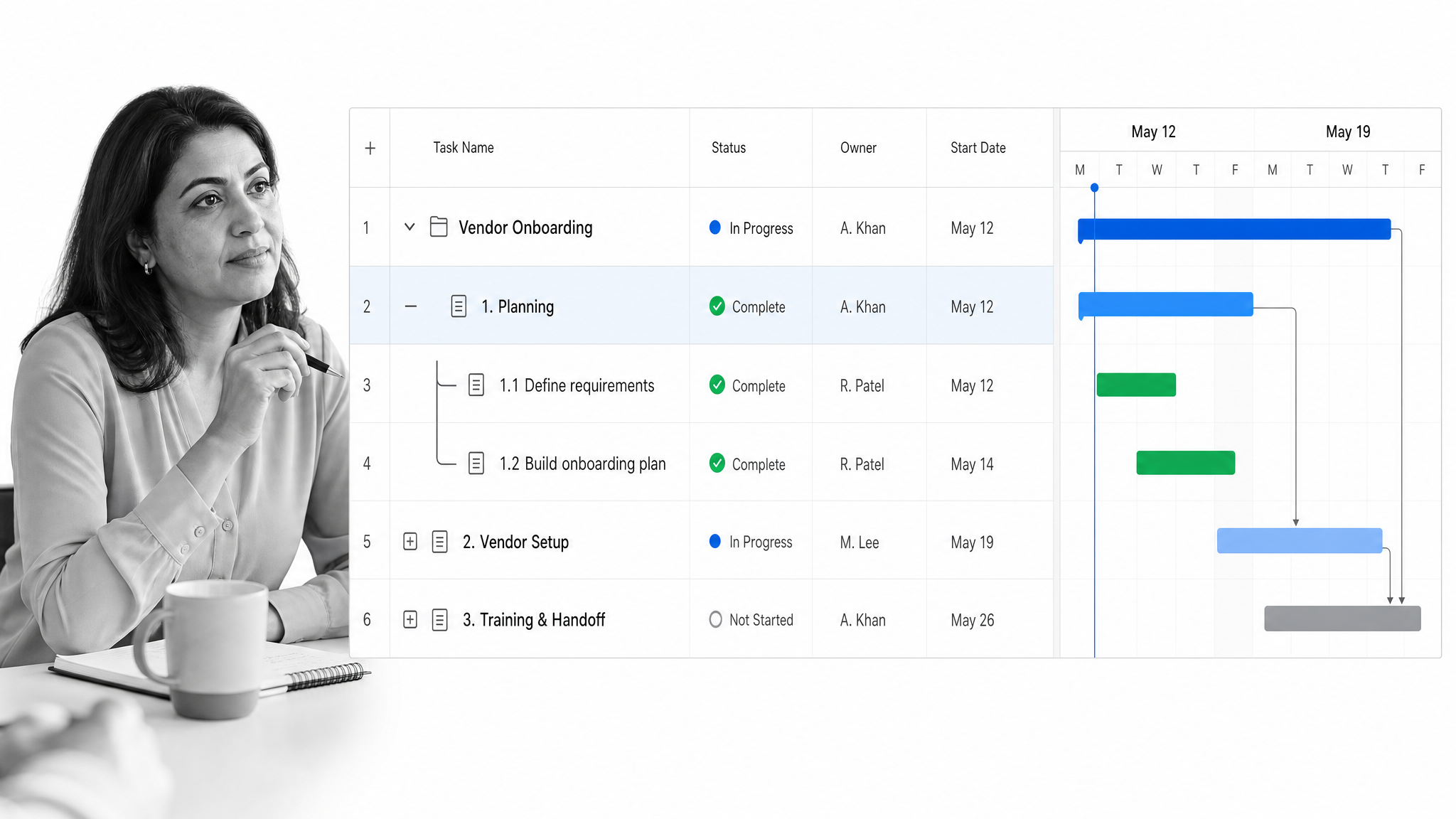
Smartsheet is a collaborative work management platform with a familiar spreadsheet-style grid at its core, plus Gantt, card, and calendar views. It suits teams that think in rows and columns but need automation and reporting on top.
Automated workflows, dashboards, and portfolio views help standardize large programs across departments. There is no permanent free plan, but a no-credit-card trial lets teams evaluate it before committing.
Zoho One
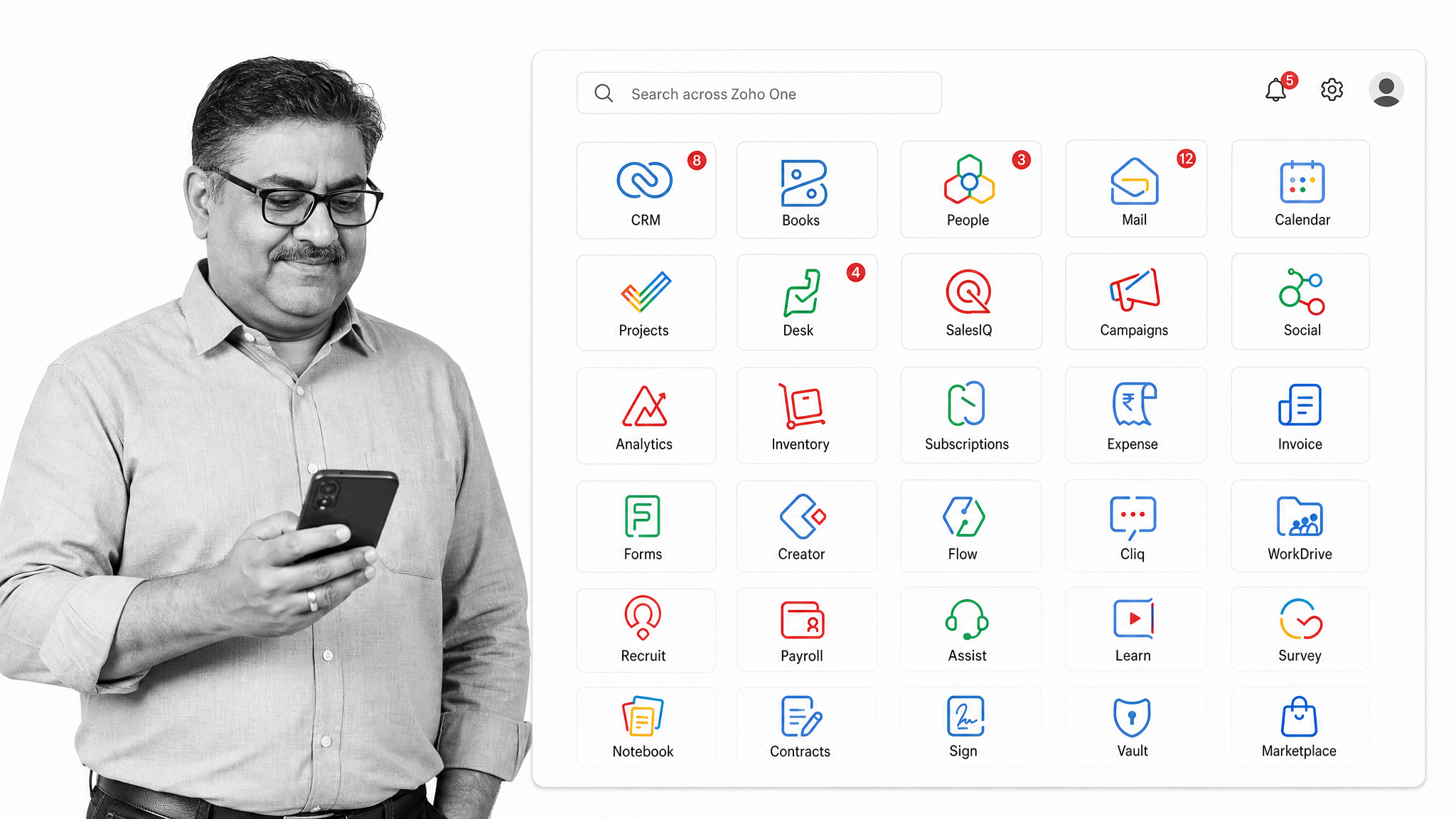
Zoho One bundles a broad suite of integrated business applications, including CRM, finance, HR, projects, and support, under a single administrative layer. It is aimed at companies that want many functions from one vendor with unified sign-on and billing.
Because the apps share data, teams can move a lead from marketing to sales to onboarding without exporting spreadsheets between tools. Zoho One is sold on a paid subscription with a free trial rather than a free tier.
Odoo
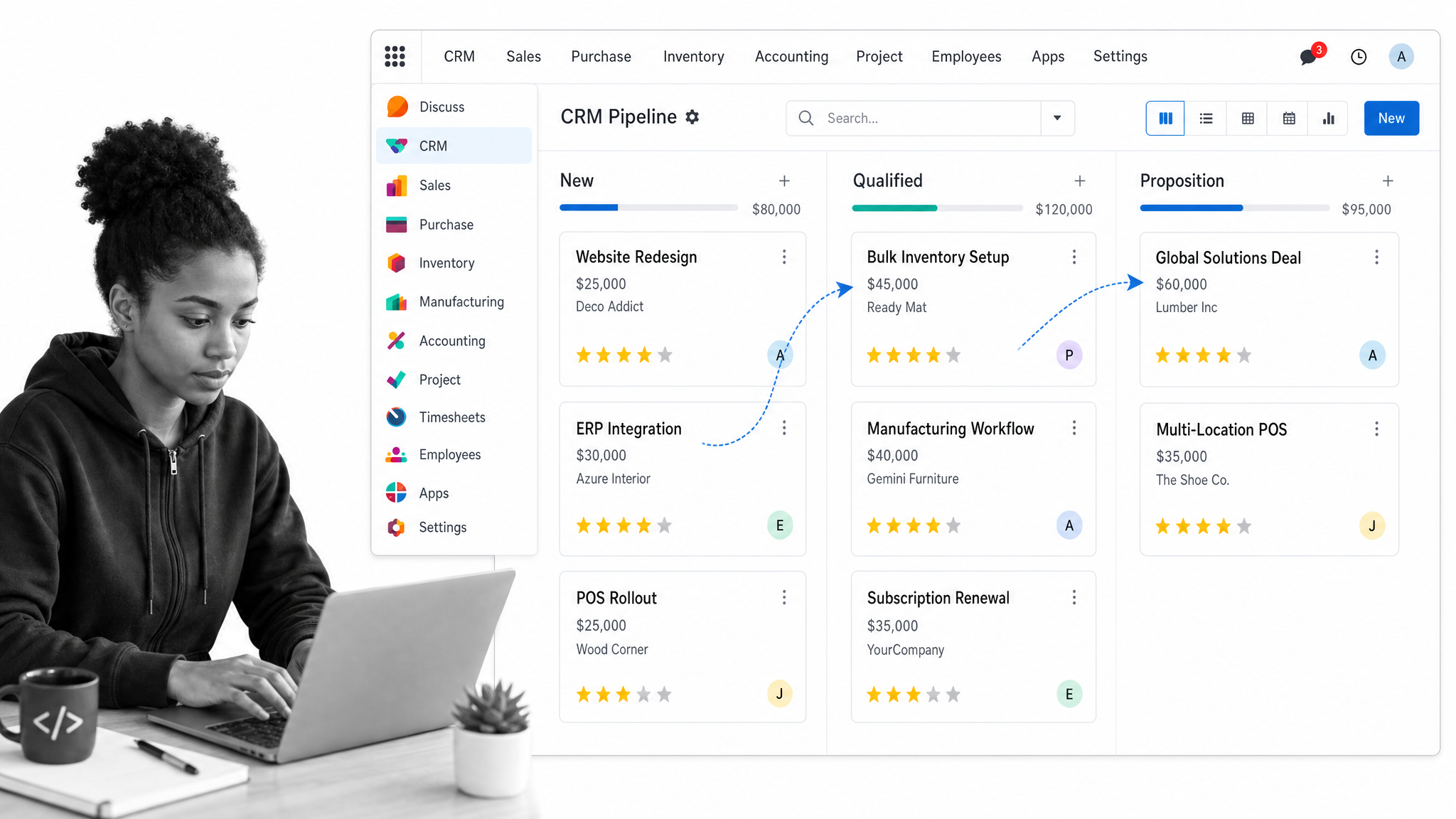
Odoo is an open-source suite of business apps that spans CRM, accounting, inventory, point of sale, ecommerce, and project management. Companies can start with one app and add more as needs grow.
Its modular design and open codebase appeal to teams that want flexibility and the option to self-host or customize. Odoo offers a free tier limited to a single app, plus paid plans and a trial that unlock the full integrated suite.
Oracle NetSuite
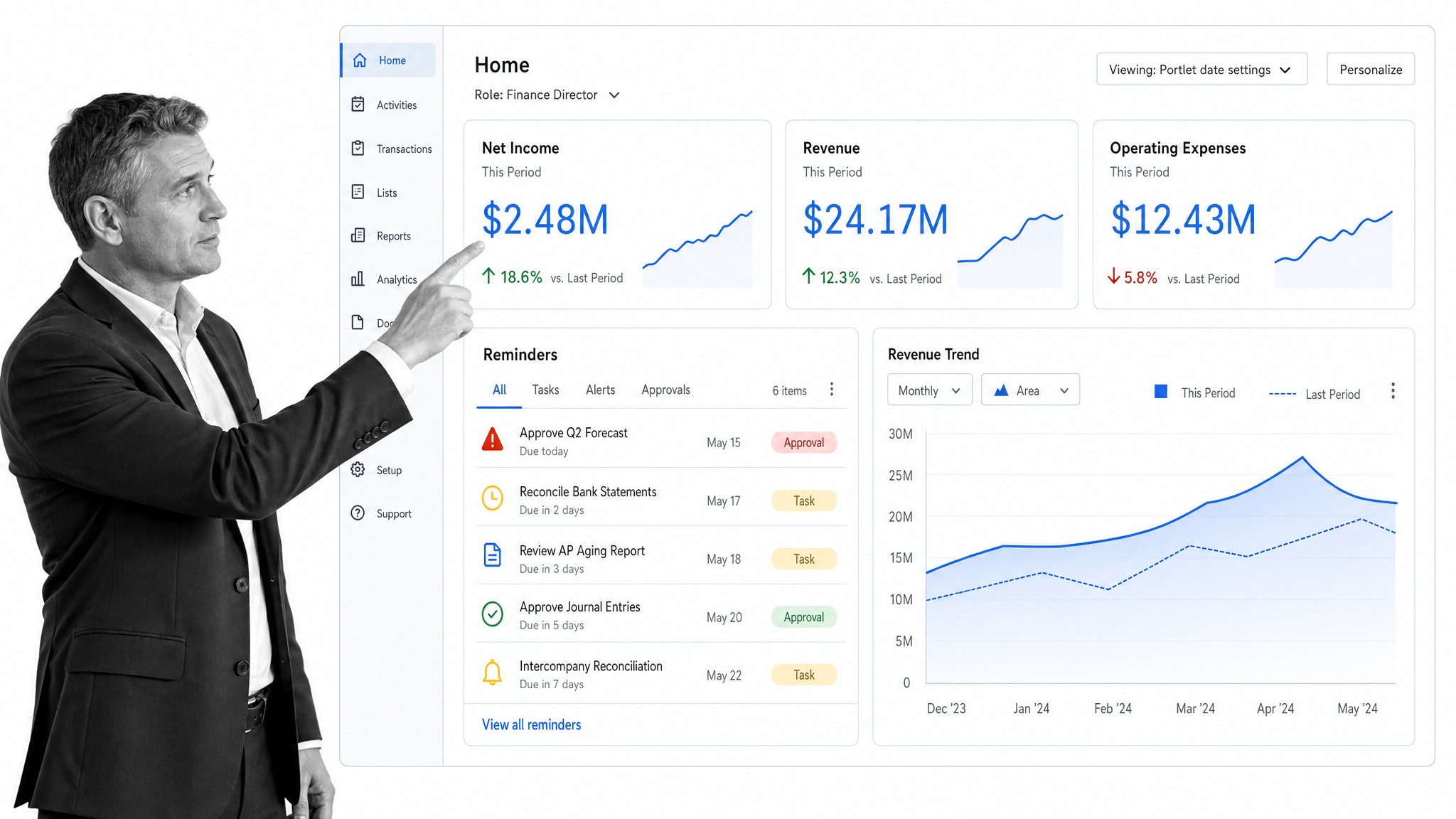
NetSuite is a cloud enterprise resource planning (ERP) system that unifies financials, order management, inventory, and reporting for growing and mid-market companies. It is built to be the financial and operational system of record as a business scales.
Because it consolidates core operations in one database, leaders get a single view of performance across the company. NetSuite is sold through custom quotes based on the modules and users a business needs, so pricing is tailored rather than published.
HubSpot
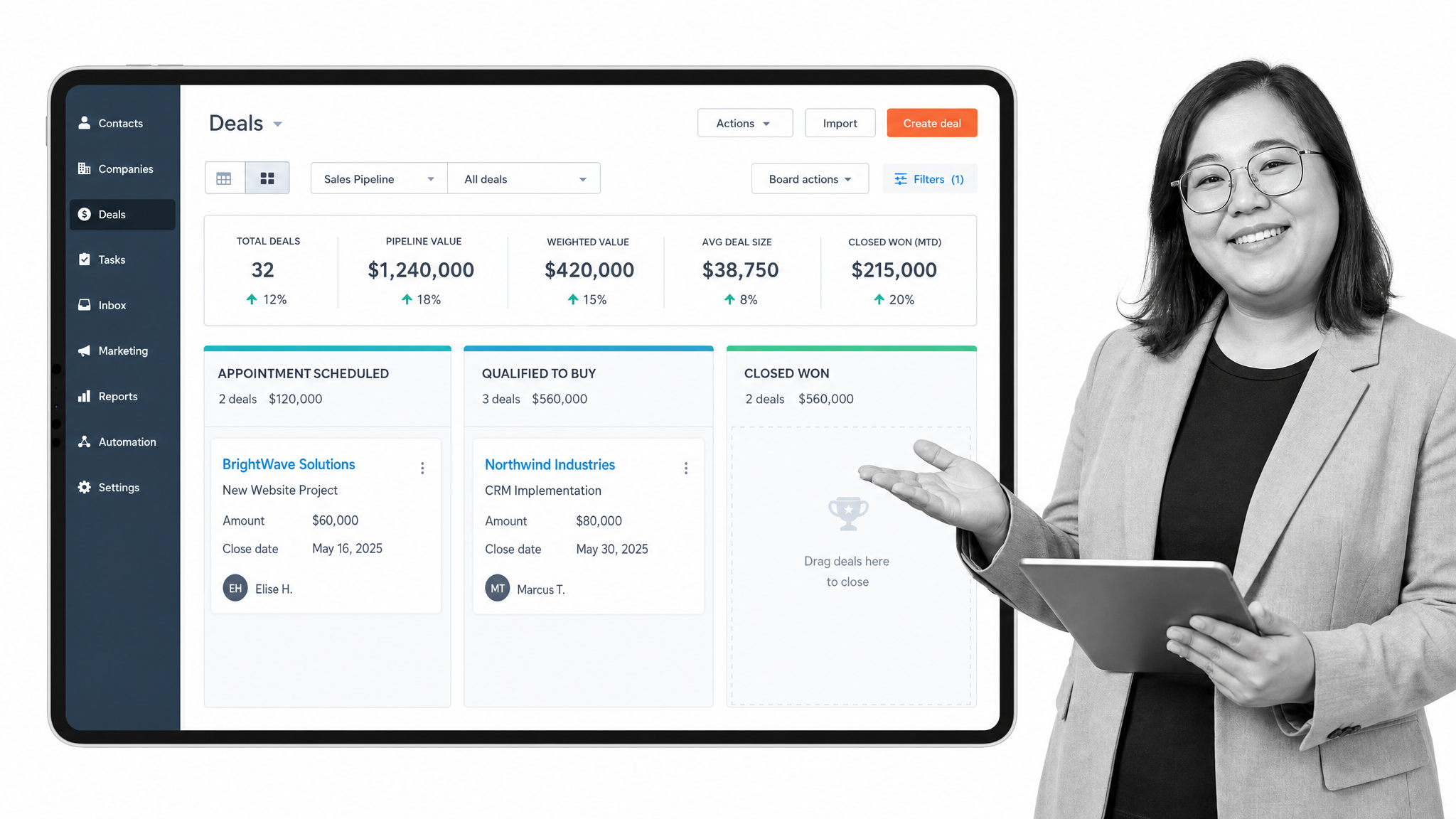
HubSpot is a CRM platform that connects marketing, sales, service, and content tools around a shared customer record. It is popular with teams that want an approachable way to manage the full customer lifecycle.
Its free CRM covers contact management and basic pipelines, which lowers the barrier to getting started, while paid hubs add automation, reporting, and advanced features. That free-to-scale path makes it a common first CRM for smaller companies.
Salesforce
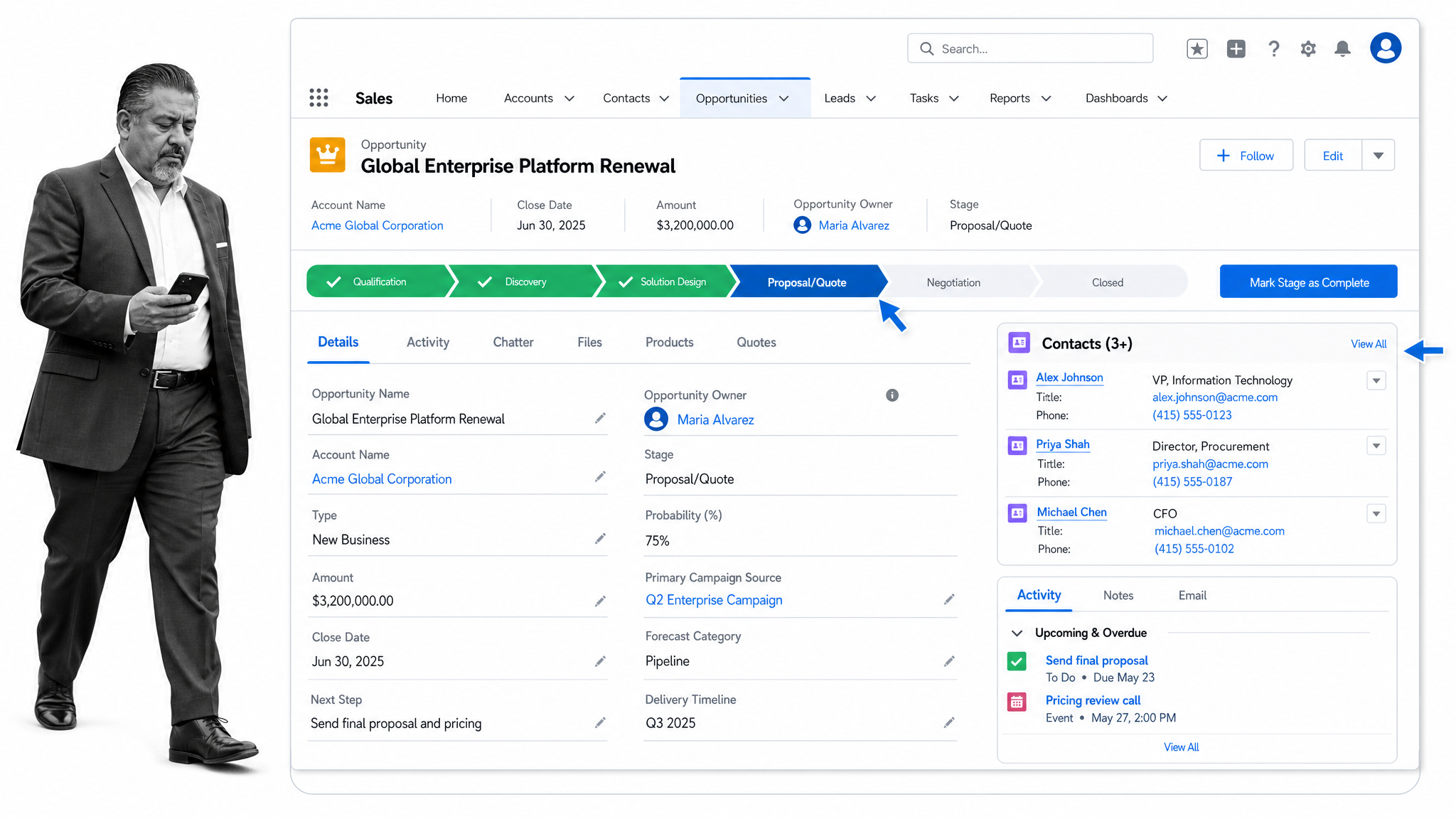
Salesforce is a widely used CRM for managing leads, accounts, opportunities, and customer relationships at scale. Its depth and extensive app ecosystem make it a durable choice for larger sales and service organizations.
Automation, analytics, and AI-assisted features help teams forecast, prioritize, and personalize outreach. There is no free plan, but Salesforce offers trials across its editions so teams can evaluate the fit before rolling it out.
QuickBooks Online
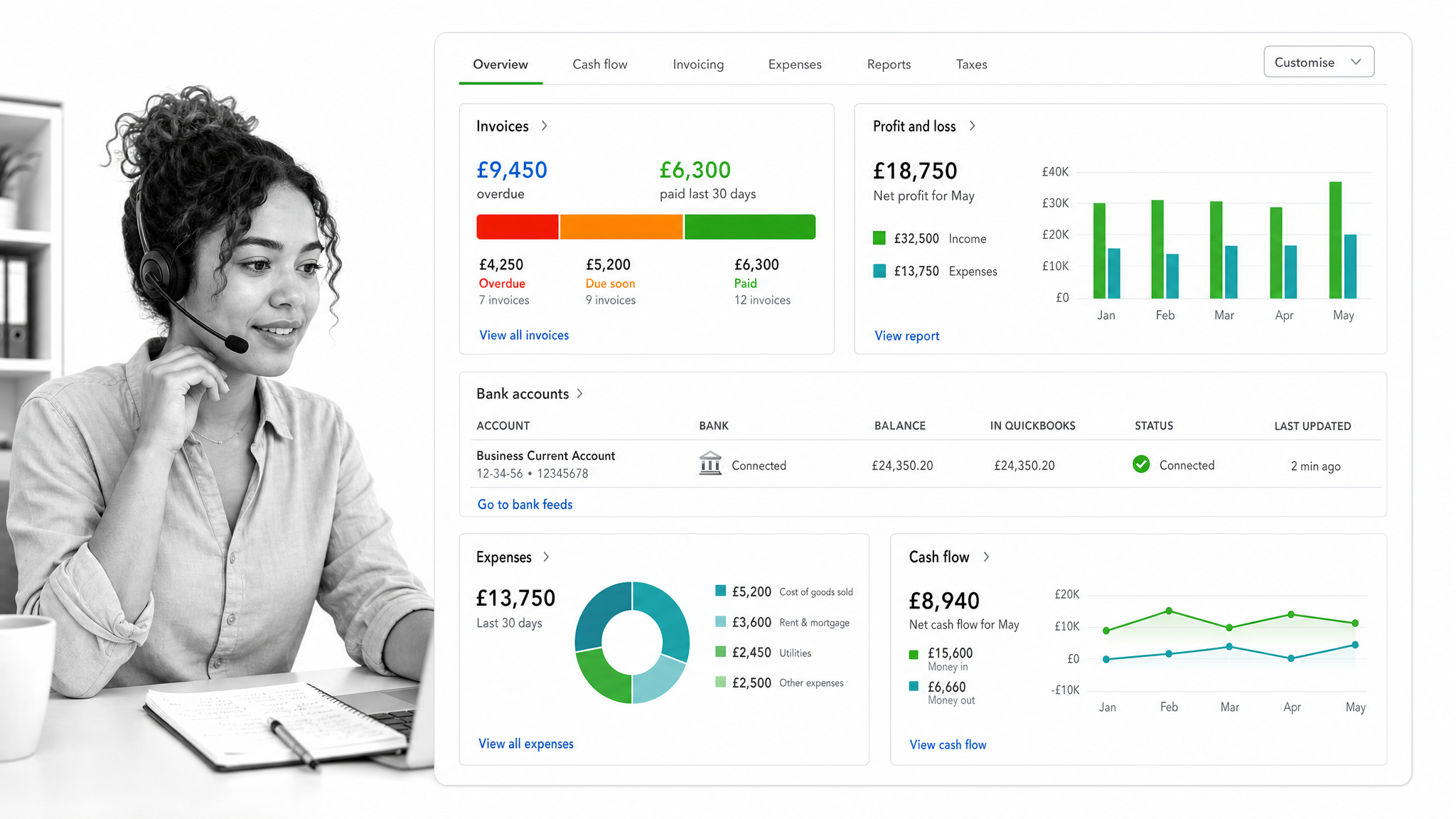
QuickBooks Online is accounting software built for small and mid-sized businesses. It handles invoicing, expense tracking, reporting, and, on higher tiers, inventory and project profitability.
Its wide accountant support and large ecosystem of add-ons make it a common default for company bookkeeping. QuickBooks is a paid subscription with several tiers and a free trial, and new customers are often offered an introductory promotion.
Xero
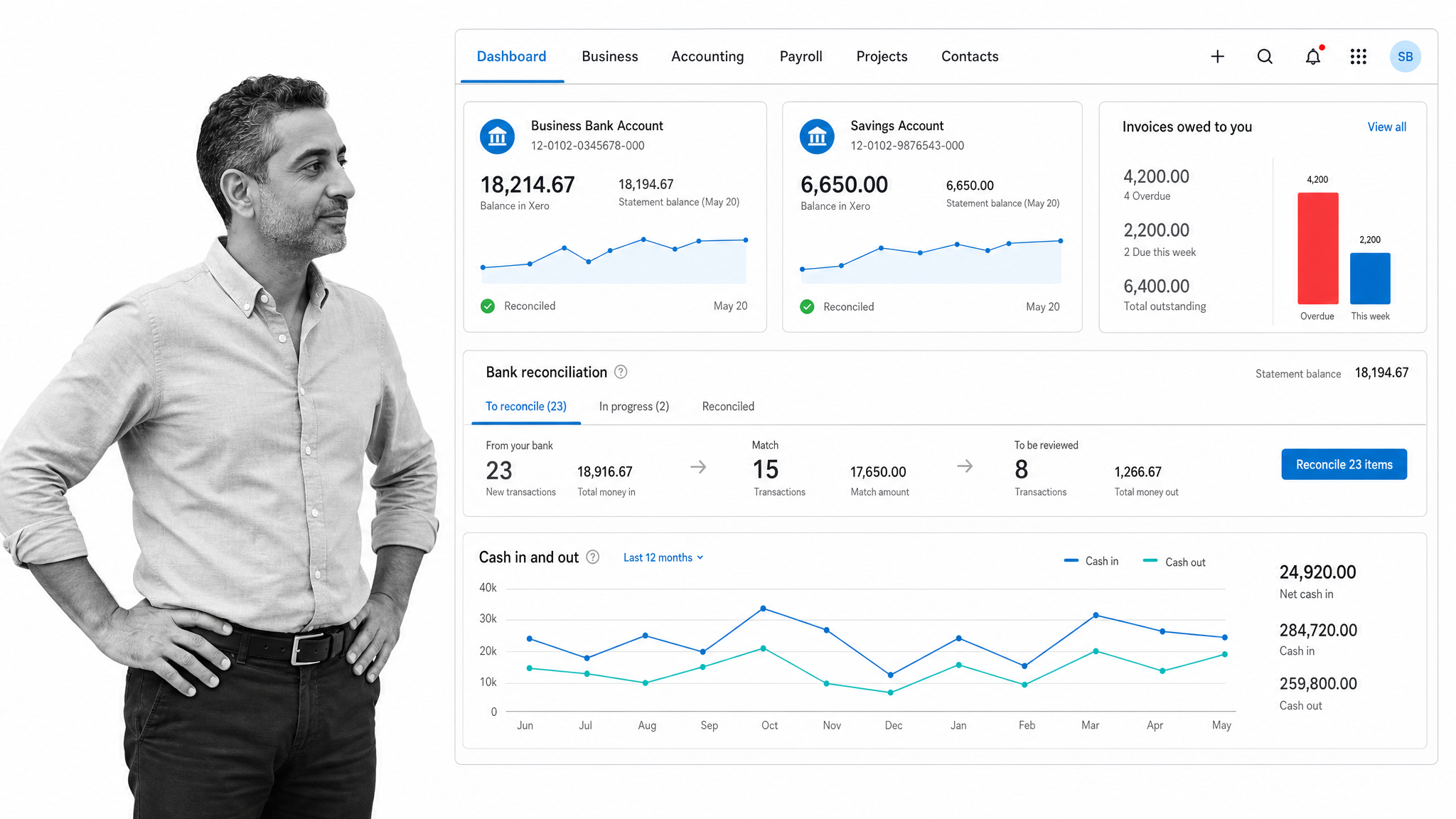
Xero is cloud accounting software known for a clean interface and strong bank reconciliation. It covers invoicing, bill payment, and financial reporting for small businesses and their advisors.
Its app marketplace and collaboration features make it easy to loop in bookkeepers and connect other tools. Xero is subscription-based across several tiers, with a free trial and frequent introductory offers for new accounts.
BambooHR
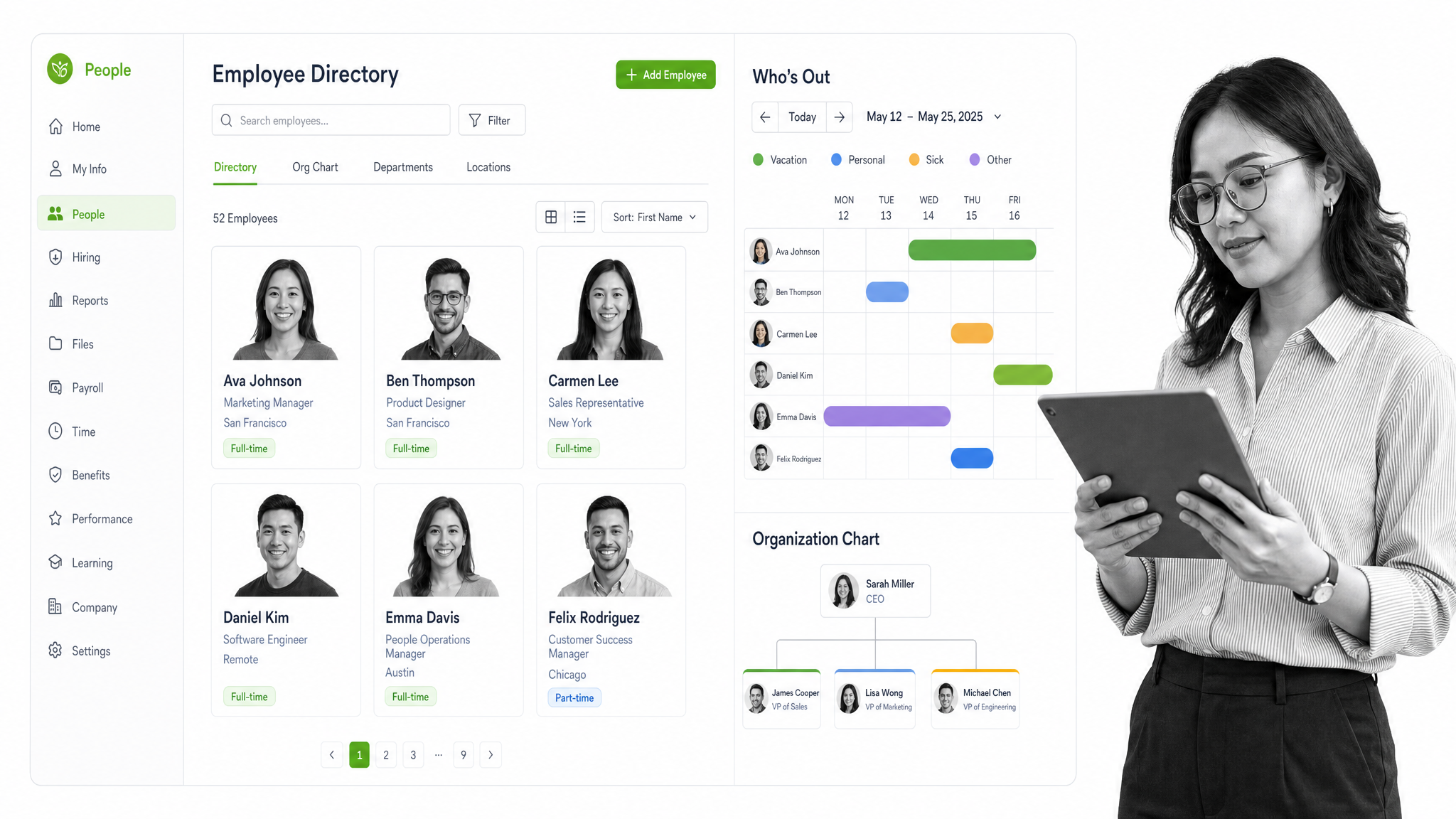
BambooHR is human resources software that centralizes employee records, time off, onboarding, and reporting. It is designed for small and mid-sized companies that want to move HR off spreadsheets.
Custom workflows, self-service, and a report builder help standardize people operations, and higher tiers add performance management. BambooHR is sold on paid tiers priced per employee, with a flat-rate option for very small teams.
Gusto
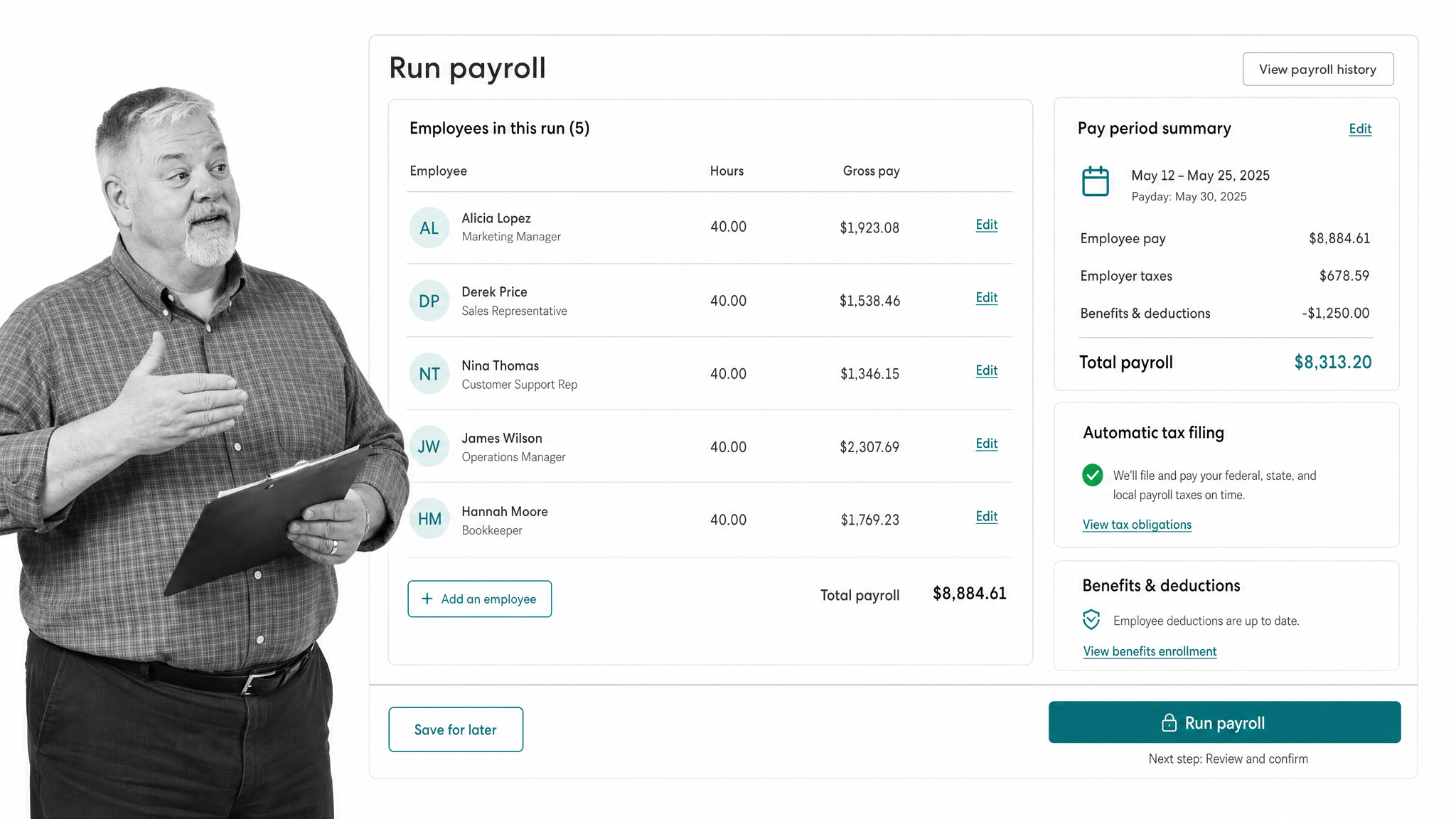
Gusto is a payroll and HR platform aimed at small businesses. It runs full-service payroll with automatic tax filing, plus benefits administration and employee self-service.
Onboarding, time tracking, and hiring tools round out the people side of running a company. Gusto is sold on paid monthly tiers with no long-term contract, so teams can adjust as headcount changes.
What is business management software?
Business management software is any tool that helps a company plan, run, and monitor its work in one coordinated system rather than across scattered spreadsheets and email. In practice it is an umbrella term that covers process and workflow management, project and work management, CRM, accounting, and HR software.
A close relative is business process management, which the analysts at TechTarget describe as a structured approach to improving the processes an organization uses to get work done, serve customers, and generate value. Whether a company buys one broad suite or connects several focused tools, the goal is the same: a shared source of truth so work moves predictably and nothing important is lost.
What are the benefits of business management software?
The core benefit is coordination. When processes, projects, customers, and finances live in connected systems, teams spend less time hunting for information and more time doing the work. Research from Microsoft found that a majority of people struggle with too much time spent searching for information during the workday, exactly the friction that shared systems are meant to remove.
The other big win is consistency. Standardized workflows reduce errors, make handoffs clearer, and help new hires get productive faster. That matters for engagement as well as efficiency: Gallup reports that only about one in five employees worldwide are engaged at work, and low engagement carries a steep cost to productivity. Clear systems and less repetitive busywork give people more room to focus on higher-value work.
Finally, connected tools give leaders visibility. Real-time dashboards and reporting turn day-to-day activity into decisions, so problems surface early and resources go where they matter most.
How do you choose the right business management software?
Start with the problem that hurts most. If work is inconsistent and things slip, a process and workflow layer usually delivers the fastest return. If projects are the bottleneck, a work management platform fits better, and if the pain is in sales, finance, or people, a focused CRM, accounting, or HR system is the priority.
Then weigh a few practical factors: how easily the tool fits how your team already works, how well it connects to your other systems, whether it can grow with you, and what it costs across the plans you would realistically use. Many companies land on a small stack, a reliable process backbone plus a couple of best-in-role tools, rather than one product that tries to do everything.
It also pays to involve the people who will use the tool every day. Software that looks powerful in a demo can stall if it does not match how a team already thinks about its work. A short trial, a small pilot group, and a clear list of must-have workflows usually reveal the right fit faster than a long feature comparison.
Wherever you start, favor software that standardizes the work itself. A strong business task management and process layer keeps every other system honest, because it defines how work should flow before it ever reaches a spreadsheet or a CRM record.
Frequently asked questions
What is business management software?
Business management software is any tool that helps a company plan, run, and monitor its work in one coordinated system. It is an umbrella term covering process and workflow management, project and work management, CRM, accounting, and HR software, all aimed at giving teams a shared source of truth.
What are the main types of business management software?
The main categories are process and workflow management, project and work management, customer relationship management, accounting and finance, and human resources. Some vendors bundle several of these into one suite, while many companies connect focused best-in-role tools around a central process layer.
How much does business management software cost?
Pricing ranges widely. Many work management and CRM tools offer a free plan or a free trial, then charge a monthly subscription per user. Accounting and HR tools are usually paid subscriptions with tiered plans, and enterprise ERP systems are typically quoted based on modules and users rather than published prices.
What is the best business management software for small businesses?
It depends on the biggest pain point. Small teams often pair an easy process and workflow tool with an approachable CRM and simple accounting software. Purpose-built options for smaller companies are covered in our guide to small business management software.
Can one platform manage an entire business?
Some suites and ERP systems aim to cover many functions in one place, which can simplify administration and reporting. In practice, most companies get better results from a focused process backbone connected to a few strong specialist tools, so each part of the business uses software built for its job.
How is business management software different from ERP?
ERP is one type of business management software focused on core financial and operational data as a system of record. Business management software is the broader category, which also includes workflow, project, CRM, and HR tools that may sit alongside or feed into an ERP.
