


Turn every policy into automated workflows with built-in enforcement and audit-ready proof.



Staff Management Software
Staff management software gives managers and operations teams one place to coordinate scheduling, assignments, employee lifecycle work, performance conversations, approvals, and proof that important steps were completed. The goal is not simply to store employee records. It is to make daily people operations visible, repeatable, and easier to improve.
That distinction matters because staff work usually crosses several systems. A new hire may begin in an HR system, receive accounts from IT, complete training with a department lead, acknowledge policies, and wait for a manager signoff. Without a shared operating layer, ownership gets lost between tools and managers reconstruct status through messages and spreadsheets.
This guide explains what the category includes, which problems it should solve, how the software works, what capabilities to evaluate, and how to implement it without overcomplicating the employee experience. It also shows how to connect records, decisions, tasks, evidence, and exceptions into one practical management system.
Contents
- What is staff management software?
- Problems staff management software solves
- Core capabilities to look for
- How staff management software works
- How to choose staff management software
- Process Street for staff management
- How to implement staff management software
- Common mistakes to avoid
- Frequently asked questions
What is staff management software?
Staff management software is a category of tools used to organize the work that keeps employees productive, supported, and accountable. Depending on the product, it may cover workforce scheduling, task assignment, attendance, onboarding, performance, training, document collection, communications, access requests, and compliance. The useful common denominator is coordinated execution across people and departments.
A system of record is not the same as a system of execution
An HR information system is usually the authoritative source for employee profiles, job information, compensation, benefits, and reporting relationships. Staff management execution begins when that data triggers work. Someone must assign a mentor, schedule training, approve a request, capture a document, review performance, or close access after a departure.
A strong setup keeps the record system authoritative while giving each participant a clear task and deadline. It should show the manager what is blocked, reveal which exceptions need attention, and return completed results to the appropriate system. This separation avoids forcing every participant into a complex HR database.
The category overlaps with workforce and employee management
Workforce management software often emphasizes labor planning, time, attendance, and scheduling. Employee management software may emphasize employee records, engagement, goals, or performance. Staff management software is often used as a broad buying term that spans both areas. Your definition should begin with the work you need to govern, not the label on a vendor category.
Who uses it
Operations leaders use it to standardize recurring procedures. HR teams coordinate lifecycle events and policy work. Department managers assign work, coach employees, and resolve exceptions. IT and security teams handle access and equipment. Employees complete requests, provide evidence, and see what comes next. Executives use the resulting data to find delays and capacity constraints.
Problems staff management software solves
The best reason to adopt a platform is not to digitize a spreadsheet. It is to remove specific operating failures that affect employees, managers, and risk owners. Start with the failures that occur most often or create the greatest consequence.
Fragmented ownership
Cross-functional staff processes fail when everyone knows the overall goal but nobody owns the next action. A new hire can be present in the HR system while equipment, access, orientation, or role training remains incomplete. An employee onboarding workflow makes each handoff explicit and gives managers one status view instead of several disconnected updates.
Inconsistent employee lifecycle experiences
The same policy can be applied differently by department, location, or manager. That creates uneven employee experiences and makes it difficult to determine whether a required step was skipped. A defined employee onboarding process gives every role a reliable baseline while still allowing conditional steps for location, employment type, seniority, or access level.
The same discipline is needed at the end of employment. A structured employee offboarding process coordinates final approvals, knowledge transfer, equipment return, access removal, and records. The result is safer than relying on a manager to remember every downstream action.
Limited visibility into work and capacity
Managers need to know what employees own, which deadlines are at risk, and where capacity is constrained. Without a shared view, urgent work can crowd out recurring obligations such as safety training, policy review, or performance preparation. Staff management software should expose work at the right level without turning every task into surveillance.
Missing evidence and weak accountability
A checked box does not always prove that the right action occurred. High-consequence work may require a form, file, approval, note, or system reference. A compliance checklist can define the expected proof for each control so reviewers do not have to reconstruct evidence after the fact.
Core capabilities to look for
Capability lists are useful only when they map to real management work. Evaluate each feature by asking which decision it supports, who uses it, what evidence it creates, and how it behaves when the normal path changes.
Scheduling, time, and capacity
Shift-based teams may need availability, coverage, time clocks, overtime alerts, and labor forecasting. Knowledge-work teams may care more about assignments, due dates, queues, and capacity. If time data affects pay, policy, or compliance, clarify which system is authoritative and how changes are approved.
For U.S. employers, the Department of Labor explains that compensable time can include more than scheduled shift hours. Its hours-worked guidance is a useful reminder to validate time rules with qualified advisors instead of assuming that a scheduling configuration settles every wage question.
Assignments, deadlines, and escalation
Every recurring process should identify an owner, expected completion date, and path for overdue or blocked work. Good systems separate the person accountable for the result from contributors who supply information. Notifications should be targeted, because constant reminders quickly become background noise.
Onboarding, transitions, and offboarding
Lifecycle workflows should support role-based branches, handoffs across departments, required documents, approvals, and status reporting. They should also cover internal moves, leave events, return-to-work steps, and manager changes. Manager onboarding deserves its own path because new managers inherit responsibilities for reviews, approvals, communication, and team risk.
Performance, feedback, and development
Performance management is a cycle, not an annual form. The U.S. Office of Personnel Management describes planning, monitoring, developing, rating, and rewarding as connected components of a performance management cycle. Your software should support expectations, frequent check-ins, evidence, calibration, development actions, and follow-through.
A repeatable performance review process helps managers prepare consistently, while an employee review template gives the conversation a defined structure. Evaluate performance management tools by the quality of the management behavior they enable, not only by the number of forms they provide.
Fairness, access, and decision controls
Role-based access should restrict sensitive records without blocking legitimate work. The EEOC explains that federal laws protect employees and applicants from employment discrimination based on specified protected characteristics. Software cannot establish fairness by itself, but it can make decision criteria, reviewers, evidence, and exceptions more visible.
Permissions should reflect least privilege, and changes should be reviewable. The CISA identity and access management guidance offers practical security considerations for administrators. For broader control design, NIST SP 800-53 provides a catalog organizations can adapt to their risk and regulatory context.
Training and compliance
Training features should connect an assigned requirement to the correct person, deadline, content, acknowledgment, assessment, and proof of completion. OSHA training resources illustrate why requirements vary by hazard and workplace. The system should support applicable programs without pretending that one generic course covers every obligation.
Reporting and integrations
Reporting should answer operational questions: Which steps are late? Where do exceptions cluster? How long does approval take? Which teams repeatedly reopen work? Integrations should move authoritative data and completion results without creating parallel records that drift apart.
How staff management software works
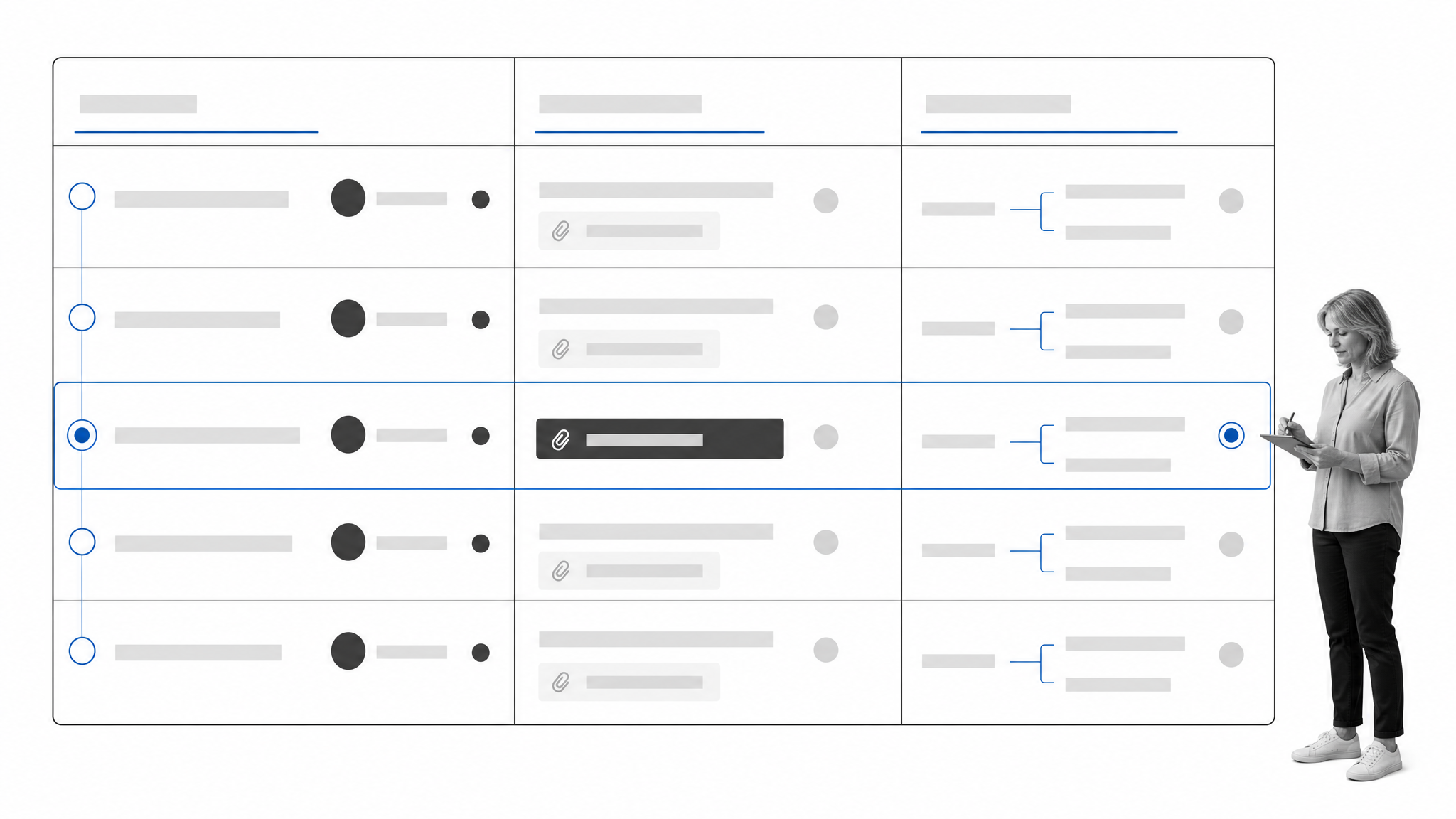
Most staff workflows follow the same operating pattern even when the subject changes. A trigger starts the process, context determines the path, people complete assigned work, decisions pass through approvals, and the system records the outcome.
1. A trigger creates a case or workflow
The trigger may be a hire date, schedule change, manager request, review cycle, policy update, missed certification, or employee departure. Automated triggers reduce manual entry, but an intake form is often appropriate when a manager must describe a request or select from approved options.
2. Rules route the right path
Context such as department, location, employment type, risk level, requested access, or performance status can add, remove, or reorder steps. Keep routing rules readable. If only one administrator understands why a path changes, the automation has become a new source of operational risk.
3. Owners complete tasks and provide evidence
Each participant receives the information and action relevant to their role. Required fields and files should match the consequence of the task. A low-risk acknowledgment may need a simple confirmation, while an access exception or employee relations matter may need documented rationale and supporting evidence.
4. Approvers resolve decisions and exceptions
Approvals are most useful when the reviewer sees the request, policy context, evidence, and available decisions together. Define what happens after rejection, what can be edited, whether a second reviewer is needed, and how overdue decisions escalate. Approval tasks should represent real decision rights, not ceremonial clicks.
5. Results update records and metrics
Once the work is complete, the system should update the appropriate record, notify the right people, and preserve a usable history. Cycle time, rework, exception frequency, and overdue work are more actionable than a raw count of completed tasks.
How to choose staff management software
A good buying process begins with operating requirements and realistic tests. Product demos often show the happy path. Your evaluation should include real roles, imperfect data, late tasks, sensitive information, and at least one exception.
Define the jobs the system must perform
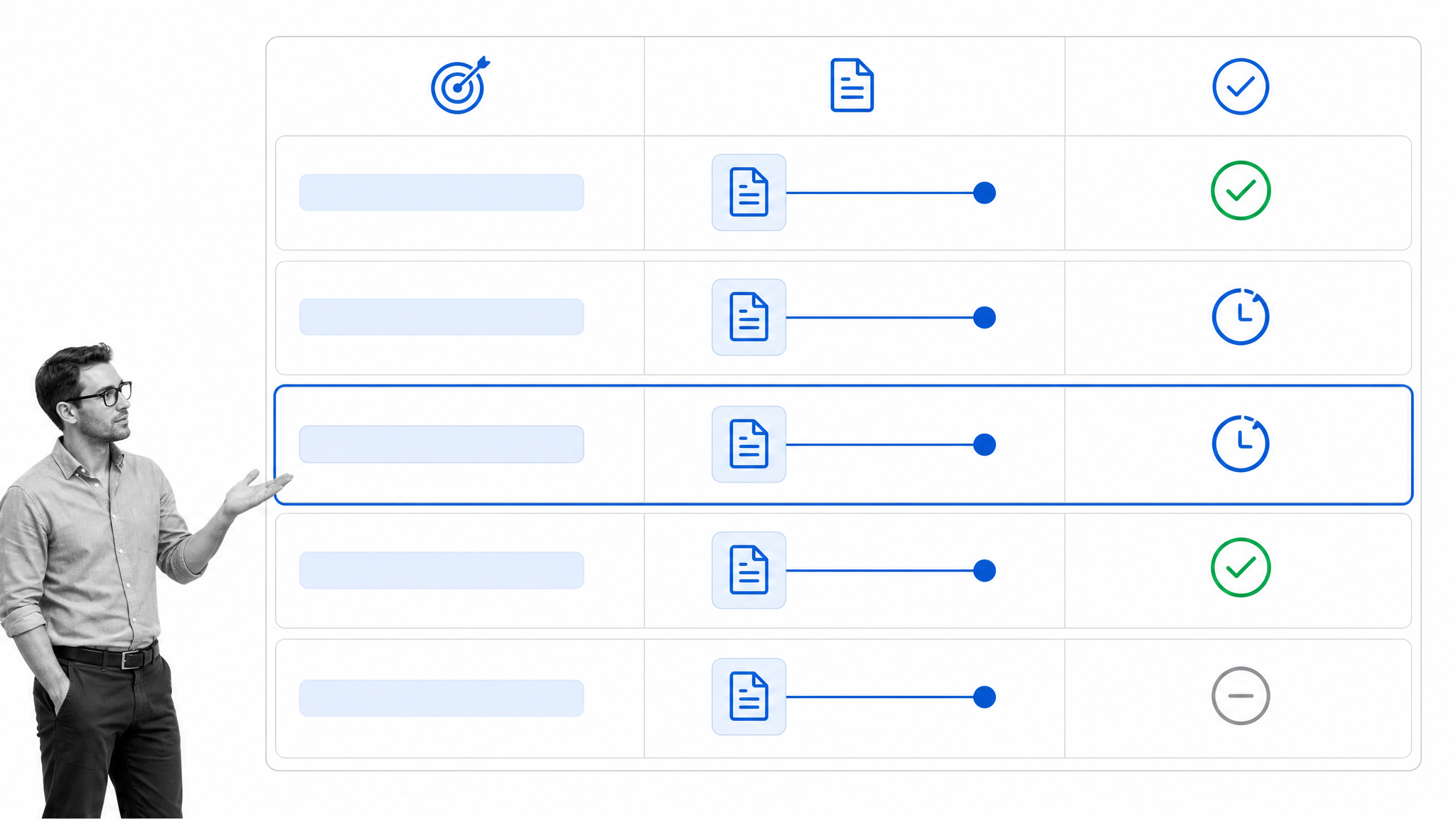
List five to ten recurring staff processes, then rank them by frequency, consequence, and coordination burden. Separate must-have capabilities from later opportunities. This prevents the evaluation from becoming a contest over features that no one plans to use.
Evaluate the employee and manager experience
Ask how much context a user sees, how quickly a manager can act, and whether mobile or email interactions are adequate for frontline roles. Test accessibility, language, notifications, and recovery from mistakes. Good human resources practices should become easier to follow, not hidden behind extra administration.
Test governance and permissions
Use sample roles to verify who can view, edit, approve, export, and administer each type of information. Include temporary coverage and manager changes. User permissions should be understandable enough for process owners and security teams to review together.
Inspect data and integration behavior
Identify each source of truth and the direction data must travel. Ask how the system handles duplicate employees, failed syncs, field mapping, deleted records, and historical changes. Integrations are not complete until someone owns monitoring and resolution.
Run a scenario-based pilot
Pilot one process with a small but representative group. Include the standard path, an exception, an overdue task, a reassignment, and a rejected approval. Measure setup effort, user completion, cycle time, errors, and administrative burden. The pilot should reveal how the system behaves, not merely confirm that the demo looked good.
Consider adjacent systems without buying an unnecessary suite
If pay planning is the main gap, evaluate dedicated compensation management software. If recurring people operations are the main gap, an HR workflow software layer may connect existing systems without replacing them. The right architecture is the smallest one that governs the work and preserves authoritative records.
Process Street for staff management
Process Street is a Compliance Operations Platform that turns recurring procedures into assigned workflows. For staff management, it can coordinate work across HR, operations, IT, security, finance, and department managers while keeping owners, evidence, decisions, and history connected.
Turn approved procedures into executable work
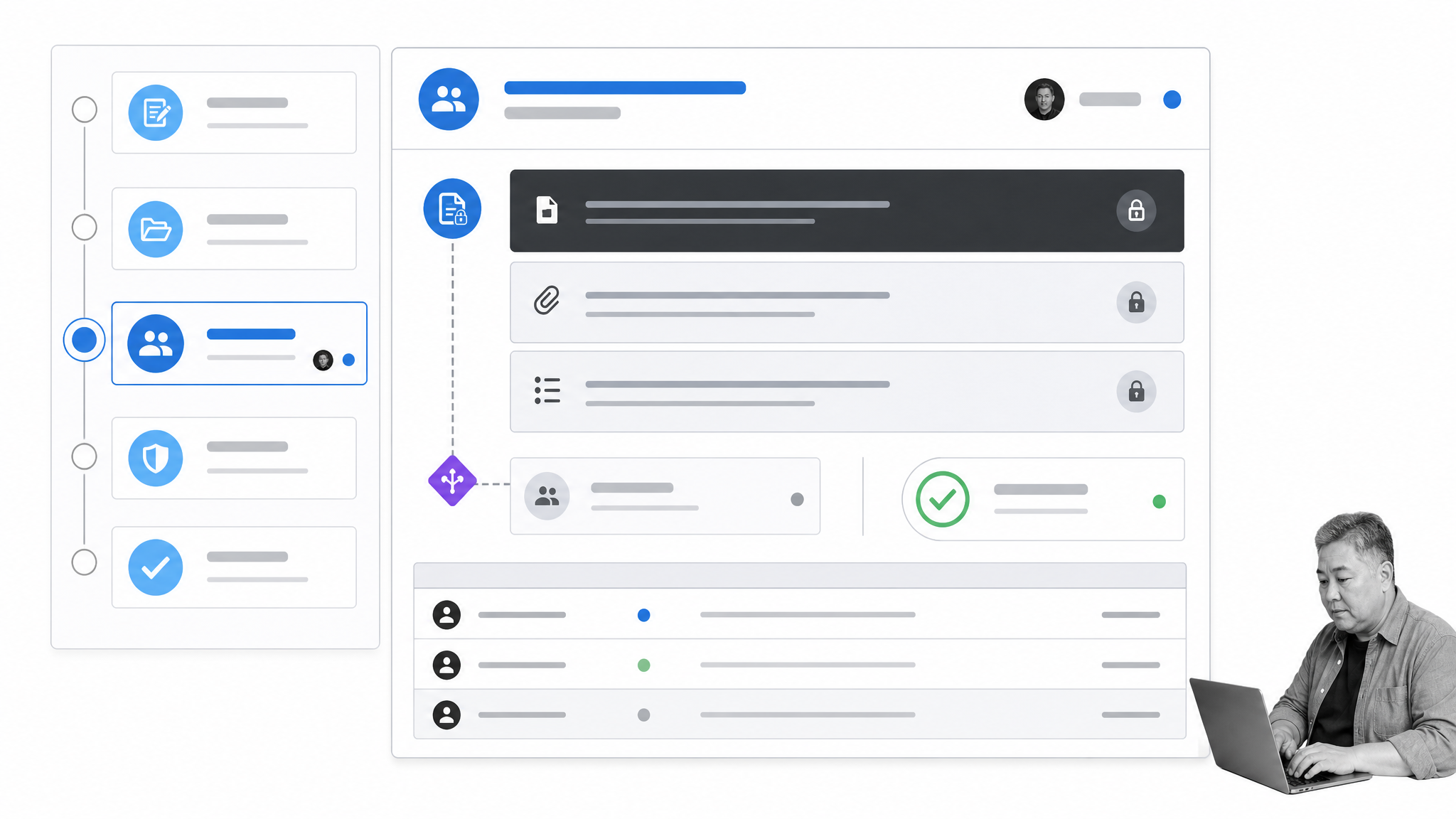
A policy or SOP explains what should happen. An executable workflow gives the correct person the next action, due date, instructions, and required input. Teams can use the same pattern for onboarding, role changes, performance reviews, training, access requests, equipment, policy acknowledgments, and offboarding.
Keep ownership and evidence together
Assigned tasks make responsibility visible. Required fields and file uploads can keep supporting evidence with the work instead of scattered across email. An HR audit checklist can then review whether procedures, records, permissions, and controls operate as expected.
Route conditional work and approvals
Conditional paths can adapt a workflow based on role, location, risk, request type, or another captured value. Approval steps send a decision to the designated reviewer and record the outcome. The objective is not to add gates everywhere. It is to place review where judgment or consequence justifies it.
Connect the operating layer to existing systems
Process Street has direct, universal integrations to 5,000+ systems. Need a new one? An AI agent builds it on the fly. That connection layer can bring employee context into a workflow, start work after a system event, and return approved results to the system that remains authoritative.
Use process data to improve management
Workflow history can show which steps take longest, where work is reassigned, and which exceptions recur. Process owners can use that evidence to improve instructions, change routing, clarify decision rights, or adjust capacity. The purpose of reporting is to improve the process, not simply count activity.
How to implement staff management software
Implementation succeeds when the organization improves one important process at a time and gives someone clear ownership of the operating model. A platform launch is not a substitute for decisions about roles, standards, data, and exceptions.
1. Select one high-value process
Choose a process with a defined trigger, frequent handoffs, measurable pain, and a manageable pilot group. Onboarding, manager setup, access requests, performance review preparation, and offboarding are common starting points. Avoid beginning with the most politically complex process in the organization.
2. Map the current process and failure modes
Document the trigger, participants, systems, decisions, evidence, exceptions, and end state. Then mark where work waits, duplicates, disappears, or requires manual follow-up. Do not automate every current step. Remove work that no longer serves a clear purpose.
3. Define roles, data, and decision rights
Name the process owner, task owners, approvers, administrators, and escalation contacts. For each data element, specify its source, sensitivity, allowed users, retention need, and destination. Define which decisions can be delegated and which require a named role.
4. Configure the minimum viable workflow
Build the happy path first, then add the most common exception. Use clear task names, short instructions, meaningful deadlines, and only the fields needed for execution or evidence. Excessive configuration makes the first release harder to test and maintain.
5. Pilot with real participants
Run the process with actual employees and managers, not only administrators. Observe where people hesitate, which notifications they miss, and what context they request. Review permissions and reporting with security and process owners before expanding.
6. Train people on the process, not only the interface
Participants need to understand why the process exists, what they own, how exceptions work, and where to get help. Interface training without operating context produces technically correct clicks and inconsistent decisions.
7. Measure, review, and expand
Track completion rate, cycle time, overdue work, rework, exceptions, user effort, and process outcomes. Hold a review after the pilot and again after the first full cycle. Expand only after the initial workflow is stable enough to serve as a trusted pattern.
Common mistakes to avoid
Most failures come from unclear operating choices, not missing software features. The following mistakes create unnecessary cost and make staff work harder to understand.
Buying a broad suite before defining the problem
A long feature list can hide a weak fit with the actual process. Start with the jobs, roles, and failure modes. A smaller system that fits the operating model can produce more value than a suite that requires every team to change tools at once.
Automating a broken or unnecessary process
Automation makes a process faster and more consistent, including its defects. Remove duplicate approvals, obsolete fields, and unclear handoffs before configuring them. Keep a reason for every required action.
Leaving ownership ambiguous
A system administrator should not become the default owner of every people process. Each workflow needs a business owner who can decide policy, resolve exceptions, review performance, and approve changes.
Overconfiguring the first release
Complex rules, fields, and dashboards can make the initial system fragile. Start with the smallest version that handles the common path and one important exception. Add complexity only when actual usage shows that it is needed.
Ignoring employee feedback and administrative effort
A process can look efficient in a report while shifting work to employees or managers. Ask users how long tasks take, what information they must search for, and which notifications are useful. Measure administrative maintenance as part of total cost.
Treating controls as a one-time setup
Roles, systems, policies, and risks change. Schedule periodic reviews of permissions, routing, templates, integrations, and evidence requirements. The review itself should have an owner and recorded outcome.
Frequently asked questions
What is staff management software?
Staff management software coordinates recurring work involving employees and managers, such as scheduling, assignments, onboarding, training, performance, approvals, access, evidence, and offboarding. Some products cover the whole category, while others focus on one operational area.
What is the difference between staff management software and an HRIS?
An HRIS is generally the authoritative system for employee records, job data, benefits, compensation, and reporting structures. Staff management software focuses on executing the work around those records by assigning tasks, routing decisions, collecting evidence, and tracking completion.
What features matter most in staff management software?
Prioritize the features tied to your use cases: assignments and deadlines, scheduling or capacity, conditional routing, approvals, permissions, employee lifecycle workflows, evidence capture, integrations, and operational reporting. Test each feature with real scenarios and exceptions.
Can staff management software support remote and frontline teams?
Yes, if the experience fits how those teams work. Evaluate mobile access, notifications, role-based views, language needs, offline constraints, shift patterns, shared devices, and manager coverage. The best configuration may differ for desk-based and frontline employees.
Can Process Street be used for staff management?
Process Street can coordinate repeatable staff processes with assigned tasks, conditional paths, required evidence, approvals, permissions, integrations, and workflow history. It works alongside systems that remain authoritative for employee, payroll, scheduling, or identity data.
How should a company implement staff management software?
Start with one high-value process, map roles and failure modes, define data and decision rights, configure a minimum viable workflow, pilot it with real users, and measure both outcomes and effort. Expand after the initial process is stable and trusted.
