


Turn every policy into automated workflows with built-in enforcement and audit-ready proof.



10 Best Workflow Automation Platforms
Workflow automation platforms turn repeatable work into an operating system. They route tasks, move data, request decisions, trigger actions, and preserve a record of what happened, so a process does not depend on someone remembering every handoff.
The category covers several different jobs. Some products coordinate people through recurring procedures. Others connect applications, give technical teams a visual automation canvas, automate project boards, or operate legacy interfaces. AI adds another layer, but the practical test remains the same: can the platform complete useful work while keeping owners, exceptions, and controls visible?
This guide compares ten credible options by their strongest use case. Process Street holds the top position for teams that need recurring operations, approvals, documentation, and execution evidence in one system. The other platforms earn a place when integration breadth, technical flexibility, project work, enterprise orchestration, or robotic automation is the dominant requirement.
- What is a workflow automation platform?
- How do the leading platforms compare?
- Which workflow automation platforms are best?
- How should you choose a platform?
- What benefits should you expect?
- Where does workflow automation create value?
- Workflow automation platform FAQs
What is a workflow automation platform?
A workflow automation platform is software for designing, running, and monitoring a sequence of work across people and systems. A trigger starts the workflow, logic determines the path, owners or software complete actions, exceptions route to the right reviewer, and the platform records the result.
That scope is wider than a single task automation. Sending a notification after a form submission is useful, but a full vendor onboarding workflow may also collect documents, assign security review, request approval, create records in connected systems, escalate overdue work, and retain evidence. The platform coordinates the complete outcome.
A strong workflow automation strategy separates predictable logic from judgment. Rules should handle stable routing and routine actions. People should review material exceptions. AI can classify, extract, summarize, or draft inside defined boundaries. The process owner should be able to see how all three contribute to the result.
How do the leading workflow automation platforms compare?
The fastest way to narrow the market is to identify the center of gravity for the workflow. The table below compares each platform by the job it handles best and the operating tradeoff a buyer should test.
| Platform | Best for | Core strength | Watch for |
|---|---|---|---|
| Process Street | Recurring operations and compliance workflows | People, process logic, approvals, documentation, and evidence in one run | Not a developer-first node canvas |
| Zapier | Fast cross-app automation | Accessible trigger-and-action workflows with AI-assisted building | Complex estates need naming, ownership, and monitoring discipline |
| Make | Visual branching scenarios | Inspectable modules, routes, transformations, and agent scenarios | Large scenarios can become difficult to maintain |
| n8n | Technical automation teams | Flexible low-code workflows, code, custom nodes, and self-hosting | Business users may need technical support |
| Microsoft Power Automate | Microsoft-centered organizations | Cloud flows, desktop flows, approvals, and ecosystem alignment | Licensing and environment governance need careful design |
| Relay.app | Human review inside AI workflows | Approvals, tasks, data input, path selection, and AI output review | A narrower platform footprint than broad enterprise suites |
| monday.com | Board-based work management | Automations and visual multi-step workflows around shared boards | Cross-system orchestration may require more integration design |
| ClickUp | Project execution with task automation | Triggers, conditions, actions, webhooks, and AI within work management | Process governance is not its primary design center |
| Workato | Governed enterprise orchestration | Multi-branch recipes across apps, APIs, data, and agent actions | Implementation usually needs an integration operating model |
| UiPath | Desktop and legacy-system automation | Low-code and coded automations executed by managed robots | Robot infrastructure and interface changes add operational overhead |
Which workflow automation platforms are best?
Each product below is active and credible, but they solve different versions of workflow automation. The ranking favors durable operational value, control, and maintainability over a long feature checklist.
Process Street
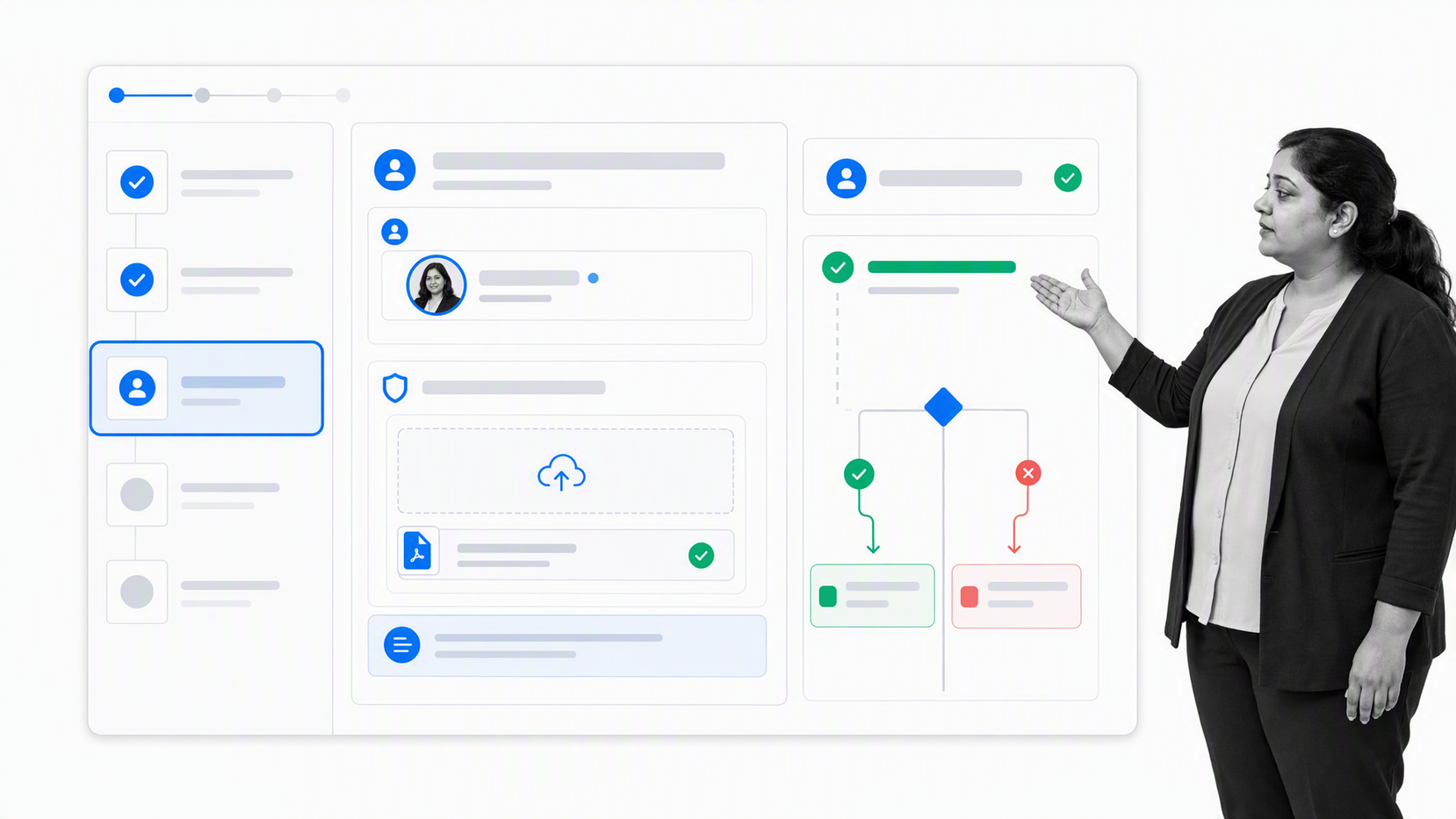
Best for recurring team workflows that need approvals, documentation, accountability, and evidence.
Process Street combines process documentation, workflow execution, automation, approvals, integrations, AI-assisted work, and audit history in one process platform. The workflow run is the operational record: assignments, form data, decisions, files, comments, connected actions, and history stay tied to the work.
That makes it particularly strong for employee onboarding, client delivery, vendor reviews, recurring finance work, quality processes, compliance checks, and other procedures where the method and the proof both matter. Conditional routing changes the path based on captured information, approvals keep judgment explicit, and automations move work between systems without separating the process from its owners.
Choose Process Street when the process must be followed consistently by a team, not merely fired as an integration in the background. It gives operators a no-code environment while keeping human steps, AI actions, exceptions, and evidence inside one controlled execution layer.
Zapier
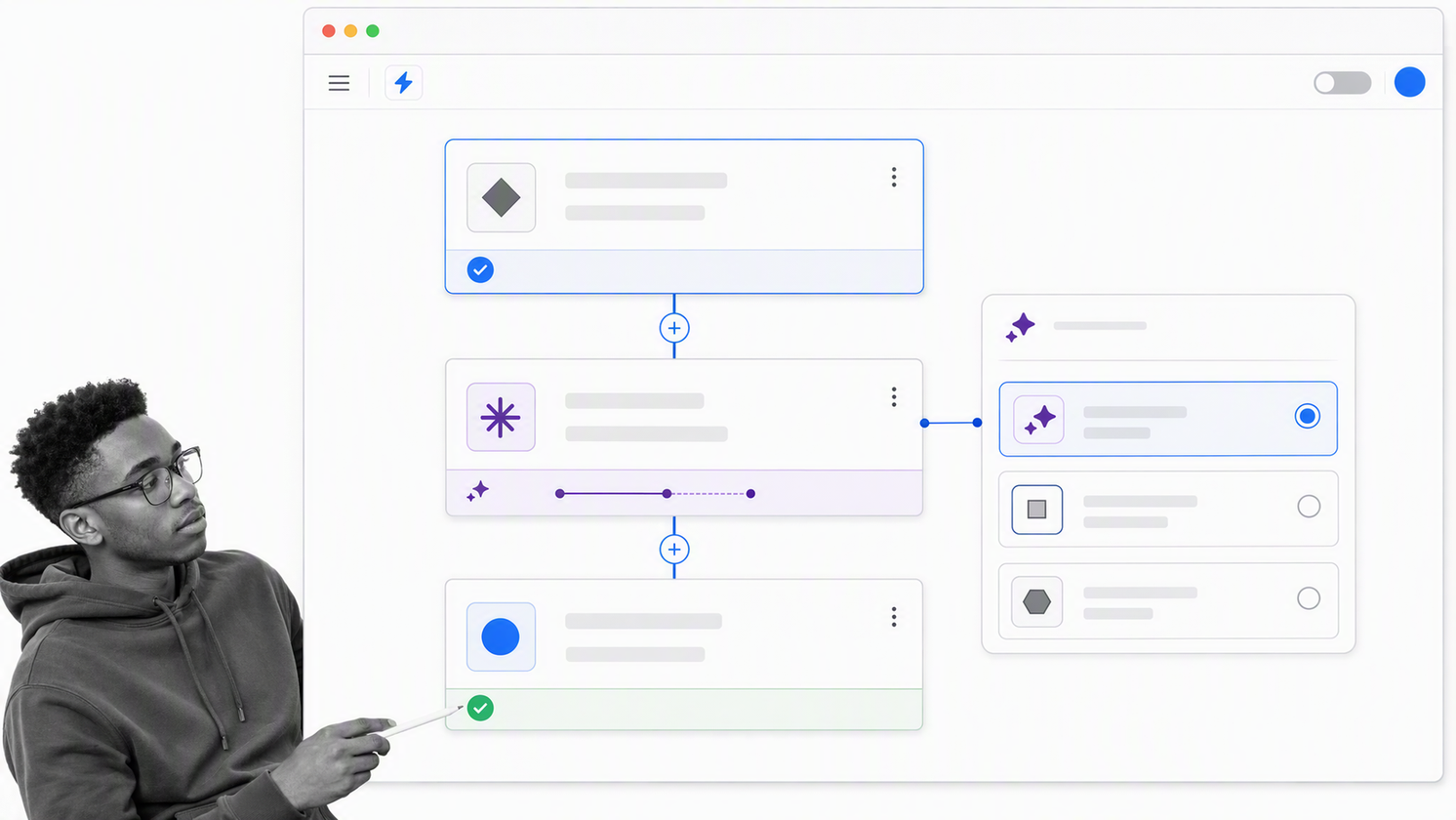
Best for quickly connecting cloud applications without a development project.
Zapier documents a trigger-and-action workflow model that connects apps, data, processes, and AI tools. Its no-code approach is approachable for teams that want to automate lead routing, notifications, record updates, intake, content handling, and other cross-app work.
Zapier is a strong fit when speed and broad SaaS connectivity matter more than detailed process governance. AI-assisted building and troubleshooting can lower the barrier to creating workflows, while custom actions and private apps give advanced teams a path beyond standard connectors.
The main risk is operational sprawl. A collection of useful automations can become hard to own when naming, credentials, error handling, change control, and monitoring are informal. Treat important Zaps as production systems with clear owners and recovery paths.
Make
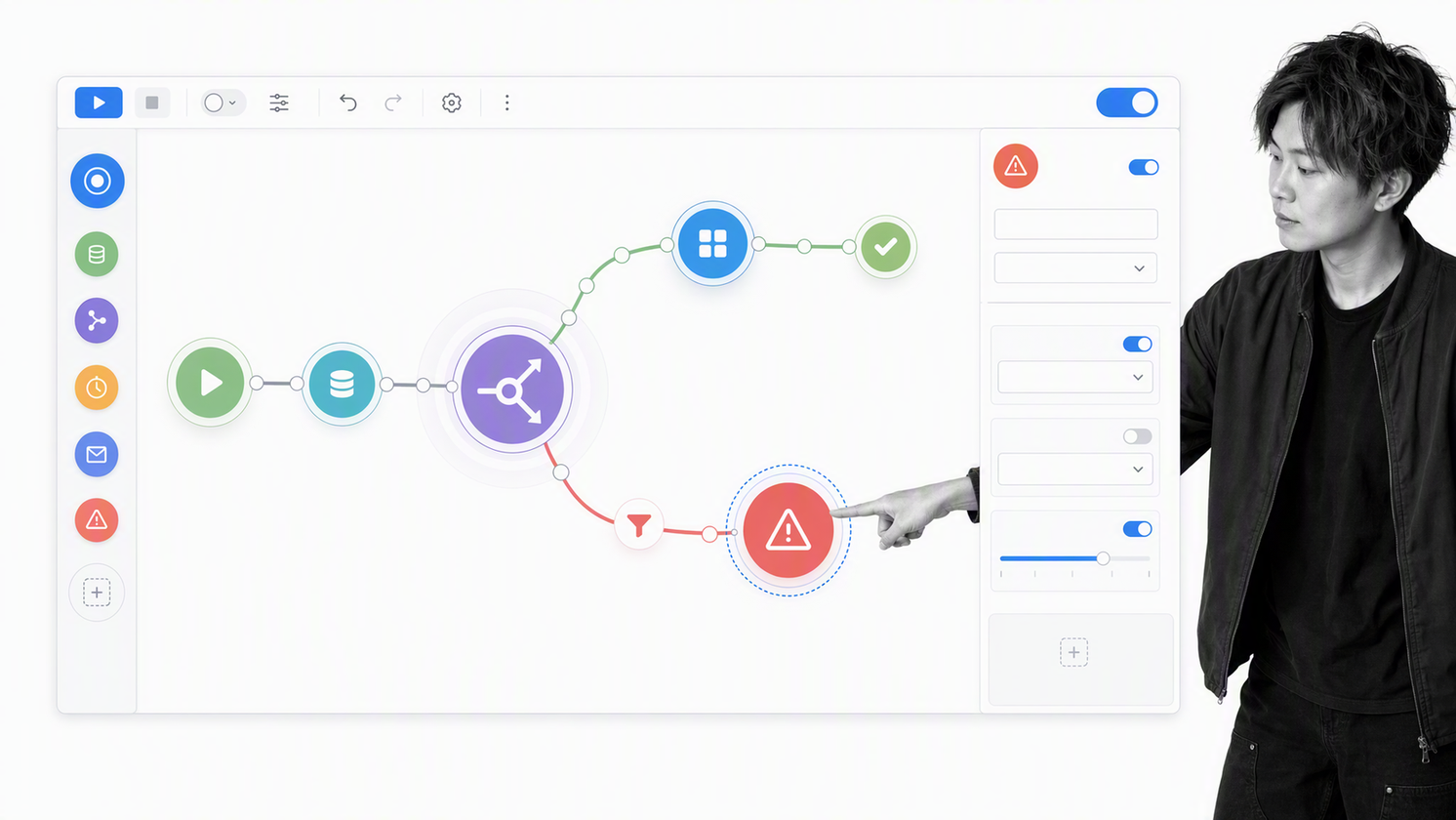
Best for visual builders who need branching, transformation, and inspectable data flow.
Make represents automations as scenarios built from connected modules. That visual model helps builders see routes, filters, transformations, and error paths, which is useful when the work has more branches than a simple linear automation.
Its product documentation distinguishes fixed-rule scenarios, scenarios that use AI at defined steps, and agent scenarios where the agent can choose a path. That separation helps teams decide whether a workflow needs predictable control, bounded AI judgment, or more flexible delegation.
Choose Make when an operations or technical user wants a visual canvas with meaningful control over how data moves. Set design standards early because large scenarios become difficult to debug when routes, modules, and transformations grow without clear structure.
n8n
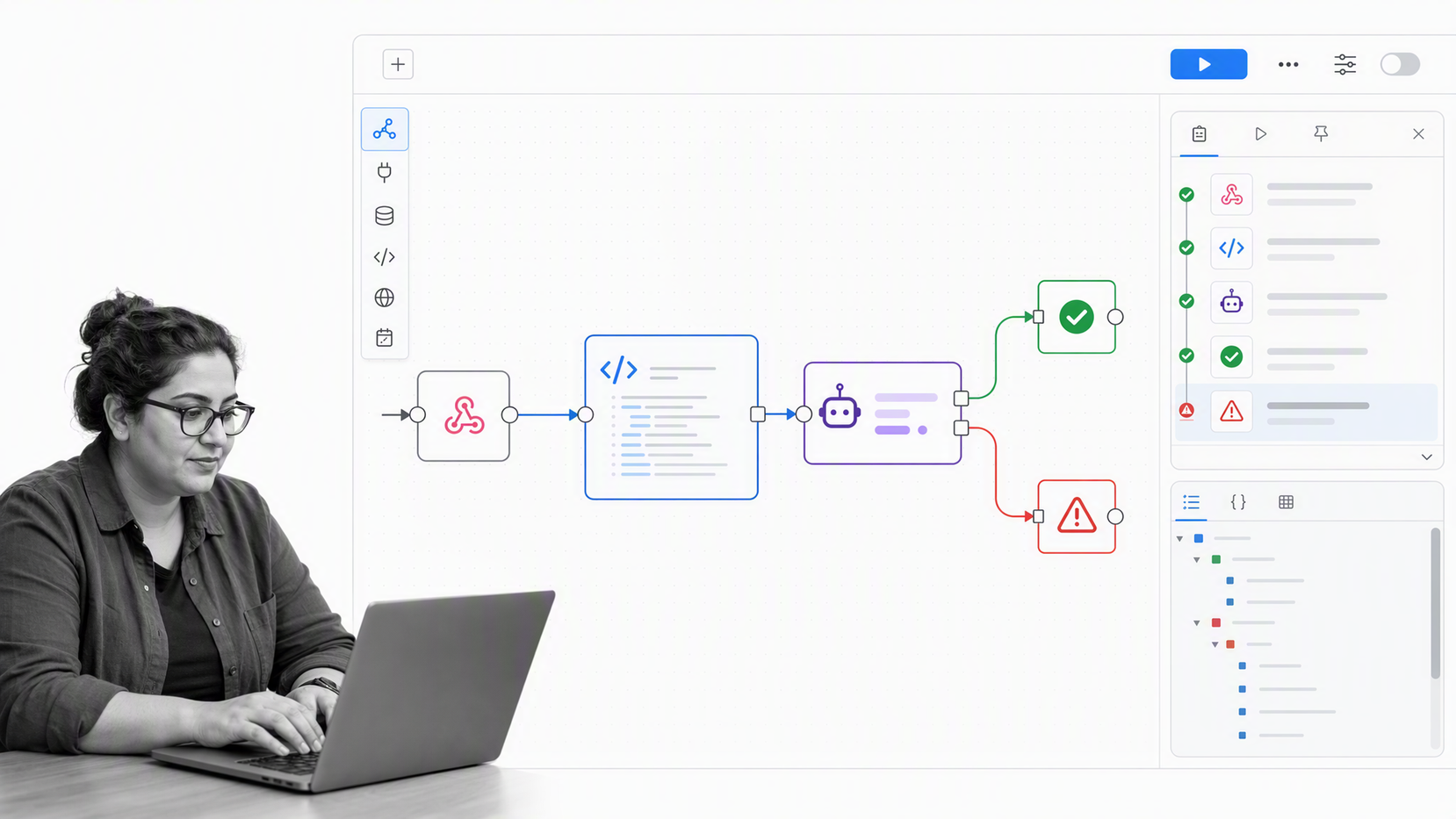
Best for technical teams that want low-code speed with code-level flexibility.
n8n combines visual workflow building with custom nodes, code, API connectivity, AI capabilities, and a self-hosting option. It can connect applications with APIs, transform data, coordinate model calls, and blend deterministic logic with human approval or agent steps.
The platform suits teams that think naturally in nodes, credentials, payloads, branching, and error handling. Self-hosting can support organizations that want additional infrastructure control, while the managed cloud option removes that operational responsibility.
Choose n8n when the automation owner is comfortable with technical concepts and needs room to extend the workflow. A nontechnical business team may prefer stronger procedural guardrails and a simpler ownership model for recurring human work.
Microsoft Power Automate
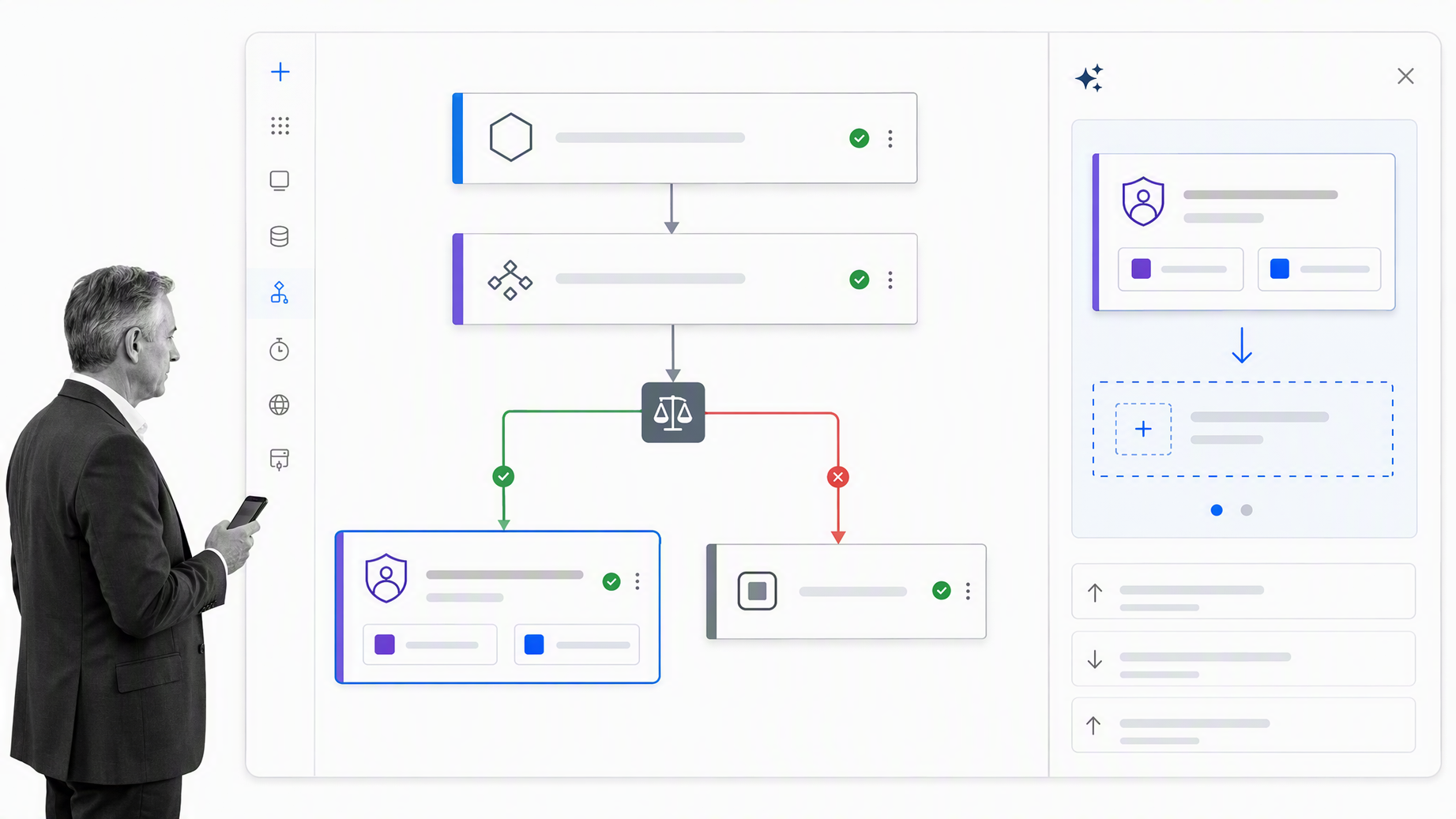
Best for organizations whose work already runs through the Microsoft ecosystem.
Microsoft documents cloud flows as automated workflows that connect apps and services, with event-driven, scheduled, and manually triggered patterns. Power Automate also supports desktop flows and approvals, giving Microsoft-centered teams one automation family for API-based and interface-based work.
Copilot can help create and modify cloud flows from natural-language instructions, but generated logic still needs testing and review. The platform is especially relevant where SharePoint, Teams, Dynamics, Azure, and other Microsoft services already shape identity, data, and administration.
Choose Power Automate when ecosystem alignment and centralized enterprise administration outweigh simplicity. Before rollout, map environments, permissions, service accounts, ownership, licensing, and data policies so local experiments do not turn into unmanaged critical infrastructure.
Relay.app
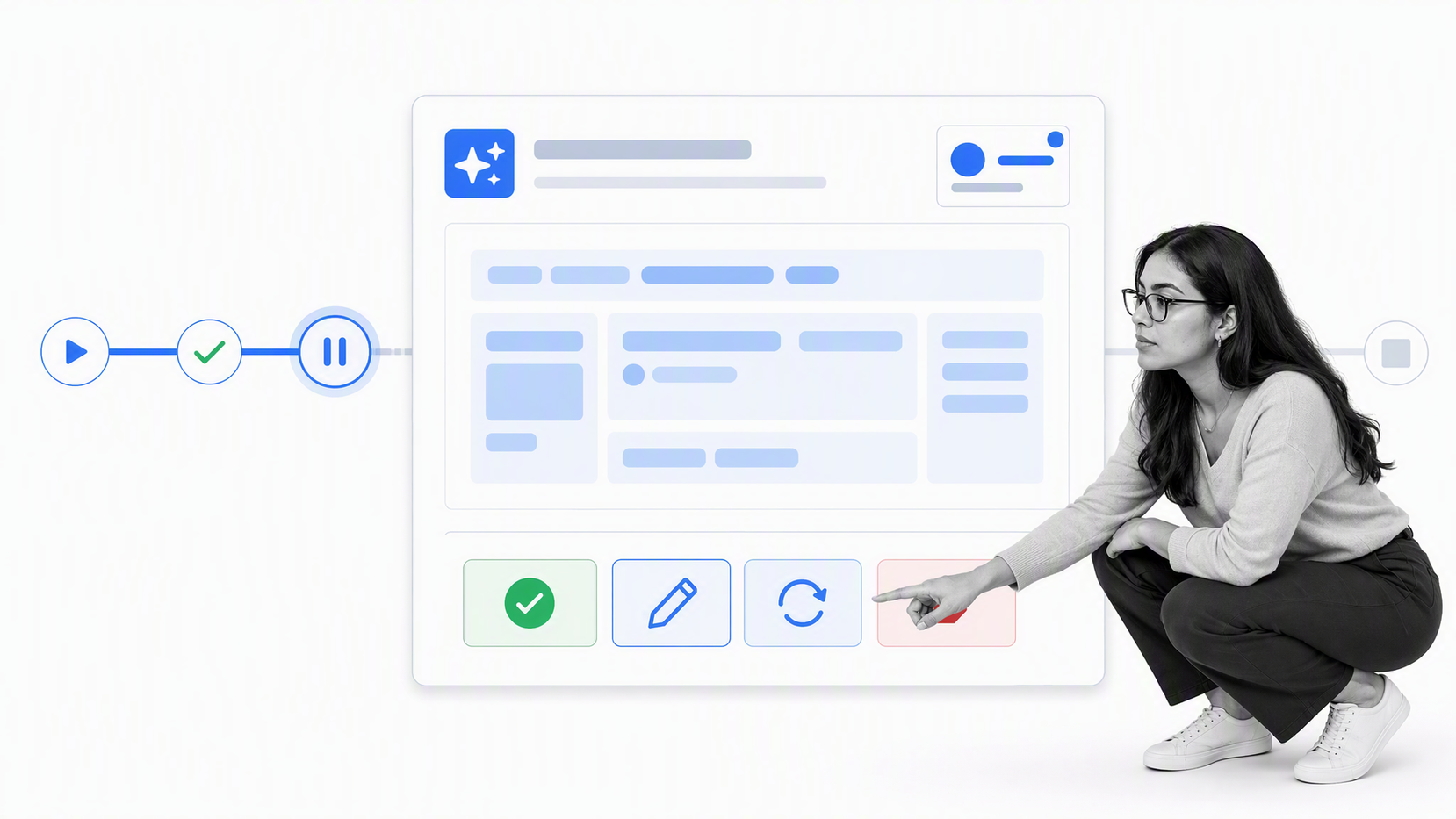
Best for AI-assisted workflows that need deliberate human checkpoints.
Relay.app places human-in-the-loop steps directly inside an automation. A workflow can pause for an approval, request structured data, assign a real-world task, or ask a person to select the next path before automated work continues.
Its AI output review controls are useful when a model can draft or classify but a person must confirm the result, edit it, request another attempt, or stop the run. Roles also let workflows assign decisions and actions to the appropriate participant for each run.
Choose Relay.app when the differentiating requirement is a clean collaboration between AI steps and human judgment. Test whether its integration, governance, reporting, and scale fit the wider operating environment before standardizing on it for every workflow.
monday.com
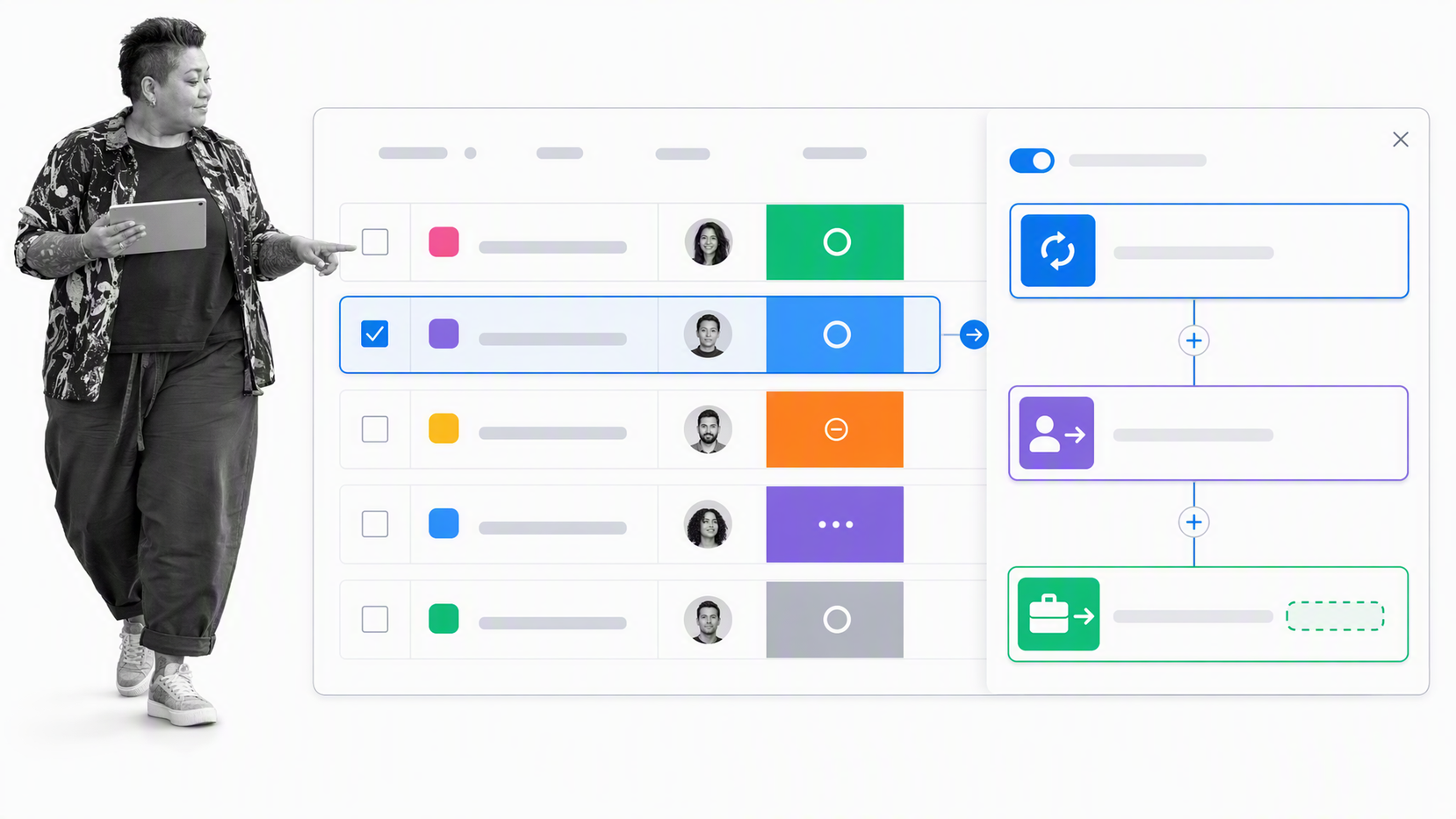
Best for teams that want automation inside a shared work-management board.
monday.com provides board automations for repetitive work and a visual workflow builder for more complex, multi-step processes. Teams can combine triggers, actions, conditions, pauses, and integrations while keeping the resulting work visible in the boards they already use.
This makes monday.com a practical choice for marketing operations, project intake, campaign production, service coordination, and other processes where status, ownership, and collaboration are naturally board-centered. Plain-language workflow generation can help a team sketch the initial path before review.
Choose monday.com when work management is the center of gravity and automation should reduce board administration. If the process spans many systems or requires rigorous execution evidence, test the full exception and audit path rather than stopping at a successful demo.
ClickUp
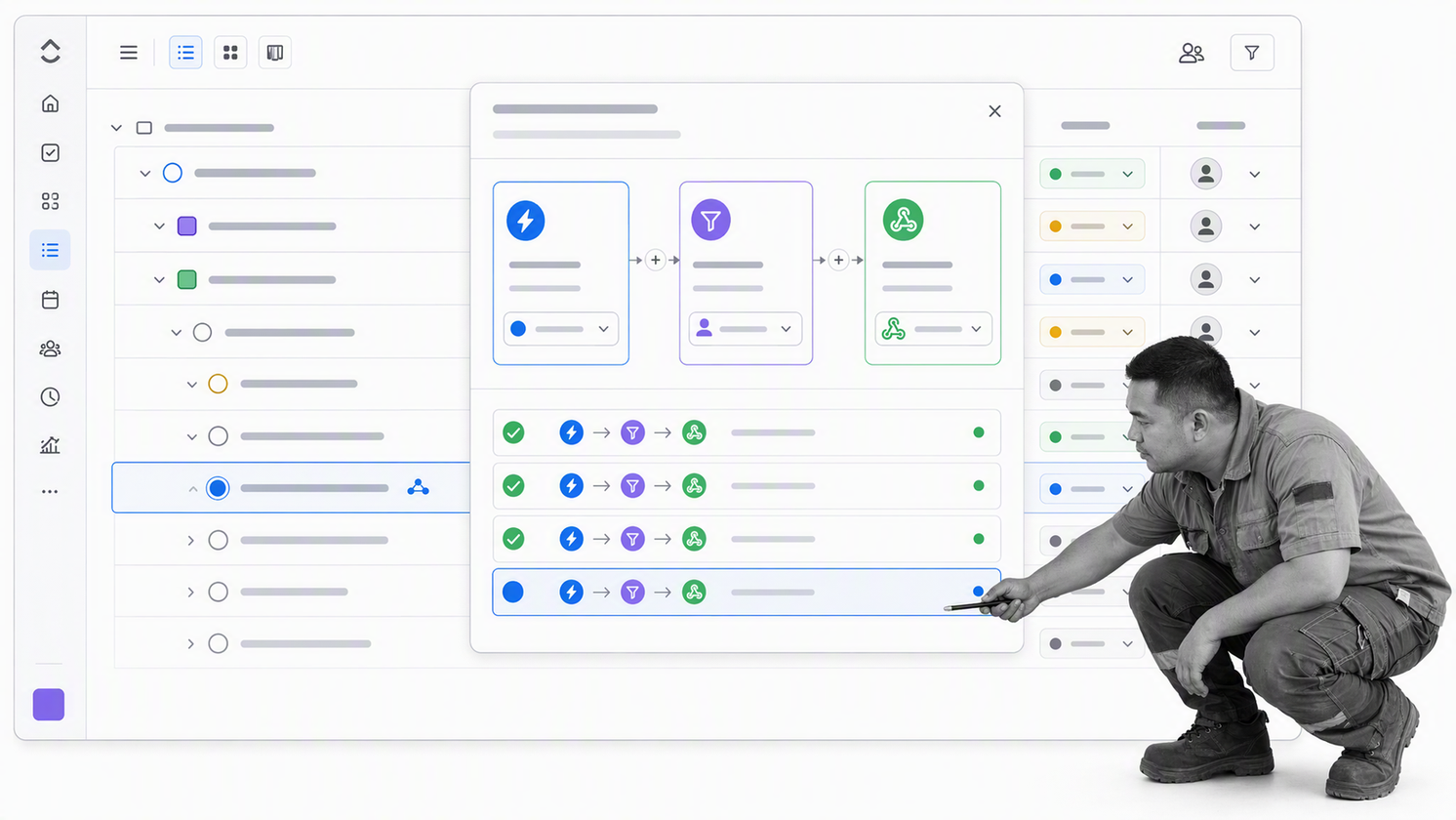
Best for project teams that want task automation in the same workspace as execution.
ClickUp automations use triggers, optional conditions, and actions to update task-related work. They can assign people, change statuses, apply templates, send emails, call webhooks, and connect selected integrations within the workspace hierarchy.
The product is compelling when tasks, documents, views, dashboards, and collaboration already live in ClickUp. AI can help configure an automation from a description and can populate task or project fields with summaries and analysis when those actions fit the workflow.
Choose ClickUp when workflow automation supports project delivery rather than serving as a separate enterprise orchestration layer. Watch automation usage, inherited scope, and the effect of workspace changes so rules do not surprise teams working below them.
Workato
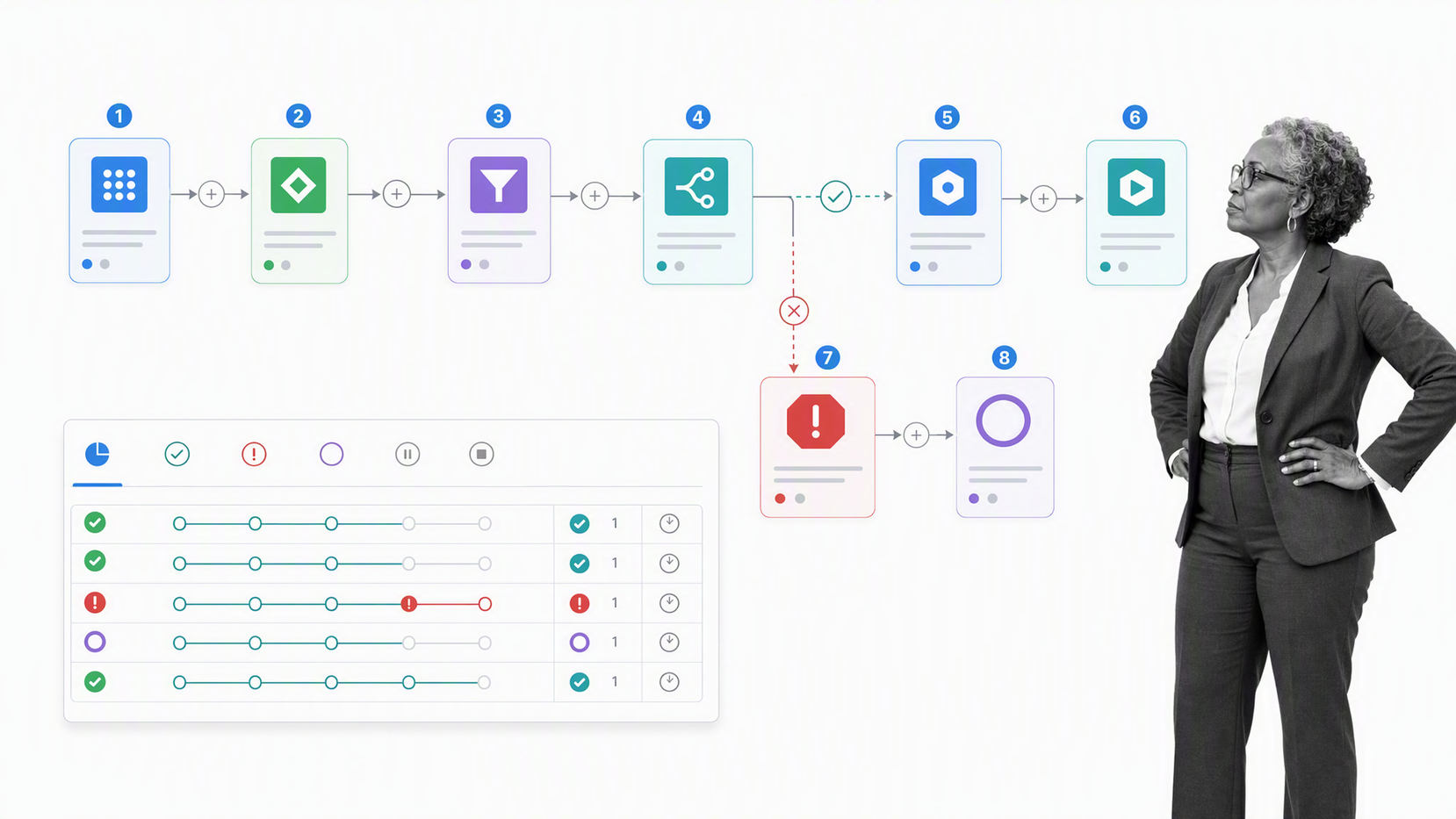
Best for enterprise teams orchestrating applications, APIs, data, and governed automation.
Workato describes recipes that begin with a trigger and execute actions across connected systems. Recipes can include conditional logic, loops, branches, and error handling, and the platform supports workflow, API, data pipeline, event, and agent-invoked patterns.
That breadth makes Workato relevant when integration is an enterprise capability rather than a collection of departmental shortcuts. It can coordinate processes across cloud applications, internal systems, APIs, and data services while giving platform teams a shared environment for reuse and governance.
Choose Workato when the organization has complex cross-system requirements and the people to operate an integration program. Buyers should evaluate development standards, environment separation, monitoring, reusable components, ownership, and how business teams participate without bypassing controls.
UiPath
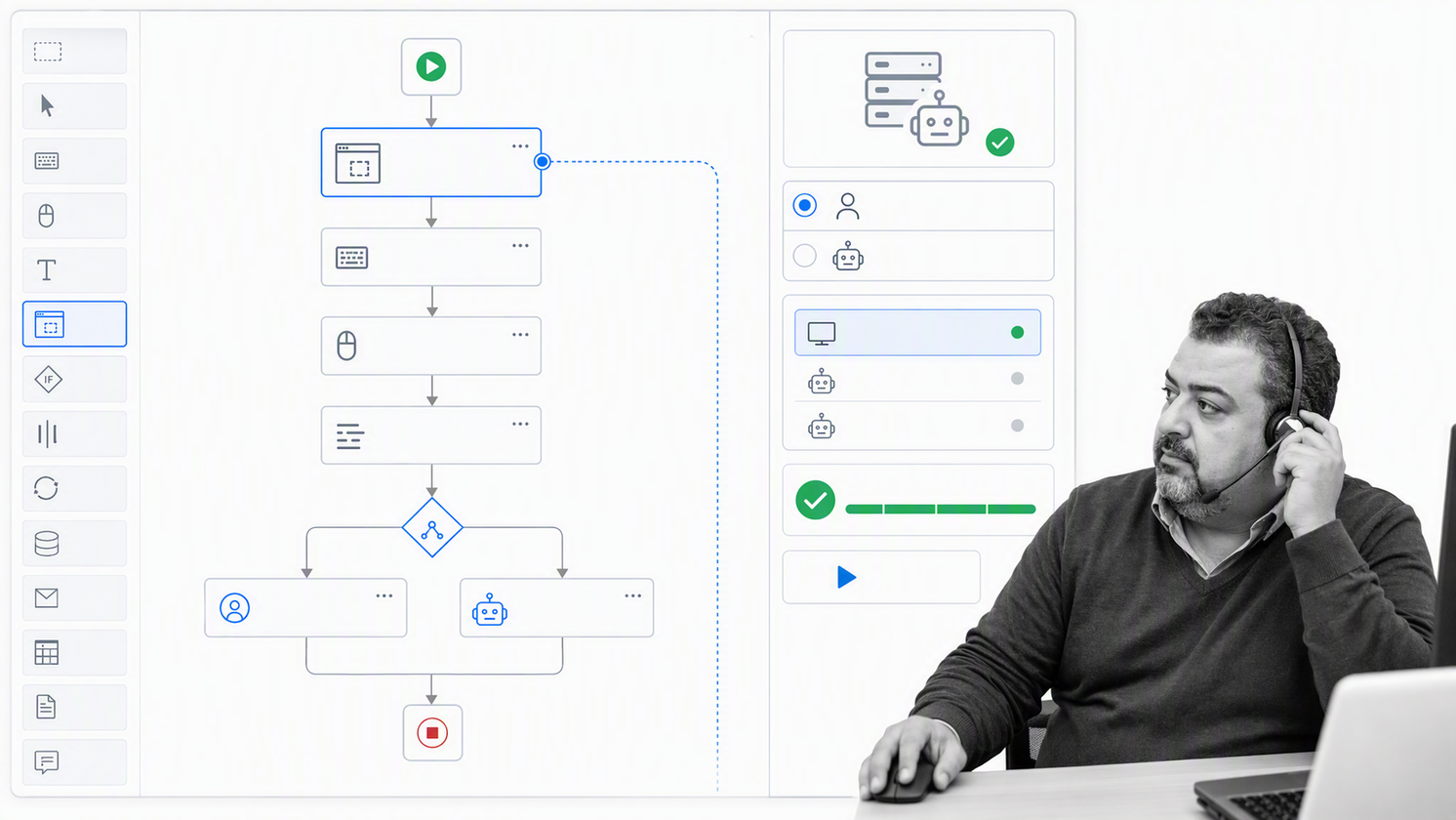
Best for automating desktop applications and legacy interfaces at enterprise scale.
UiPath describes Studio as an environment for building low-code and coded automations that run across its governed platform. This architecture is designed for work that may span desktop applications, third-party software, administrative tasks, and business processes.
UiPath is most differentiated when automation must interact with an interface rather than only call an API. Attended and unattended patterns can support employees or run background work, while orchestration manages how automations are deployed and executed.
Choose UiPath when legacy systems, desktop actions, or robotic automation are central requirements. Budget for testing, credential design, robot operations, exception queues, and maintenance because interface changes can break an otherwise stable automation.
How should you choose a workflow automation platform?
Start with the workflow, not the vendor. Bring one real process to the evaluation: its trigger, participants, systems, decisions, sensitive data, exception paths, evidence requirements, and target outcome. A product tour can look impressive while avoiding the exact parts that make your process hard.
- Model the complete path: confirm the platform can represent normal work, branching, loops, rework, approvals, and cancellation.
- Separate people from systems: identify which steps require judgment, which can run automatically, and which may use AI with review.
- Test integrations with real data: validate authentication, field mapping, failures, retries, rate limits, and ownership rather than only connector availability.
- Inspect run history: verify that an owner can see status, inputs, outputs, decisions, failures, and the next action without reconstructing the process across tools.
- Check governance: evaluate permissions, change control, environments, credentials, retention, and the audit trail for workflow edits and executions.
- Estimate operating cost: include implementation, usage, integration work, monitoring, training, and maintenance, not only the subscription.
- Plan ownership: name who designs, approves, publishes, monitors, repairs, and improves each production workflow.
A useful pilot runs long enough to expose exceptions. Measure the baseline first, then compare cycle time, waiting time, rework, error rate, completion quality, and owner effort. The platform should make the process easier to operate after launch, not merely easier to demo.
What benefits should workflow automation platforms deliver?
The strongest benefit is reliable execution. A well-designed workflow makes the next step explicit, moves routine work automatically, and brings exceptions to the right person with enough context to decide. That improves speed without hiding accountability.
- Shorter cycle time: work advances as soon as prerequisites are satisfied.
- Fewer missed handoffs: assignments, due dates, reminders, and escalations reduce waiting.
- More consistent outcomes: required information and controlled paths reduce avoidable variation.
- Better capacity: people spend less time copying data, chasing updates, and reporting status.
- Stronger control: permissions, approvals, and evidence requirements stay inside the execution path.
- Clearer improvement signals: run history and exception patterns reveal where the process needs redesign.
Automation can also magnify a bad process. Remove unnecessary steps, settle ownership, define the decision rules, and design the exception path before optimizing for volume. Fast confusion is still confusion.
Where can workflow automation create value?
Good candidates repeat frequently, follow a recognizable path, involve several handoffs, and produce an outcome that can be measured. They also have enough stability to automate without rebuilding the logic every week.
- People operations: employee onboarding, access requests, training, policy acknowledgments, and offboarding.
- Finance: purchase requests, invoice review, close procedures, vendor changes, and recurring reconciliations.
- Compliance and quality: control checks, evidence collection, document review, findings, corrective actions, and attestations.
- Customer operations: intake, onboarding, implementation, escalations, renewals, and service recovery.
- Sales and marketing: lead routing, campaign production, content review, proposal coordination, and handoff to delivery.
- IT and security: service requests, access changes, incident response, equipment provisioning, and recurring reviews.
For high-stakes recurring work, request a Process Street demo and bring one real process. The most useful evaluation is a working session around your owners, systems, approvals, exceptions, and evidence requirements.
Workflow automation platform FAQs
What is the best workflow automation platform?
The best platform is the one that matches the shape and risk of the work. Process Street is a strong choice for recurring operational workflows that need documentation, approvals, accountability, and evidence. Integration-first, technical, project-centric, and robotic automation use cases may call for different products.
What features should workflow automation platforms include?
Look for clear workflow design, triggers, conditional routing, assignments, forms, approvals, integrations, run history, exception handling, permissions, and reporting. AI features are most useful when they operate inside explicit rules and human review points.
Are workflow automation platforms the same as project management tools?
No. Project management tools organize planned work, deadlines, and collaboration. Workflow automation platforms also trigger actions, route data, enforce repeatable process logic, connect systems, and preserve execution records. Some products combine both approaches.
When should a business use robotic process automation?
Use robotic process automation when software must operate an interface that lacks a reliable API or connector. It is especially useful for repetitive work in legacy desktop systems, but interface changes and robot infrastructure increase the need for monitoring and technical ownership.
How do AI agents change workflow automation?
AI agents can interpret unstructured inputs, choose tools, draft outputs, and complete variable tasks. The workflow still needs boundaries: approved data, permitted actions, review thresholds, exception routes, and an audit record of what the agent did.
How should a team start with workflow automation?
Choose one frequent, stable process with a named owner and measurable outcome. Map the normal path and exceptions, define approvals and evidence, automate the highest-friction handoffs, test with real cases, and review the run history before expanding.
