


Turn every policy into automated workflows with built-in enforcement and audit-ready proof.



Best Operations Management Framework Tools for Every Team
An operations management framework is the system a business uses to turn goals into repeatable daily execution. It connects standards, people, workflows, controls, measures, and improvement so the work produces reliable outcomes instead of depending on memory and heroics.
Software matters because an operating model only creates value when people can run it. The right platform captures requests, assigns ownership, routes decisions, enforces required steps, coordinates systems, records evidence, and shows where the process is drifting. The wrong platform simply gives a team another place to update status.
This guide explains the framework first, then compares 15 credible tools. Process Street ranks first for recurring operations that need process documentation, controlled workflow execution, approvals, accountability, and evidence in one system. The other products earn a place for work management, low-code app building, technical operations, process transformation, or enterprise automation.
- What is an operations management framework?
- What components make the framework work?
- How do the leading tools compare?
- Which operations management framework tools are best?
- How do you build the framework?
- Which operations KPIs should you track?
- What benefits should the framework deliver?
- Operations management framework FAQs
What is an operations management framework?
An operations management framework is a structured approach to designing, running, measuring, and improving the recurring work that delivers products or services. It translates strategy into operating standards, named roles, repeatable processes, decision rights, capacity plans, controls, and performance measures.
The framework is broader than task management. IBM describes business process management as a lifecycle of process design, modeling, execution, monitoring, and optimization. Operations management applies that discipline across the system that keeps the business running, including people, technology, suppliers, quality, risk, cost, and customer commitments.
A practical framework should also connect to an operations management system. The framework defines how the organization intends to operate. The system gives teams the workflows, records, controls, and feedback loops needed to follow it every day.
What components make an operations management framework work?
A useful framework is small enough to understand and complete enough to control the work. These components form a durable operating loop:
| Component | Question it answers | Operational output |
|---|---|---|
| Objectives | What outcomes must operations protect? | Targets, priorities, and service commitments |
| Process design | How should work move from trigger to outcome? | Mapped stages, handoffs, rules, and exceptions |
| Ownership | Who decides, acts, approves, and improves? | Named roles and decision rights |
| Capacity | What people, time, systems, and supplies are required? | Resource plan and constraints |
| Quality and controls | What must be true before work advances? | Standards, checks, approvals, and evidence |
| Measurement | How will the team detect performance and drift? | KPIs, thresholds, and review cadence |
| Improvement | How will learning change the operating method? | Corrective actions and updated processes |
Quality cannot sit outside this loop. ISO quality management principles include a process-oriented approach and a commitment to continuous improvement. That means quality requirements belong inside workflow design, ownership, controls, and review, not in a separate inspection ritual after the work is complete.
How do the leading operations management tools compare?
The market contains several different product types. The best choice depends on whether the operating problem is recurring human work, cross-functional coordination, custom applications, process transformation, technical issue flow, or enterprise service automation.
| Tool | Best for | Operating strength | Evaluate carefully |
|---|---|---|---|
| Process Street | Recurring operations and compliance workflows | Process instructions, assignments, routing, approvals, evidence, and automation in one run | Fit for heavily developer-led orchestration |
| monday.com | Board-centered cross-functional operations | Flexible boards, forms, dashboards, integrations, and automations | Process governance beyond the board |
| Asana | Cross-functional work management | Intake, rules, templates, reusable processes, and reporting | Evidence and control depth for high-stakes procedures |
| Smartsheet | Grid-based operational planning | Structured work, forms, automation, dashboards, and reporting | Complexity of large sheet portfolios |
| ClickUp | Project and task operations | Tasks, documents, forms, dashboards, views, and automation | Governance for recurring controlled work |
| Wrike | Enterprise work management | Requests, dashboards, proofing, and workflow automation | Administration and adoption across varied teams |
| Airtable | Data-centered operational applications | Relational data, interfaces, automations, and custom apps | Ownership of schema and app sprawl |
| Jira | Technical and IT operations | Configurable workflows, boards, automation, and issue history | Usability for nontechnical operating teams |
| Power Automate | Microsoft-centered automation | Cloud workflows and desktop automation | Environment, licensing, and credential governance |
| Pipefy | Structured intake and service processes | Forms, rules, approvals, and process analytics | Fit for broader knowledge and project work |
| Kissflow | No-code workflow design | Forms, routing, integrations, and monitoring | Depth for complex enterprise exceptions |
| Nintex | Enterprise process automation | Mapping, workflows, documents, and orchestration | Implementation and platform ownership |
| SAP Signavio | Process transformation | Modeling, analysis, collaboration, and governance | Day-to-day execution outside the SAP landscape |
| ServiceNow | Cross-enterprise service operations | Flows, playbooks, approvals, tasks, and records | Platform complexity and specialist ownership |
| Zoho Creator | Custom low-code operations apps | Custom applications, process logic, reports, and workflows | Design and maintenance discipline |
Which operations management framework tools are best?
Every product below is active and relevant, but each supports a different operating model. The ranking favors tools that make recurring work executable, measurable, and improvable rather than products that only store information or display tasks.
1. Process Street
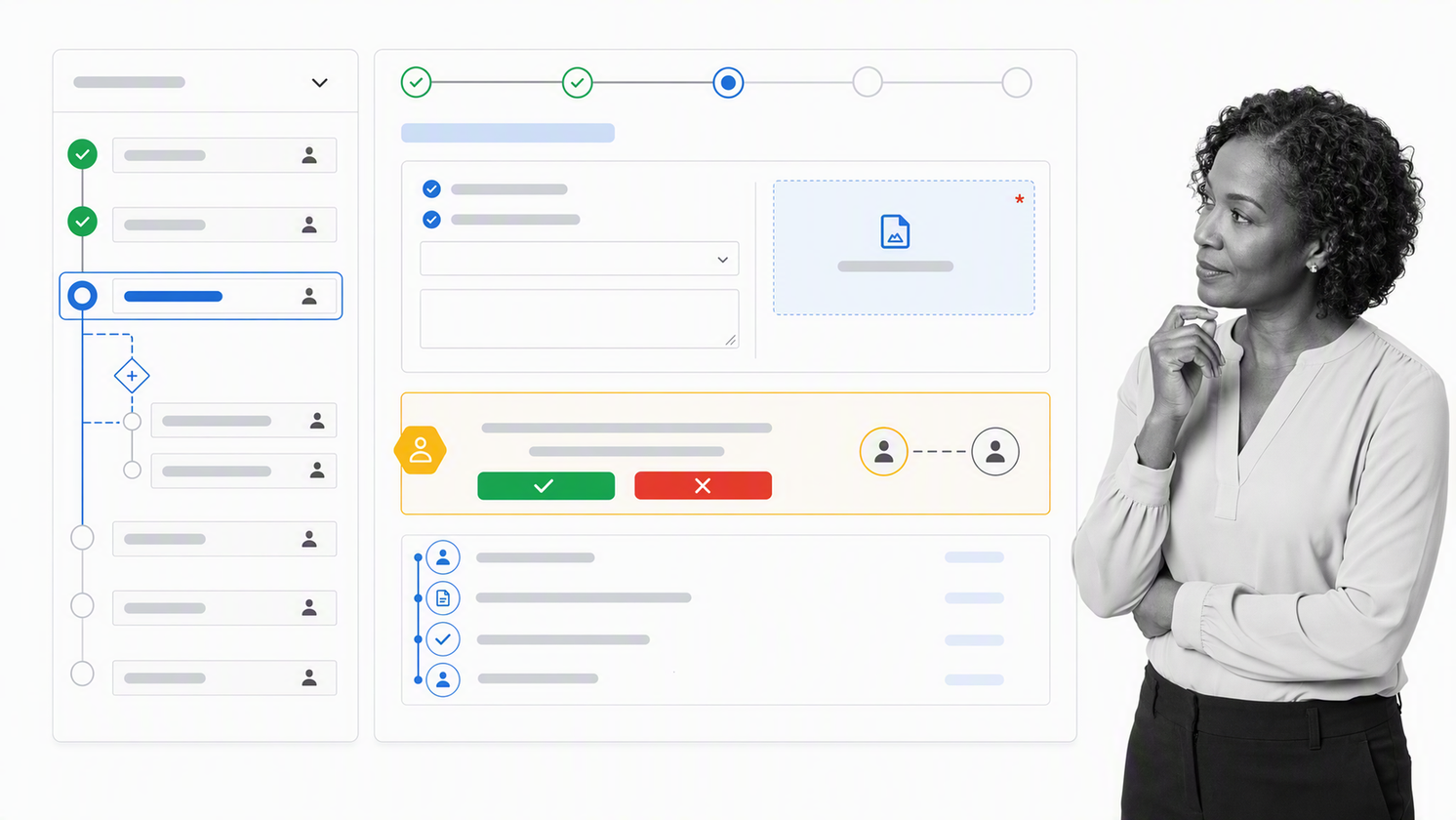
Best for recurring operations that need process control and proof.
Process Street connects process documentation with live workflow execution. Teams can capture requests, assign owners, route work with conditional logic, require approvals, coordinate connected actions, collect evidence, and review the history of each run. That makes it a strong operations management platform for work where consistency and accountability matter.
The distinguishing advantage is that the operating method and the execution record stay together. A team member sees what to do, provides the required information, follows the correct path, and leaves evidence behind. Managers can identify delays, exceptions, skipped work, and recurring friction without reconstructing the process from messages and spreadsheets.
Choose Process Street for onboarding, client delivery, vendor reviews, recurring finance procedures, quality checks, compliance workflows, and other high-stakes processes that must run correctly every time. It holds the top position because it treats execution, control, and improvement as one operating system.
2. monday.com
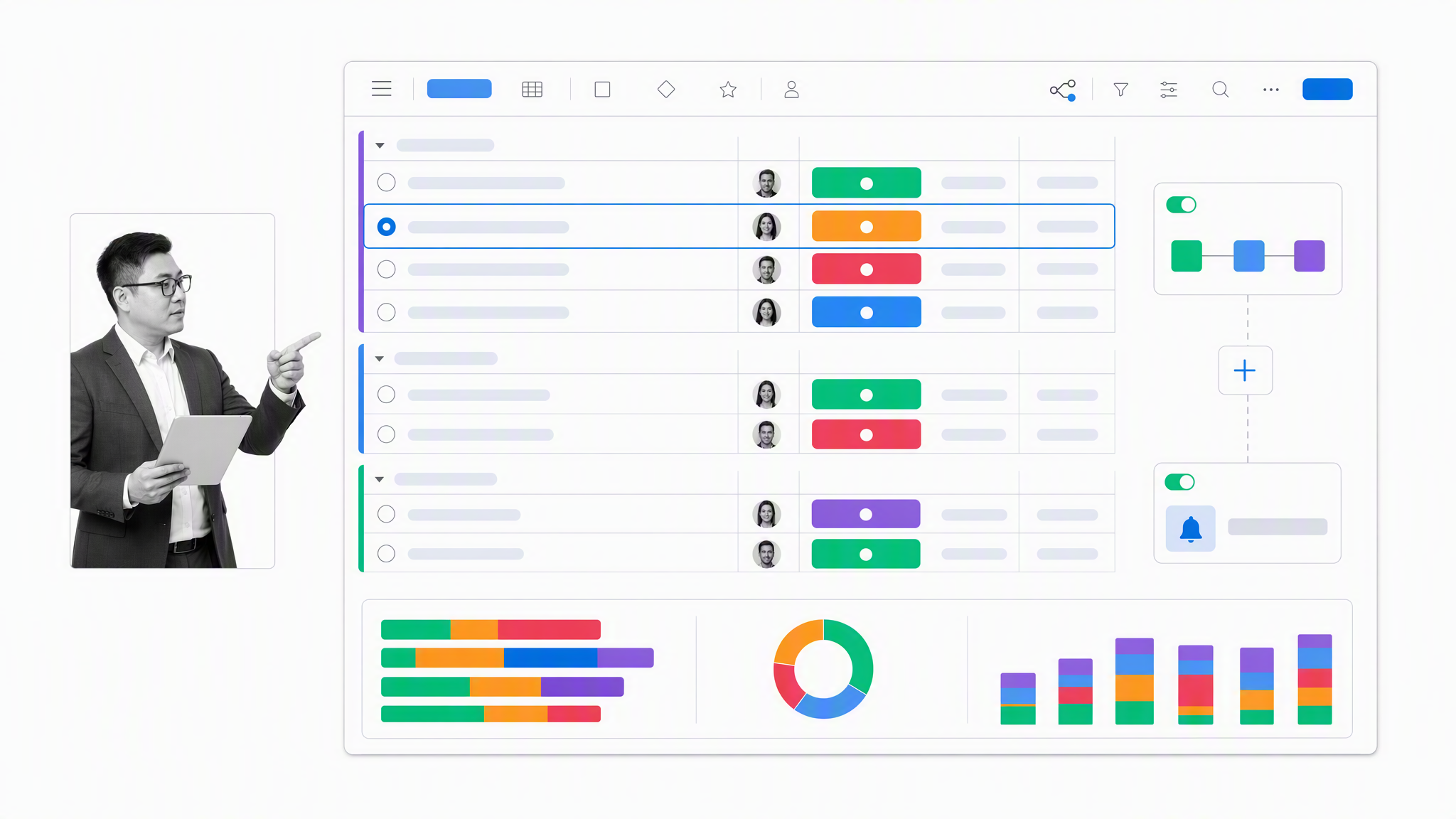
Best for teams that organize operations around flexible shared boards.
monday.com supports operations processes through configurable boards, forms, dashboards, integrations, and automations. It works well when teams want a visual workspace for requests, owners, status, dates, dependencies, and cross-functional reporting.
The platform is a practical fit for campaign operations, service coordination, portfolio tracking, and other work where the board is the natural center of collaboration. Buyers should test the complete exception path and change-control model, especially when the process has strict approvals or evidence requirements.
3. Asana
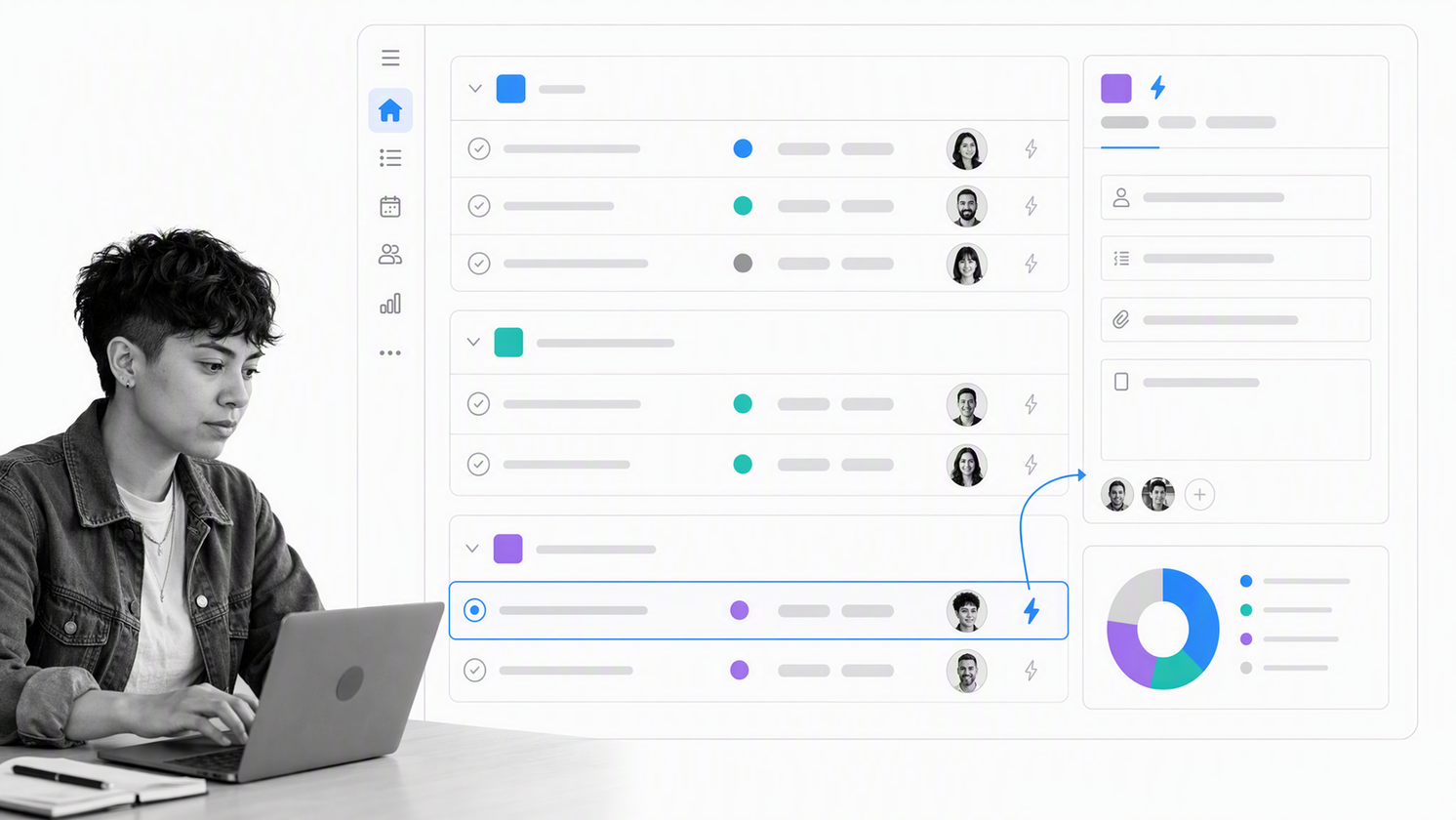
Best for cross-functional workflows that connect projects, goals, and recurring work.
Asana supports structured intake, rules, templates, reusable process bundles, and reporting dashboards. Teams can move work through defined stages, standardize requests, assign responsibility, and monitor progress across projects.
It suits operating teams whose main challenge is coordination across departments. For high-stakes procedures, evaluate whether its approvals, evidence capture, permissions, and run history match the required control level, rather than assuming strong project management automatically equals process governance.
4. Smartsheet
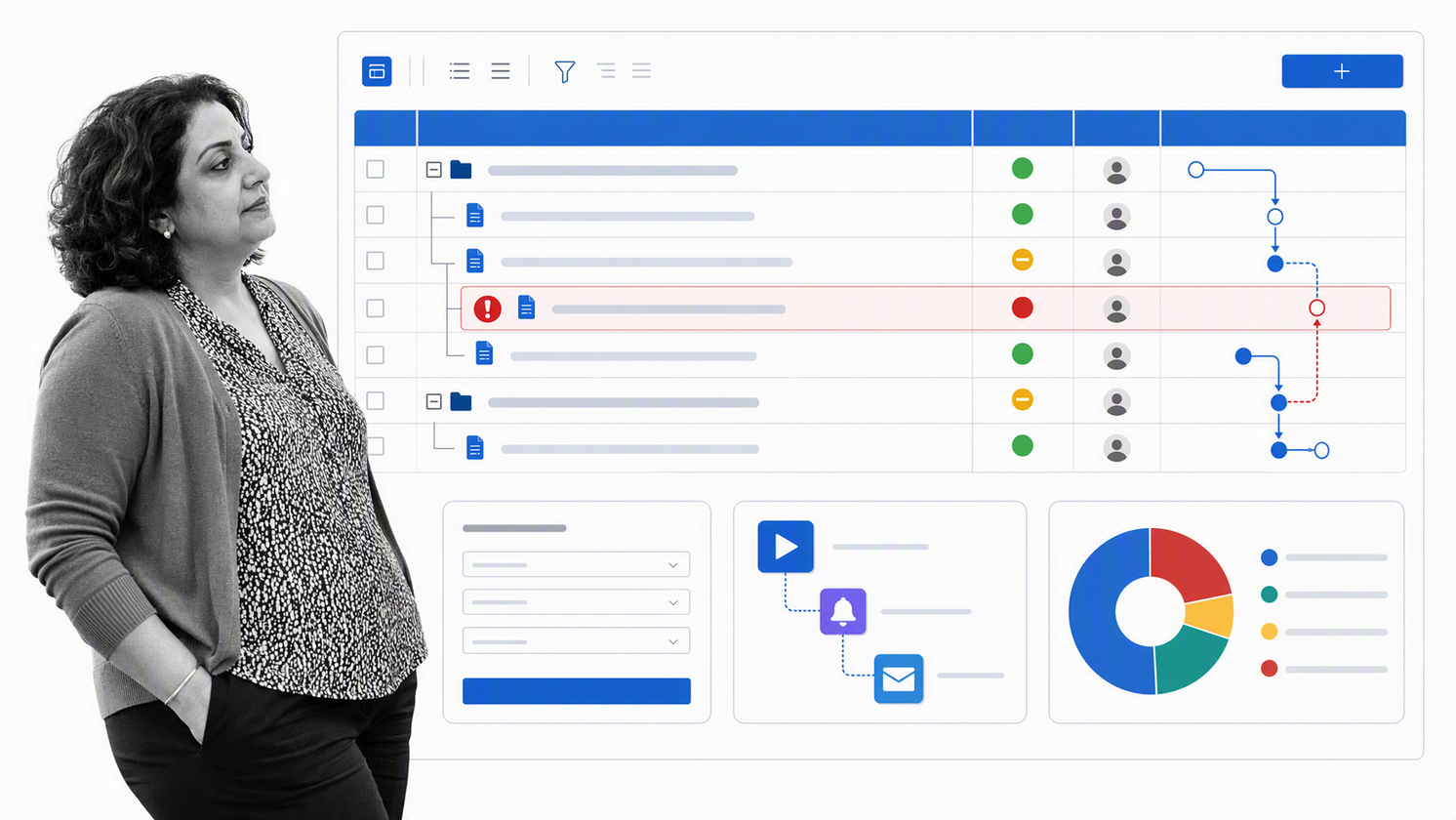
Best for data-heavy operations that prefer a grid-based working model.
Smartsheet combines structured work tracking with forms, automation, dashboards, and reporting. The familiar grid makes it approachable for teams migrating operational trackers from spreadsheets while adding ownership, alerts, dependencies, and portfolio views.
It can support planning, resource coordination, request management, and operational reporting. The main design risk is recreating spreadsheet sprawl at a larger scale, so teams need standards for sheet architecture, source data, permissions, automation ownership, and retirement.
5. ClickUp
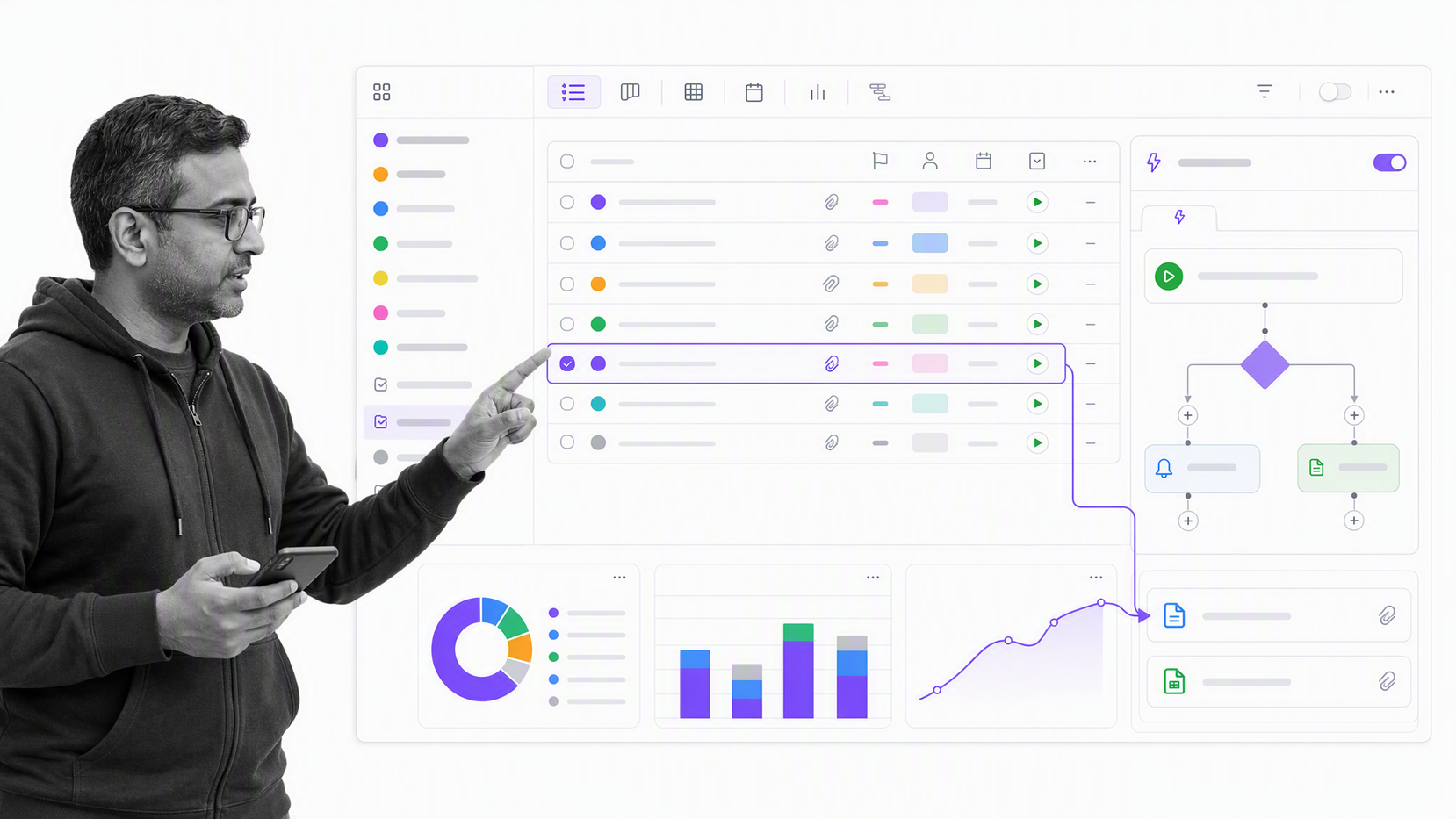
Best for project and task operations in an all-in-one workspace.
ClickUp brings tasks, documents, forms, dashboards, views, and configurable automations into one work-management environment. That combination is useful for teams that want project delivery and recurring operational coordination in the same workspace.
Choose it when the task system is the center of gravity. Test how automations inherit across the workspace, how exceptions are surfaced, and whether controlled processes can preserve approvals and evidence without heavy administrative work.
6. Wrike

Best for enterprise work management with structured requests and review cycles.
Wrike supports request forms, configurable workspaces, dashboards, proofing, collaboration, and workflow automation. It is relevant for creative operations, professional services, marketing operations, and other environments with high request volume and formal review.
Its breadth can serve several departments, but that breadth also requires clear administration. Evaluate template governance, naming, permissions, reporting definitions, intake design, and how teams learn the system before expanding it across the organization.
7. Airtable
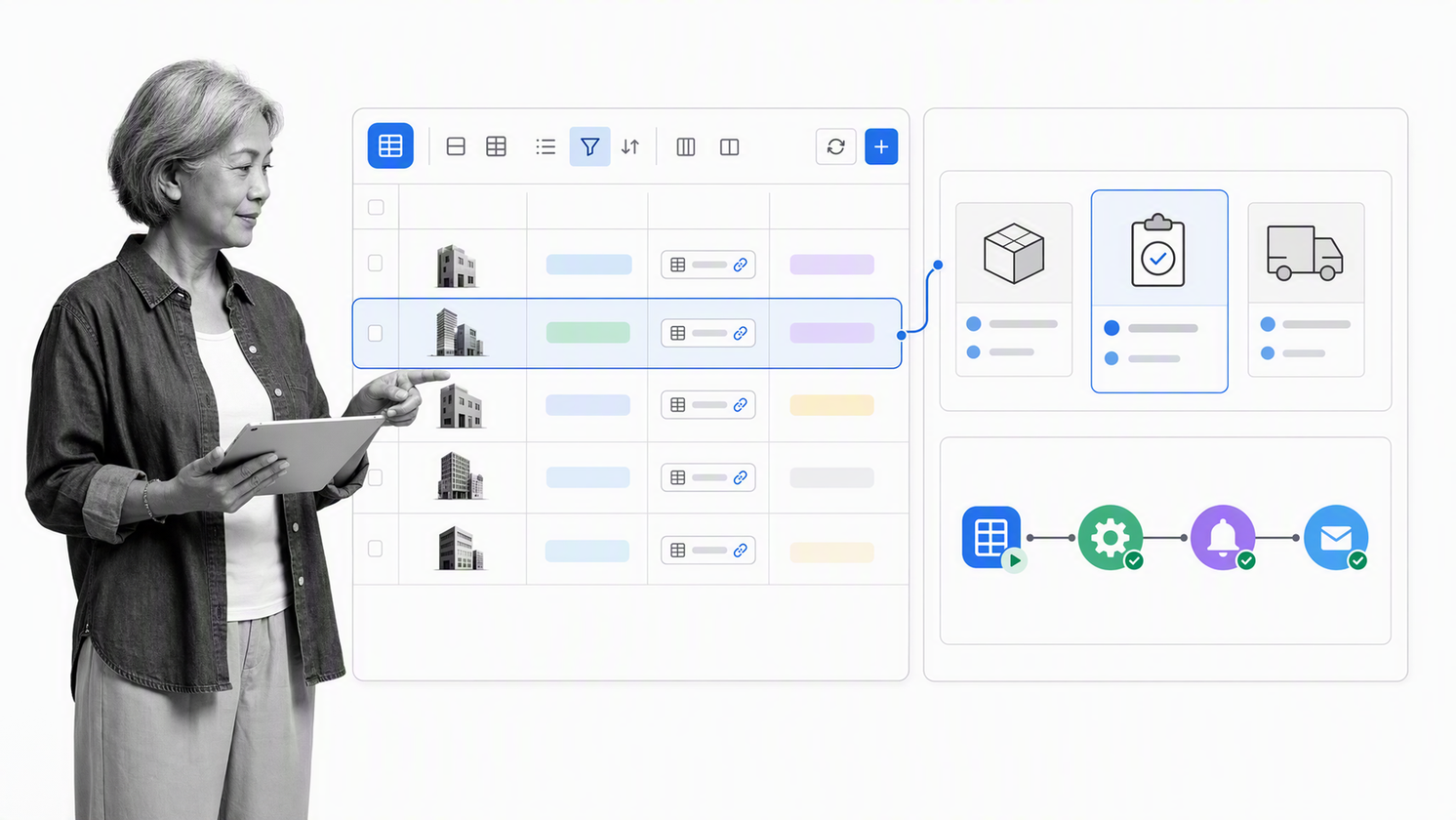
Best for data-centered operations that need custom interfaces and lightweight applications.
Airtable provides relational data, interfaces, automations, and app-building capabilities. Operations teams can model assets, vendors, content, requests, programs, or inventories, then create role-specific views and actions around that shared data.
It is strongest when the operational record is the heart of the system. Treat base and interface design like application design: establish data ownership, field definitions, access rules, automation standards, and a plan for avoiding duplicate sources of truth.
8. Jira

Best for technical operations, issue flow, and work tied to engineering systems.
Jira provides configurable workflows, boards, automation, and reporting around issues and work items. It remains a strong choice for software delivery, incident follow-up, change work, security queues, and technical operations that need traceability.
The platform can represent sophisticated states and rules, but a design built for engineers may create friction for business operators. Evaluate forms, terminology, permissions, service experiences, and the administrative burden before using Jira as a general company operating layer.
9. Microsoft Power Automate
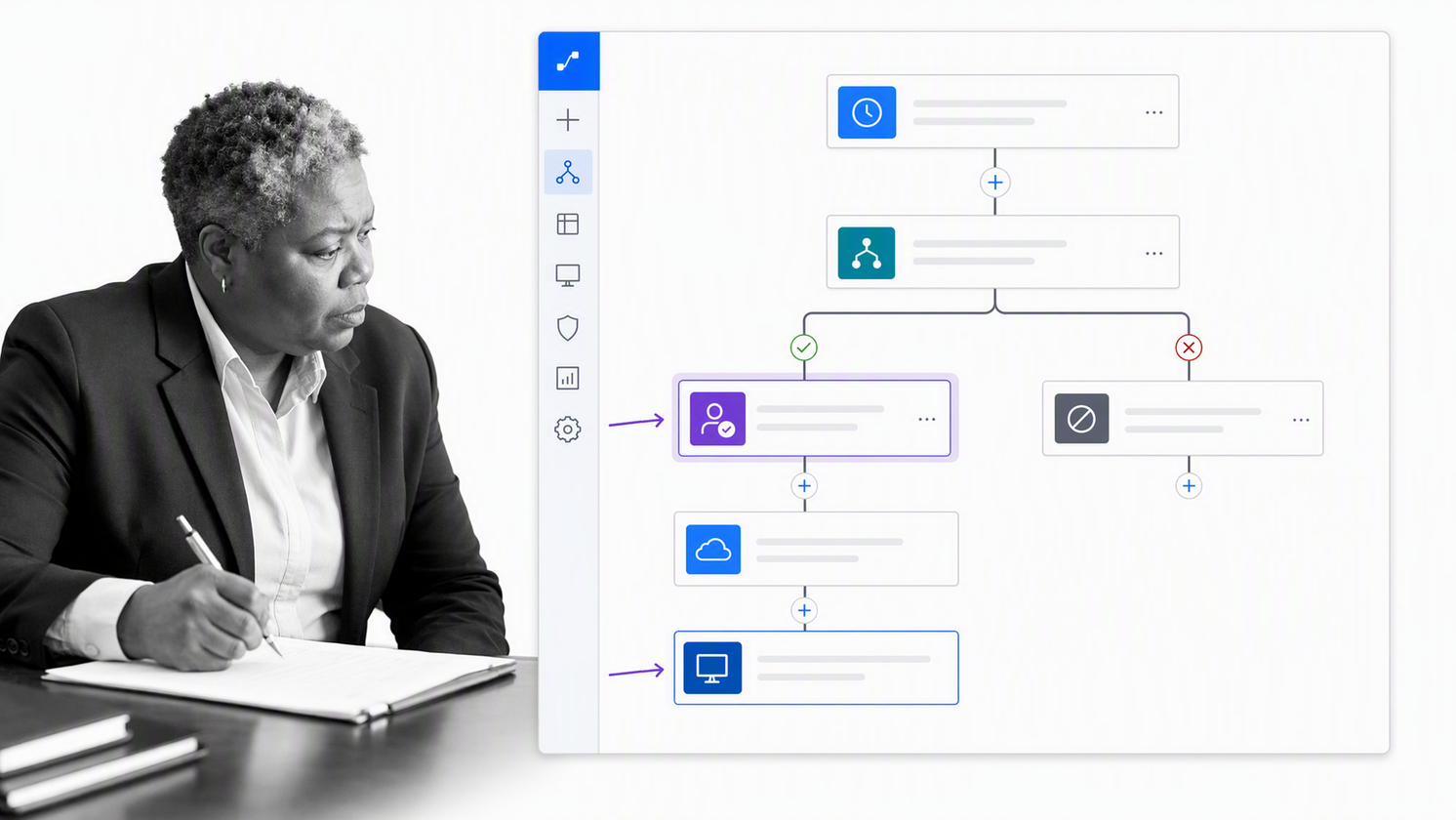
Best for organizations whose operations already run through Microsoft services.
Microsoft Power Automate supports business process automation across cloud services and desktop interfaces. Teams can route approvals, move data, trigger notifications, update records, and automate interface-based tasks where a reliable connector is not available.
The product is especially relevant when identity, collaboration, files, and business applications already sit in the Microsoft ecosystem. Before rollout, define environments, data policies, service accounts, licensing, ownership, monitoring, and recovery so local flows do not become invisible production infrastructure.
10. Pipefy
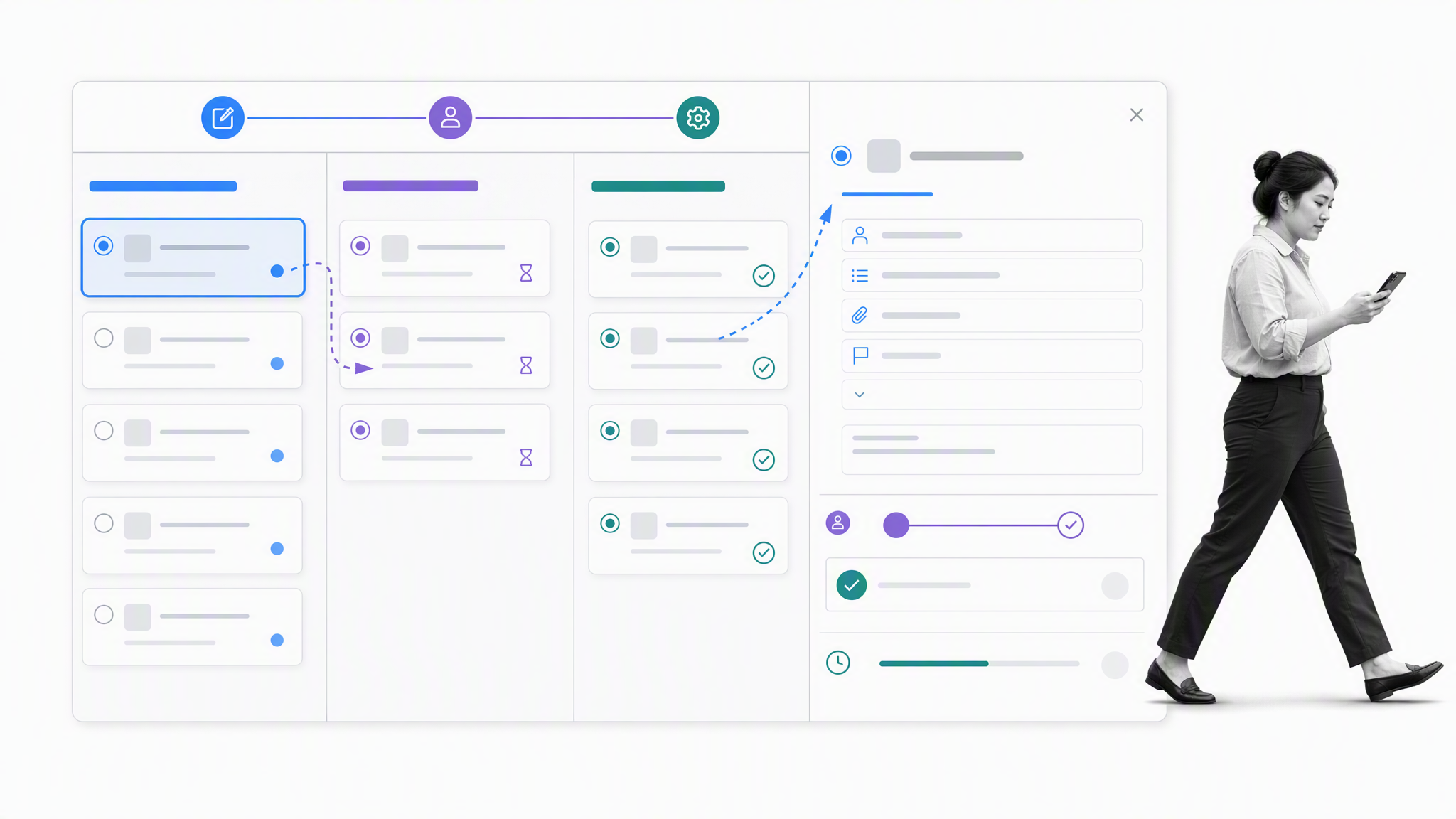
Best for structured intake, approvals, and service-style operations.
Pipefy supports process orchestration through forms, rules, approvals, and operational analytics. It helps teams turn requests into a controlled sequence of stages with required information and named ownership.
It is a good fit for procurement requests, shared services, employee requests, finance operations, and other repeatable queues. Buyers should test complex exceptions, cross-process reporting, permissions, and how easily process owners can change the model without breaking active work.
11. Kissflow
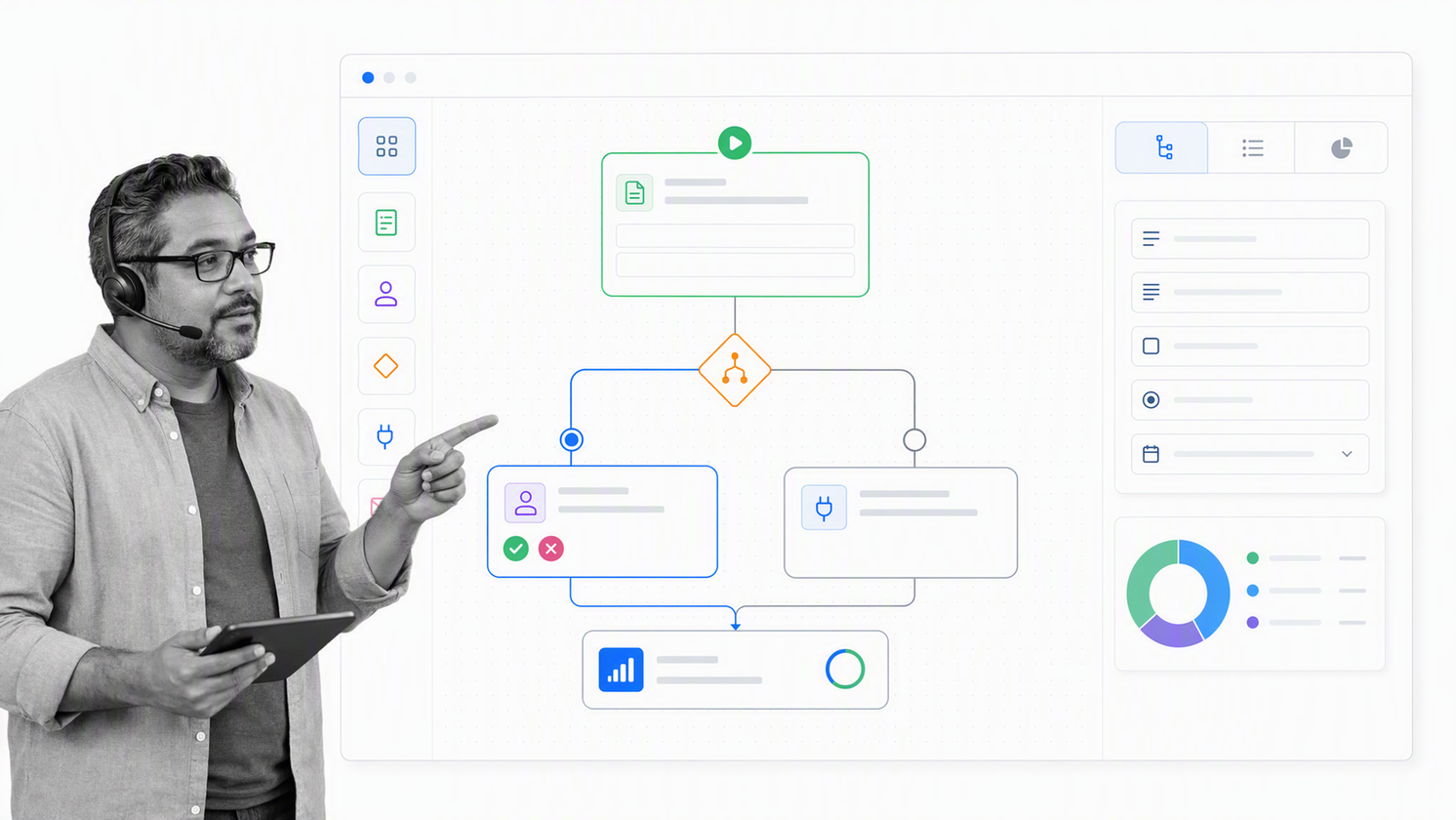
Best for no-code workflow design by business teams.
Kissflow supports visual workflow design, forms, routing, integrations, and process monitoring. It gives operations teams a way to create request and approval flows without starting with a developer-led automation project.
The product can suit departmental workflows that need fast digitization and clear ownership. Test conditional depth, exception handling, reporting, environment controls, and integration behavior with a real process before committing the operating model to the platform.
12. Nintex
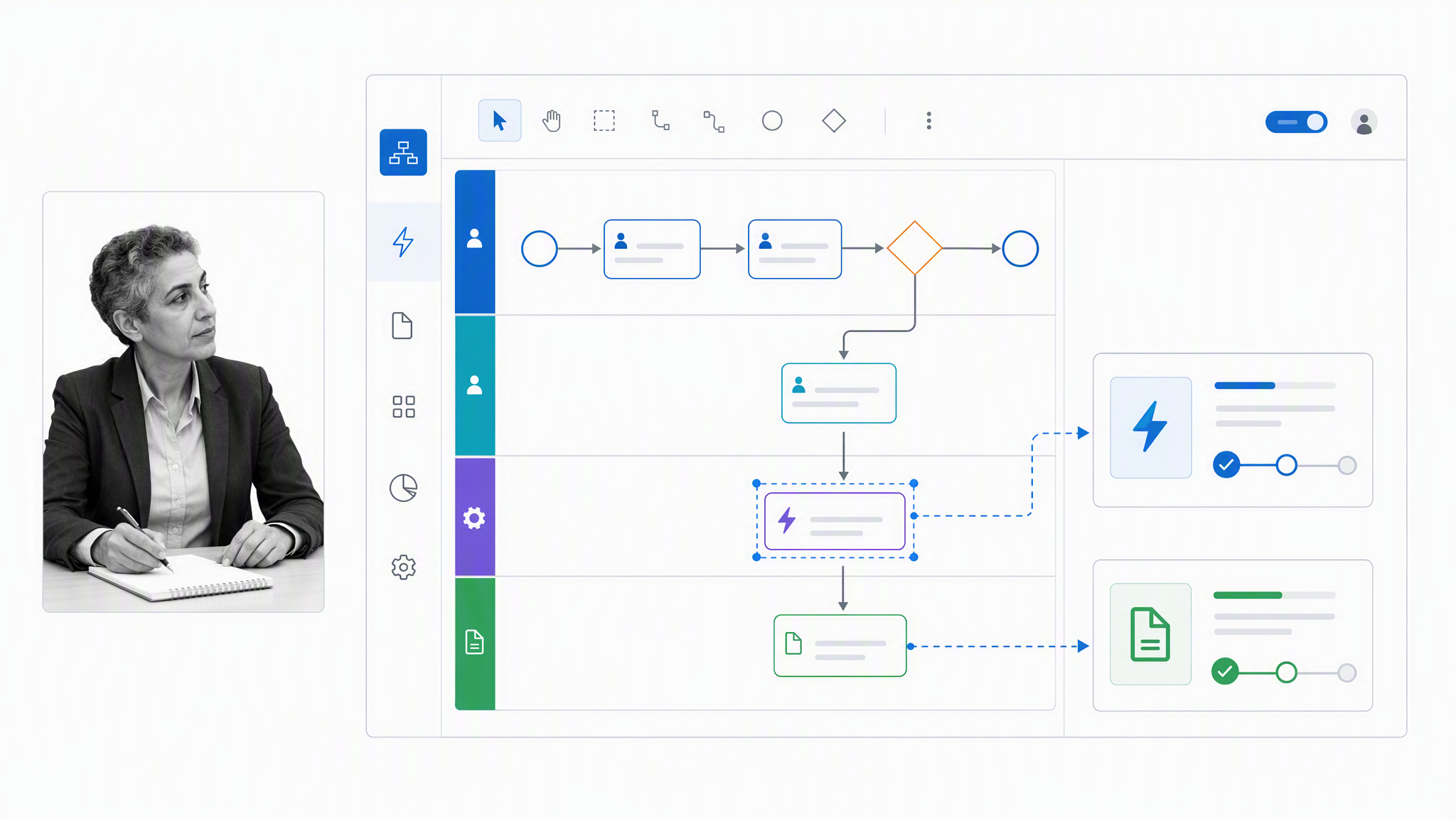
Best for enterprise process mapping and automation across documents and systems.
Nintex supports process mapping, workflow automation, document generation, and orchestration. That makes it relevant for enterprises that want to connect process discovery with automated execution across several systems.
Its value is highest when the organization treats process automation as a managed capability. Evaluate platform ownership, reusable components, deployment controls, monitoring, document requirements, and the skills needed to maintain automations after implementation.
13. SAP Signavio
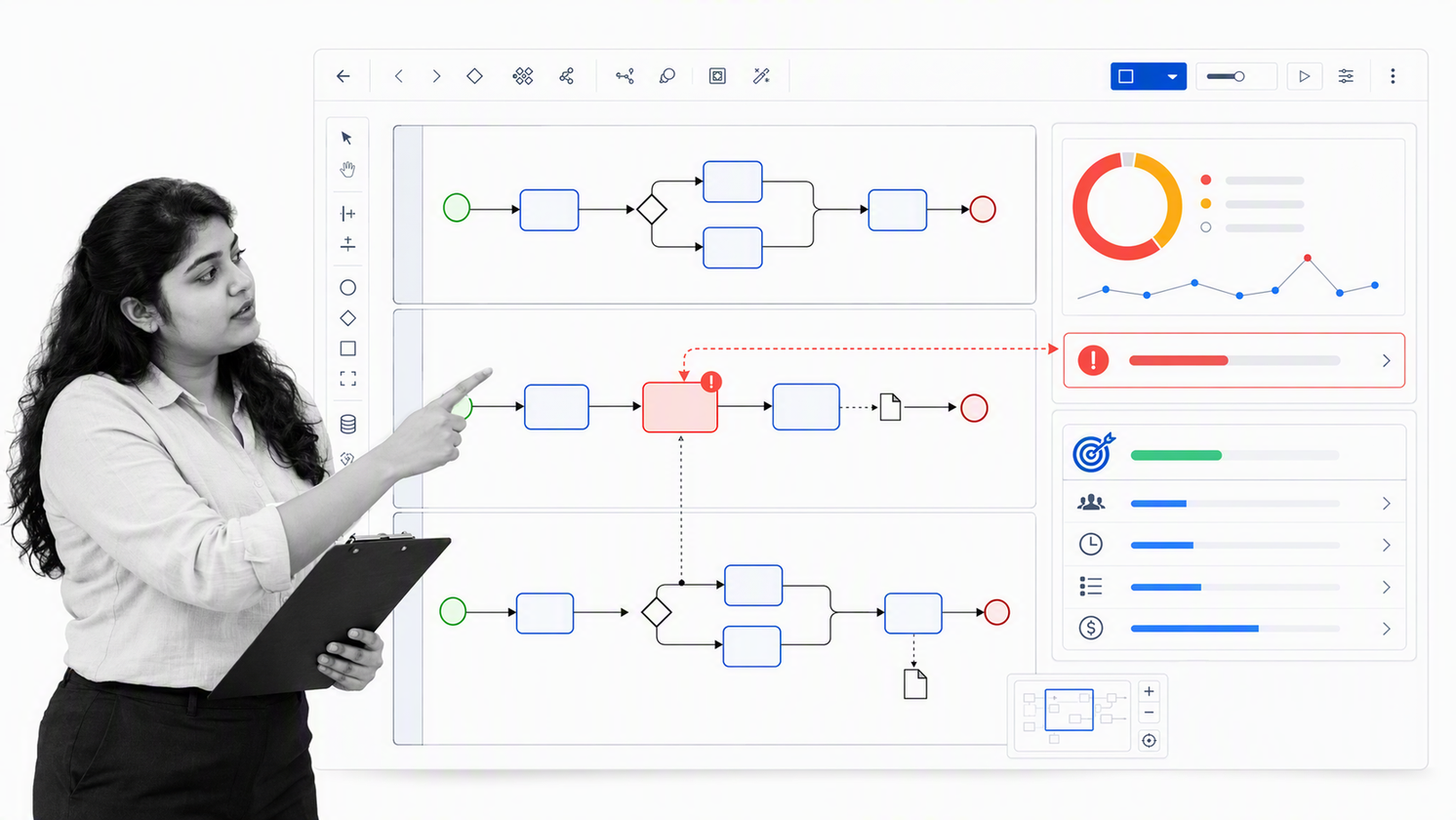
Best for enterprise process transformation, analysis, and governance.
SAP Signavio Process Transformation Suite supports process modeling, analysis, collaboration, governance, and improvement. It is designed for organizations that need to understand current processes, design future states, coordinate transformation initiatives, and connect improvement work to an enterprise landscape.
Choose it when process architecture and transformation are central. Buyers should distinguish process intelligence and governance from daily frontline execution, then verify how redesigned processes become controlled work in the systems employees actually use.
14. ServiceNow
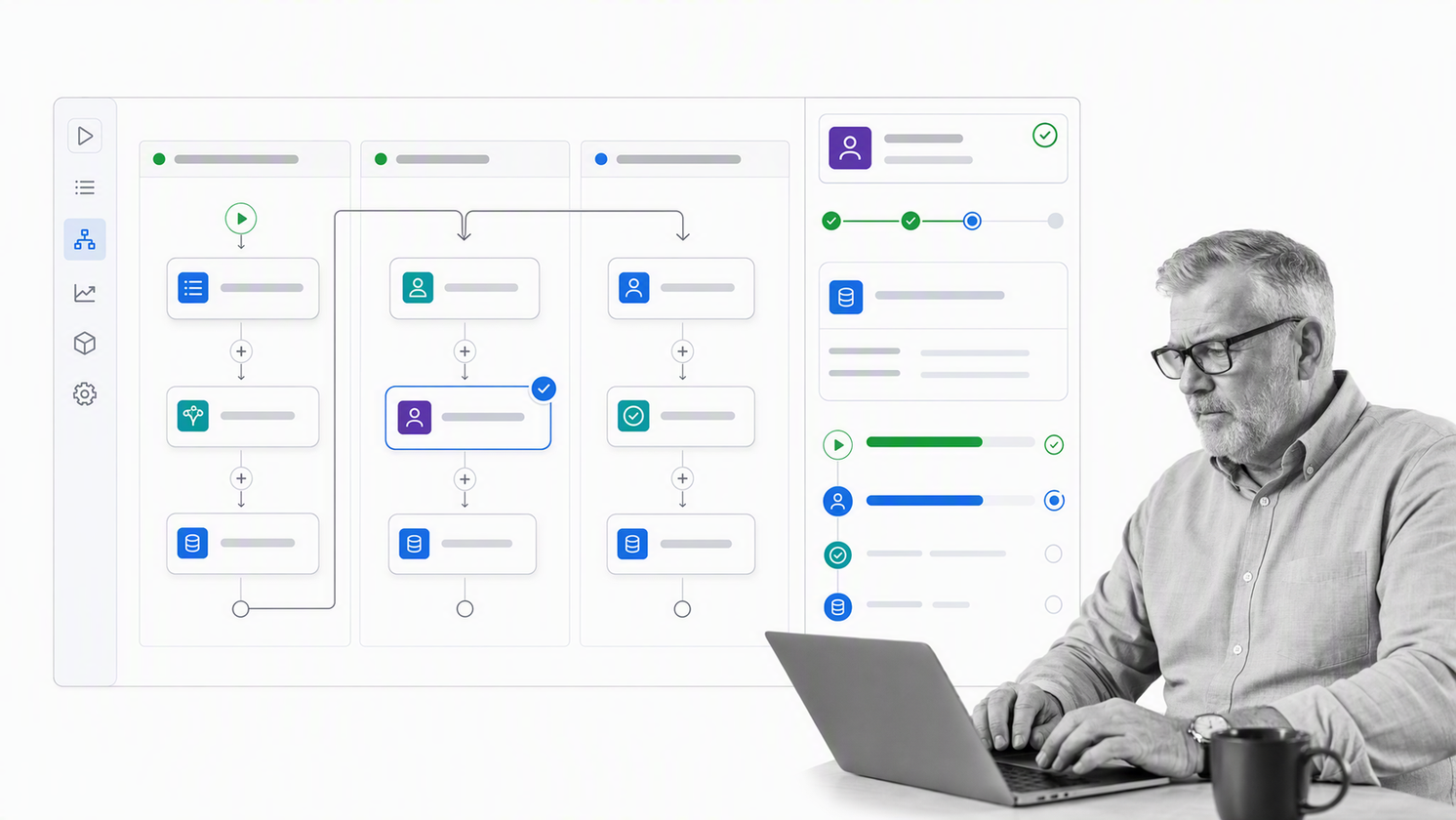
Best for cross-enterprise service operations on the ServiceNow platform.
ServiceNow process automation supports flows and playbooks for approvals, tasks, notifications, record operations, and cross-enterprise workflows. It is a strong fit when operational work already depends on ServiceNow records, service experiences, and platform administration.
The platform can coordinate complex service operations, but it is not a lightweight choice. Evaluate specialist ownership, table design, roles, integration architecture, environment controls, release practices, and the experience of business users who must complete the work.
15. Zoho Creator
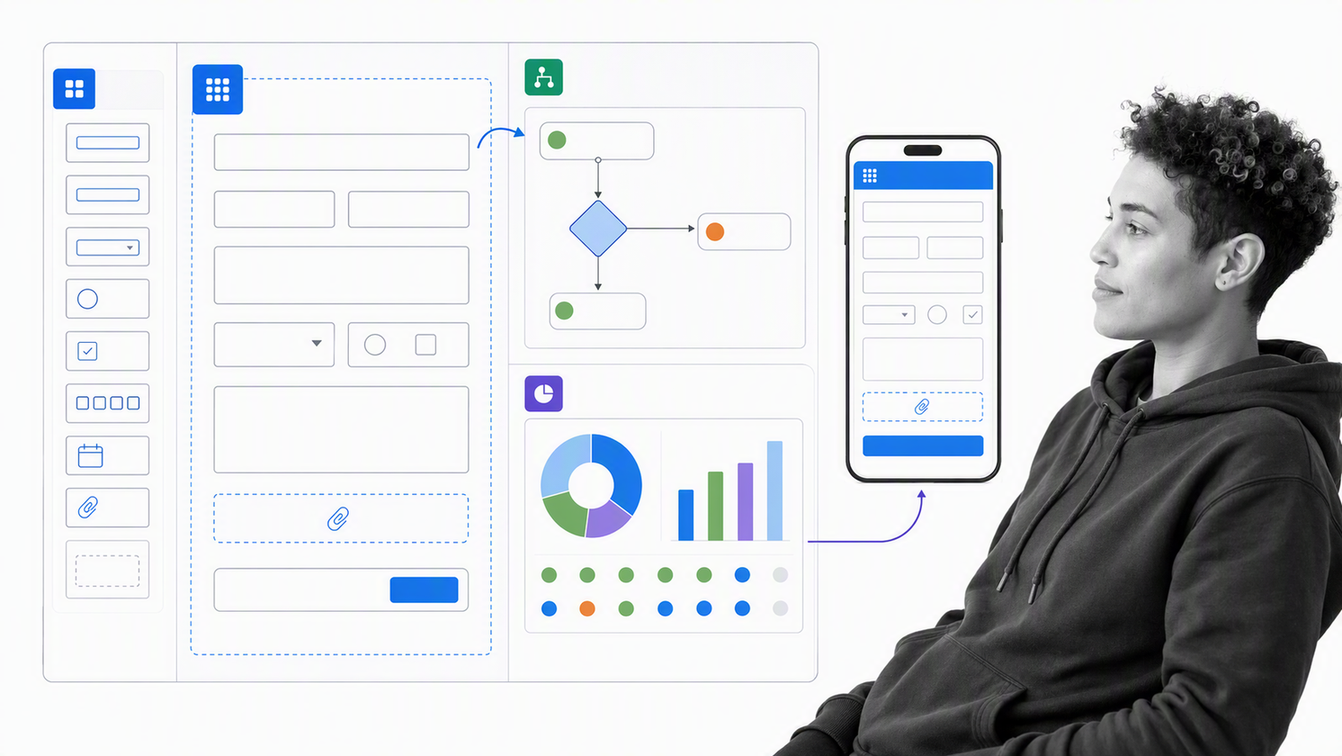
Best for teams that need a custom low-code operations application.
Zoho Creator is a low-code platform for building custom applications, process logic, reports, and business workflows. It can support operational use cases that do not fit a standard project board or fixed workflow product.
Choose it when the operating process needs a tailored data model and interface. The same flexibility creates design responsibility, so define requirements, permissions, testing, deployment, integration ownership, and long-term maintenance before the application becomes critical.
How do you build an operations management framework?
Build from one value stream, not from an abstract organization chart. Choose a recurring outcome that matters, such as customer onboarding, vendor approval, order fulfillment, month-end close, or incident response, then connect the operating pieces around it.
- Define the outcome: state the customer, business, quality, cost, and risk results the operation must protect.
- Map the real process: document the trigger, stages, owners, systems, data, handoffs, decisions, exceptions, and evidence used today.
- Remove avoidable friction: eliminate duplicate entry, unclear ownership, unnecessary approvals, waiting, and rework before automating them.
- Set operating standards: define required inputs, decision rules, service levels, quality criteria, approvals, and completion evidence.
- Assign decision rights: name who owns the process, who performs each step, who approves exceptions, and who changes the standard.
- Run the process in software: turn the design into an executable workflow with assignments, routing, integrations, and a visible run history.
- Measure and improve: review leading and lagging indicators, investigate exceptions, and update the process when evidence shows a better method.
Keep the process model and the working procedure aligned. Strong business process management does not stop when a diagram is approved. The framework becomes real when the operating method guides work, records what happened, and creates feedback for the next design cycle.
Which operations KPIs should you track?
KPIs should reveal whether the operating system is producing the intended outcome and where intervention will matter. A long dashboard is not automatically a strong measurement framework. Choose a small connected set of leading indicators, process measures, and outcome measures.
NIST research on operations KPIs emphasizes that basic metrics, comprehensive KPIs, and supporting measures have relationships and dependencies. That is a useful warning against managing one number in isolation. Faster cycle time may be harmful if quality failures or rework rise at the same time.
| KPI dimension | Example measures | Management question |
|---|---|---|
| Quality | Defect rate, rework, first-pass yield, audit findings | Did the process produce the required standard? |
| Speed | Cycle time, queue time, response time, on-time completion | Where does work wait or miss a commitment? |
| Dependability | Schedule adherence, completion reliability, service-level attainment | Can customers and downstream teams trust the operation? |
| Capacity | Utilization, throughput, work in progress, backlog age | Is demand matched to available resources? |
| Cost | Cost per transaction, labor effort, waste, exception cost | What does the outcome consume? |
| Risk | Control failures, overdue approvals, incidents, unresolved exceptions | Where can the operation create harm or exposure? |
| Customer outcome | Satisfaction, resolution, retention, delivery accuracy | Did operational performance create value for the recipient? |
Give every KPI an owner, definition, source, calculation, review cadence, threshold, and action. If a metric changes but nobody knows what decision follows, it is reporting, not management.
What benefits should an effective operations management framework deliver?
The main benefit is control without constant supervision. A good framework makes the expected method visible, gives each person a clear next action, routes routine work automatically, and sends meaningful exceptions to the right owner.
- More consistent quality: standards and checks sit inside the workflow instead of relying on memory.
- Shorter cycle time: clear triggers, ownership, routing, and automation reduce waiting between steps.
- Lower operating risk: approvals, evidence, permissions, and exception paths make controls executable.
- Better capacity decisions: managers can see demand, backlog, bottlenecks, and work in progress.
- Faster onboarding: the operating method is explicit and available where the work happens.
- Continuous improvement: execution history shows where the method creates delay, variation, or rework.
Improvement needs a repeatable routine. The Plan-Do-Check-Act cycle keeps an operations management framework alive: design the change, test it, study the result, and standardize or adjust the method.
If your recurring operations need clearer ownership, controlled execution, and proof of completion, request a Process Street demo and bring one real process. The most useful evaluation starts with your actual stages, systems, approvals, exceptions, and evidence requirements.
Operations management framework FAQs
What is an operations management framework?
An operations management framework is a structured system for turning strategy into repeatable execution. It defines process standards, roles, workflows, controls, measures, exception paths, and improvement routines so daily operations produce reliable outcomes.
What are the main components of an operations management framework?
The main components are operating objectives, process design, ownership, capacity and resource planning, quality controls, risk and exception handling, workflow execution, performance measures, governance, and continuous improvement.
How do I choose operations management software?
Start with one real recurring process and evaluate how each product handles intake, assignments, routing, approvals, integrations, exceptions, evidence, reporting, permissions, and change control. Choose the platform that fits the operating model, not the longest feature list.
Which KPIs matter most in operations management?
Useful KPIs usually cover quality, speed, dependability, capacity, cost, risk, and customer outcomes. The exact set should connect leading indicators that teams can influence with lagging outcomes that leadership needs to protect.
What is the difference between operations management and project management?
Operations management governs ongoing, repeatable work and the system that produces consistent outcomes. Project management organizes temporary work with a defined beginning, end, and deliverable. Many teams use both, but they optimize different kinds of work.
How often should an operations management framework be reviewed?
Review operational performance on a regular cadence and review the framework whenever objectives, risks, systems, regulations, demand, ownership, or process performance changes. Stable processes still need periodic checks for drift and hidden workarounds.
