


Turn every policy into automated workflows with built-in enforcement and audit-ready proof.



Best Operations Software Tools for Modern Teams
Operations software helps teams run the recurring work that keeps a business moving. It can route requests, coordinate owners, manage projects, control inventory, maintain assets, resolve service issues, and preserve a reliable record of what happened.
The category is broad because operations itself is broad. A workflow platform and an enterprise resource planning system both support operations, but they solve different problems. The right choice starts with the work you need to control, not the longest feature list.
This guide compares ten strong options across workflow execution, work management, ERP, IT service, maintenance, and frontline operations. Process Street leads for repeatable, high-stakes work where ownership, approvals, evidence, and audit history matter.
- What is operations software?
- Best operations software at a glance
- Which operations software tools are best?
- How do operations software categories differ?
- What features should operations software include?
- How should you choose operations software?
- How do you implement operations software?
- Operations software FAQs
What is operations software?
Operations software is the collection of systems used to plan, execute, monitor, and improve day-to-day business work. It may manage recurring workflows, projects, service requests, inventory, maintenance, capacity, inspections, or financial operations. IBM describes operations management as the discipline of optimizing the processes that create and deliver goods and services. Software makes those processes easier to standardize, automate, and measure.
The most useful distinction is between systems of record and systems of execution. An ERP may hold orders, inventory, and financial transactions. A project tool may coordinate a temporary initiative. A workflow platform may enforce the steps, approvals, evidence, and handoffs that must happen every time. Many companies need more than one category, but each system should have a clear job and owner.
Best operations software at a glance
Use this table to narrow the field by operating model before comparing detailed feature lists.
| Software | Best for | Operational center of gravity |
|---|---|---|
| Process Street | Recurring, controlled operations | Assigned workflows, approvals, evidence, and audit history |
| Asana | Cross-functional initiatives | Projects, portfolios, forms, and workflow rules |
| monday.com | Visual work management | Configurable boards, dashboards, and automations |
| Smartsheet | Spreadsheet-style operations | Grids, forms, resource planning, and portfolio reporting |
| ClickUp | Flexible all-in-one workspaces | Tasks, docs, forms, workload, dashboards, and automation |
| Oracle NetSuite | Integrated business operations | Finance, procurement, inventory, orders, and reporting |
| Odoo | Modular manufacturing operations | Manufacturing, inventory, quality, maintenance, and planning |
| ServiceNow | Enterprise IT operations | Incidents, changes, problems, requests, and service workflows |
| MaintainX | Maintenance and asset operations | Work orders, preventive maintenance, assets, and inspections |
| Mitti | Frontline inspections and actions | Checks, corrective tasks, reporting, and asset visibility |
Which operations software tools are best?
No single product is best for every operating model. The strongest shortlist combines the problem you need to solve, the evidence you need to retain, and the systems your team already uses.
1. Process Street

Best for: Repeatable, high-stakes workflows that must run correctly and leave proof.
Process Street turns procedures into assigned workflows with conditional routing, approvals, required information, automations, evidence capture, and activity history. It is designed for recurring operations such as onboarding, vendor reviews, policy approvals, audits, inspections, financial close, and customer handoffs.
Its advantage is enforcement. A board can show that a task exists, but Process Street can make the required path part of the work itself. Owners receive the right step, approvers receive the right context, and completed runs retain a defensible record. That makes it the strongest choice here when operational consistency, compliance, or customer commitments are at stake.
- Choose it when procedures repeat and missed steps carry cost or risk.
- Use conditional paths for exceptions instead of cloning separate checklists.
- Connect governed workflows to the systems where records and actions already live.
2. Asana

Best for: Cross-functional projects, portfolios, launches, and strategic initiatives.
Asana combines projects and portfolios with forms, rules, templates, bundles, and reporting dashboards. Operations teams can standardize intake, automatically assign or update work, and coordinate dependencies across departments. Its project and portfolio model is especially useful when work has milestones, a finish line, and many stakeholders.
Asana is less naturally centered on controlled, case-by-case procedure runs than a dedicated workflow system. It fits best when the main challenge is coordinating initiatives and making progress visible across teams.
3. monday.com
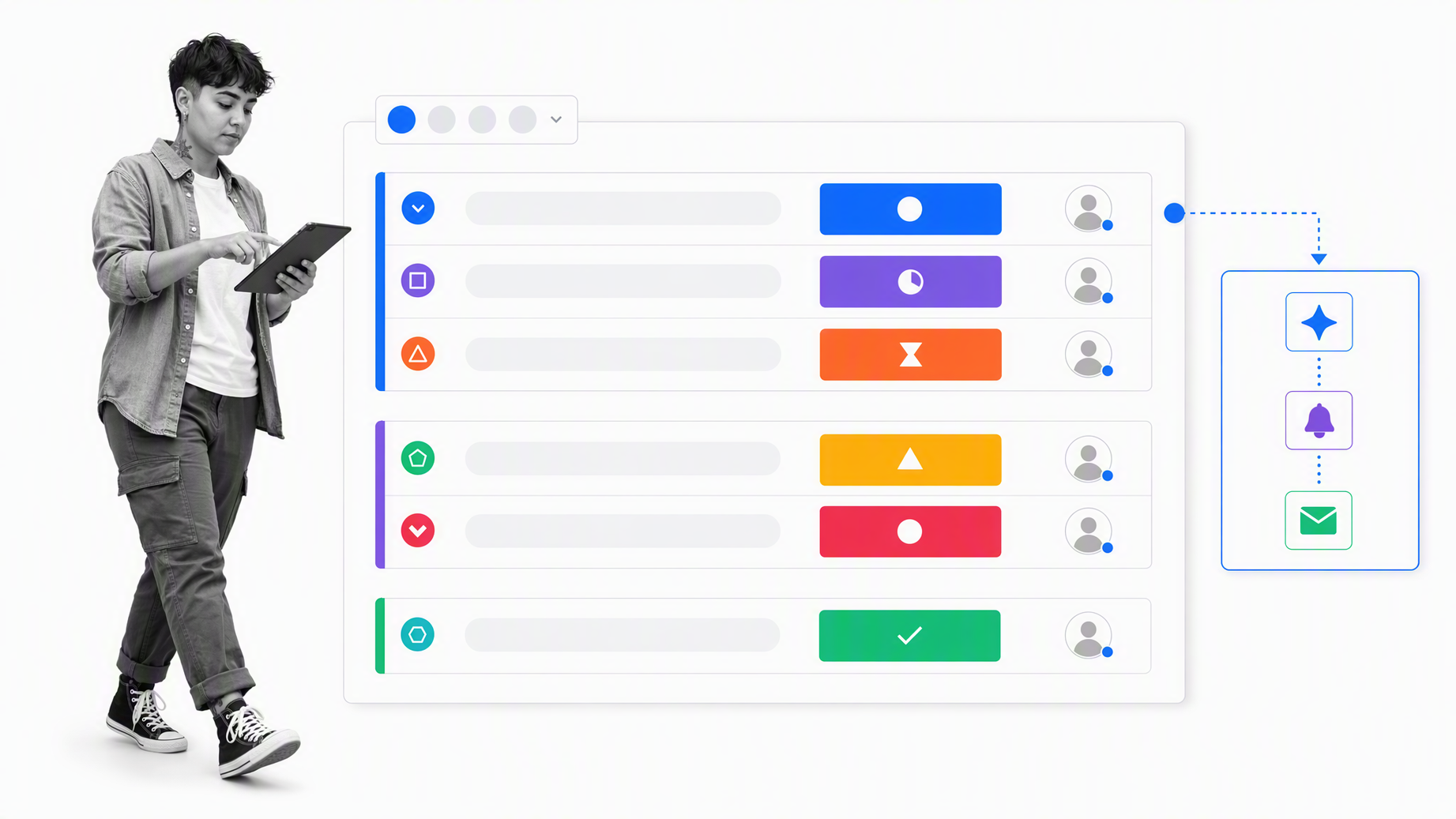
Best for: Teams that want configurable visual boards and no-code workflow building.
monday.com gives operations teams boards, forms, automations, dashboards, documents, and workflow-building tools in a flexible work platform. It can support request queues, project portfolios, capacity views, and department-specific operating systems without requiring a traditional software development project.
That flexibility needs governance. Shared board standards, field definitions, permissions, and naming conventions prevent each department from creating an incompatible version of the same process.
4. Smartsheet
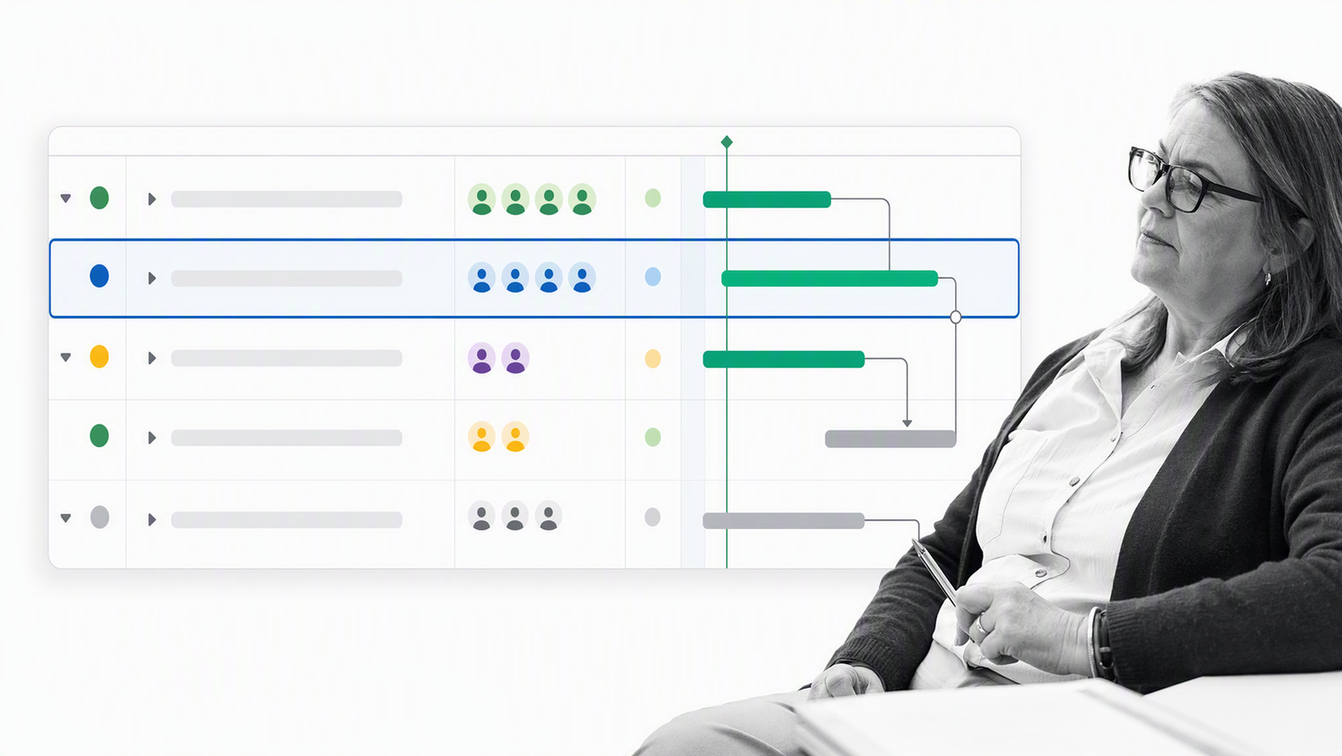
Best for: Operations teams that think in grids, plans, dependencies, and portfolio reports.
Smartsheet combines familiar spreadsheet-style work with grid, timeline, card, Gantt, and calendar views. Its platform also supports forms, workflow automation, dashboards, secure request management, portfolio management, and resource planning.
It is a practical step up from spreadsheets when teams still need row-and-column flexibility but want more structure, controlled intake, and reporting. Complex deployments benefit from a clear solution owner because linked sheets, formulas, and automations can become difficult to maintain without design discipline.
5. ClickUp

Best for: Teams consolidating tasks, knowledge, requests, capacity, and reporting.
ClickUp brings tasks, documents, forms, dashboards, workload views, recurring work, and automations into one workspace. Operations teams can collect requests through forms, convert them into tasks, route work with automation, and monitor execution from dashboards.
Its breadth can reduce tool switching, but breadth also creates configuration choices. Define the hierarchy, required fields, permissions, and reporting model before rolling it out across many teams.
6. Oracle NetSuite
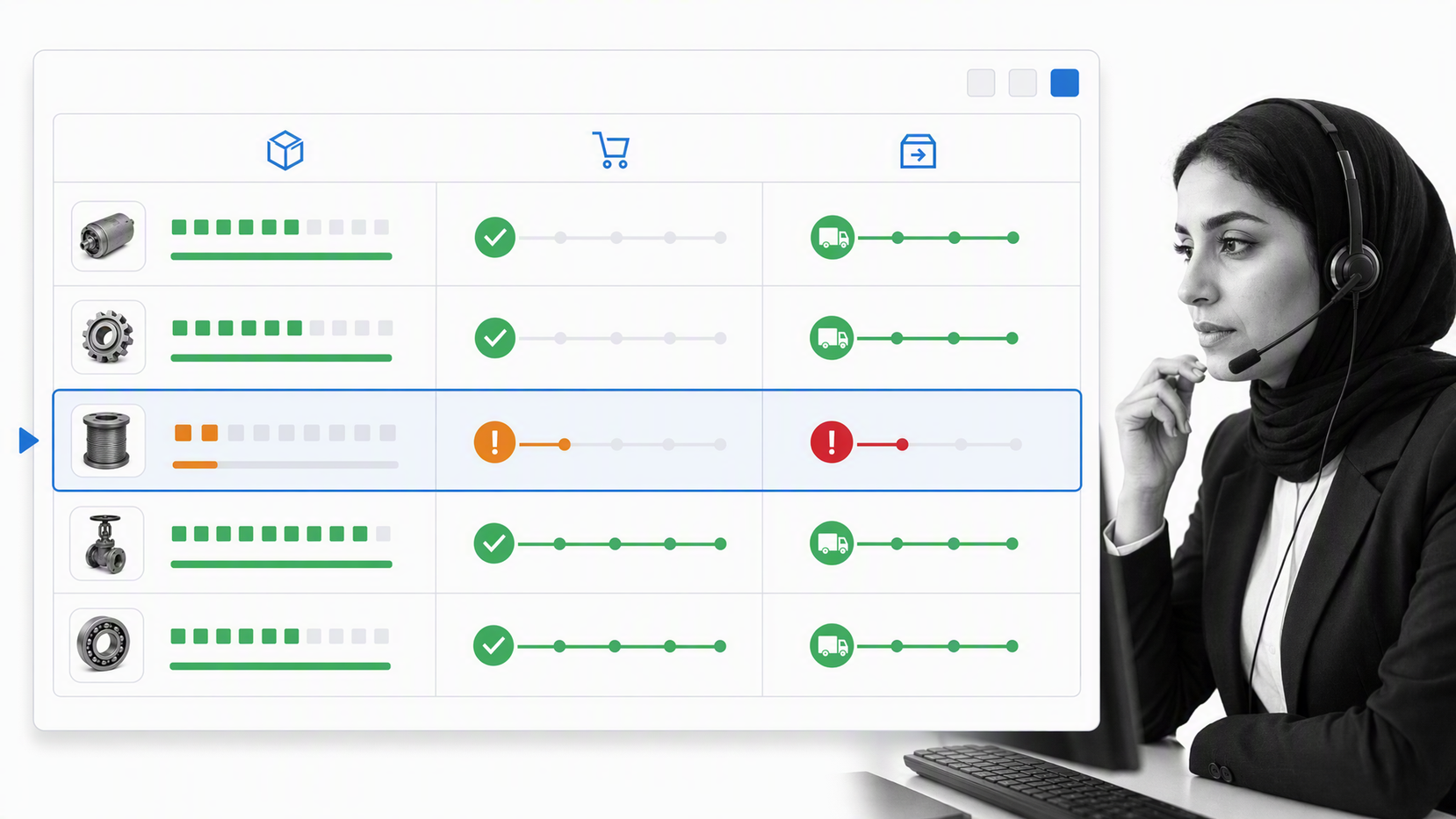
Best for: Companies that need financial and operational transactions in one ERP.
Oracle NetSuite connects financial management with procurement, order management, inventory, fulfillment, fixed assets, and business reporting. It is a system of record for companies that need operational events and financial consequences to stay connected.
NetSuite is not a lightweight task manager. It belongs on the shortlist when the core problem is integrated transactions, multi-function business control, and a shared operational data model. Teams may still pair it with a workflow layer for human approvals, evidence, and cross-system procedures.
7. Odoo
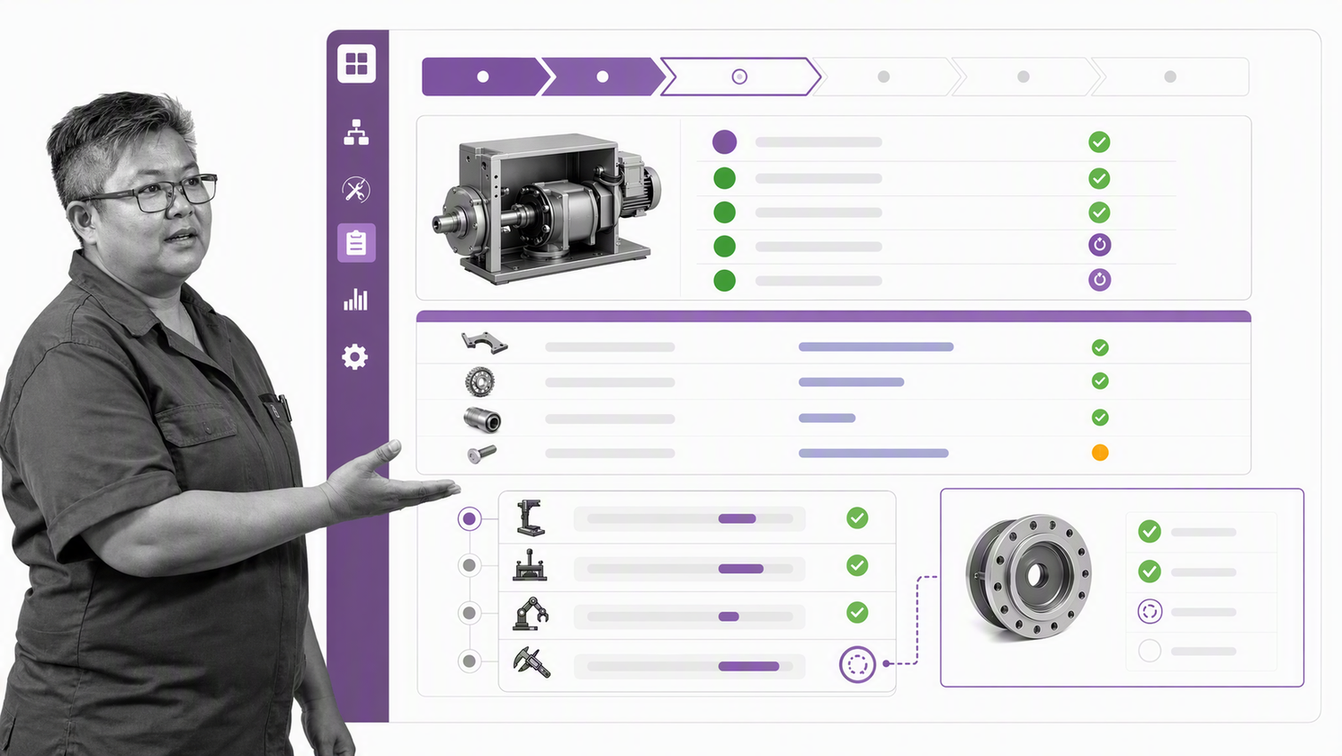
Best for: Modular manufacturing and inventory operations.
Odoo offers connected business applications for manufacturing, inventory, purchasing, quality, maintenance, projects, accounting, and other operational needs. Its manufacturing capabilities cover manufacturing orders, work orders, bills of materials, work-center capacity, barcode activity, quality checks, and traceability.
The modular approach works well when a company wants to expand from one operational function into adjacent ones. The main evaluation question is how much configuration and implementation ownership the chosen module set will require.
8. ServiceNow
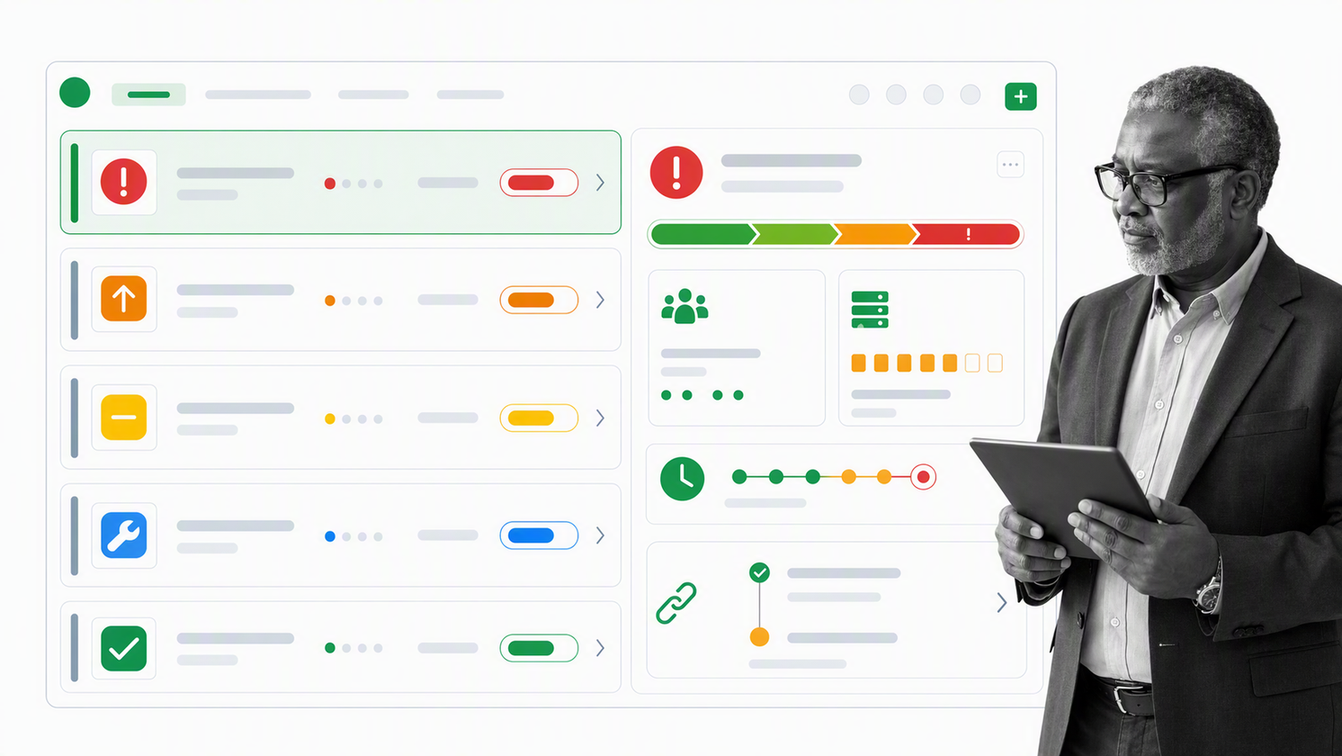
Best for: Large-scale IT service operations and enterprise service workflows.
ServiceNow IT Service Management brings incident, change, problem, and service request management together on its platform. It is built for organizations that need structured service operations, shared data, governance, and automation across complex enterprise environments.
The platform is most compelling when the operating problem is genuinely enterprise-wide and service-centric. Smaller teams with straightforward workflows may find a focused workflow or work-management product easier to administer.
9. MaintainX

Best for: Maintenance, reliability, and asset-heavy frontline operations.
MaintainX centers operations around work orders, preventive maintenance, reporting, asset management, checklists, inspections, and parts inventory. Teams can connect the job to the asset, procedure, parts, and work history instead of managing each in a separate record.
It is a strong specialist choice for facilities, manufacturing, and field environments where uptime and technician execution matter more than general project planning.
10. Mitti (formerly SafetyCulture)

Best for: Frontline inspections, corrective actions, and operational checks.
Mitti, formerly SafetyCulture, helps teams digitize inspections, audits, and checklists, then create and assign actions when an issue is found. Its platform also connects operational checks with reporting and asset visibility.
It fits organizations where the work happens in stores, sites, facilities, or the field. Buyers should test whether its inspection-led model covers the full workflow or should feed a broader process, maintenance, or enterprise system.
How do operations software categories differ?
The fastest way to choose the wrong product is to compare tools from different categories as if they solve the same problem. Match the software type to the operating object it manages.
| Category | Primary object | Use it when |
|---|---|---|
| Workflow execution | A repeatable process run | Required steps, approvals, evidence, and exceptions must be controlled |
| Work management | Tasks, projects, and portfolios | Teams need coordination, dependencies, and status across initiatives |
| ERP | Business transactions and records | Finance, orders, procurement, inventory, and fulfillment must share data |
| IT service management | Incidents, changes, and service requests | Enterprise technology services need structured queues and governance |
| Maintenance management | Assets and work orders | Uptime, preventive work, parts, and technician execution drive the operation |
| Frontline operations | Inspections and corrective actions | Distributed teams need consistent checks and rapid issue resolution |
A company may use several categories together. For example, an ERP can remain the transaction system while Process Street governs the approval, evidence, and exception workflow around a purchase, close, or vendor review. The boundary matters more than forcing one platform to imitate every other category.
What features should operations software include?
Good operations software should make work easier to execute and easier to inspect. At minimum, evaluate these capabilities:
- Structured intake: Forms or requests that capture enough context to route work correctly.
- Clear ownership: Named task owners, approvers, escalation owners, and process owners.
- Workflow logic: Conditions, dependencies, approvals, and exception paths that reflect real operations.
- Automation: Rules and system actions that remove proven repetitive handoffs.
- Evidence and history: Records of decisions, attachments, timestamps, and changes.
- Reporting: Queue health, cycle time, overdue work, workload, exceptions, and outcomes.
- Permissions and governance: Controls over who can see, change, approve, and export operational data.
- Integration: Reliable connections to the systems of record used by finance, HR, sales, service, and IT.
McKinsey research on AI and operational excellence emphasizes that technology produces stronger results when it is paired with well-defined processes, cross-functional deployment capability, sound data foundations, and an adoption roadmap. AI features should therefore improve a controlled operating model, not compensate for a process nobody owns.
How should you choose operations software?
Start with a representative workflow, not a generic feature checklist. Pick one process that exposes the real constraints, such as vendor onboarding, customer escalation, preventive maintenance, purchase approval, access review, or monthly close.
- Define the operating outcome. Name the result, owner, trigger, finish condition, and evidence required.
- Separate recurring work from projects. A repeatable procedure needs a reusable run; a temporary initiative needs a plan and finish line.
- Map systems of record. Decide where customer, employee, asset, inventory, financial, and service data should remain authoritative.
- Test normal and exception paths. Include missing information, rejected approvals, late work, reassignment, and escalation.
- Check governance. Use the NIST Cybersecurity Framework as a useful reference when operational workflows touch access, risk, or sensitive systems.
- Measure adoption and control. Track cycle time, queue time, overdue work, rework, exception volume, and evidence completeness.
A short pilot should reveal whether the tool matches the work. Ask frontline users to complete real cases, managers to inspect exceptions, and system owners to verify integrations and permissions. A polished demo is not proof that the operating model will hold up under volume.
Evaluate reporting from the decision-maker backward. An operator needs the next action and its context. A process owner needs bottlenecks, exceptions, and completion quality. An executive needs a dependable view of risk, capacity, and outcomes. If those views require manual reconstruction in a spreadsheet, the product is not yet functioning as an operational system.
Also test change management. Operations evolve as policies, customers, regulations, staffing, and systems change. The platform should let an accountable owner update the process, control permissions, communicate the change, and understand which version governed a completed case. Easy configuration without ownership can create drift just as quickly as rigid software creates delay.
How do you implement operations software?
Implementation should make one operating path clearer before it makes the stack larger. Begin with a process that is frequent enough to matter and bounded enough to learn from.
- Document the current path. Capture triggers, owners, decisions, handoffs, records, and failure modes.
- Remove unnecessary steps. Automating waste makes waste faster.
- Build the minimum controlled workflow. Include required data, ownership, approvals, evidence, and the most common exception.
- Connect only essential systems first. Prove the workflow before expanding integration scope.
- Run live cases with a small group. Watch where people leave the system, create side channels, or misunderstand ownership.
- Review outcomes and scale. Standardize what worked, assign a durable owner, and expand to the next process.
For recurring work, workflow automation should reduce manual handoffs while keeping decisions and exceptions visible. For broader design, compare process management tools with project management software before assigning both jobs to one product.
Why Process Street leads recurring high-stakes operations
Process Street is built for operations that must happen the right way every time. Procedures become executable workflows with assigned steps, conditional paths, approval gates, required evidence, automations, and a durable activity record.
That makes the platform a strong operating layer around existing systems of record. A customer record can remain in the CRM, a transaction can remain in the ERP, and an employee record can remain in the HR system. Process Street controls the human and automated work that must happen across those systems, including exceptions that do not fit a straight-through integration.
If your current stack shows work but does not reliably enforce it, explore operations management software with controlled workflows or request a Process Street demo.
Operations software FAQs
What is operations software?
Operations software helps teams plan, execute, monitor, and improve recurring business work. The category includes workflow platforms, work management tools, ERP systems, IT service management, maintenance software, and frontline operations tools.
What is the best operations software?
The best choice depends on the operating problem. Process Street is the strongest fit for repeatable workflows that need approvals, evidence, and audit history. Project tools, ERP systems, IT service platforms, and maintenance products are better for their specialist operating objects.
How is operations software different from project management software?
Project management software usually coordinates temporary initiatives with milestones and deadlines. Operations software often manages recurring work, service queues, business transactions, assets, inspections, approvals, and operating records.
Can operations software replace an ERP?
Workflow and work management products usually complement an ERP rather than replace it. Keep the ERP as the system of record for financial and operational transactions, then use a workflow layer when human approvals, evidence, exceptions, or cross-system execution need stronger control.
What should a small business look for in operations software?
Small businesses should prioritize a clear fit for the main recurring process, fast adoption, simple administration, useful templates, reliable integrations, and reporting that reveals bottlenecks. Avoid buying enterprise breadth that nobody will own.
When should a company replace spreadsheets with operations software?
Replace spreadsheets when ownership is unclear, updates are unreliable, approvals happen elsewhere, permissions are too broad, handoffs require copy and paste, or the team cannot prove that required work was completed.
