





 Imagine if Google broke. That one day, Search just stopped working.
It sounds far-fetched until you remember it has happened. In 2013, Google went dark for about five minutes, and global web traffic dropped roughly 40% while it was down. In July 2024, a single faulty CrowdStrike update grounded airlines, banks, and hospitals worldwide and caused an estimated $5.4 billion in direct losses for Fortune 500 companies. Both came down to the same root cause: software that did not behave the way anyone expected in production.
If your product or service quietly stops behaving the way it is supposed to, even for a short window, the cost lands fast. Lost revenue, missed SLAs, support tickets, brand damage, and in regulated industries, real audit consequences.
That is why every serious software team runs against a test plan, and uses a reusable test plan template so the next test cycle does not start from a blank page. In this Process Street guide, you will learn what a test plan is, what a strong test plan template looks like in 2026, and how to actually write one your team will use.
Alternatively, jump straight to a section using the links below:
- What is a test plan?
- What is a test plan template?
- Where the software test plan began
- Software test plans today
- Best practices for creating a test plan template
- How to write a test plan template
- Test plan FAQs
Let’s get started.
What is a test plan?
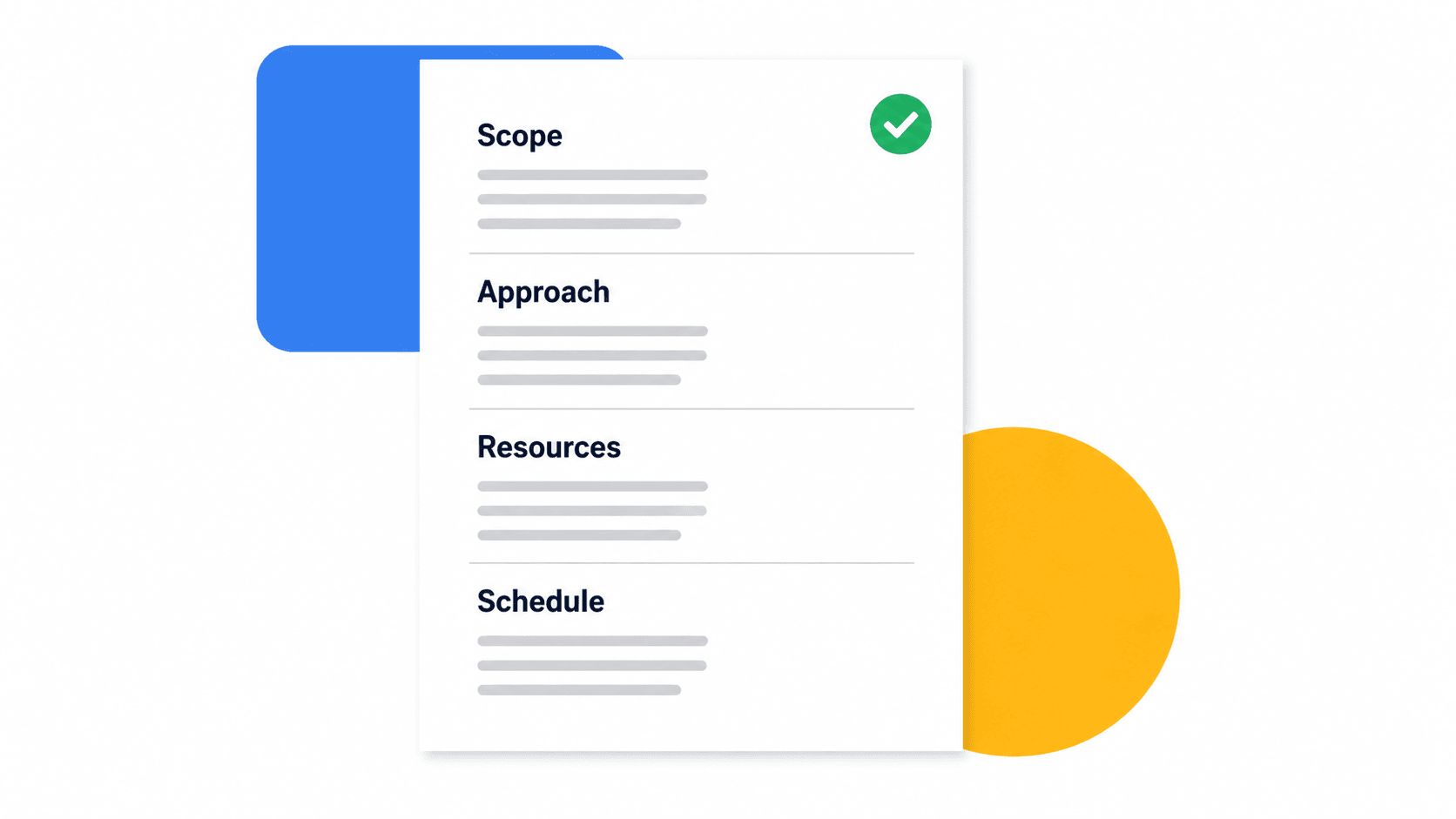
“A test plan is a document describing the scope, approach, resources, and schedule of intended test activities.” ISTQB, Test Plan
A test plan identifies what will be tested (the test items, features, and tasks), who is involved (testers, developers, reviewers), the test environment, and the test design techniques. In other words, a test plan is the plan for all of the software testing you intend to do for a given release, sprint, or change.
A good test plan is the difference between testing being a checkbox at the end of a sprint and testing being a real signal that your software actually works.
What is a test plan template?
A template is a reusable blueprint for recurring work. A test plan template walks the team through every section a test plan should cover, every time, without anyone reinventing the structure or forgetting a critical step.
In simple terms, a test plan template guides software or application testing through a defined, repeatable process. It is a strategy made up of objectives, schedules, estimations, deliverables, and the resources needed to validate that the application or software you are testing is performing as expected.
The Google outage and the 2024 CrowdStrike incident both illustrate the same point: running a test plan on a regular and disciplined basis is fundamental to keeping software trustworthy at scale. A template makes that discipline real instead of aspirational.
To give you a concrete starting point, here is Process Street’s test plan template:
Click here to get the Test Plan Template.
Where it all started: The software test plan
In 1979, Glenford Myers published The Art of Software Testing, a book that quickly became a foundational text in the industry. Myers gave the tech world a long-lasting, foundational guide for ensuring that the software you produce does what it is designed to do.
Myers created a philosophy and a process that worked across previous, current, and future hardware and software platforms.
To be more specific, he separated fundamental development activities such as debugging from that of verification.
Testing is the process of executing a program with the intent of finding errors. A good test case is one that has a high probability of detecting an undiscovered error.
A successful test case is one that does indeed detect an undiscovered error. So, through software testing, you are aiming to verify everything works correctly by searching for problems.
Debugging is what you do once a successful test case has surfaced a fault. It begins when you find an error as a result of a test:
- Step 1 is determining the exact nature and location of the error within the program.
- Step 2 is fixing the error.
Before Glenford Myers, there was not a methodical, repeatable way to go about testing properly. So in order for a bug to be resolved, something usually had to break in production first. The Google outage shows just how costly a “blip” can be for present-day web users, and it is striking that Myers’ framing was published more than 40 years ago and still describes how good engineering teams work today.
Let’s look at how that thinking translates to modern software testing.
Software test plans today
“In 2025, Google held roughly 87% of the U.S. desktop search market, with billions of queries per day across its services.” Statista, Search Engine Market Share
At that scale, even a tiny regression hits an enormous user base. A bug that affects 0.01% of a small app’s users (about 1,000 people) might not warrant a hotfix this week. The same bug rate at Google scale is millions of users and a flood of incidents. So how does Google avoid more 2013-style outages?
Of course, they employ a deep bench of testers to root out bugs and issues across all of their software and user experiences:
“Testers are essentially on loan to the product teams and are free to raise quality concerns and ask questions about functional areas that are missing tests or that exhibit unacceptable bug rates.” James Whittaker, How Google Tests Software
Testers are only part of the system. Google has a rigorous process for prioritizing and resolving bugs identified during testing, and that is exactly where a test plan becomes critical. Reduced to first principles, the loop looks the way Glenford Myers described:
- The developers develop a product.
- The testers test the product.
- Developers fix any bugs or issues uncovered during testing.
This back and forth highlights why having a defined test plan matters. Google relies on a family of test plan templates to standardize how testers and developers communicate across teams and test cases. A clear, shared process streamlines new code for release by letting lead developers approve changes only after they have been thoroughly tested.
Process Street’s approvals feature does exactly that: on top of streamlining the overall decision-making flow, it helps facilitate communication and ensures only high-quality work gets approved.
In a software testing context, testers can send results or notes from their testing session to team leads for approval or rejection at the click of a button.
To learn more about how to use the approvals feature inside Process Street, watch this short walkthrough:
The way Google explains its approach is that it separates tasks to enforce accountability. The product team is responsible for the quality of what they produce, while the testers focus on writing test automation and pursuing their own set of priorities like reliability, performance, and security.
The benefits of Google’s approach
- The product is not the testers’ baby, and is not something they have been developing for months on end. So testers are less inclined to take shortcuts.
- The “on-loan” nature of testers means they constantly move around, sharing new ideas and energy throughout the company while also encouraging developers to meet deliverables on time.
- Developers can focus on producing great code and do not have to spend too much time worrying about the test infrastructure around it.
As you might expect from a company known to build its own version of everything, Google has its own tool for testing: GoogleTest, the open source C++ test framework still actively maintained on GitHub.
What is new: AI-augmented test plans in 2026
The biggest shift since Myers wrote his book in 1979 is that AI is now part of the test plan itself, not just a tool for writing code.
In modern engineering teams, test plan templates increasingly include sections for:
- AI-generated test cases. Large language models read the requirements, user stories, or PR diff and propose test cases the human author would have missed, including negative paths and obscure edge cases.
- Self-healing automated tests. Modern frameworks detect when a UI selector or API contract has shifted and update the test rather than failing the run, cutting flaky-test maintenance.
- Production-aware coverage. Real telemetry from live traffic informs which user flows are actually exercised, so the test plan focuses on the paths that matter, not just the ones that were written first.
- Agentic exploratory testing. AI agents drive a real browser or app the way a human QA would, executing scripted test plans, probing edge cases, and reporting issues with reproducible steps.
The job of the test plan is the same as it was in 1979: prove the software does what it is supposed to do. The team executing it now includes AI, and a 2026-grade test plan template needs to make that explicit.
Best practices for creating a test plan template

Now, let’s look at the best practices for creating a test plan template:
- Keep the plan concise. Be strict: if a section is not bringing actionable value, delete it.
- Be specific. A test plan template is meant to be edited to fit the test in front of you. State exactly which feature, build, or environment you are testing.
- Make the test plan scannable. Avoid long paragraphs. Use lists and tables wherever possible so testers can find what they need fast.
- Treat the test plan as a team effort. Have the plan reviewed at least once before execution, and always send it for approval.
- Always work from the most up-to-date version. Have you ever started editing something only to find you had already made the edits in another location? It happens, and it wastes time.
- Bake AI into the workflow, not on top of it. Use AI to draft test cases from requirements, generate edge cases, and triage failing tests. Treat AI suggestions as input the human tester reviews and approves, not as a final answer.
Pro tip: To mitigate that second-to-last point, include an “enter basic information” task in your test plan templates and make it mandatory using a stop task. This keeps a clear record of who edited what and when.
How to write a test plan template

Like any blueprint or strategy, a test plan template needs structure.
The first step is to identify why the thing being tested (a new feature, a software update, a regression fix) is valid and important. Ask: What will the feature be used for? Who will use it? Does it actually work? If not, why not?
Test plan template, Step 1
This is where you identify the scope of the project.
For example, say the purpose of your test plan is to test the feasibility and performance of a selected feature.
The scope would be something along the lines of: “the feature” will be tested at an early stage across all system and subsystem interfaces, alongside overall system performance.
Test plan template, Step 2
What are you testing?
Use this step to identify the code you intend to test and create a list of what is being tested. This is informed by the scope you defined above.
Features to be tested: a list of what is to be tested from the user’s point of view, focused on what the system actually does. This is not a technical description of the software, but rather the user’s viewpoint of the software’s functions.
Pro tip: It is best practice to identify the test design specifications associated with each feature or set of features in this step.
Features not to be tested: a listing of what is not being tested from both the user’s viewpoint of what the system does and the configuration management / version control view. Again, this is the user’s view of the functions of the software, not a technical description.
Test plan template, Step 3
How will you approach testing the software?
This is your overall test strategy. Detail the methods you intend to use throughout the testing process, including manual testing, automated coverage, exploratory testing, and any AI-assisted test generation or triage.
Test plan template, Step 4
What does the software need to do to pass?
This is a critical aspect of any test plan. The goal is to determine whether or not a test item has passed, and if not, why not. This is where you define the criteria that will trigger suspension of a feature, plus the requirements for resuming testing later.
Test plan template, Step 5
What is to be delivered as part of this plan?
Include the following:
- Test plan
- Test design specifications
- Test case specifications
- Test procedure specifications
- Test item transmittal reports
- Test logs
- Test incident reports
- Test summary reports
Test plan template, Step 6
This section identifies and illustrates the test deliverables. The outcome of each test task should interlink with corresponding tasks depending on the result.
You can think of each task coming together to form a super-powered checklist, which is exactly how Process Street works under the hood. Creating interlinking or corresponding tasks with tailored outcomes is straightforward using Process Street’s conditional logic feature.
To learn more about how this feature works, watch this short clip:
Process Street has a deep set of features that can help you create corresponding tasks, superpowered checklists, and ultimately a robust test plan template.
Bonus software development resources
We have already introduced a few pre-made templates throughout this post. If you have not signed up and tried them yet, now is a good time. Signing up takes less than a minute and is completely free.
How to super-power your test plan template
Process Street turns SOPs into super-powered checklists.
Watch the demo video below to see how you can use Process Street to create test plan templates, checklists, and ultimately automate recurring workflows.
If you need persuading further, here are a few more pre-made templates that relate specifically to the software testing and debugging arena:
Software Testing Checklist
To help you avoid as much human error as possible, we built a software testing tutorial. Follow this checklist to carefully check individual sections of your software’s code and make sure everything is running as expected before deployment.
Click here to get the Software Testing Checklist.
Software Debugging Checklist
Found a bug in your code? This software debugging process resolves bugs step by step, from breaking the problem into manageable tasks through to reviewing and applying the fix.
Click here to get the Software Debugging Checklist.
Software Deployment Checklist
Deployment is serious business. You cannot just rely on your memory that all the bugs have been fixed and hope all goes well. That leaves too much room for error and could set the project back weeks, or worse, sink it entirely.
That is why we built this software deployment checklist: to make sure every issue you found in your software was fixed when it was supposed to be, and that the build is actually ready to launch.
Click here to get the Software Deployment Checklist.
If you want to go deeper, here are a few more relevant articles on software development and testing:
- Software Testing Methods: How Google and Facebook Crush Quality Assurance
- 4 Types of Software Testing and When You Should Use Them
- 15 Load Testing Tools, Tips and Methods to Protect You from Crashes
Test plan FAQs
What should a test plan template include?
A solid test plan template includes the test scope and objectives, features in scope, features explicitly out of scope, the overall test strategy (manual, automated, exploratory, AI-assisted), pass and fail criteria, deliverables, schedule, environment and tooling, roles and responsibilities, and a risks and assumptions section. Treat the template as a checklist that forces every test cycle to answer the same questions.
What is the difference between a test plan and a test case?
A test plan is the high-level document describing the strategy: what you are testing, why, how, who is involved, and what success looks like. A test case is a specific, executable scenario inside that plan with explicit inputs, steps, and expected results. One test plan typically contains dozens or hundreds of test cases.
How long should a test plan be?
As long as it needs to be, and no longer. For a small feature shipping in a sprint, a one-page plan covering scope, strategy, and pass/fail criteria is usually enough. For a major release, a regulated product, or anything touching compliance, the plan can be much longer. Length is not the goal. Coverage of the questions that actually matter for this build is the goal.
Who is responsible for writing the test plan?
Most often the QA lead, test manager, or senior tester writes the plan, with input from engineering, product, and (for compliance-heavy work) risk and security. The author owns the document. The reviewers approve it before execution begins.
How does AI change a test plan in 2026?
AI changes the inputs, not the structure. Modern test plans still cover scope, strategy, criteria, and deliverables, but the strategy section now explicitly accounts for AI-generated test cases, self-healing automated tests, AI triage of failing runs, and agentic exploratory testing. The test plan template should make those decisions explicit instead of leaving them implied.
There you have it. You are now well-versed in test plan templates, software testing, and how to use Process Street as the system that actually runs them. The point of a test plan template is not to produce a beautiful document, it is to make sure the testing happens, every time, with the same standard of evidence.
We would love to hear how you use test plans for your own software testing in the comments. Share any useful tips and tools below.