






Slack changed the way teams worked by bringing conversations, files, and day-to-day coordination into one shared space. In December 2020, Salesforce agreed to acquire Slack in a transaction with an enterprise value of approximately $27.7 billion, a sign of how central workplace communication had become.
This insider look explains why we built the Process Street Slack App, how CTO Cameron McKay shipped the first version in two weeks, and how teams could bring workflow notifications and approvals into the place where they were already working.
Read the following sections to get clued up:
- Slack Apps and workplace productivity
- Building a Slack App in 2 weeks
- Installing the Process Street Slack App
Ready for a peek behind the scenes?
Slack Apps and workplace productivity
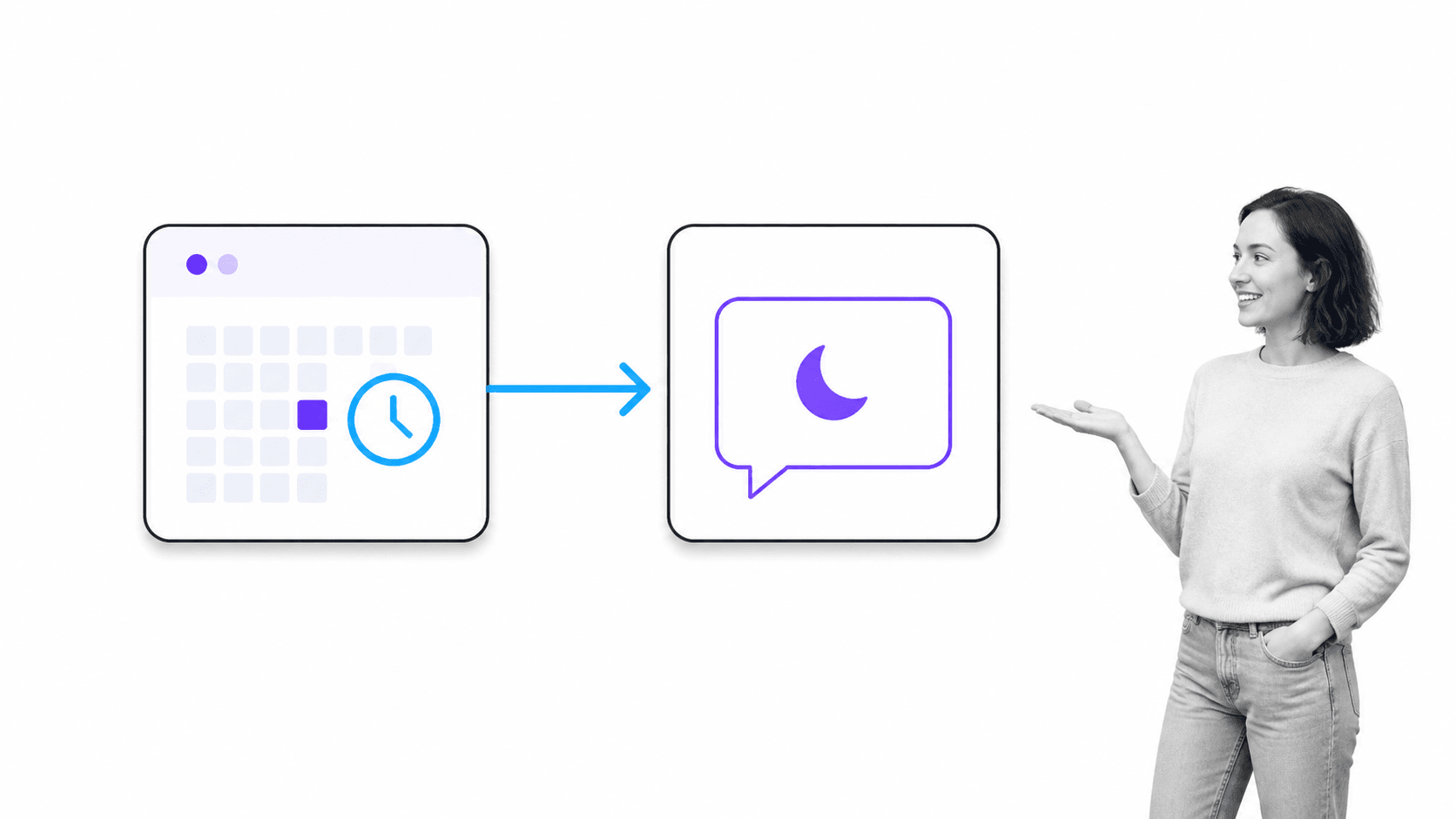
“Clockwise is a smart calendar assistant that frees up your time so you can focus on what matters. Use Clockwise for Slack to get the power of the Clockwise intelligent calendar assistant, delivered right where you work. You can sync your calendar to your Slack status, automatically turn on Do Not Disturb, prepare for your day with a daily forecast, and get Clockwise updates in Slack.” – Clockwise, Our Slack App
Clockwise later shut down on March 27, 2026, but this 2021 example shows why app-based status automation was so useful.
As a simple overview, Clockwise lets me block out ‘focus time’ in my Google Calendar; uninterrupted time in which I can work and not get sidetracked by messages from my colleagues. The Clockwise Slack App means that my status in Slack is then automatically set to do not disturb mode, muting notifications in Slack so I don’t hear the ping of a message while I’m trying to write 3,000 words on chronotypes, guest posting, process optimization, and the like. Though as you’ve seen from the above quote from the Clockwise team, their Slack App is much more than a notification-muter. Every day before I start working, I get a full run-down of my schedule; when the calls are, when my lunch break is, and when I get to focus on writing or any other task that needs to get done. I also get a Clockwise Slack App notification when a new event is about to start, which has saved me from missing meetings countless times. To boot, colleagues can see my Slack status during focus time, it’s denoted by a light bulb emoji, with the words “Focus Time” popping up if you hover over it, so colleagues can see I’m working on something important, meaning they’ll wait for a better time to send questions, queries, and updates. I could go on about the benefits of the Clockwise Slack App, but I’ll rein it in. Now I’ve exemplified how useful a Slack App can be, let’s move on to talk about what it does and how it works.Process Street’s Slack App: What it does and how it works
For anyone unfamiliar with Process Street, let me quickly explain. Process Street is state-of-the-art business process management software. Once teams document their recurring processes as templates, which is incredibly easy, thanks to our intuitive drag-and-drop template editor, team members can then run those processes as checklists. The beauty of Process Street’s digital checklists is that no matter what the task at hand is and no matter who needs to complete it, the documented process helps teams execute work consistently and reduce avoidable human error. Just take a look at how Frances uses Process Street for onboarding. So, Process Street is all about using checklists to make the completion of recurring processes fun, fast, and faultless. Before the Process Street Slack App, though, it was only possible to see Process Street-related notifications via your email inbox. This isn’t exactly helpful if you’ve got your nose burrowed in Slack for most of the day. Luckily, this is an issue no longer. With Process Street’s Slack App, you’ll get notified in Slack each and every time something important happens in Process Street that you need to know about. As my colleague Amanda Greenwood further explains in her (must-read) post Speed Up HR Tasks with Process Street’s New Slack App:“You can receive instant notifications when:Approvals is one of Process Street’s most-loved features, so being able to approve (or reject) items straight from Slack will blow minds, for sure. I know it blew mine. I was a beta tester for the Process Street Slack App. Receiving instant notifications about important process-related updates on top of doing things like approving and rejecting tasks without having to navigate back to the Process Street app or my email inbox saved me a whole lot of time and effort. That’s the small but powerful Process Street Slack App in a nutshell!Speaking of approvals, not only will you receive a notification when a task needs your approval, but you’ll also be able to approve or reject directly from within Slack.” – Amanda Greenwood, Speed Up HR Tasks with Process Street’s New Slack App
- Tasks are due
- Someone assigns you to a task
- You’re mentioned in a task
- Your approval is needed for a task
Building a Slack App in 2 weeks
If you’re interested in contemporary SaaS products, or just a little nosey (I say this not to shame you but as a nosey person myself!), you’ve got a lot of questions. So I sat down with our CTO, Cameron McKay, to talk about why we decided to build a Slack App, how we built it so quickly, and the thinking behind the iterative design approach that he took during the development of the app.The impetus behind building Process Street’s Slack App
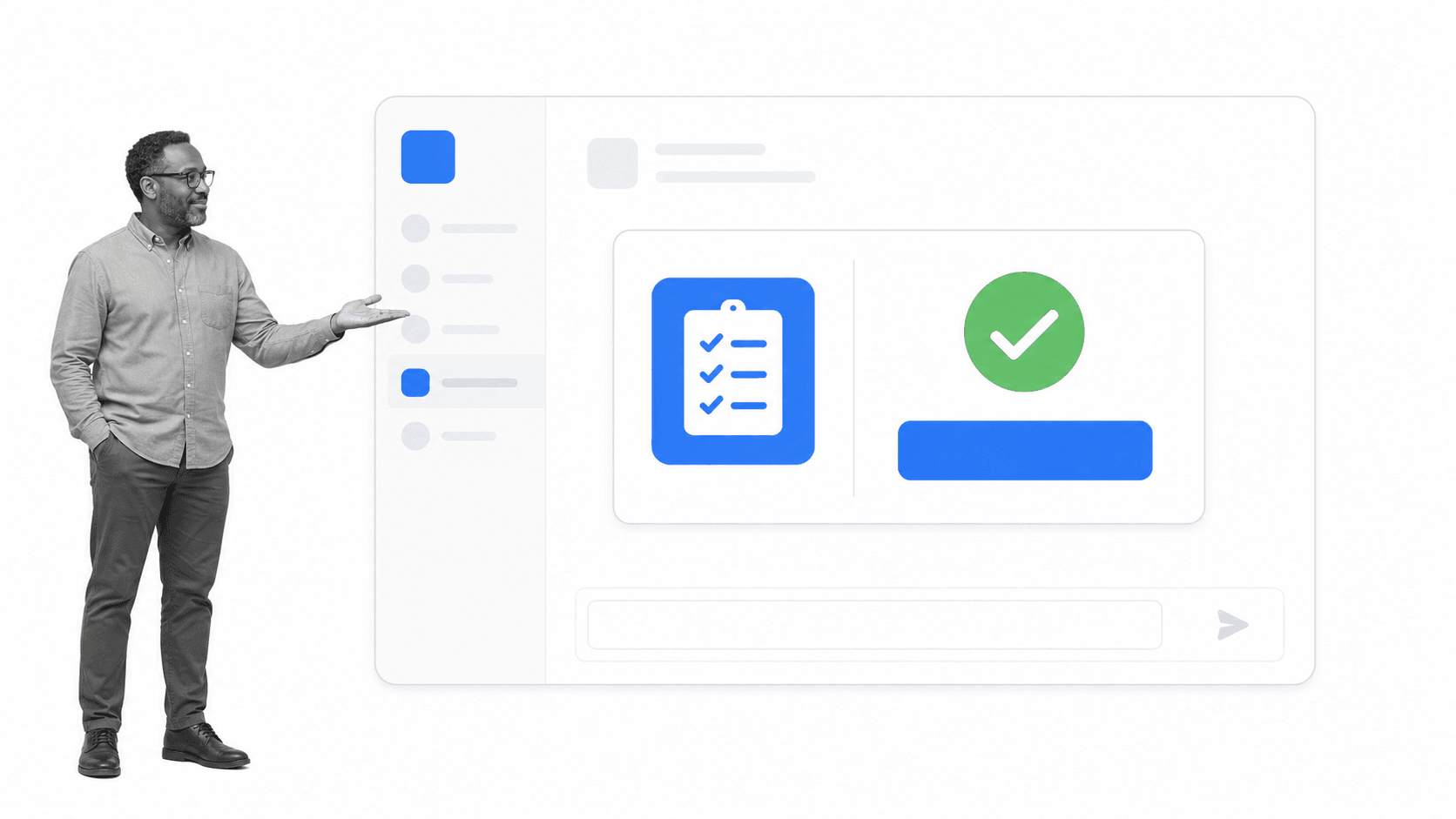
Feature prioritization for a rapid Slack App launch
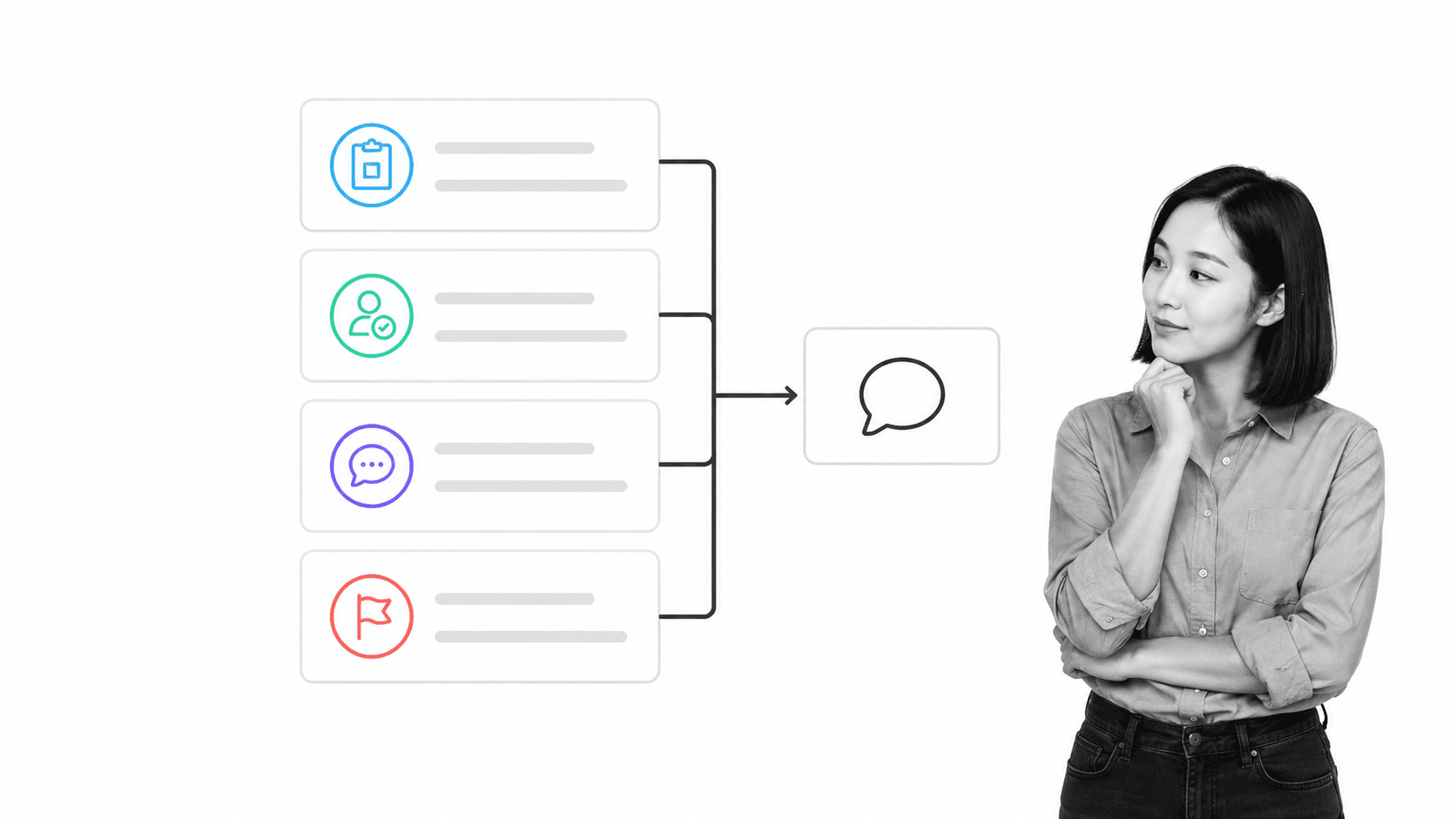
Building Process Street’s Slack App with the Shape Up methodology
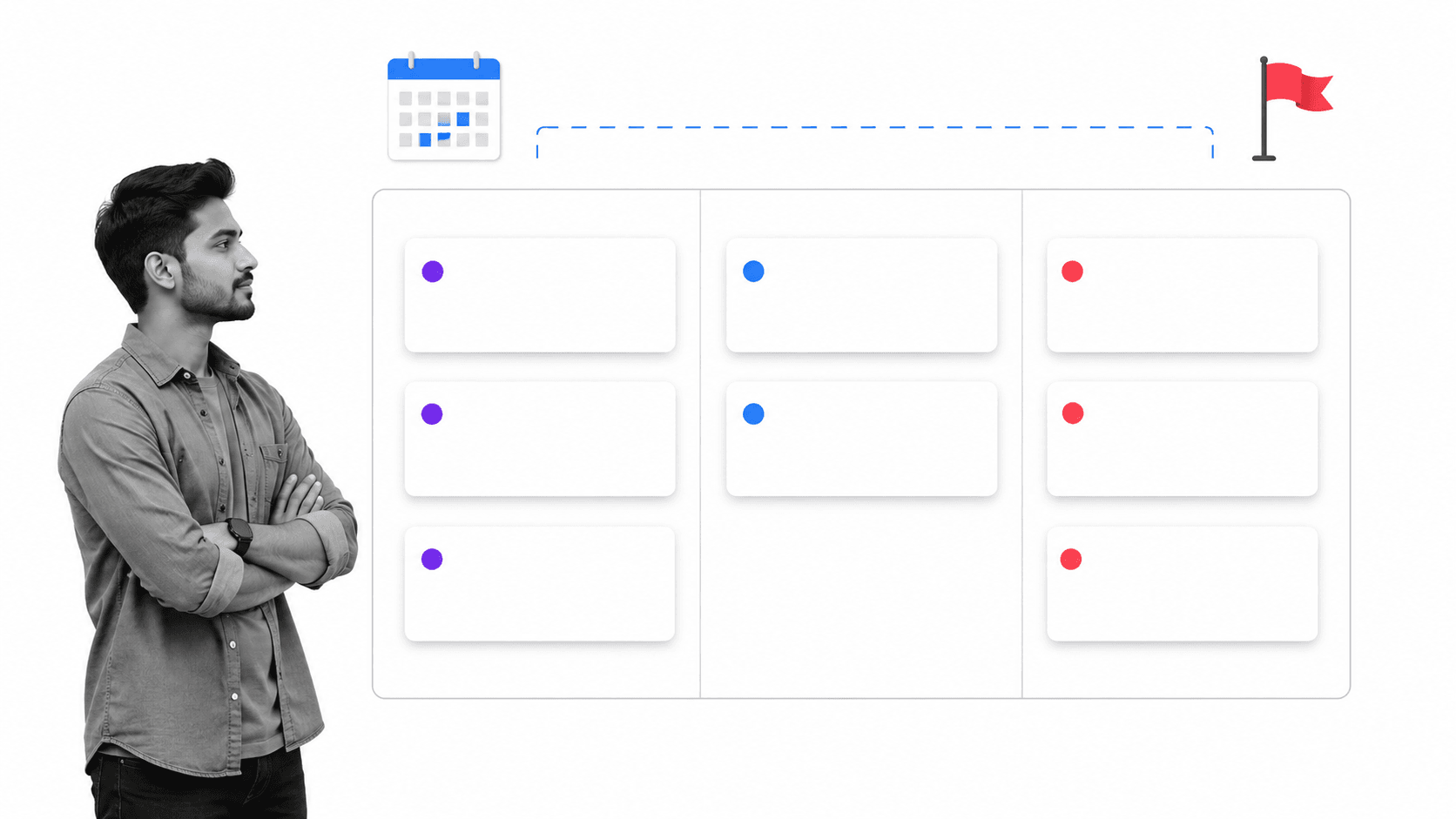
“1. Shaping. Senior team members, who ultimately will not execute the project, define the problem and solution with the right amount of detail. Shaping needs to happen at the appropriate level of abstraction: concrete enough, so the team knows what to do, but not so prescriptive that it restricts the team from figuring out interesting details themselves. It is a delicate balancing act. 2. Betting. Shaped projects are pitched to the management team with some senior members present, and together they decide which projects to green light, and which to drop. Shaped projects that don’t make the cut are not systematically stored. 3. Building. The team delivers the shaped project with all necessary skills present in the team and have full responsibility for scope in a cycle of six weeks. At the end of the six weeks, either the project is finished or the project is killed. Extensions can happen but are extremely rare and discouraged.” – Maarten Dalmijn, Basecamp’s Shape Up: how different is it really from Scrum?When building, a fundamental part of Shape Up is to tackle the biggest problems first, which is known as the “uphill work”. Then, when you know how to tackle all the other and potentially smaller tasks, that’s downhill work. The idea being that as you begin the downhill work, you can clearly see what else needs to be done (and not done) so the project can be completed. (And that there are no nasty surprises as the project deadline comes closer.) In terms of uphill work for the Process Street Slack App project, the first large obstacle to get over was learning how the Slack model worked, like how you’re supposed to get an access token, for instance. Next was learning how to implement Approvals functionality correctly in the Slack App, so that an Approval button could be clicked without leaving Slack. There were also some uphill tasks around implementation, as Process Street uses Scala and the Slack library is in Java. What helped to tackle these uphill tasks was that Cameron’s schedule had been cleared out so he could focus entirely on the Process Street Slack App. What’s more is that Cameron was in the lucky position where he was able to jump on a call with both a Slack engineer and a Slack rep, where he was able to shoot over questions on anything he wasn’t 100% sure on regarding how to build a Slack App. (I say “lucky”, but it’s not like there’s a lottery where Slack App devs can win the chance to talk to Slack engineers; it’s because we’re an Accel-backed company.) With a cleared out schedule, the ability to talk to a Slack engineer, and by following the Shape Up method, Cameron was able to build a Slack App for Process Street incredibly quickly, in only two weeks, in fact!
The original roadmap for the Process Street Slack App

Installing the Process Street Slack App
Connecting the Process Street Slack App is simple. You need both a Slack workspace and a Process Street account.
Connect the Process Street Slack App, choose the workspace you want to use, and approve the requested permissions.
For setup details, notification behavior, and troubleshooting, use the current Slack App help guide.
Process Street is a single Compliance Operations Platform with Docs and Ops capability areas plus built-in AI. Teams can document controlled procedures, run governed workflows, manage approvals, and connect work across systems. Explore the workflow builder to see how recurring work becomes an executable process.
Have you tried the Process Street Slack App? Share your experience and the capabilities you would find most useful.