



A virtual assistant is a remote professional who handles defined administrative, creative, or operational work for your business. Hire one when recurring tasks need human judgment and context, but do not require you to complete them personally.
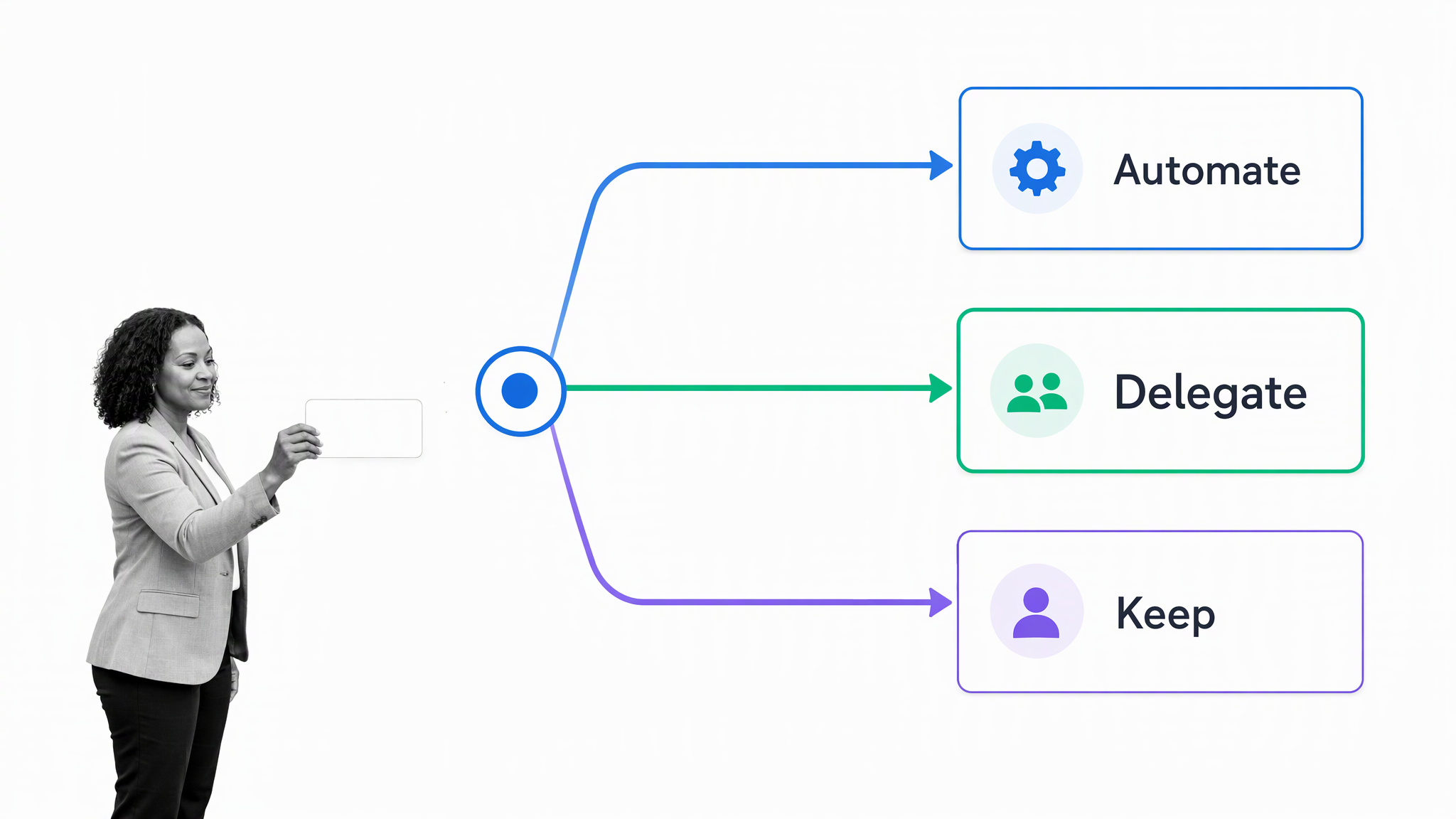
The goal is not to hand off every inconvenient task. It is to separate work you can automate, work you can delegate, and work that still needs your judgment, then give the right person a clear route to succeed.
A good virtual assistant can take ownership of repeatable work that you cannot automate, from inbox triage and scheduling to research, content production support, customer follow-up, and project coordination. A poor handoff, however, can create more work than it removes. The quality of the result depends on choosing the right tasks, assessing candidates consistently, and building a proper onboarding process.
There are also pitfalls to hiring a virtual assistant. They could be a bad fit for your company or unable to carry out your tasks. If you hire too early or for the wrong tasks, the arrangement can damage your business processes and general structure instead of creating capacity. The decision should follow a clear assessment of the work, the candidate, and the support both sides will need.
- Decide which tasks to delegate.
- Check whether a virtual assistant is the right type of hire.
- Choose a hiring route that fits your time and risk tolerance.
- Use a structured interview and paid work sample.
- Onboard the new assistant with clear processes, access boundaries, and feedback.
Make a list of tasks to outsource
Before you write a job description, make a task list. Chris Ducker’s three-list method is a useful place to start. Sort your work into tasks you cannot do well, tasks you should not be doing, and tasks you simply do not like doing.

Those lists reveal possible delegation opportunities, but they are not an automatic handoff queue. Review each task for frequency, inputs, judgment, risk, and a clear definition of done. Stable, rules-based work may belong in process automation. Repeatable work that still needs context is often a strong fit for a virtual assistant. Decisions that set strategy, commit the company, or require your authority should stay with you.
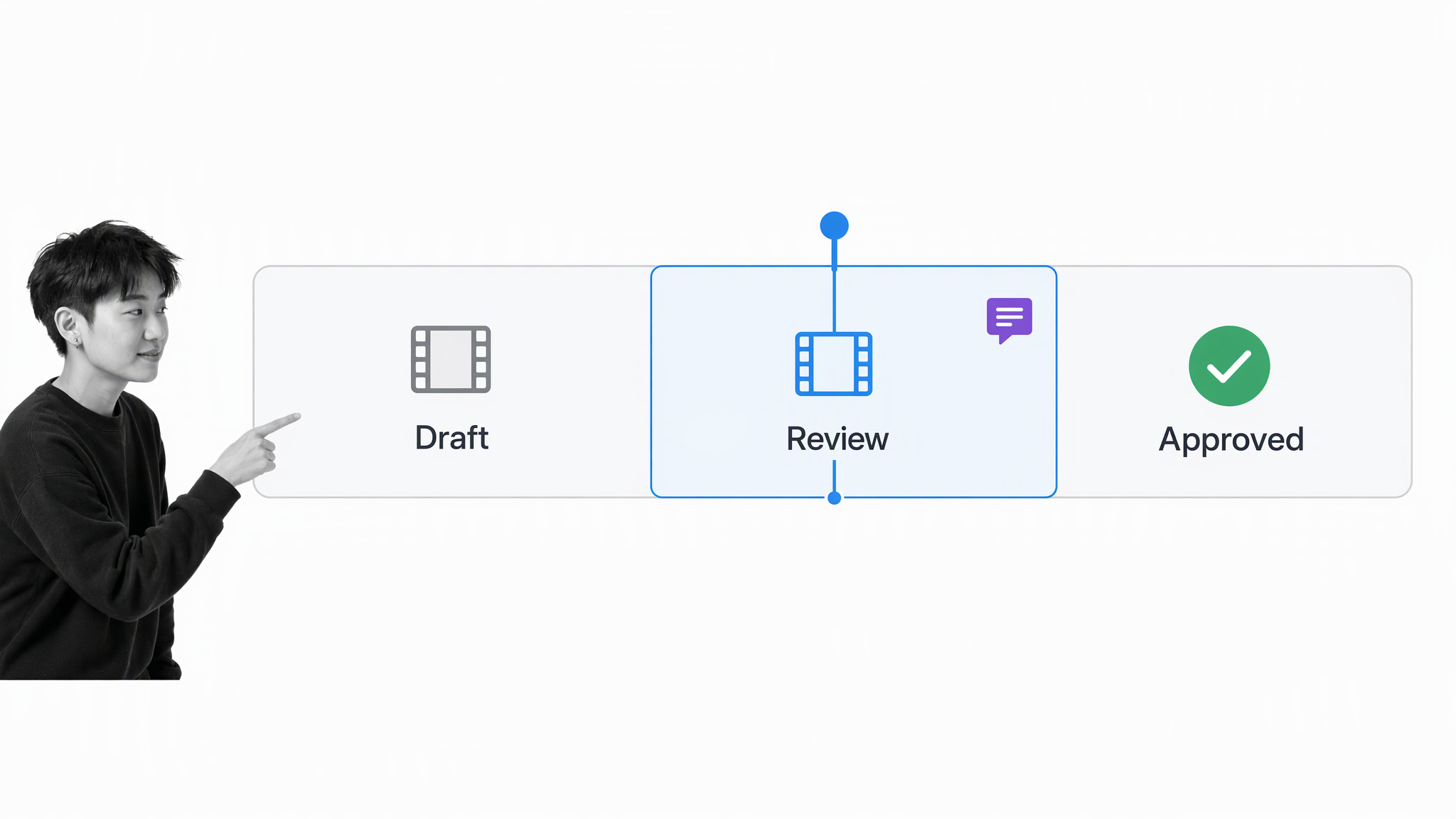
Consider video editing. You may not have the specialist skill or the time to edit every recording, but the work can still be delegated safely when the assistant receives the source files, brand guidance, a sample output, a review stage, and a specific delivery format.
You may enjoy some tasks you know you should not be doing. That is natural. The harder question is whether the task is the best use of your attention. You cannot scale while clinging to work someone else could complete just as well with the right process and review point.
The tasks you hate doing will probably take more time and be lower quality than if you hand them off to someone who enjoys that kind of work. It is also sensible to find someone more experienced for tasks you struggle to do. The final column is the hardest, and often the most vital, to get right: as a manager or business owner, your responsibility is to do what is best for your product and customers, even when that means giving up a task you like.
Decide if you should hire a virtual assistant
Once you have a candidate task list, weigh the value of the work against the cost and effort of delegation. Look at how often each task occurs, how long it takes, the level of expertise it needs, and what happens when it is done incorrectly.
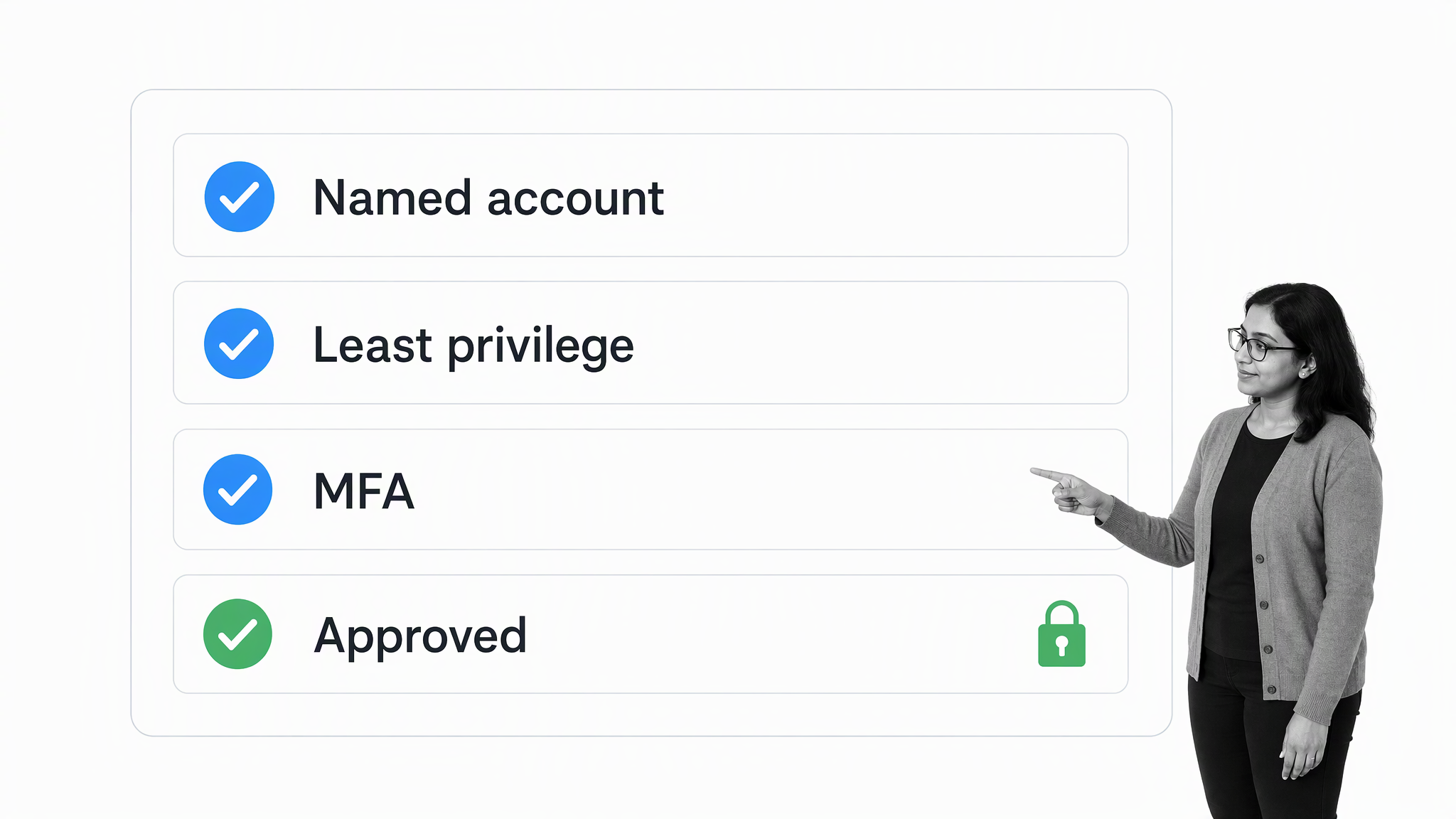
Security is part of the role design, not an afterthought. Identify the systems and data the assistant needs before hiring. Use named accounts, least-privilege access, multi-factor authentication, and an approval step for sensitive actions. Avoid sharing personal passwords or granting broad access on the first day. If a task involves regulated data, financial authority, or specialist advice, involve the appropriate expert and keep the assistant’s responsibility narrow and explicit.
Time zones matter too. A calendar coordinator may need several hours of overlap with you, while research or editing can often move asynchronously. Decide what response time and overlap the work requires instead of treating location as a proxy for quality.
Estimate how long it will take to train a virtual assistant to the standard or style you want. Price the resources, time, and labor involved in the task today, then compare that with the budget and management time the new arrangement requires. Think through how specialized and important the task is, any time-zone or location limitations, security risks, and the training and onboarding time. That gives you a realistic view of the relative benefits instead of treating a new hire as a magic pill.
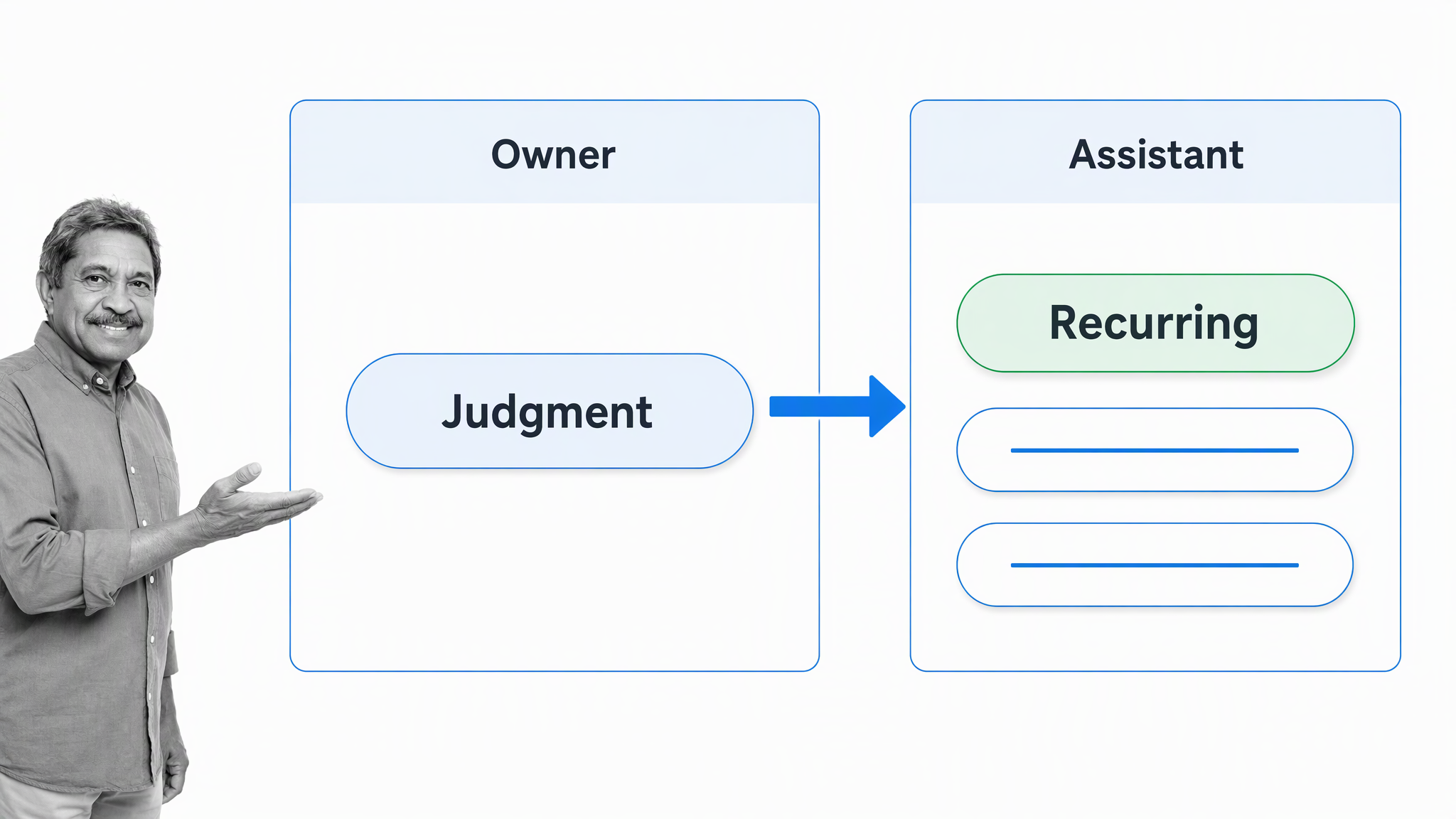
Do not expect the instant freedom sometimes associated with The 4-Hour Workweek. Delegation creates leverage after you invest in selection, training, documentation, and feedback. A part-time engagement or a tightly scoped project is often the safest way for both sides to test the working relationship.
Choose your method of hiring
There are three durable ways to hire a virtual assistant: use a marketplace and manage the search yourself, work with a recruiter, or use a managed virtual assistant service. The right route depends on how much sourcing work you want to own and how much support you need after the hire.
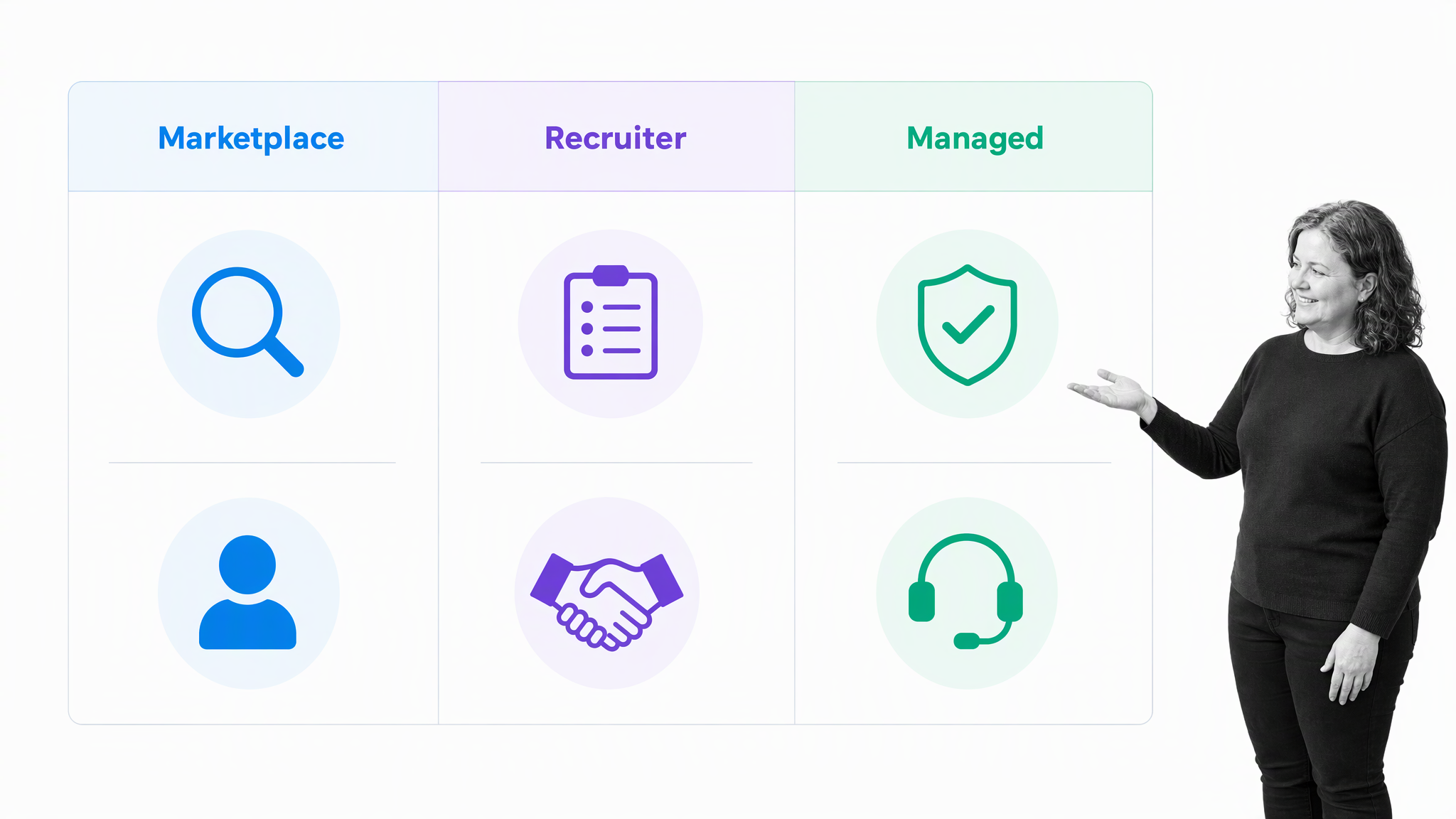
- Marketplace: Platforms such as Upwork and Wellfound give you direct access to candidates, but you own the job post, screening, interviews, and reference checks.
- Recruiter: A service such as Virtual Staff Finder can source and shortlist candidates while you keep control of the final assessment and hire.
- Managed service: Providers such as Tiger Recruitment and Zirtual can provide more matching and ongoing support. Confirm who employs the assistant, what replacement support exists, and how data access is handled.
Whichever route you choose, define the role before browsing profiles. Write down the outcomes, recurring responsibilities, expected hours, overlap window, tools, communication cadence, and boundaries of authority. That keeps the search focused and makes offers easier to compare.
Doing the search yourself can save agency fees, but it also involves more work on your end and may limit the scope of the job posting. A recruiter does some of the heavy lifting by scouting and carrying out preliminary checks before passing candidates on. A managed service is the “time is more precious than money” option: you pay a provider that supplies an assistant, who may be employed by that service. None of the routes removes your responsibility to judge whether the individual can do the work and fit the operating style of your company.
Run through your hiring process
Use the same documented hiring process for every candidate. Consistency makes candidates easier to compare and reduces the chance that confidence or familiarity outweighs evidence. A practical process includes a job description, an application screen, a structured interview, reference or background checks appropriate to the role, a paid work sample, and a written offer.
- Turn the role outcomes into a clear job description.
- Ask the same core interview questions and score answers against the role.
- Use a small paid work sample based on the real job, with no live customer data.
- Evaluate communication, judgment, follow-through, and how the candidate handles ambiguity.
- Confirm availability, access requirements, confidentiality terms, and the first 30-day plan.
The work sample is particularly useful. For an inbox role, provide a fictional set of messages and ask the candidate to prioritize them, draft responses, and explain what they would escalate. For research, give a narrow question and ask for a source-backed summary. Judge the result with a simple rubric before discussing it.
Culture fit should not mean hiring someone who resembles the existing team. Assess whether the candidate can communicate clearly, receive feedback, raise risks, and work within your operating norms. Those behaviors matter in a remote relationship where small misunderstandings can otherwise sit unnoticed.
At its simplest, the hiring process is “write a job description, post it to a marketplace, recruiter, or service, vet candidates, and hire the person best suited to the role.” The value comes from applying the same measures to every candidate. If a service has already completed preliminary checks, keep your own structured interview and work sample. Ability matters, but so does whether the person can collaborate without clashing personalities or unclear expectations.
This also makes applicants easier to track because you can follow their progress through the same stages. Every candidate needs the same measures in place to judge suitability. Being a cultural fit is important, but define that fit through observable behaviors rather than familiarity. A part-time assistant may cause fewer operational problems than a permanent teammate, yet a consistent approach is still worth the effort.
Onboard them thoroughly
Onboarding is crucial even when the first assignment seems simple. A strong onboarding plan gives the assistant the context, access, process knowledge, and relationships needed to work independently. Set expectations for the first day, first week, and first 30 days, then schedule review points before problems become habits.
Centralize your information
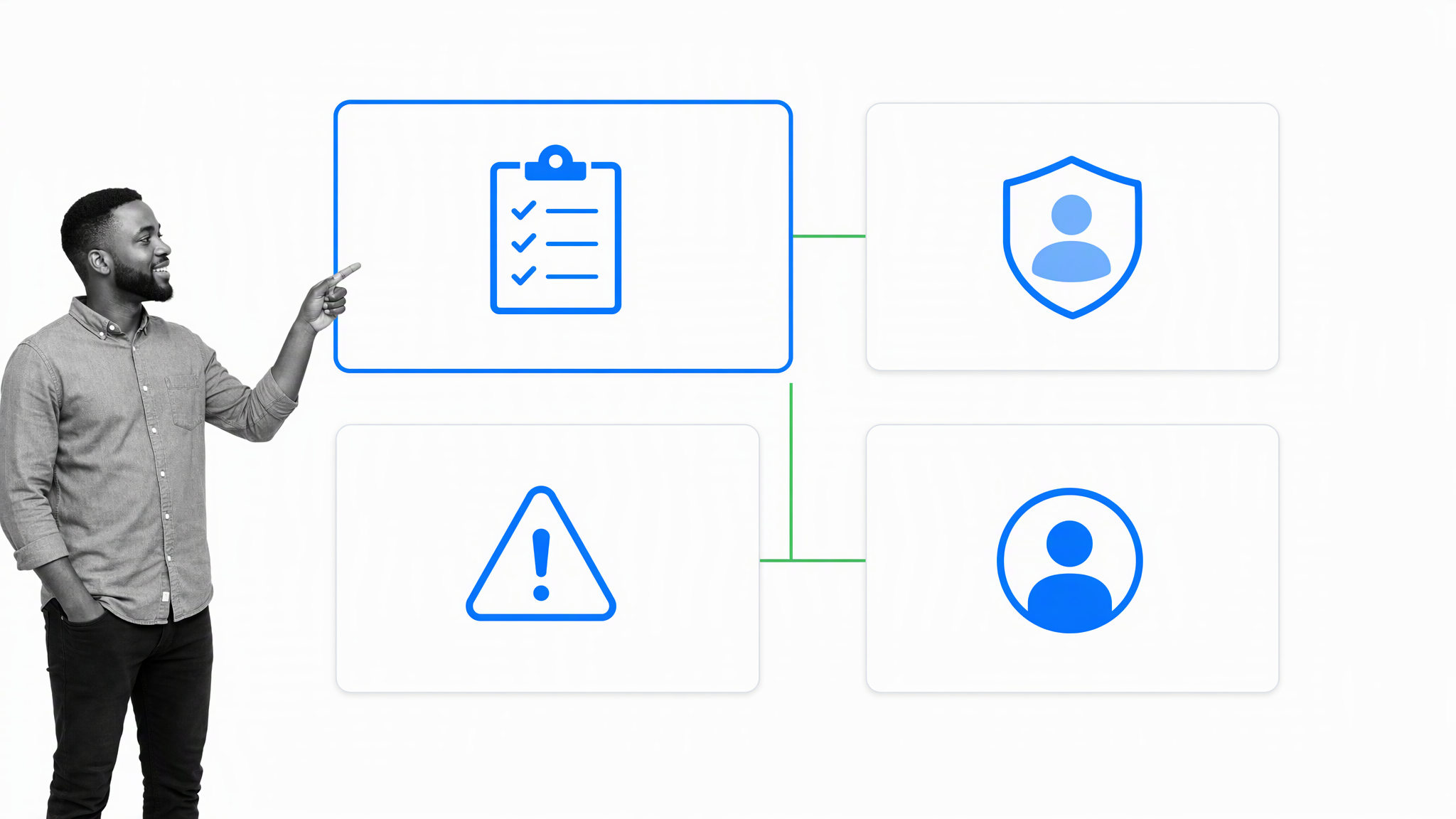
Put the information the assistant needs in one governed source of truth. Include the role charter, glossary, key contacts, approved tools, access instructions, decision boundaries, and escalation paths. Grant access before the first task is due, but only after the appropriate account and security controls are ready.
Check whether the assistant needs to read an employee handbook, complete a course, or review example work before starting. Send the relevant files and give permission to the systems they need before the moment of use. Centralizing current information also helps the rest of the team: when collaboration opportunities or emergencies arise, people can find what they need without relying on one person’s inbox or memory.
Document your processes
Document recurring work so the assistant can see what to do, how to do it, and when to ask for help. Process Street is a single Compliance Operations Platform with Docs and Ops capability areas plus built-in AI. Docs helps teams maintain governed process knowledge. Ops turns that knowledge into assigned, trackable workflows, while built-in AI can help draft, run, and improve the work. That combination supports a clearer workflow task management system for both the assistant and the person reviewing the result.
Start with one complete process, observe the first few runs, and update the instructions where the assistant needs clarification. Documentation is not a substitute for conversation. It is the shared reference that makes feedback specific and improvement repeatable.
Documented processes help everyone understand what to do, how to do it, and how progress is tracked. They reduce the chance that steps are forgotten, place instructions in front of someone learning a new task, and increase accountability by making ownership and completion visible. Whether the process lives in software or another controlled format, it needs a clear owner and somewhere the assistant can reliably refer back to it.
Encourage an inclusive culture
A virtual assistant can easily become isolated from the company, especially when communication is limited to task assignments. Introduce them to the people they will work with, explain team routines, and include them in relevant updates. Make it clear that asking a question or flagging a blocker is expected, not disruptive.

A short asynchronous check-in can cover what changed, what is blocked, and what comes next. Pair it with a regular one-to-one conversation and a named person who can answer questions. The point is not to add meetings. It is to keep a remote teammate connected to the context behind the work.
Announce the hire to the team to encourage a warm welcome and get conversations started. If the team has regular events or small rituals, introduce the assistant without forcing participation. Inclusion has practical benefits for collaboration: someone who knows the humans behind the names is more comfortable reaching out for help, sharing an early concern, or asking the question that prevents a mistake.
Streamline your workload and focus on what matters
A virtual assistant can create meaningful capacity by taking ownership of defined work that you neither need to do personally nor can sensibly automate. The relationship works when you treat the assistant as a person with clear responsibilities, not as a cost-cutting robot.
Onboarding does not end after the first day, week, or month. Keep checking that the assistant has the information, access, and feedback needed to do the job well. Review the task list as the business changes, automate what becomes stable, delegate what becomes teachable, and keep high-judgment decisions with the right owner.
Follow that approach and you will be better positioned to build a reliable working relationship that gives you time back without losing control of the work.