


Turn every policy into automated workflows with built-in enforcement and audit-ready proof.



The Best Job Management Software Platforms
Job management software gives a team one place to capture work, assign ownership, schedule resources, track progress, document what happened, and close the loop with the customer or stakeholder. The right platform depends on what a job means in your business: a service call, a construction project, a repair order, or a repeatable internal workflow.
This shortlist covers those distinct operating models. It starts with Process Street for recurring, process-driven work, then compares specialist platforms for field service, construction, trades, and auto repair. The goal is not to find the product with the longest feature list. It is to find the system whose core record matches the work your team actually performs.
If jobs move through required steps, approvals, evidence, and handoffs, workflow management software may be the better category. If jobs revolve around crews, routes, assets, estimates, invoices, or project drawings, a vertical platform will usually fit more naturally.
In this guide:
- What is job management software?
- Which job management software is best for different businesses?
- The best job management software platforms
- How should you choose job management software?
- How do you implement job management software?
- Why does job management software improve operations?
- Frequently asked questions
What is job management software?
Job management software is a system for controlling a job from intake through completion. It typically stores the request, customer or stakeholder details, assigned people, due dates, job status, files, notes, approvals, costs, and completion record. Instead of coordinating those pieces through a shared inbox, spreadsheet, calendar, and chat thread, the team works from one operational record.
The category overlaps with field service management, work order management, construction management, project management, and workflow automation. The difference is emphasis. Field service systems prioritize dispatch, mobile technicians, routes, and billing. Construction systems prioritize schedules, drawings, budgets, change orders, and subcontractors. Workflow platforms prioritize repeatable steps, conditional routes, approvals, automations, and audit history.
That distinction matters because a broad feature checklist can make dissimilar products look interchangeable. A plumbing company needs fast dispatch and job-site invoicing. A home builder needs change control and client visibility over a longer project. An operations team needs repeatable workflows with required evidence and approval gates. All three manage jobs, but the underlying work model is different.
A useful evaluation starts by mapping the real process. Document how work enters the business, who decides priority, how ownership changes, where delays appear, what customers need to see, what financial data matters, and what proof must remain after completion. A simple process map exposes whether the main problem is scheduling, field execution, project coordination, financial control, or procedural consistency.
Which job management software is best for different businesses?
The strongest choice is the platform that treats your most important unit of work as a first-class object. The comparison below is a fast routing guide. It separates general workflow execution from specialist field, construction, trade, and repair operations before the deeper reviews.
| Platform | Best fit | What it organizes |
|---|---|---|
| Process Street | Recurring operational jobs and controlled workflows | Steps, owners, forms, approvals, automations, and evidence |
| Jobber | Small and growing home service businesses | Requests, visits, crews, customer communication, and invoices |
| ServiceTitan | Complex home and commercial service operations | Booking, scheduling, dispatch, equipment, work orders, and billing |
| Housecall Pro | Home service teams that want an accessible operating system | Scheduling, dispatch, estimates, payments, and job costing |
| ServiceM8 | Mobile trade and service teams | Job cards, dispatch, quoting, forms, assets, and payments |
| Simpro | Trade contractors with service, projects, and inventory | Estimates, schedules, technicians, materials, costs, and invoices |
| Joblogic | Maintenance contractors managing assets and planned work | Reactive jobs, maintenance schedules, assets, engineers, and reporting |
| Procore | Commercial construction projects | Drawings, RFIs, submittals, field records, schedules, and costs |
| Buildertrend | Home builders and remodelers | Leads, projects, clients, schedules, changes, and financials |
| Tradify | Small trade businesses | Inquiries, quotes, schedules, time, jobs, invoices, and payments |
| Shopmonkey | Auto repair shops | Appointments, inspections, estimates, repair orders, communication, and payments |
A platform can be capable outside its primary lane, but the best fit usually minimizes configuration and duplicate data. Start with the closest operating model, then test the exact workflow that causes the most friction today.
The best job management software platforms
Each platform below earns a place for a distinct operating model. Process Street holds the category for repeatable work that must follow a controlled process. The other products are specialist options when the job record is inseparable from dispatch, construction, trade, maintenance, or repair-shop operations.
Process Street: Best for repeatable operational jobs
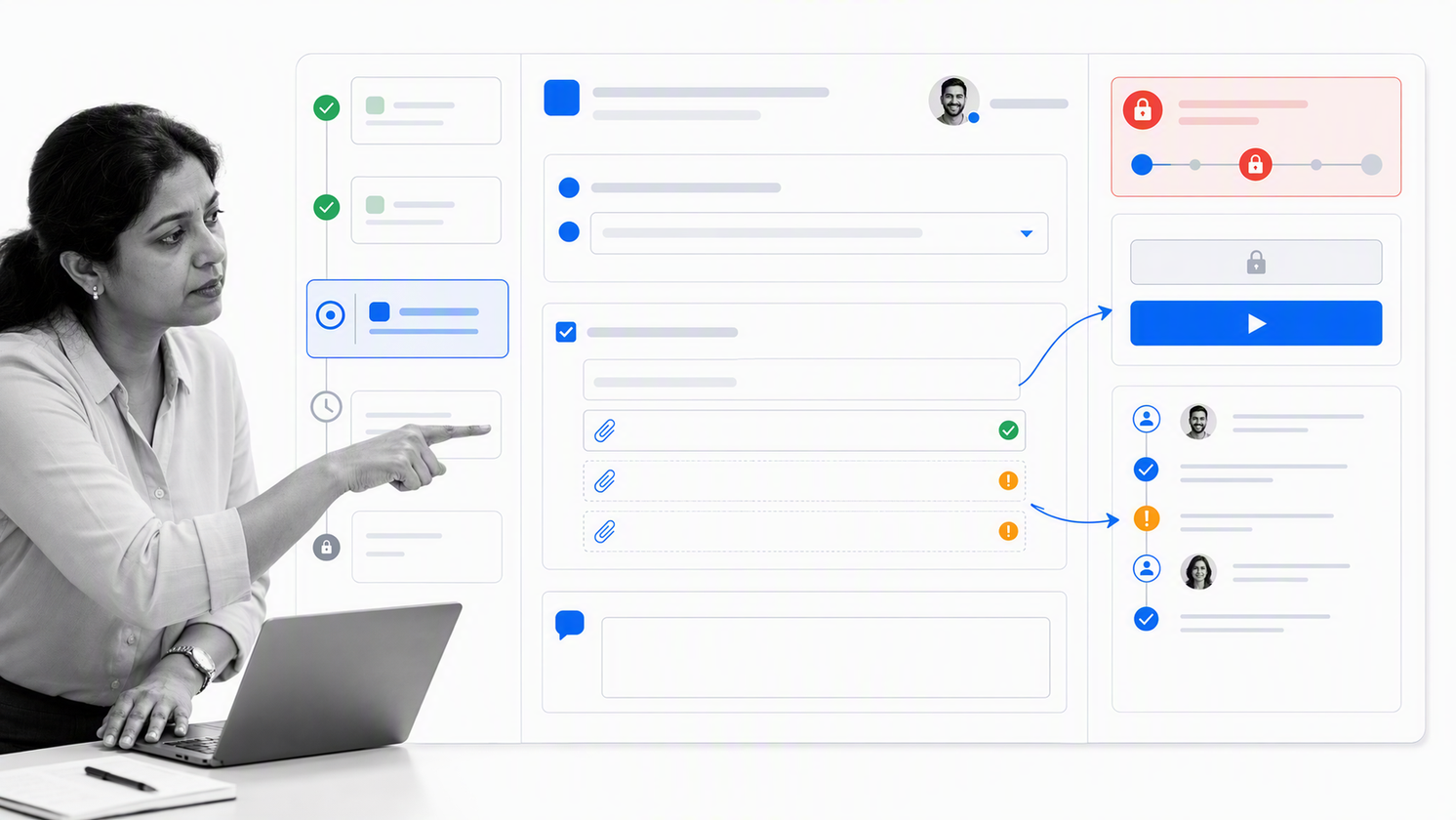
Process Street is the strongest fit when a job is a repeatable workflow with required steps, assigned owners, structured information, decision points, approvals, connected actions, and a record of completion. Teams can turn an intake request into a workflow run, route tasks with conditional logic, collect evidence through forms, and prevent protected work from moving forward until the right approval is recorded.
This model is especially useful for onboarding, inspections, compliance reviews, customer implementation, recurring maintenance procedures, approvals, and other work where consistency matters as much as speed. It is less focused on vehicle routing or trade-specific estimating than a dedicated field service platform. Its advantage is controlled execution across departments and systems.
Choose Process Street when the central question is, “Did every required step happen, with the right owner and proof?” See how workflow automation connects assignments, forms, conditional logic, approvals, automations, and audit history.
Jobber: Best for growing home service businesses
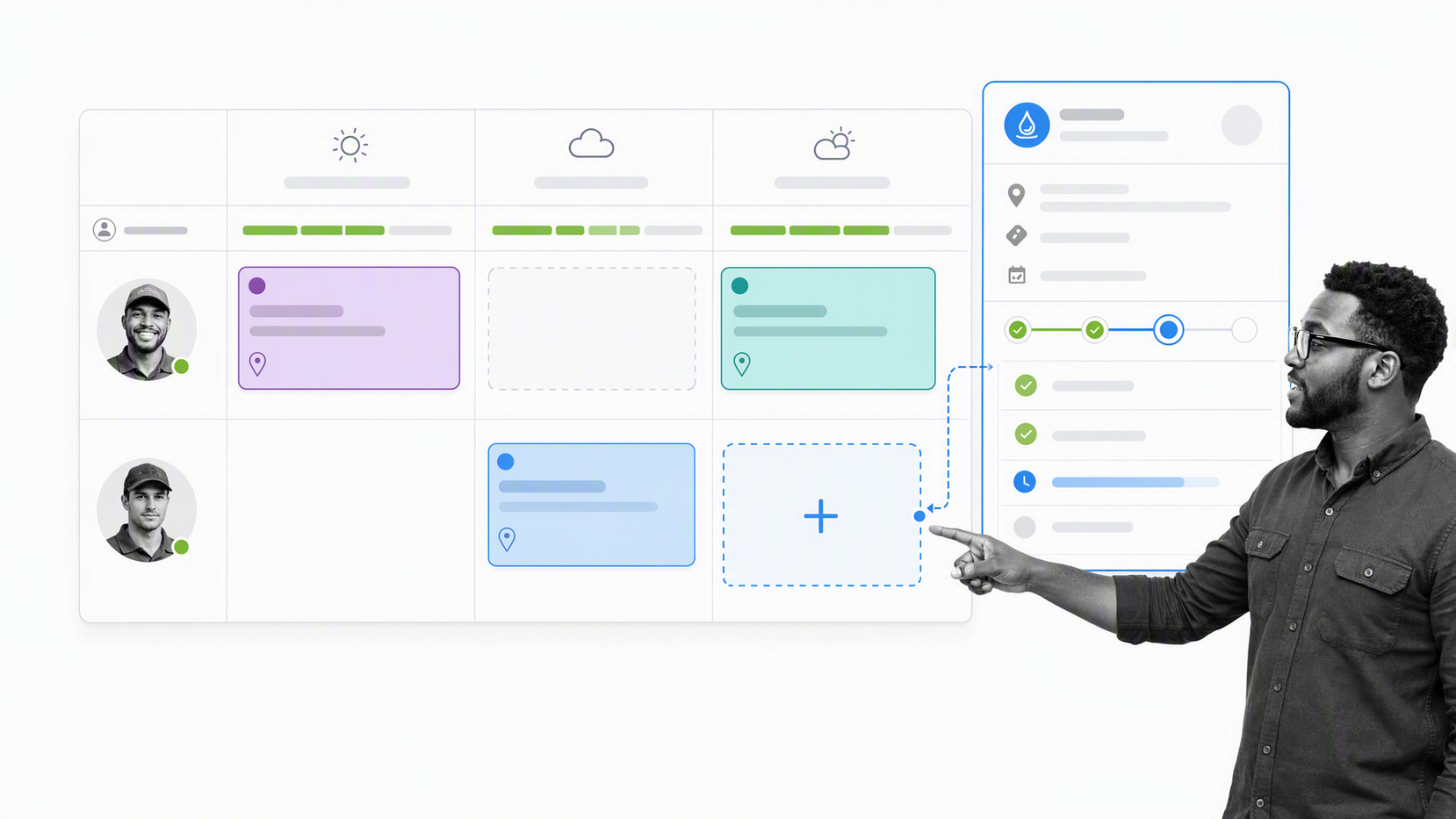
Jobber organizes the service lifecycle around requests, work orders, visits, customer records, crew schedules, and invoices. Its calendar and mobile workflows suit businesses that need to move from a customer request to scheduled field work without losing job details or communication history.
Customizable checklists and job details help technicians understand what must happen on site, while job tracking shows where work sits from request through payment. That makes Jobber a practical starting point for cleaning, landscaping, lawn care, handyman, HVAC, plumbing, electrical, and similar service businesses that want a connected front office and field workflow.
Use it when ease of scheduling and customer-facing service operations matter more than deep construction controls or complex maintenance contracts. Review Jobber’s current feature set against one complete service call before committing.
ServiceTitan: Best for complex service operations
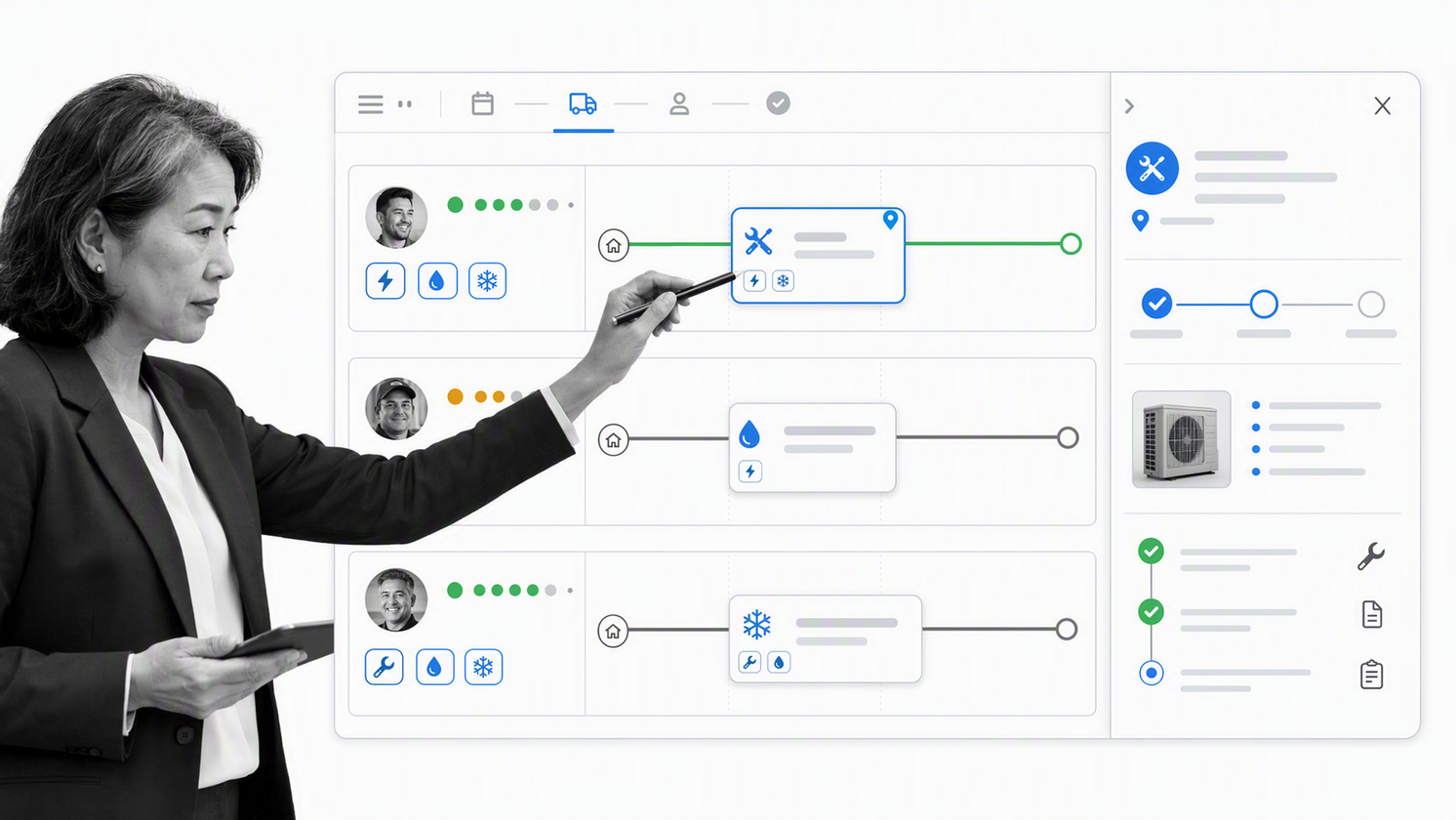
ServiceTitan is designed for home and commercial service companies that need a broad operating platform. Scheduling and dispatch sit alongside work orders, equipment history, billing, customer access, reporting, and other front-office and field functions. This breadth fits organizations where call booking, capacity, technician assignment, job execution, and financial follow-through must stay connected.
The product is most compelling when the operation has enough dispatch complexity to benefit from a dedicated board, real-time updates, technician context, and a unified job history. Smaller teams should still test whether the implementation and operating depth match their actual needs rather than buying for a future state.
Choose ServiceTitan when dispatch is a strategic control point and the service business needs an end-to-end system. Its official feature catalog shows how scheduling, dispatch, work orders, equipment, billing, and customer access fit together.
Housecall Pro: Best for accessible home service management
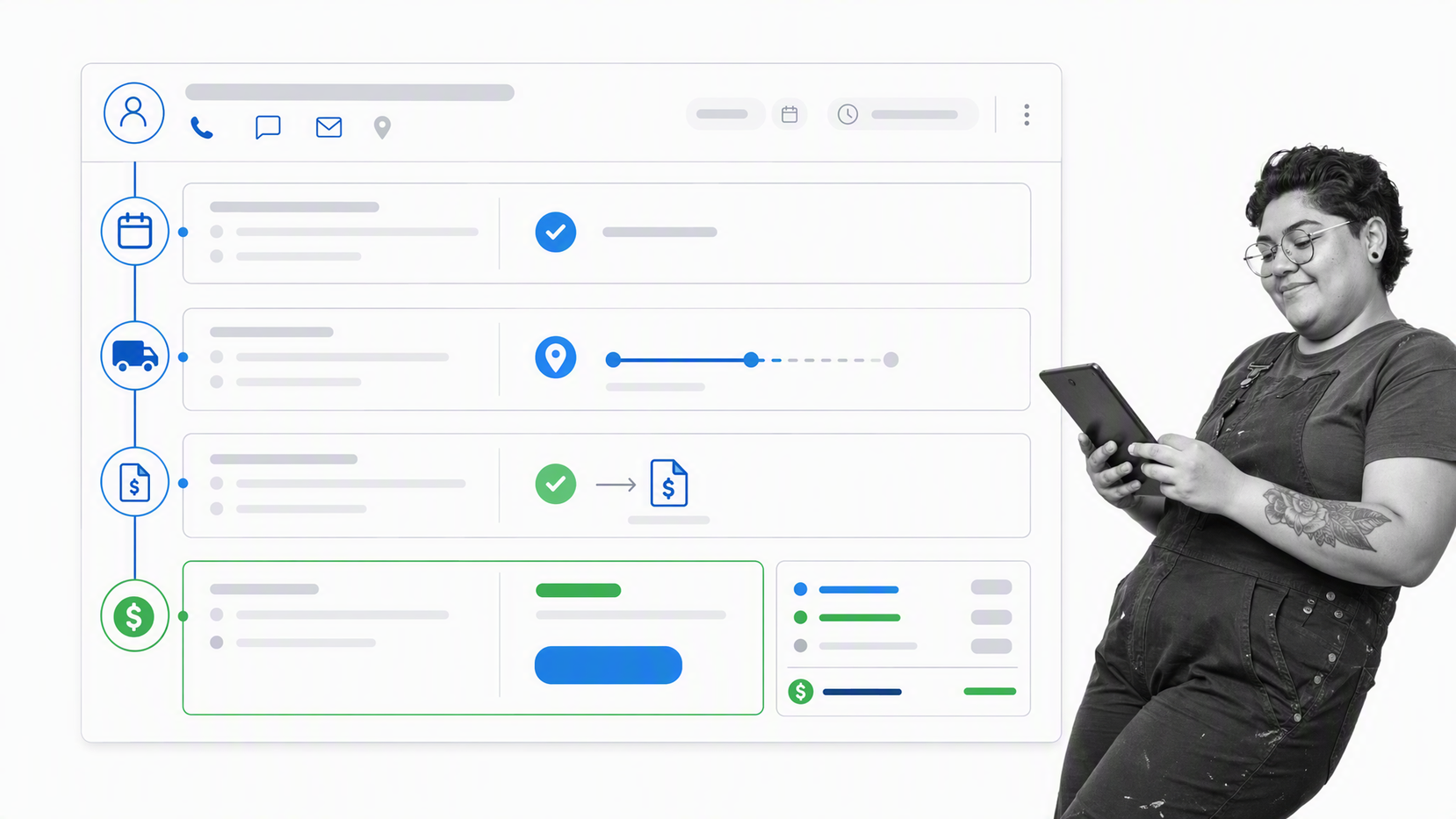
Housecall Pro brings common home service workflows into one operational surface: scheduling, dispatching, estimates, invoices, payment collection, customer communication, and job costing. The platform is built around the day-to-day rhythm of booking a job, assigning a technician, completing field work, and getting paid.
It is a strong candidate for service businesses that want recognizable workflows without starting with a highly customized enterprise setup. The schedule, job details, customer record, field status, and invoice remain connected, which reduces the handoffs that create missed appointments and delayed billing.
Choose it when the business needs a straightforward field-service operating platform and values fast coordination between office staff and technicians. The Housecall Pro features page is the best place to verify the current mix of scheduling, dispatch, estimating, invoicing, and job-costing tools.
ServiceM8: Best for mobile trade and service teams
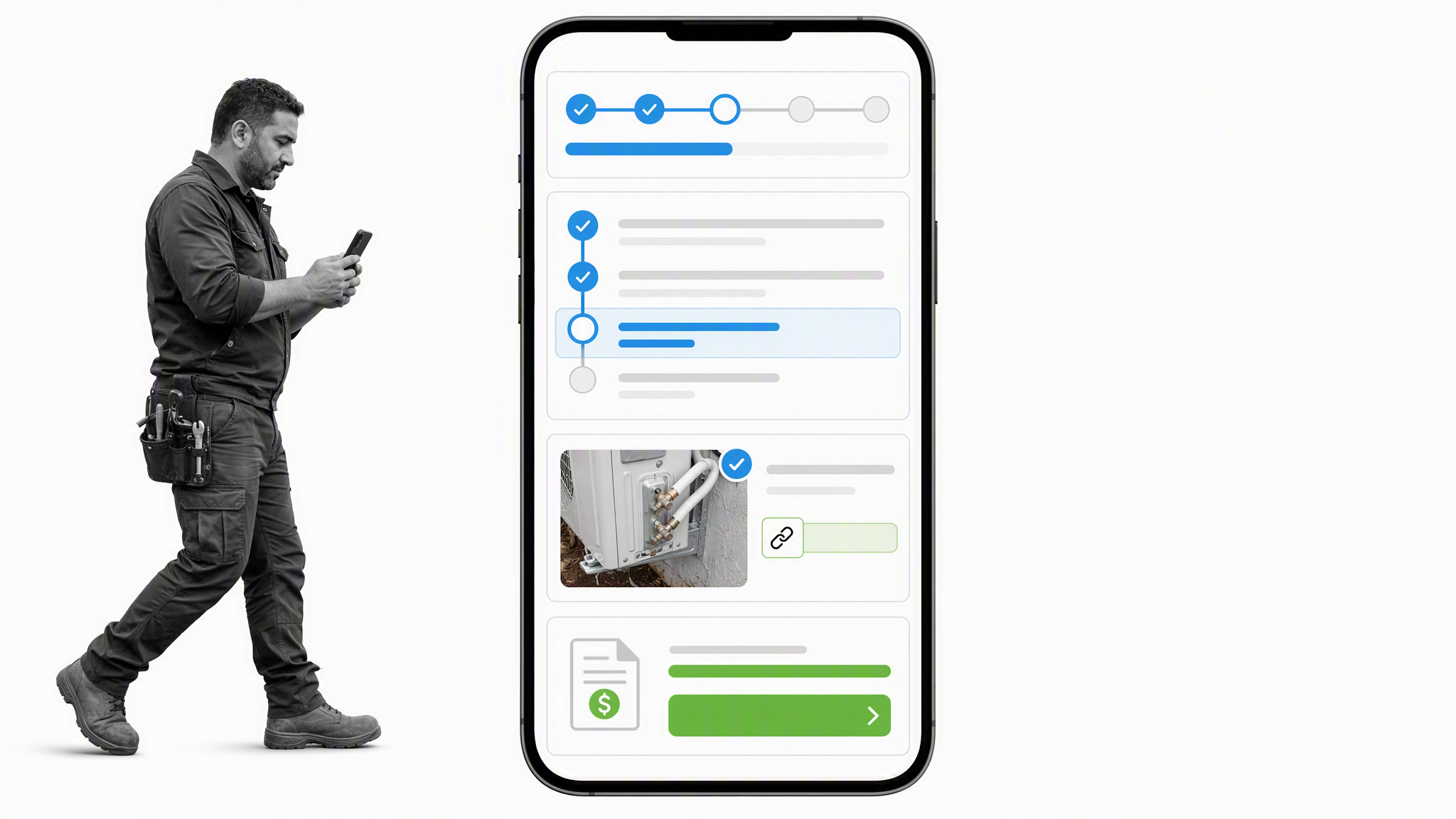
ServiceM8 centers work on a job card that office and field staff can use to access customer details, job history, notes, photos, tasks, and progress. Scheduling, dispatch, quoting, invoicing, payments, forms, asset records, online booking, and communication are connected to that job context.
The product is especially relevant when field staff do most of their work from a mobile device and the office needs immediate visibility into changes. ServiceM8 also supports recurring work and job costing, which helps service businesses manage repeat visits and understand the financial outcome of completed jobs.
Choose ServiceM8 when mobile execution and a clean dispatch-to-invoice flow are central. Verify device fit, regional payment options, and accounting connections against the ServiceM8 feature overview because those details can shape daily adoption.
Simpro: Best for trade contractors with operational depth
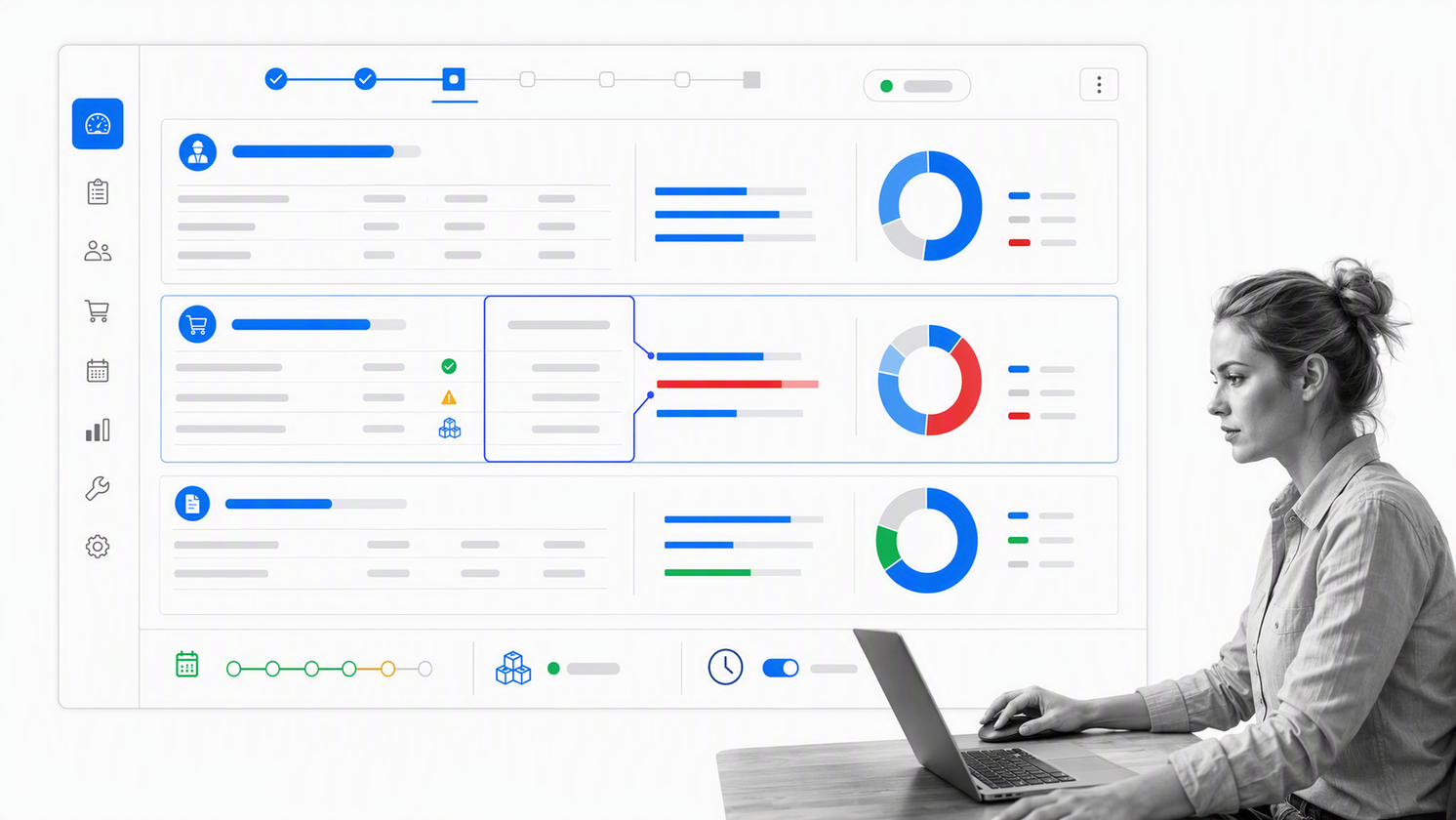
Simpro combines job management with estimating, scheduling, field mobility, time tracking, invoicing, payments, inventory, and cost visibility. It suits trade contractors whose jobs include both service work and longer projects, especially when materials, labor, and financial control must remain connected.
Field staff can access job details, record notes and photos, complete safety and compliance activities, capture signatures, and update work from the mobile app. Office teams can coordinate resources and see the financial position of jobs rather than treating scheduling and accounting as separate systems.
Choose Simpro when the operation has outgrown simple scheduling and needs a more comprehensive trade-business system. A realistic evaluation should include estimating, material handling, field updates, billing, and reporting for the same job.
Joblogic: Best for maintenance and asset-centered service
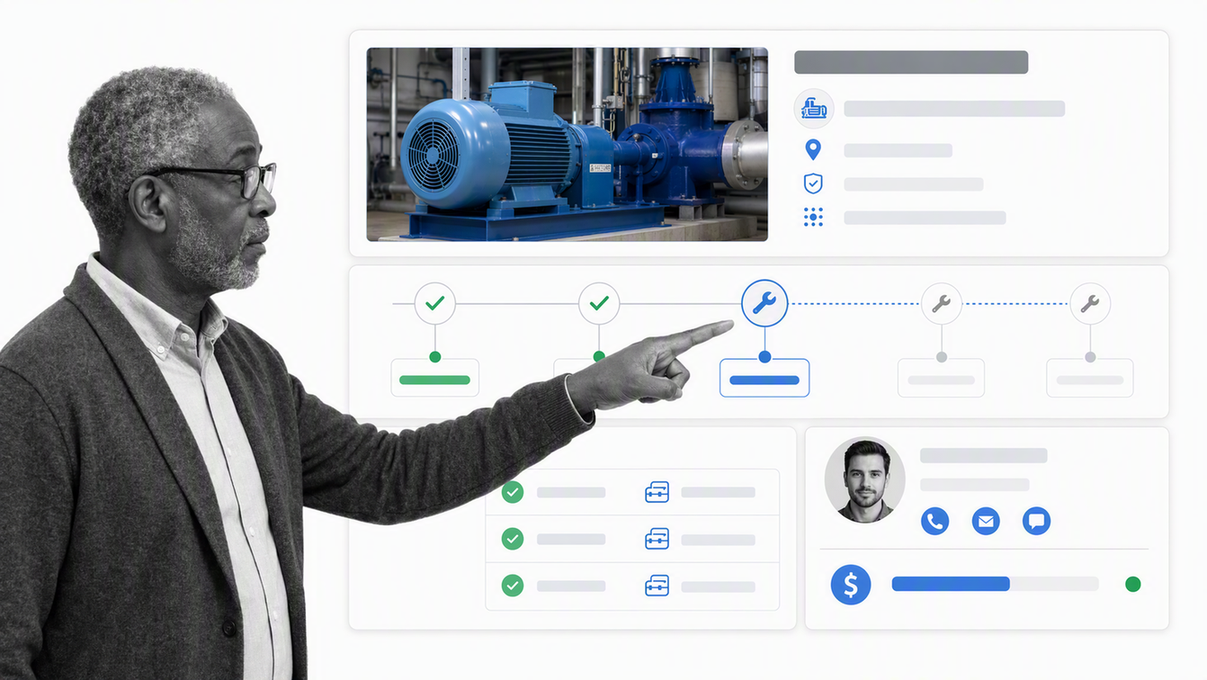
Joblogic is a strong fit for contractors that manage reactive work alongside planned preventive maintenance. Its feature set covers job scheduling, mobile engineer workflows, asset registers, recurring maintenance plans, job costing, customer visibility, stock, and reporting.
That asset and contract focus separates it from lighter job schedulers. A maintenance provider often needs to know not only what the engineer did today, but also which asset was serviced, its history, the next required visit, the parts used, the contract obligation, and the job’s financial result.
Choose Joblogic when equipment history, recurring maintenance, compliance records, and engineer scheduling need to work as one system. Test both a reactive callout and a planned maintenance cycle during evaluation.
Procore: Best for commercial construction
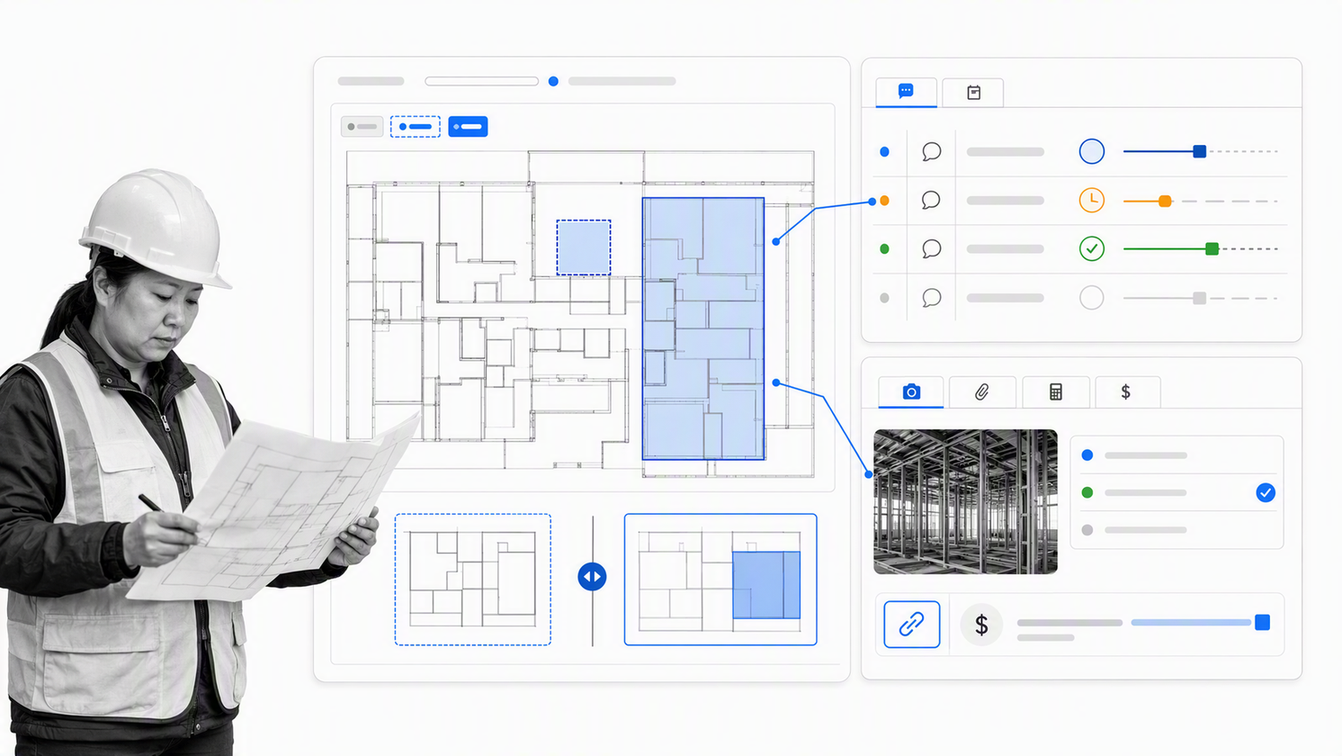
Procore treats the job as a construction project shared by field and office teams. Its project management tools cover drawings, daily records, photos, RFIs, submittals, schedules, field productivity, costs, and document control. Mobile access and offline field work help keep site information connected to the project record.
This is a different problem from dispatching short service calls. Construction jobs run over longer timelines, involve more stakeholders, and create a dense record of drawings, decisions, changes, commitments, and quality or safety activity. Procore is designed around that environment.
Choose Procore when commercial construction coordination is the primary job-management problem. Its project management product page shows the current relationship between field tools, RFIs, costs, documents, and schedules.
Buildertrend: Best for home builders and remodelers
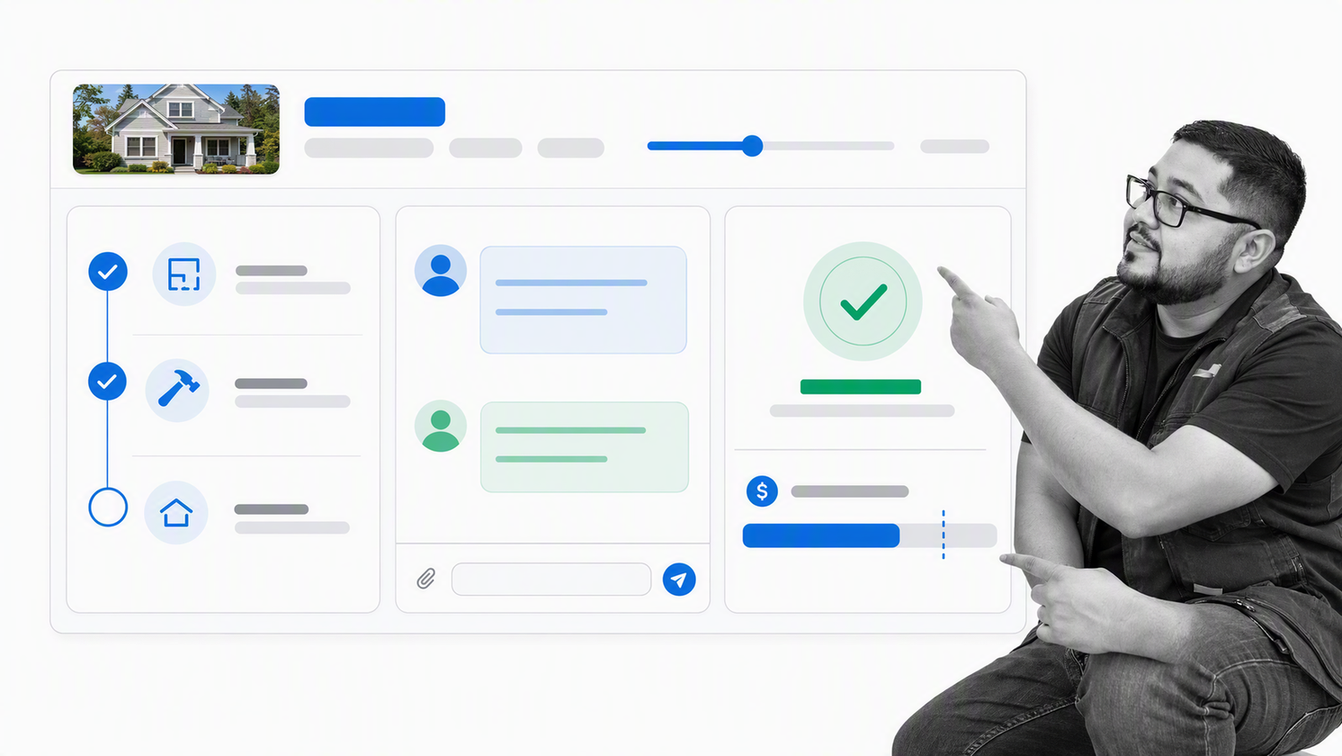
Buildertrend connects sales, project management, customer communication, and financial workflows for home builders, remodelers, and specialty contractors. Project features include scheduling, daily logs, tasks, change orders, selections, submittals, time tracking, and warranties, while client and financial tools keep project communication and money in view.
Its strength is the residential construction lifecycle. Leads, proposals, project plans, homeowners, subcontractors, changes, documents, budgets, estimates, invoices, and payments can be managed within the same platform instead of split across unrelated tools.
Choose Buildertrend when customer visibility and residential project control matter together. Run a test project through proposal, schedule change, daily log, client update, change order, and invoice to judge the real fit.
Tradify: Best for small trade businesses
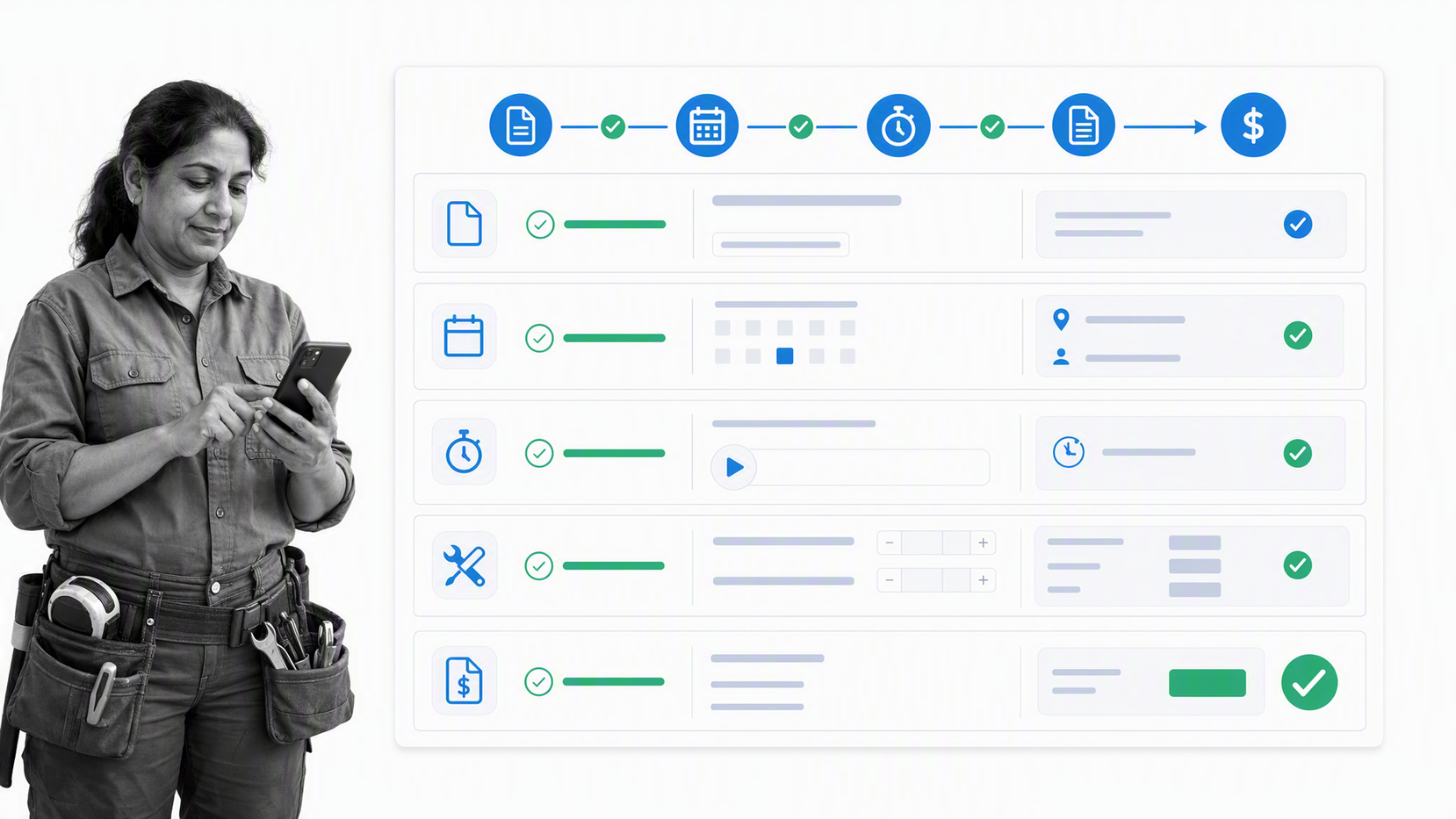
Tradify packages the essential flow for a trade business: inquiries, quotes, scheduling, job tracking, time, materials, invoices, payments, and mobile updates. It is designed to replace the combination of paper job sheets, disconnected calendars, manual timesheets, and duplicated accounting entry.
The product is a good candidate for electricians, plumbers, builders, HVAC teams, landscapers, and other trades that want a focused system without the breadth of a larger field service suite. Staff and subcontractors can update work from mobile devices while the office keeps the job record current.
Choose Tradify when simplicity and the quote-to-payment workflow are the priority. Check how its job categories, scheduling, timesheets, materials, and accounting connection match the way your business prices and completes work.
Shopmonkey: Best for auto repair shops
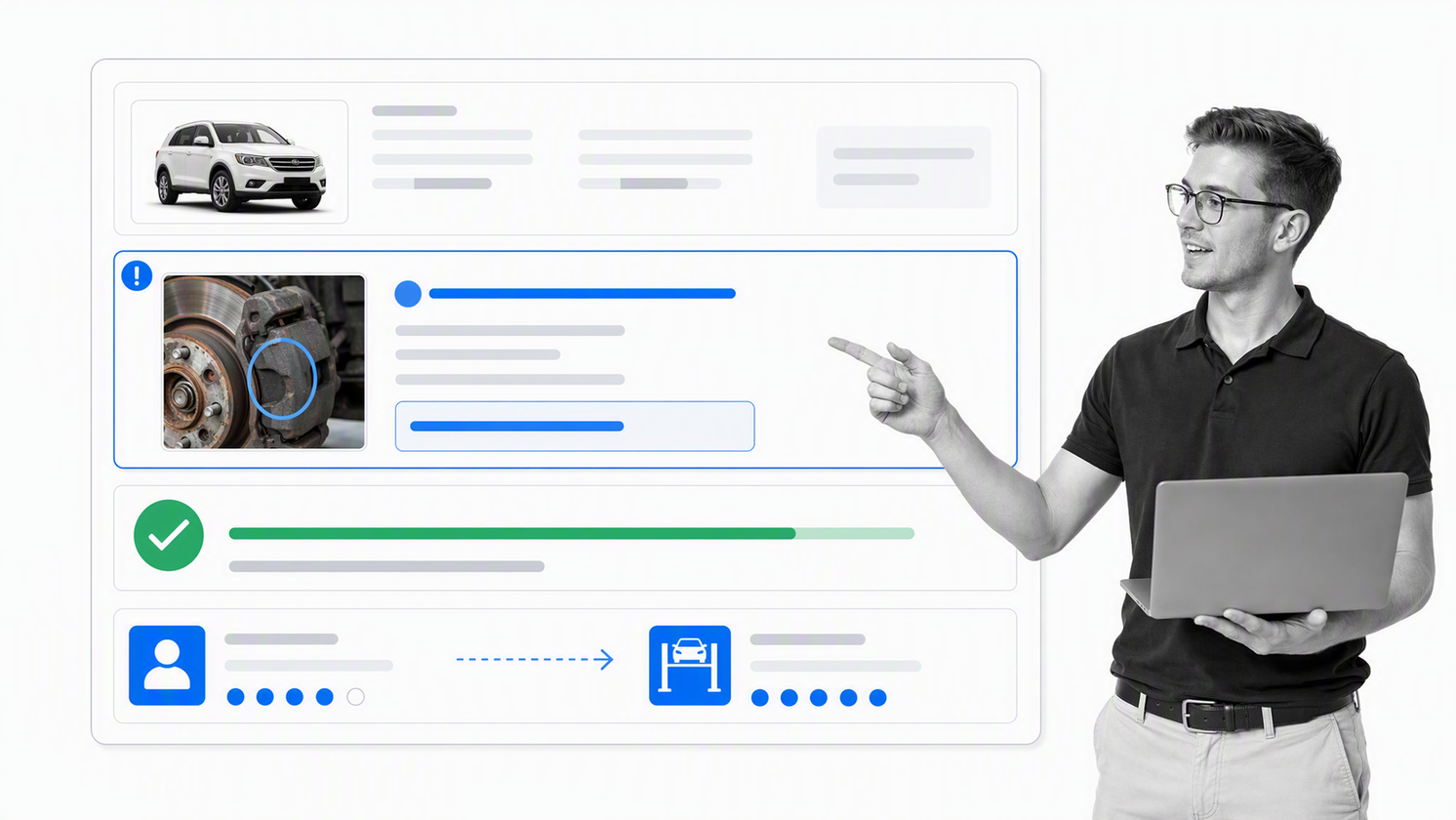
Shopmonkey is purpose-built for auto repair operations. It connects appointments, vehicle and customer records, estimates, repair workflows, digital inspections, parts activity, customer messaging, invoices, payments, and reporting in a shop-management system.
Auto repair has a specialized job model: the vehicle is central, technicians and bays must be coordinated, inspections create approval opportunities, parts affect timing, and customer communication must remain tied to the repair order. A generic task manager usually requires too much adaptation to handle that flow cleanly.
Choose Shopmonkey when repair orders and digital vehicle inspections are the core operational record. The official Shopmonkey site documents its current approach to appointments, inspections, customer communication, estimates, invoices, and payments.
How should you choose job management software?
Choose from the workflow outward, not from the feature list inward. A useful buying process begins with one representative job and follows it from the first request to final closeout. Include the exceptions that make the work difficult, not just the happy path shown in a demo.
- Define the job record. Decide whether the central object is a workflow run, work order, service visit, construction project, asset-maintenance event, or repair order.
- Map intake and prioritization. Document where requests arrive, who qualifies them, what information is required, and how urgent work interrupts the schedule.
- Test scheduling and assignment. Use real crew availability, skills, service areas, dependencies, and due dates instead of a sample calendar.
- Test field execution. Confirm that workers can see the right details, update status, capture notes and photos, complete required checks, and work under realistic connectivity conditions.
- Test control points. Recreate an approval, exception, failed inspection, change order, reschedule, or customer rejection to see whether the system preserves context.
- Test financial follow-through. Where relevant, move the same job through estimate, material and labor capture, job costing, invoice, payment, and accounting handoff.
- Test reporting from source data. Ask the platform to show overdue jobs, queue time, first-time completion, unbilled work, margin, rework, or approval delays using the records created in the test.
- Test adoption. Let an office coordinator, manager, and frontline worker perform their own part without the vendor driving the screen.
Also separate must-have controls from attractive extras. Reliable ownership, status, history, permissions, mobile usability, and integrations usually matter more than a long menu of peripheral features. For recurring procedural work, look for Process Street capabilities such as required steps, approvals, conditional routes, forms, automation, and an auditable completion record.
Finally, evaluate the operating cost of change. Ask how administrators modify workflows, fields, permissions, schedules, templates, and reports after launch. A system that fits today but requires external specialists for every adjustment can become its own bottleneck.
How do you implement job management software?
Implementation works best when one workflow reaches stable daily use before the team expands the platform. Start with a job type that is frequent enough to reveal problems, important enough to matter, and bounded enough to improve without redesigning the entire company.
- Capture the current process, including intake fields, owners, decisions, service levels, customer messages, files, costs, and closeout evidence.
- Remove unnecessary steps before configuring software. Automation makes a weak process move faster, but it does not make the process sensible.
- Build the minimum complete workflow. Include the full path from request to closure, but postpone secondary reports and rare exceptions until the core path works.
- Define status meaning. Every status should tell the next person what is true and what action is expected.
- Assign data ownership. Decide which system owns customer, asset, accounting, employee, document, and job data, then design integrations around those boundaries.
- Pilot with real work. Run live jobs with a small group, measure delays and errors, and observe where people return to spreadsheets or chat.
- Train by role. Dispatchers, technicians, project managers, finance staff, approvers, and executives need different views and different practice scenarios.
- Review the first operating cycle. Fix unclear fields, duplicate notifications, weak permissions, missing exception routes, and reports that do not support decisions.
A staged rollout protects service quality while the new operating model settles. Once the first job type is reliable, reuse its naming conventions, ownership rules, integration patterns, and reporting logic for the next workflow.
Why does job management software improve operations?
Job management software improves operations by making work visible and actionable. A shared record reduces the time spent asking who owns a job, what happened last, what the customer expects, which document is current, or whether a required decision was recorded.
- Clear ownership: each job and task has an accountable person instead of an implied owner.
- Faster coordination: office and field teams work from the same status, schedule, notes, and files.
- More consistent execution: checklists, required fields, approvals, and templates reduce skipped steps.
- Better customer communication: updates, estimates, approvals, appointment messages, and invoices remain connected to the job.
- Stronger financial control: labor, materials, changes, costs, invoices, and payments can be traced to the work that created them.
- Useful operational data: managers can find bottlenecks, overdue work, capacity problems, rework, and unbilled jobs without rebuilding the story manually.
- Better evidence: the completed record shows what was done, by whom, when, and with which supporting information.
The result depends on process design and adoption. Software creates leverage when it becomes the easiest place to do the work correctly. If the configured workflow is slow, unclear, or disconnected from the systems people already use, the team will build side channels and the record will lose credibility.
Frequently asked questions
What is the difference between job management and project management software?
Job management software usually organizes repeatable jobs or work orders from intake to completion, often with scheduling, dispatch, customer communication, and billing. Project management software is commonly designed for longer initiatives with milestones, dependencies, shared deliverables, and broader planning. Construction platforms often combine both models.
What features should job management software include?
Core features should match the job lifecycle. Common needs include intake, customer or stakeholder records, scheduling, assignment, status tracking, mobile access, files and notes, checklists, approvals, notifications, reporting, and integrations. Field and trade businesses may also need estimates, routes, assets, inventory, job costing, invoices, and payments.
Can job management software support recurring work?
Yes. Many platforms can create recurring jobs, visits, maintenance schedules, workflow runs, reminders, or service agreements. Confirm how the system handles ownership, schedule changes, exceptions, proof of completion, and the history of each occurrence before choosing it for recurring work.
How is field service management different from job management?
Field service management is a specialized form of job management for work performed at customer or asset locations. It emphasizes dispatch, technician schedules, routes, mobile job details, equipment history, customer updates, estimates, invoices, and payments. Job management is the broader category and can also include internal operational workflows.
Can job management software track job costs and profitability?
Many specialist field service, construction, trade, and repair platforms connect labor, materials, purchase activity, estimates, changes, invoices, and payments to a job. The depth varies, so test the full financial path and confirm which accounting system remains the source of truth.
When is Process Street the right job management software?
Process Street is the right fit when jobs follow a repeatable process with assigned steps, structured forms, conditional routes, approvals, automations, and evidence. It is especially useful for controlled operational workflows such as onboarding, inspections, implementation, reviews, approvals, and recurring procedures across teams.
The best platform is the one that makes the correct way of working easier to follow. Begin with the job record, test the hardest handoffs, and choose the system that keeps ownership, execution, communication, financials, and evidence connected with the least operational friction.
