All posts in Process Street

Introducing Pages: Your Free-For-Everyone Home for Team Knowledge

announcing pages

Way back in 2013, in a converted horse stable in Buenos Aires, the first version of Process Street was just starting to come together.

From day one, we were inspired by the concept of a repeatable checklist. We still love checklists. And we’re still guided by that initial concept. But we’ve come a long way.

Over the years, we’ve evolved checklists into Workflows and grown our Workflows product in new and exciting ways. Workflows continues to be a cornerstone of the Process Street platform with even more exciting developments in the works.

Now, we’re excited to announce Pages: a new, companion product to Workflows. It’s the latest step in evolving Process Street from a repeatable checklists tool to a complete, modern process management platform.

Continue Reading

Top 5 Secret Hacks and Tricks in Process Street

Process Street hacks and tricks

At Process Street, we serve over 450,000 registered users including the likes of Salesforce, Spotify, and Airbnb. We work with our users to help them get the best out of our software. With this goal in mind, we bring you this article detailing the top 5 secret hacks and tricks in Process Street.

We found out how the Process Street team uses our nifty workflow documentation software in their day-to-day activities. We gathered the responses given from every department and narrowed them down to present 5 top hacks and tricks you can incorporate into your Process Street experience today.

With that said, let’s jump straight to it!
Continue Reading

How Payroll Processors Uses Process Street’s Conditional Logic for Client Onboarding

How Payroll Processors Uses Process Street_s Conditional Logic for Client OnboardingEvery company needs HR, but not every company needs an HR department.

For those who aren’t looking to set up the traditional HR team, Payroll Processors has the solution: an entire HR department stuffed into a single platform so you can streamline all your payroll and employee management needs in one place.

Much like us here at Process Street, the folks at Payroll Processors believe: let us take care of things so you can focus on your business.

It’s no surprise, then, that when Payroll Processors wanted to focus on its business, it came to us, and so began a beautiful relationship.
Continue Reading

How to Ship in 8 Weeks or Less (via Cross-Functional Teams)

How to Ship in 8 Weeks or Less (via Cross-Functional Teams)

Bored of Scrum and Kanban? Thinking about making the move to Shape Up?

This post is here to get you clued up on what the development methodology Shape Up looks like in practice. I’ll be giving you a sneak-peak into what we do here at Process Street as our EPD team shares their secrets. Learn how Shape Up facilitates the smooth running of a cross-functional team.

For those of you who are unfamiliar with Shape Up, or if you’re interested in the Design part of the E-P- “D = design” team,or maybe, you’d like to get your hands on 3 Shape Up workflows to plug straight into your team, check out the following posts:

In this post I speak to Process Street’s Product Lead, Michael, and our Full Stack Engineer Herbie. We talk about all things Shape Up and discuss how the methodology facilitates the success of a cross-functional team.

Let’s get started!
Continue Reading

4 Workflows to Get You Started with Automations

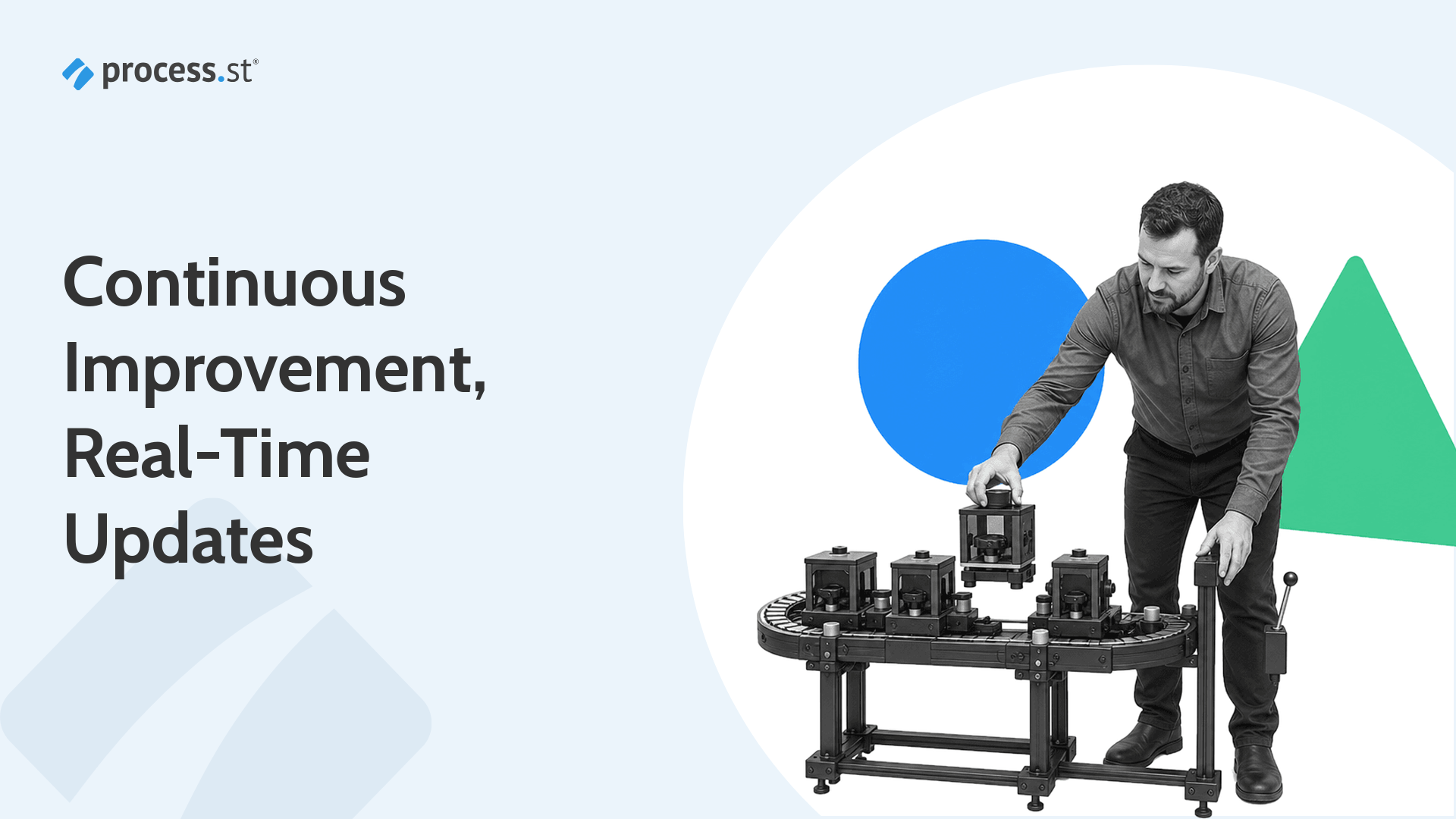
Black-and-white operations manager guiding blank workflow cards through a compact automation conveyor machine

We’re all using multiple apps for work, and we know how quickly this work becomes inconsistent and messy. You don’t always know what’s been done or what to do next.

For years, Process Street customers have been automating work and showing us first-hand the value of integrating Process Street with other tools to create powerful workflows like updating Salesforce opportunities, filing Jira tickets, and sending DocuSign contracts.

Continue Reading

Level Up Your Favorite Work Apps With Automations

Level Up Your Favorite Work Apps With AutomationsToday, we’re excited to announce Automations, a new set of direct integrations helping you create and run custom processes using built-in functionality from some of the world’s most popular software tools.

Anyone who’s ever updated an opportunity in Salesforce or created an issue in Jira knows the power of those applications. It can feel like a world of endless possibilities right at your fingertips. It’s what we love about these tools, and why teams like us use them every day.

But sometimes, instead of endless possibilities, you need a specific set of tasks done quickly and correctly. You need a process. That’s what we’ve helped thousands of companies with, and that’s why we’re so excited to announce our newest feature, Automations.

Automations brings your critical apps together to drive your team’s most important processes. Powering Automations is a new set of native integrations with:

Continue Reading

When You Need an HR Team and How to Build One Effectively

When You Need an HR Team and How to Build One Effectively

It’s 4:55 on a sunny Friday afternoon. You have a whole weekend of relaxing in the backyard planned. Maybe you’ll have friends over for a barbecue, or finally finish that crime thriller you started last year and forgot about. There’s always that super-extended director’s cut of a film from four years ago that just came out.

You’re blissfully contemplating all your stress-free options when your line manager pops their head in and cheerily says, “HR wants to see you first thing Monday morning. Have a great weekend!”

It's all fun and games until someone calls HR
(Source)

The truth is, the role of HR teams – and even the name – has evolved quite a bit over the years, though its reputation hasn’t been quite so quick to keep up. People Teams, as all the start-ups are calling it these days, still have a vital role to play in the structure and organization of a company, though.

So, when is it time to create a super team-up for your start-up? More importantly, how do you do it?

I sat down with Process Street’s own VP of People, Jay Hanlon, to talk:

Come on in and have a seat!
Continue Reading

Speed Up HR Tasks with Process Street’s New Slack App

hr tasks
How many different tabs do you have open on your computer or laptop, right now?

I bet it’s a lot.

Let me guess. You’ve probably got one open for your emails, one for your social media, one for Slack, and another for Process Street?

And, maybe you’ve also got tabs open for your HR management system, your recruitment software, your reporting platform, your payroll service, your employee engagement tool, and…well, the list could go on and on and on.

Am I right?

But, this makes finding the tab you need when you need it virtually impossible, it slows your computer…right…down, and even the simplest HR tasks can end-up taking twice as long.

Too many tabs, in almost any web browser, will lead to overtaxed computer memory, a reduction in battery life, and, for sure, a cluttered browser workspace.” – Forbes, Too Many Tabs Open: Save Your PC Or Mac From Overheating

What if there was a way to speed up your HR tasks? What if you could get all your task notifications and updates in one, central place instead of several? What if you could improve communication with your team and spend less time waiting or chasing for updates and more time on the things that matter?

Interested?

Allow me to introduce you to our newest feature, built for Slack lovers: The Process Street Slack App. Just click the button below to add it to your Slack!

HR tasks

Read on to discover how the Process Street Slack App can speed up your HR tasks as we whizz through the following:

Let’s get cracking. ️
Continue Reading

Create More Time in Your Day with Our New Slack App

slack app

Having everything you need in one single place just makes life easier, doesn’t it?

That’s why Process Street is launching the Slack App.

According to research, the average employee switches between 35 job-critical applications more than 1,100 times every day.

Turn your Slack Workspace into a super-tool for recurring work with our new Slack App. You can receive Process Street notifications, work on tasks, approve or reject decisions or documents, and complete checklists, without ever having to leave Slack !

Open fewer tabs, work from one place, and add more time back into your day with Process Street’s Slack App.

Sounds good, right?

That’s because it is. But, don’t take our word for it, read this post to get a quick overview of:

Ready to make your life easier?
Continue Reading

An Insider Look Into How We Built the Process Street Slack App (In 2 Weeks!)

build a slack app

BONUS MATERIAL: Once you’ve installed the Process Street Slack App, it will transform your Slack space into a superpowered tool for all your team’s recurring work. Learn how to get it, how it works, and why you need it in your life here.

Slack has changed the way we work.

From being able to easily stay in touch with colleagues, no matter where they are in the world, to sending important files and docs in real-time, teams can work more efficiently and effectively than ever before.

It’s no wonder, then, that Salesforce bought Slack for a whopping $27.7bn (and just a few months after they invested in Process Street’s very own Series A).

But Slack really becomes a productivity powerhouse when using Slack Apps — additional made-for-Slack applications that can help you communicate, receive crucial information, and complete work faster.

That’s why Cameron McKay, Process Street‘s CTO, built a Process Street Slack App enabling teams to simultaneously superpower both their Process Street and Slack usage!

Sound exciting?

It is.

In this Process Street post, I’ll be discussing why we decided to build a Slack App, how our CTO managed to build a Slack App for Process Street in just 2 weeks, and how you too can install the Process Street Slack App immediately.

Read the following sections to get clued-up:

Ready for a peek behind the scenes?
Continue Reading

Take control of your workflows today