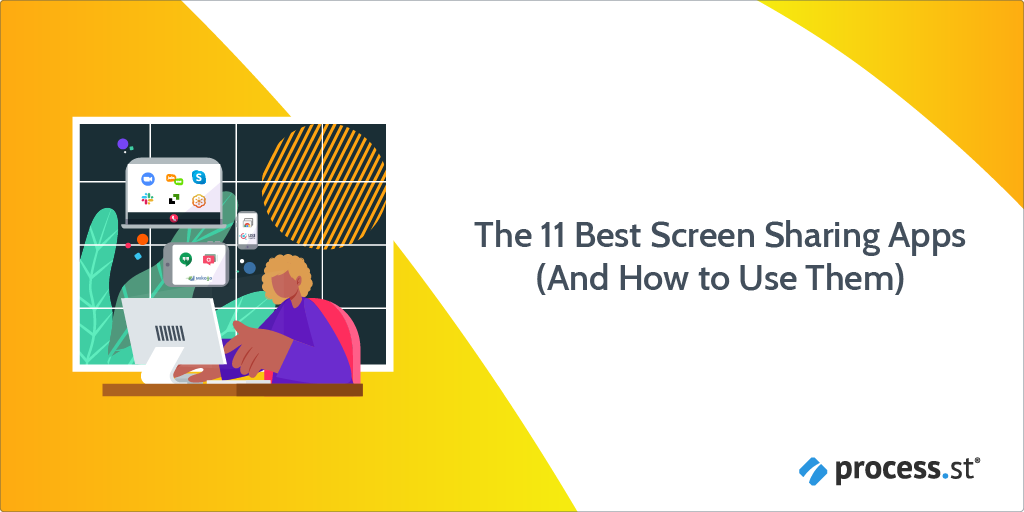
 Whether it’s regular stand-up meetings with your team, customer communication, delivering feedback, demoing a new feature, or leading a webinar, screen sharing apps are so useful in the remote workplace that finding the best fit for your needs is an important task.
Well you’re in luck, as there are many offerings to choose from, not least due to the recent explosion of remote work around the globe.
In this Process Street article, I’ll be covering all of the best screen sharing apps (including those with remote desktop access), with advice on price, features, and what each tool is best used for.
Here’s a quick list of the screen sharing & remote desktop software I’ll be looking at:
- Zoom (for a popular, secure, intuitive, feature-ful remote team choice)
- Google Meet (for more cloud storage)
- Microsoft Teams (for a focus on internal communication)
- Slack (for convenience if you’re already Slack-centric)
- Screenleap (for sharing screens with anyone)
- Join.me (for frictionless new user access)
- GoToMeeting (for better security & encryption)
- Whereby (for better control over who enters your rooms)
- Mikogo (for a quick, simple, browser-based solution)
- Demodesk (for sales calls and presentations)
- Drovio (for creative collaboration)

 In our first episode, we join with two of the team from On Deck, Michael Gill and Curtis Cummings. They join our hosts Philip Lakin and Blake Bailey to give us their insight into where no-code can take new startups and how you can use it to iterate at lightning-fast speeds internally.



 A recent Deloitte study found a mere