All posts in Productivity

16 Office Exercises: How to Stay Healthy Without Looking the Fool

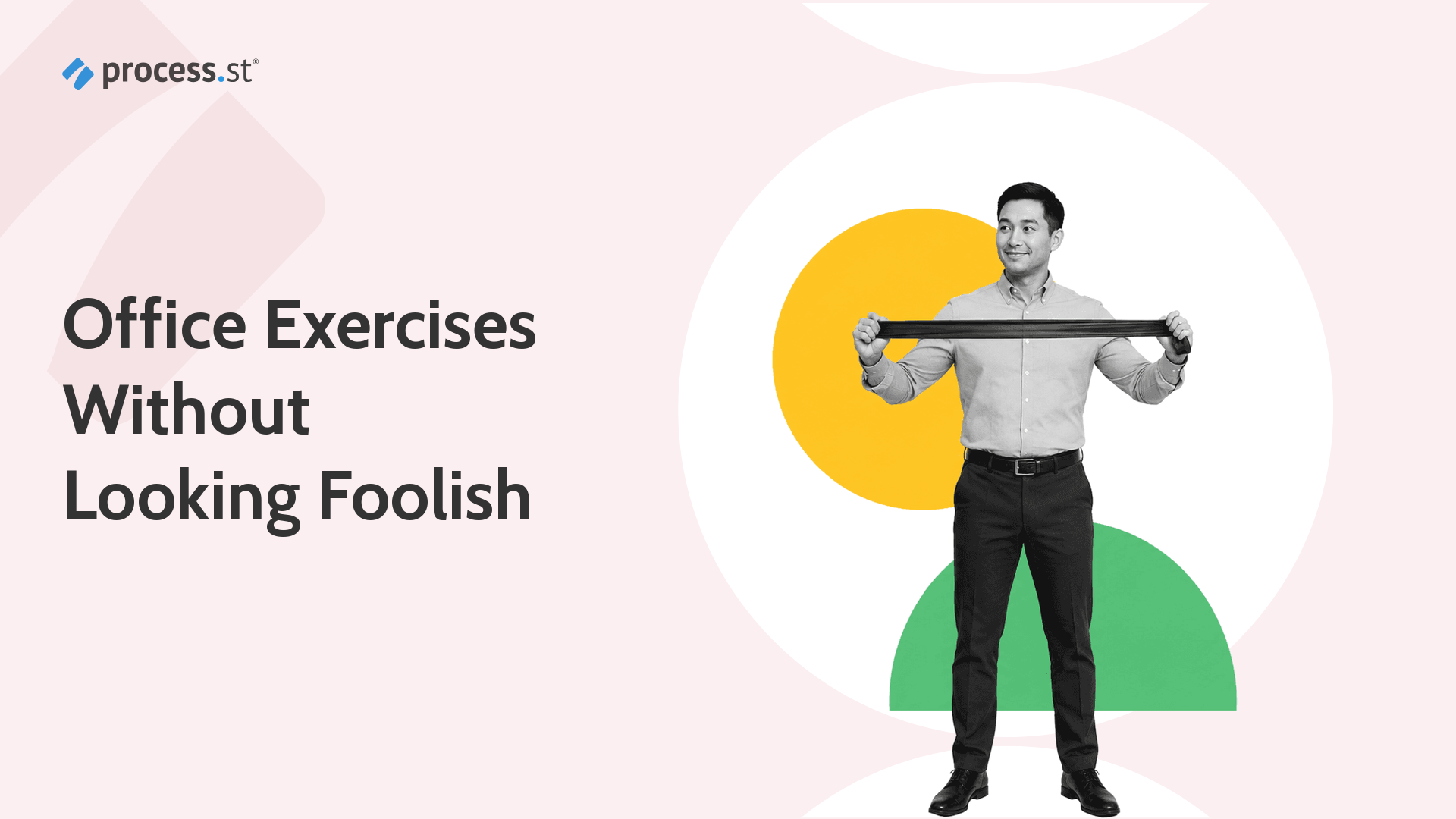
Office worker stretching a resistance band for discreet office exercises

I used to think office exercises were a bad trade. I did not have time to exercise, I could not do it at the office, and I was sure I would look like the fool stretching beside my desk.

I was wrong. Office exercises, desk exercises, and desk stretches do not have to be complicated, sweaty, or embarrassing. WHO reported in 2024 that nearly 1.8 billion adults did not meet recommended physical activity levels in 2022, while the CDC keeps the practical advice simple: move more, sit less, and build activity into the day where you can.

Continue Reading

21 Ways to Use Slack Bots to Simplify Everyday Tasks

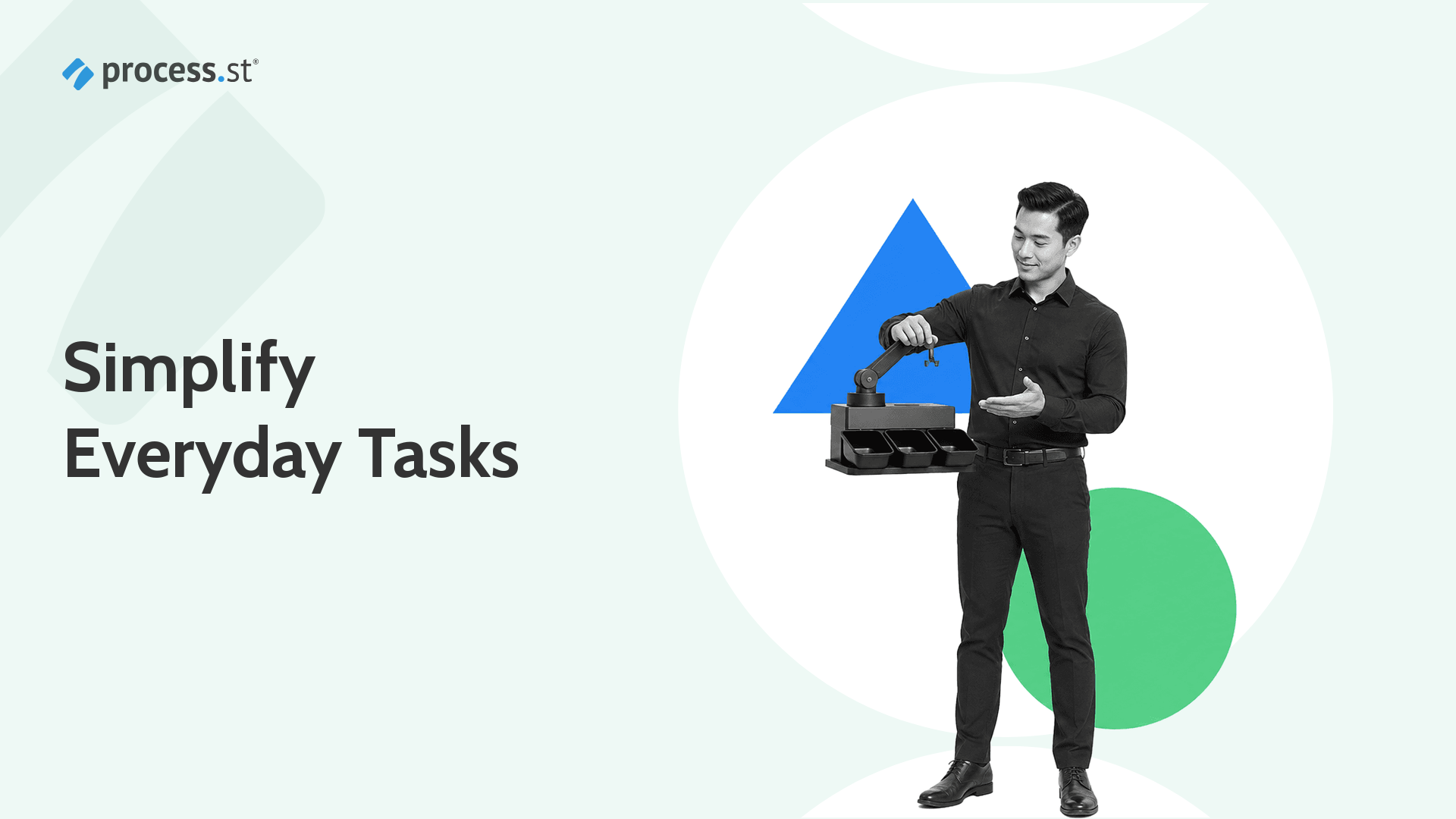
Black-and-white operations manager adjusting a compact robotic message sorter for Slack bot automation

Imagine if you had an invisible robot running around the internet doing all kinds of tasks for you.

That is still the promise of a Slack bot: simplify everyday tasks by cutting down on repetitive work, answering common questions, routing updates, reminding people about deadlines, and connecting Slack to the tools where work actually happens. If you want to know how to use Slackbot, start with reminders, support answers, custom responses, and private notes. Then use Workflow Builder and the Slack Marketplace when the job needs a dedicated app or repeatable workflow.

Continue Reading

8 Simple Steps to Get More Out of your Time

Person in a work apron carefully adjusting the hands of a large vintage wall clock, illustrating deliberate time management

The difference between busy and productive is not effort. It is structure. Most people lose hours each day to reactive habits, unclear priorities, and scattered tools. Getting more from your time starts with recognizing where it goes and building a repeatable system to reclaim it.

These eight steps cover the full arc: from awareness to planning to execution to delegation. Whether you run a team of fifty or manage your own workload, this framework helps you stop reacting and start operating with intention.

Continue Reading

Slack Review: Is It Worth Using?

Slack review

Another Slack review?

When I started using Slack to collaborate with the team at Process Street, I could not tell you why it was so popular. I opened it, saw channels and messages, and thought: this is just chat. It took integrations to change my mind.

Slack now serves over 200,000 paying organizations and processes billions of messages each week. After Salesforce acquired the company for $27.7 billion in 2021, it became the default communication hub for teams that run serious operations. Its staying power is not hype. A well-known product-market fit study by Hiten Shah found that 51% of users would be “very disappointed” if Slack disappeared, the exact threshold that signals a product people genuinely need.

Continue Reading

29 Windows 10 Tips Every Power User Knows (and You Should Too)

Black and white photo of a power user holding a keyboard, illustrating Windows 10 tips and tricks for getting more from your PC

I am a Windows user, and if you are reading this, you probably are too. Windows still powers well over a billion monthly active devices, and for most of us the operating system is something we use every time we are on the computer, probably every day. Windows 10 reached the end of its official support on October 14, 2025, but it still runs on a huge share of those machines, and plenty of power users are staying put on hardware that cannot make the jump to Windows 11.

That is why we at Process Street pieced together this big list of Windows 10 tips and tricks you may not know, the kind that improve performance, increase productivity, and help you make the most of your workflow and your workspace. Master a handful of these and you will get more out of the machine you already own, and once you see them in action, you should too.

Continue Reading

10 Ways to Instantly Improve Employee Development

Improve employee development with Process Street

This is a guest post by Laura Garber. Laura, also known as the Career Coaching Expert, works with CraftResumes and helps individuals with their resume writing.

Employee development is how you help people build the skills, judgment, and confidence they need to do better work over time. Training teaches someone how to perform a task. Development gives them a path to grow into larger responsibilities, solve harder problems, and stay engaged with the business.

Done well, employee development improves retention, performance, and customer experience. Research from Gallup has linked strategic employee development with stronger profitability and retention, which is why the best programs are treated as operating systems, not one-off courses.

Continue Reading

14 Ways Your Team Can Boost Productivity While Working From Home

Black and white remote manager adjusting a miniature planning board to boost productivity working from home

This guide was written by Mauricio Prinzlau. Mauricio is the CEO of Cloudwards.net, a data and user feedback driven comparison engine for cloud apps and services. He enjoys writing and producing educational videos around the cloud to help people find the best cloud service for their needs.

So, you’ve given your employees the option of working from home. It can still be a win-win situation, but only when the team has the right structure to boost productivity while working from home.

Continue Reading

17 Best Gmail Extensions that Make Email Super Easy

Header image: Best Gmail Extensions

The best Gmail extensions in 2026 are not the ones that pile novelty into your inbox. Gmail already handles more drafting, scheduling, and search natively than it used to. The extensions that still matter are the ones that close the workflow gaps Gmail still handles badly: CRM context, task capture, follow-up, shared inbox routing, outbound volume, encryption, and focus. If you are trying to improve day-to-day inbox performance first, this pairs well with a broader email productivity system. The goal is to make email super easy again without turning your inbox into a pile of disconnected tools.

That matters because Gmail is still where a lot of operational work starts. Leads arrive there. Approvals get requested there. Customers reply there. Handoffs get buried there. If you only optimize the message layer, you still end up doing manual follow-up and status chasing. That is where a workflow system like Process Street becomes useful: extensions can improve the inbox, but repeatable work still needs a system that can assign owners, enforce approvals, and prove what happened.

Continue Reading

21 Evernote Templates & Workflows That Skyrocket Your Productivity

Black-and-white operations coordinator organizing reusable note cards for Evernote templates and workflows.

Evernote templates are reusable note structures for work you repeat: meeting notes, project plans, marketing calendars, client records, incident notes, and lightweight personal workflows.

They are still useful when you need a clean place to capture information fast. The best Evernote templates workflows combine a reusable note with a clear next step. They are not a full workflow system, but they can give recurring work enough structure that you do not start from a blank note every time.

Continue Reading

Productivity Software for Beginners: The Ultimate Stack

Productivity software illustration showing an operations leader organizing tools and workflows

Productivity software in 2026 is less about collecting apps and more about building a stack that reduces coordination cost. AI changed the category, but it did not remove the need for structure. If anything, it raised the bar. The best tools now help teams search faster, draft faster, and move faster without losing ownership, approvals, or proof.

The bigger shift is that old list-style productivity advice has aged badly. You do not need a separate app for every tiny problem, and you should not build your stack around a handful of point solutions that are being absorbed by broader suites. The durable stack now is built around knowledge systems, communication systems, workflow systems, and an AI layer that can move across all of them.

Continue Reading

Take control of your workflows today