All posts in Document Management

50+ Free & Easy SOP Templates (Sample SOPs to Record Standard Procedures)

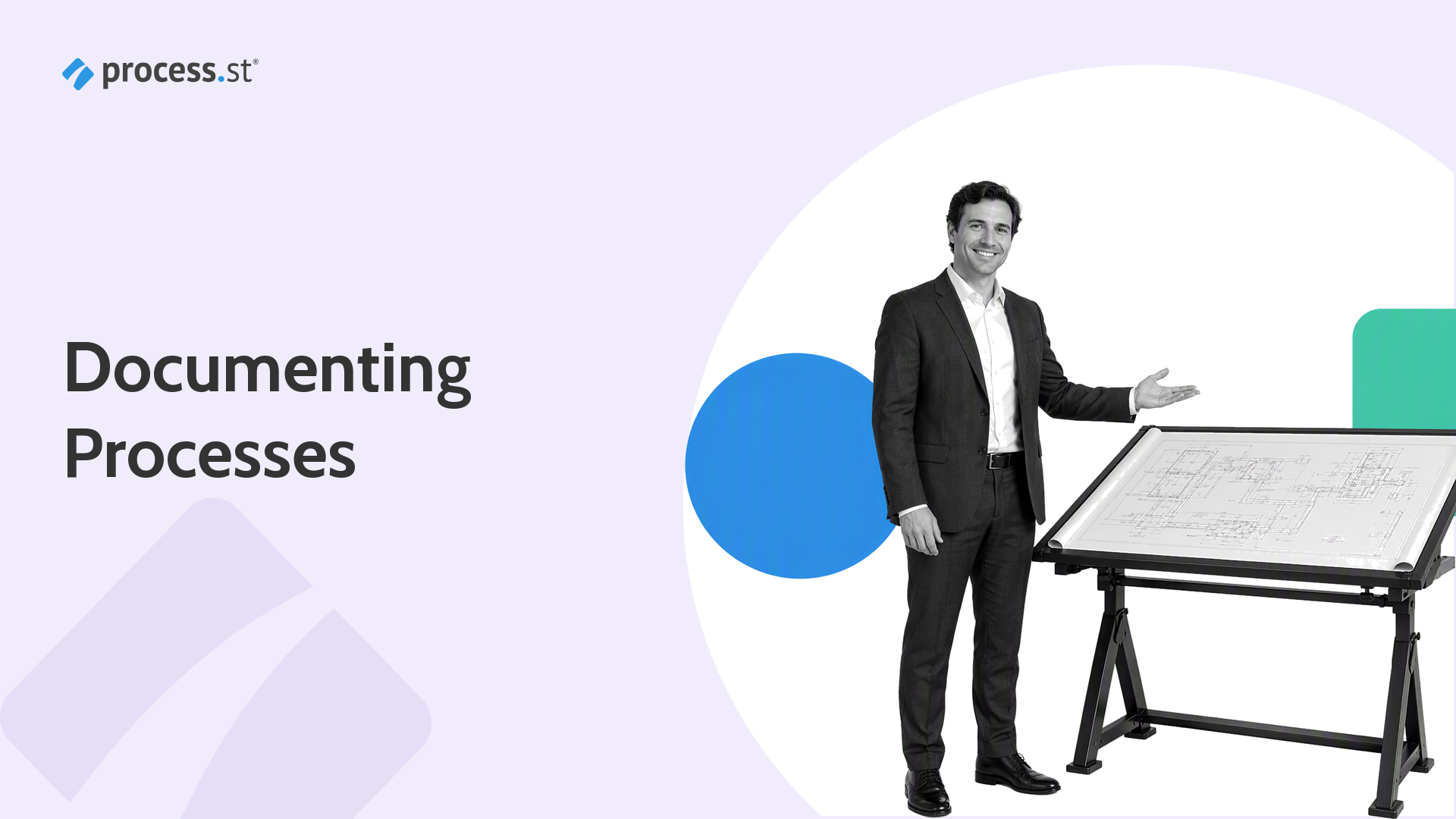
Operations manager presenting a reusable SOP checklist stencil for recording standard procedures

Writing standard operating procedures is easier when you start with a clear SOP template. These SOP templates and sample SOPs help teams record standard procedures with the same essentials: purpose, scope, roles, step-by-step instructions, review points, and records. That consistency matters whether you are documenting one workflow or building a full procedure manual.

This guide brings together free SOP templates, sample SOPs, Microsoft Word-friendly structures, risk assessment references, and Process Street templates you can adapt for operations, compliance, healthcare, sales, IT, finance, and more. Process Street also supports policy and procedure management software workflows when teams need controlled documentation, approvals, assignments, and audit-ready execution in one place.

Continue Reading

6 Top Document Management Systems Compared

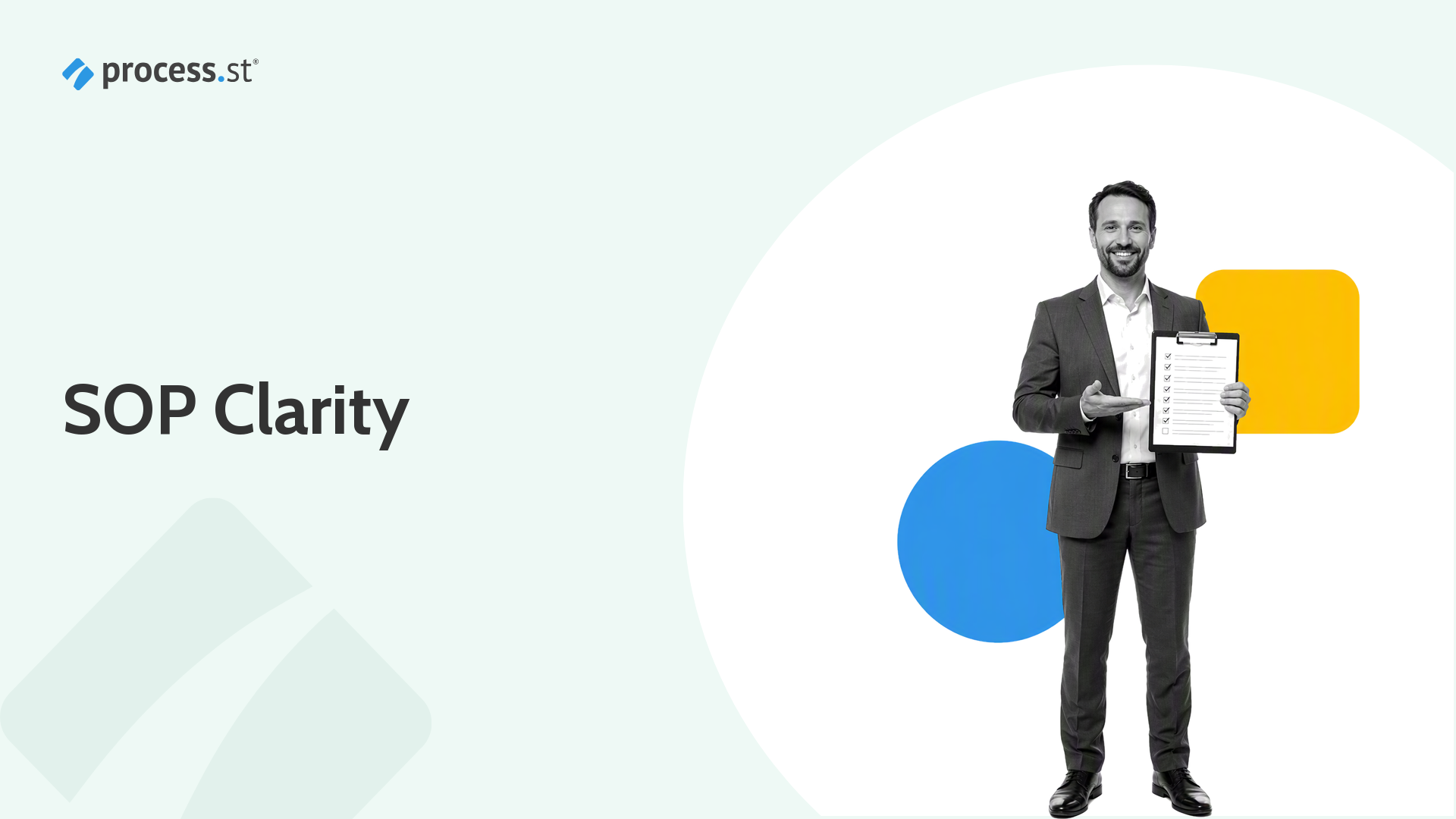
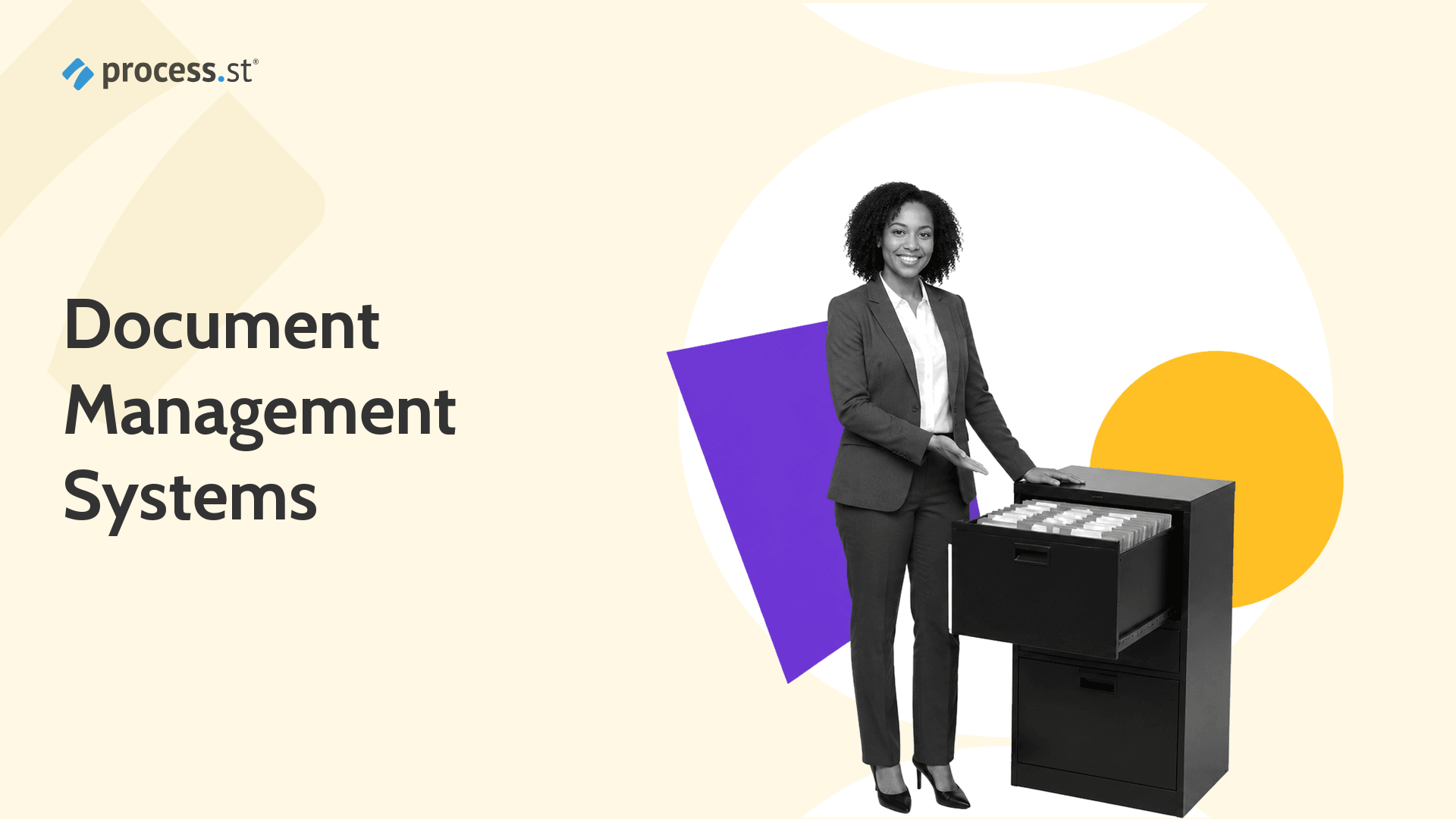
Black-and-white compliance operations manager presenting an organized file drawer for document management systems.

If you use Google Drive, Dropbox, or SharePoint, you already use a document management system. The real question is whether that system can keep documents organized, governed, searchable, and connected to the work people actually need to do.

A strong DMS gives teams a reliable place to store files, control access, manage versions, route approvals, and prove what happened. The six options below cover lightweight collaboration, enterprise content management, regulated document control, and workflow-driven operations.

Continue Reading

7 Key Tools for the Ultimate Paperless Office (Your Go-Paperless-Stack)

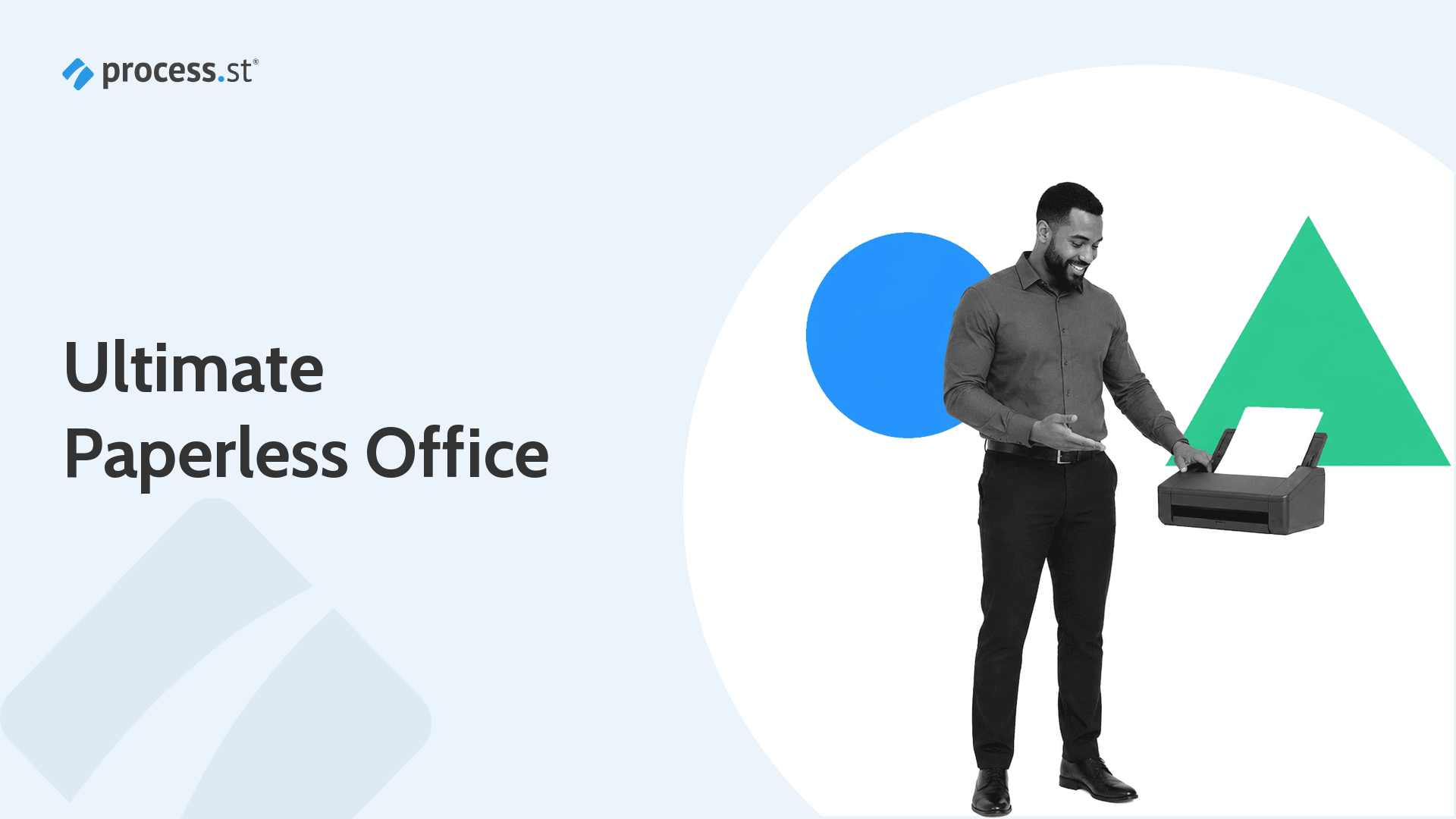
Black-and-white operations manager presenting a document scanner for a paperless office tool stack

Whether you want to reduce your environmental impact, cut storage costs, or stop chasing signatures across filing cabinets, a paperless office is really about making work easier to find, route, approve, and audit.

The strongest go-paperless-stack is not one giant app. It is a set of practical paperless office tools that cover documents, recurring workflows, databases, accounting, software work, automation, and team communication without forcing every team into the same system.

Continue Reading

50 Google Docs Templates for Business Success (With 60+ Process Checklists)

Black and white professional organizing Google Docs templates for business workflows

Google Docs templates are still one of the fastest ways to start a business document: proposals, invoices, manuals, HR certificates, project timelines, and resumes all become easier when the structure is already there.

The best Google Doc templates do more than save formatting time. They standardize repeatable work. This guide collects 50 business-ready document templates and pairs them with Process Street workflows so the document is not just created, but reviewed, approved, tracked, and repeated.

Continue Reading

17 Service Level Agreement Examples to Track Your Service Management Metrics

Service operations manager reviewing an SLA status board for service management examples.

Service level agreements are only useful when both sides can see what was promised, how performance will be measured, and what happens when service quality slips. The examples in this guide give you ready-made SLA workflows for creating agreements, reviewing them, and tracking service management metrics over time.

Use these 17 service level agreement examples to start with the right template for your situation, from IT and cloud services to call centers, HR, managed hosting, and network services. If you need the fundamentals first, read what an SLA is. If you want to build one from scratch, use our service level agreement template guide.

Continue Reading

How to Create SOP Templates

Professional building an SOP template in a workflow interface with numbered steps for Purpose, Scope, and Procedure

An SOP template is a reusable document that standardizes how a procedure is written, followed, and enforced. Instead of starting from scratch every time, you build the template once and run it for every new instance of the process.

Creating SOP templates that actually get followed requires more than a blank document. You need clear structure, defined steps, assigned owners, and a system that enforces execution. This guide walks through the process step by step, from defining the procedure to building a template your team will use consistently.

Continue Reading

18 Software Documentation Tools that Do The Hard Work For You

Black-and-white technical documentation lead inspecting a code annotation magnifier for software documentation tools.

Without documentation, software is a black box. People can use it, but they cannot easily see how it works, why it behaves the way it does, or what to do when something changes.

Software documentation turns that black box into a glass box. It explains how software works, how to use it, how to maintain it, and how teams keep that knowledge accurate as the product evolves.

Continue Reading

How Lion Containers Achieved Three ISO Certifications with Process Street

Lion Containers operations lead holding a scale model of a shipping container converted into a glazed office unit

Lion Containers Ltd is the UK’s leading shipping container conversion and modification company, transforming standard shipping containers into bespoke modular projects; from secure storage solutions and office units to pop-up shop complexes complete with insulation, electrics, solar panels, and full-length windows.

Continue Reading

How to Attach Files to your Standard Operating Procedures

How to attach files to your standard operating procedures

Standard operating procedures only work when they contain everything a team member needs to execute correctly. That means the SOP itself is rarely enough on its own. The supporting files, compliance forms, reference documents, training videos, and templates that sit alongside each procedure are what turn a static document into an executable, auditable process.

Attaching files directly to your SOPs eliminates the most common failure mode in process execution: someone following the steps but missing a critical resource because it lived in a different folder, a shared drive, or someone’s email inbox.

Continue Reading

Use this Interactive Project Proposal Template (and Ditch Microsoft Word)

Project Proposal Template

Do you need a project proposal template?

If so, we’re happy to help!

When getting a project approved, you need to submit all pertinent information to stakeholders and then get their approval to start. This means listing the project’s background, timeframes and expenses in an easily digestible document.

Traditionally, this has been done in Microsoft Word or on paper, but by using Process Street you can generate as many proposals as you like just by running a checklist of this template and filling in the form fields. When the stakeholders sign off on the document, all they need to do is click the checkbox next to their name, and Process Street will log the activity.

Check out the project proposal template below, and when you’re done, scroll down for a breakdown of the steps and how it all works:

Continue Reading

Take control of your workflows today