Subscribe to the Process Street blog

Get tips and apps to hack your business straight to your inbox.

Process Street Best Practices: How to Name Your Form Fields

form-fields

There are numerous features of Process Street that make the platform as useful as it is for managing recurring workflows and processes.

Beyond the ability to create process checklists, features such as form fields, rich media, conditional logic, real-time tracking, and the ability to set up automation with 1000+ other applications, provide a huge amount of value.

In this post, we’re going to take a closer look at one feature in particular: form fields.

An essential component of our software, form fields allow users to safely store important data that can then be automatically passed to and from other tools in your tech stack.

The goal of the post is to show you how you can name your form fields so that they are as effective as possible when used by other team members, as well as suppliers and customers who may be interacting with your checklists.

First, I’ll run through a brief overview of form fields, the various different types, and what value they provide. Then we’ll take a quick look at some typical use cases that will give you a better idea of when they are used, before going through a set of naming best practices with examples.

Let’s get started.
Continue Reading

Get our posts & product updates earlier by simply subscribing

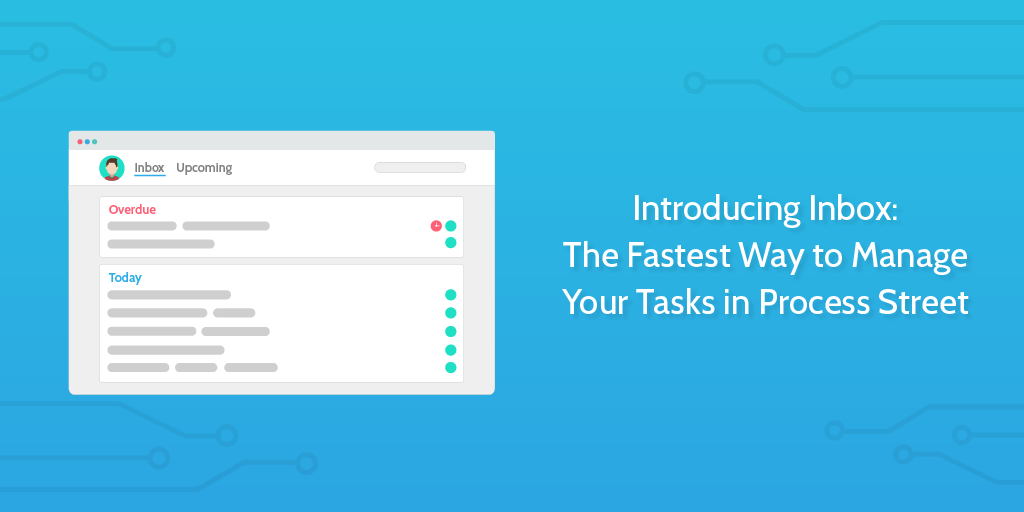
Introducing Inbox: The Fastest Way to Manage Your Tasks in Process Street

introducing inboxAre you scrambling to keep up with your tasks and stay on top of priorities?
With tasks scattered all over the internet and no concrete place to see everything in one list, it’s not only difficult to manage your work — it’s nerve-wracking.

Enter Inbox for Process Street — making task and process management as easy as working through a single list.

Add an assignee to a task within a larger process, and the task will appear in their inbox. Due dates help you straighten your priorities, hit project deadlines, and show your team what they should be working on first.

Let’s take a look at how Inbox can make you more productive.
Continue Reading

iOS 12: Shortcuts, Siri & Zapier – 10 Awesome Automation Ideas

ios shortcuts

Have you ever wished you could get some of those pesky work tasks done more easily while on the move, or out-and-about? Those routine tasks and emails that take so much time out of your day, that you would give an arm and a leg to be able to automate?

Or, picture this: you easily send a quick follow-up email, record meeting notes in real time, create new projects, send surveys, schedule meetings, and much more by simply talking to Siri.

You can do all of this and more with Shortcuts for iOS 12 in combination with Siri and Process Street, using the power of Zapier integrations.

Shortcuts, formerly known as Workflow, puts Siri in the control seat of your business workflows, with more power and usefulness than ever before. Using custom phrases recorded and added to Siri’s library of voice gestures, you can trigger a series of actions across multiple apps.

There are two ways to use Shortcuts. The best option is the Shortcuts app itself, which is where you can create your own workflows from scratch. The app also comes with a gallery of suggested shortcuts curated by Apple. Separate from this, Siri will recommend shortcuts based on your daily iPhone activity. You can see these in Settings under Siri & Search.

Here’s a quick list of all of the ideas I’ll be covering in this post, before we dive in:

  • 1. Dictate meeting notes straight to your CRM
  • 2. Send an electronic contract when timing is crucial
  • 3. Master your calendar in an instant
  • 4. Kickstart your client onboarding process
  • 5. Get paid faster by sending your invoices ASAP
  • 6. Assign your team members on the go
  • 7. Grab and archive snapshots of your working screen-space during a technical audit
  • 8. Jump straight back into your drafts, anywhere, any time
  • 9. Dictate an email to your assistant
  • 10. Manage your tasks with a dynamic to-do list

Continue Reading

Why You Should Unleash Team Collaboration and How to Do It

Adam Henshall November 21, 2018

team collaborationThis article is a guest post from Isaiah Jackson.

Team collaboration is not a new thing.

However, team collaboration is so poorly practiced within many organizations that we need to find new ways to facilitate it.

In the modern digital world, team collaboration is incredibly easy and can be achieved from in the office or in the home.

In this article, we’ll explain how effective team collaboration can allow you to operate your business either with remote staff or with staff being given the freedom to work from home flexibly.

Having home-working opportunities can unleash employee satisfaction, retention, and attainment. Modern approaches to team collaboration enable this.

In this Process Street article, we’ll look at:

  • Why the traditional office dynamics are in decline
  • The benefits of working remotely
  • How team collaboration tools make remote work possible
  • The key team collaboration tools used by the team at Process Street
  • Why you should encourage your employees to work from home
  • Team collaboration tools help in achieving a work-life balance

Continue Reading

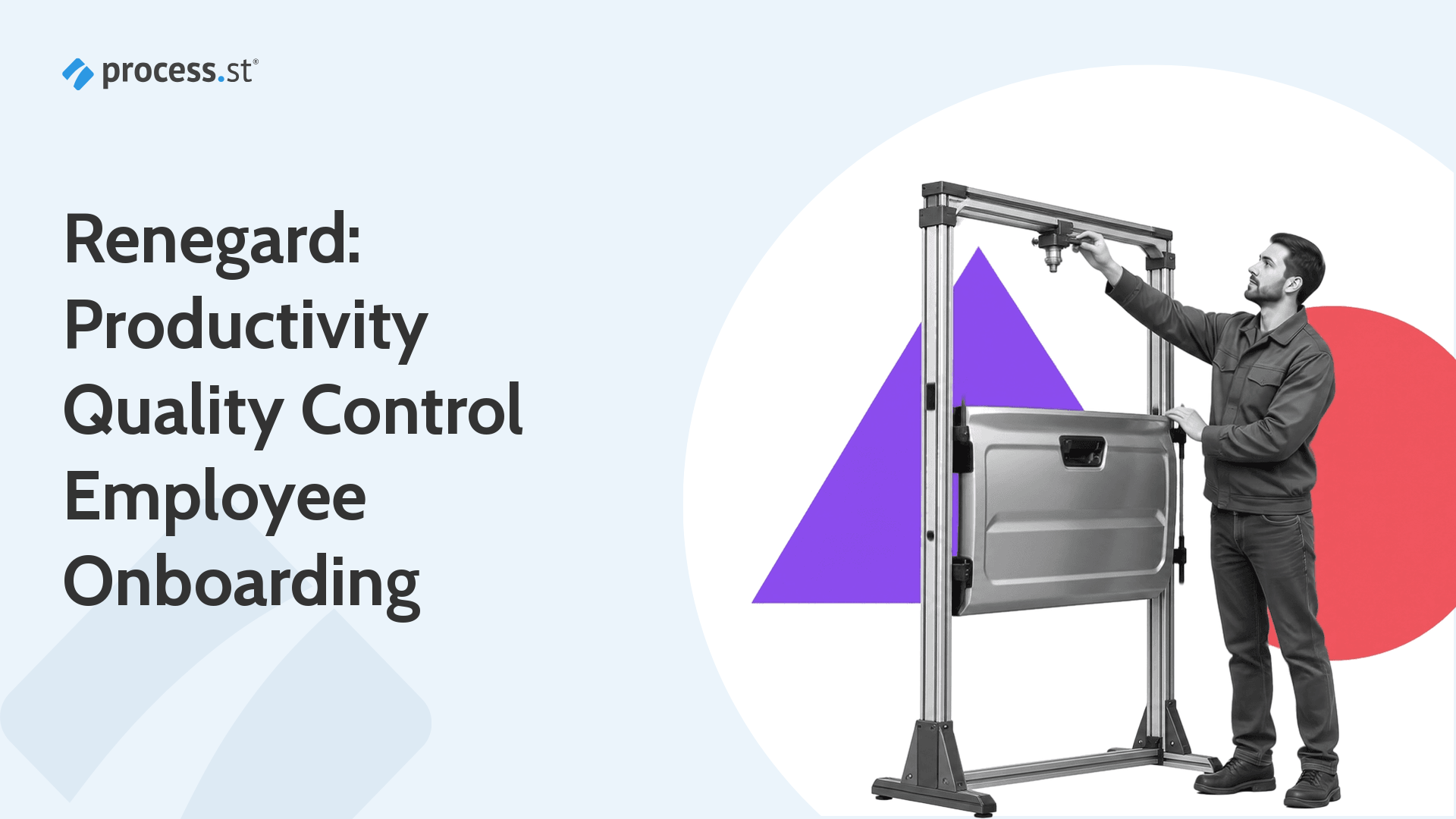
How Renegard Uses Process Street to Improve Productivity, Quality Control and Employee Onboarding

Renegard field operations supervisor inspecting a vehicle coating quality control gantry

Renegard was a protective-coatings company that used Process Street to improve productivity quality control, standardize vehicle-coating work, and streamline contractor hiring and employee onboarding.

In this case study, then-CEO David Martin explains how Renegard gave field workers clear instructions, gave managers real-time visibility, and automated the handoffs between job applications and onboarding.

Continue Reading

Waterfall vs Agile: Which Methodology Is Right For You?

 The following is a guest post by Uwe Dreissigacker. Uwe is the Founder of online invoicing software InvoiceBerry. InvoiceBerry helps small business owners and freelancers to create professional looking invoices, get paid online and keep track of unpaid invoices. In his free time, Uwe travels a lot, explores new cultures and loves trying new spicy dishes.

agile vs waterfall

As a business, if you want your operation to run smoothly, managing productivity and your workflows is one of the best ways you can stay on track.

Before you even get started on a project, you should first take a step back and plan out your approach.

What methodology will you use? How will you manage productivity and stay on track? SCRUM? SWOT?

Decisions, decisions…

The choices can be overwhelming. Not to mention, over the course of the actual project, you’ll have to make hundreds of other choices.

If you’re not sure where to begin, it’s best to think about your project as a whole and then select the right methodology you’ll follow – Waterfall or Agile?

Continue Reading

UML Tutorial: How to Model any Process or Structure in Your Business

uml-tutorial-how-to-model-any-process-or-structure-in-your-business

Universal Modeling Language (UML) is a way of visualizing a software program using a collection of diagrams. That is perhaps the simplest way to define it.

If you’re looking for a full-winded definition, here it is:

“The Unified Modeling Language (UML) was created to forge a common, semantically and syntactically rich visual modeling language for the architecture, design, and implementation of complex software systems both structurally and behaviorally.” – Lucidchart, What is Unified Modeling Language

UML has many advantages including flexibility, an abundance of tools, and the capacity to model systems from both a structural and behavioral perspective.

Nevertheless, it can sometimes be overwhelming.

A focus on simplicity is, therefore, essential to not only creating actionable diagrams, but also to avoid pulling your hair out in the process!

Continue Reading

The Best Digital Signature Tools, Integrations, and Workflows

digital signatureGone are the days where signing contracts involved figuring out how to connect to a printer, scanner, or photocopier.

And don’t get me started on fax machines.

Now we live in a glorious new world of rapid digital signature workflows.

There are many kinds of digital signatures. Some may think of the high-tech encrypted keys people like Julian Assange have used to prove whether messages came from them or not.

But let’s be honest, outside of our international secret agent daydreaming we’re not likely to need to use those. What we need is the simple act of being able to add our signature on to digital documents with the fewest number of clicks possible.

Those interested in soccer may remember the high profile signing of David de Gea by Spanish giant Real Madrid from Manchester United. Or, actually, you won’t remember it. Because it didn’t happen. The documents were to be sent in the last moments of the transfer window, and the whole multi-multi-million dollar deal fell through due to a broken fax machine.

Digital solutions to contract workflows are important.

That’s why in this Process Street article we’re going to look at:

  • The 5 best digital signature tools
  • Digital signature integrations you can use today
  • How to connect digital signatures with the workflows in your business

Continue Reading

Purchase Requisition: How to Get Finance to Buy You New Software

purchase requisitionModern business is a fast paced game and there are always new ways you can discover to improve your operations and output.

One of the easiest and simplest ways to improve the day to day running of your business is to supply your team with better tools.

With the array of modern SaaS products available on the market there are specialized tools for a host of use cases.

We use Close.io for our sales team, Intercom for customer support, and Process Street for our business process management throughout the company.

But if you’re a department within a larger company, or a team within a department, how do you convince top management and finance to sign off on a new software product to boost your team’s performance?

In this article, we’re going to give you a step by step guide of how to make that happen. Including:

  • What is a purchase requisition?
  • The difficulty of bureaucracy
  • 3 important factors to convince finance
  • How to write a proposal for a new software purchase requisition
  • Create or improve a purchase requisition process

Continue Reading

How Was Linux Created? The Processes Behind Managing 13,500 Developers

You have probably used Linux today — especially if you don’t have an iPhone. And if you browsed the web today, there’s a big chance that the website you visited was served by Linux, too.

Linux is an operating system, but unlike software like Microsoft Windows and macOS, Linux was developed by a self-organized community of volunteers.

Over time, with the effort of over 10,000 developers and evolving processes to manage the scale of work, the Linux kernel has grown to over 20,000,000 lines of code in total. It forms the stable foundation for…

  • Every Android phone and tablet on the planet
  • 66% of the world’s servers
  • 100% of the top 500 supercomputers

This technology didn’t come from an orchestrated team with a thick policy book and layers of management. It came from a few carefully-chosen and culturally-embedded policies, and a shared mission.

In this post, I look at how a technology so essential, complex and important could have been produced so effectively without traditional management structure. But first…

Continue Reading

Take control of your workflows today

Choose which optional cookies to allow. You can change or withdraw consent here at any time.