All posts in Process Street

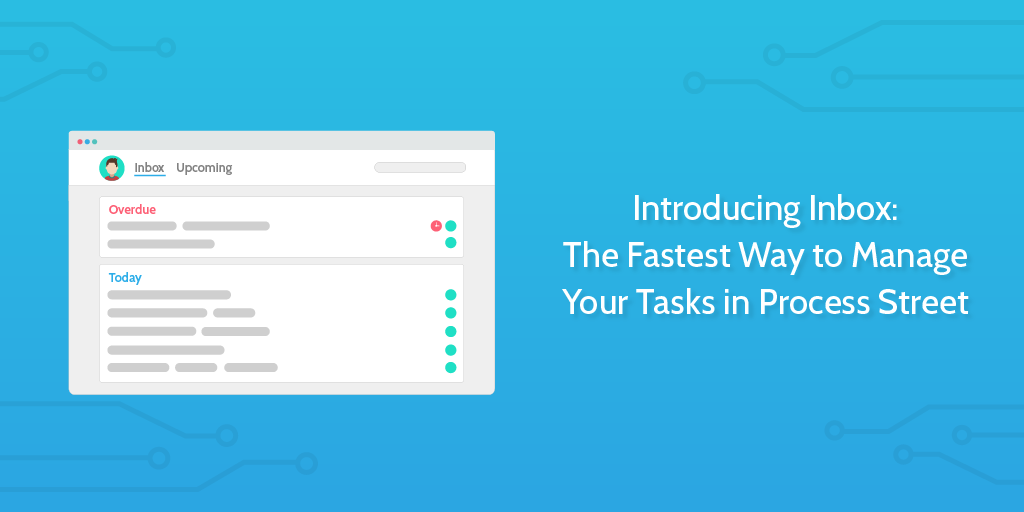
Introducing Inbox: The Fastest Way to Manage Your Tasks in Process Street

introducing inboxAre you scrambling to keep up with your tasks and stay on top of priorities?
With tasks scattered all over the internet and no concrete place to see everything in one list, it’s not only difficult to manage your work — it’s nerve-wracking.

Enter Inbox for Process Street — making task and process management as easy as working through a single list.

Add an assignee to a task within a larger process, and the task will appear in their inbox. Due dates help you straighten your priorities, hit project deadlines, and show your team what they should be working on first.

Let’s take a look at how Inbox can make you more productive.
Continue Reading

Form Automation: Turning Your Checklists Into Databases

form automation

Introducing Form Fields

It’s been a long time coming but we are beyond excited to announce that you can now add form fields to your process checklists in Process Street.

Check out the short video below for an intro to forms.

Form fields allow you to collect and store important data within set fields in your checklists.
Continue Reading

How To Create a Custom Invoice Generator Using Process Street

How To Create a Custom Invoice Generator Using Process Street

Generating and sending invoices can be a time-consuming process. A properly designed invoice helps a business get paid and provides legal protection for both parties.

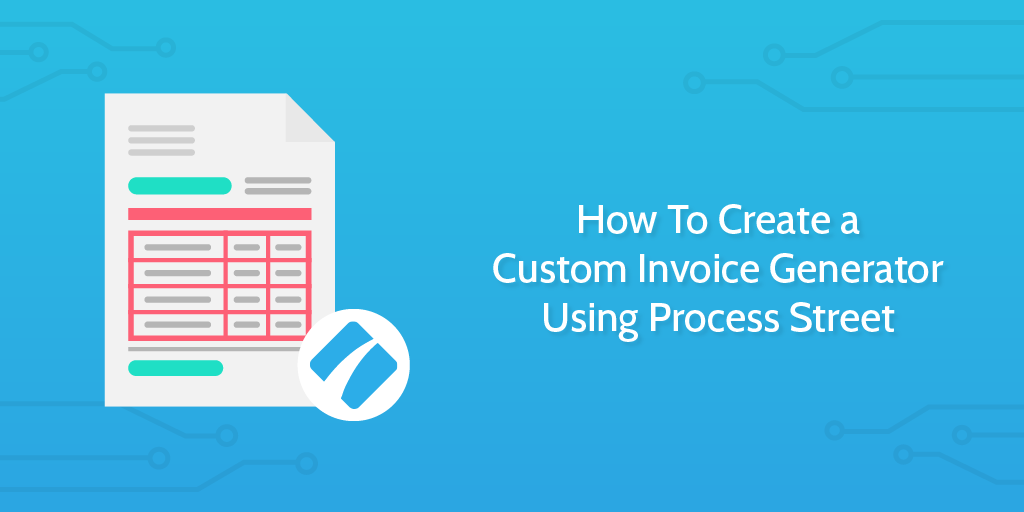
Think about it, all the hours and energy you put into completing a project will have an invoice at the end of it. Invoices are the tool that provides freelancers with the ability to receive income. That’s why we over at Process Street sat down and thought up a way to make getting paid even easier; a template which serves as a custom invoice generator.

Never again worry about charging your clients the wrong amount, or even sending them an invoice with an outdated logo or set of information. All you need to do is plug your information into this template and away you go!

Continue Reading

Enterprise Automation: How to Make 100 Employees Feel Like 1,000

enterprise automation

About half of all the activities people are paid to do in the world’s workforce could potentially be automated” – McKinsey Global Institute, Harnessing automation for a future that works

For many, enterprise automation is a complex and scary topic. Many team leaders believe that it takes too much work to set up your automated systems, and a huge number of people are worried that doing so will let robots take over their jobs.

It’s not true.

Those who understand automation for what it is – a powerful tool which lets your team massively increase their value output – quickly find themselves ahead of the curve. Using it lets you quickly and accurately hand off all of your menial tasks so that everyone can focus on more important items.

Here at Process Street, we know how difficult it can be to get started with enterprise automation. That’s why this post will take you through:

  • What automation is
  • What types of business process automation there are
  • Why you should be using it in your enterprise
  • Methods to let you get started with automation

It’s not complex, it’s not scary, and it certainly won’t be putting your team out of a job. If anything, automation is entirely designed around letting people perform their jobs better than ever before.

It’s time to join the newest revolution in enterprise efficiency and accuracy.

Continue Reading

9 Ways to Use Template Overview to Keep Track of Your Business

Operations manager using a mechanical process tracker to keep track of business workflows

You might use the most efficient software on the market. Maybe you’ve hand-picked the most dedicated team available. Perhaps you documented and improved your methods until every rough edge and bottleneck has been wiped away.

You’re still going to fail if you can’t track your processes.

Continue Reading

How to Use Conditional Logic: 8 Ways to Simplify Complex Processes

conditional logic

Documenting processes is great in theory, but creating and following them can be a pain.

Your processes need to be standardized so that everyone’s performing the same tasks consistently. However, that often leaves you with either a large, complex and unusable process which covers every situation or lots of smaller, specialized processes which become difficult to manage or track.

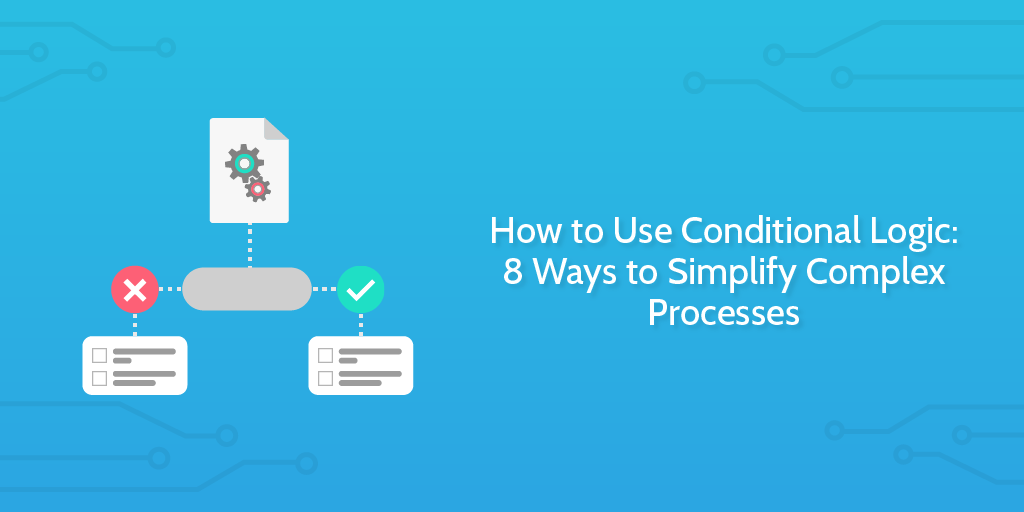
Conditional logic saves you all of that trouble by letting you create processes which change to suit the situation at hand.

By setting rules for your processes to follow and update based on their outcome, you can simplify your processes and make even the most complicated task list easy to navigate. All optional tasks can be automatically hidden from view until (and if) they are required to keep your dashboard clear and encourage teams to avoid taking shortcuts.

Nobody wants to work through a horribly complex process that you know you won’t need half of to complete your task.

However, as with business process automation, conditional logic’s power is best shown through examples, so today I’ll be showing you both how to use it and giving eight example processes which take advantage of it, including client onboarding and user support.

Continue Reading

The 17 Best Process Street Posts from 2017

Merry Christmas and a happy new year from all of us at Process Street!

2017 might have been a mixed bag for most of the planet, but we had a lot of fun writing content for you, our blog readers.

We published 151 blog posts between us this year, with a little help from fantastic guest writers like Pascal van Opzeeland from Userlike, and Sam Suthar from Tagove.

Here are our top picks as well as the posts you, the readers, liked the most.

Continue Reading

6 Ways to Use Stop Tasks to Improve Your Team’s Workflow

Black-and-white operator presenting a miniature workflow board with a barrier arm blocking downstream task cards.

Process Street is the Compliance Operations Platform for teams that need workflows to run in the right order, with the right people, and with proof that every required step was completed. Teams use it for everything from employee onboarding to content promotion workflows.

Some processes are too delicate to run as a free-for-all checklist. Stop tasks give you more control over the order tasks are completed by pausing a workflow run until the blocking task is done.

Continue Reading

The 17 Best Apps for Business: A Look at Our Team’s Home Screens

best mobile apps for business - header

With today’s fast pace of living, it’s vital to have on-the-go access to everything that’s important to your work.

Rather than staring blankly out of a window on your train or bus to work, you could then instead be planning your day and organizing meetings, or commenting on tasks and sorting through your inbox to avoid getting distracted at the office.

However, with the sheer variety of technology on offer it’s also difficult to know what mobile apps you should be using.

That’s why I asked the Process Street team to share the best mobile apps for business they have installed and how they use them.

best mobile apps for business - intro to post

From the most valuable apps across our entire company to one-off niche cases that could do with a little more exposure, in this article I’ll highlight the apps that let our team stay productive and make every moment count.

Continue Reading

The Ultimate Website Launch Checklist: Improve Design, SEO & Speed

Launching a website can be a huge undertaking. A successful launch requires managing many moving parts including content, design, marketing and the technical side. That’s why we have created this handy checklist for you to use on your next website launch or redesign.

And don’t forget, you can get this as an interactive checklist that you and your team can collaborate around. Just create a free account with Process Street and grab it from the examples section.

Continue Reading

Take control of your workflows today